“Hey, just following up…”
Wait, is “Hey” too casual?
“Dear Mr. Stark, I was wondering if…”
Ugh, no. Too stiff.
You stare at the blinking cursor, rewriting the same text for the hundredth time, and still not hitting send. (Don’t worry, I’m not text-shaming. Been there, done that!)
If you’re stuck trying to figure out what to say (or how many times you can follow up without sounding annoying), this guide’s for you.
Why follow-up text messages are so effective
Before sharing text message examples, you might be wondering whether follow-up texts make a difference for your inbound sales cycle. Here are a few reasons you should prioritize sending follow-up messages:
- Lead conversion requires multiple touches. Leads don’t convert with a single call or message. Rain Sales Training estimates that it takes at least five touches to generate the desired conversion. Sending follow-up texts keeps you and your team top of mind for potential clients.
- Sales conversations are multichannel. This might seem obvious, but it bears repetition. According to McKinsey, B2B customers use an average of 10 interaction channels in their buying journey. This is double the number of channels used in 2016. Text follow-ups aren’t just helpful for lead conversion; they’re necessary.
- Texts are a more informal communication channel. Emails are more formal because they’re primarily used for business communications. With texting, you have the opportunity to get an honest perspective from your leads outside of more formal channels. You can build relationships through being more open with leads during the sales process.
- SMS messaging can be a stickier channel. Since it requires opt-in consent from leads, SMS messaging automatically filters for higher-intent leads. If a prospect has chosen to receive texts from you, they’re more likely to be interested in buying from you.
Now that you know why you should use effective follow-up texts in your sales process, here are 38 sales follow-up text examples you can use. We cover every step of the sales pipeline, from first contact to final nudge.
Follow-up text message examples for early-stage leads
These follow-up text templates are designed for the top of your sales funnel — when a lead is new, unqualified, or just starting to show interest. Whether they filled out a form or just got off a call with you, these messages help you make a strong first impression and move the conversation forward without coming on too strongly.
After the initial contact
Your company likely has several lead gen channels. When you receive a lead’s contact details through one of these channels, follow up with a conversational text message requesting a convenient time for a quick call.
Hi [client]. I’m [name] from [business name]. Thanks for your interest! I’m happy to learn more about your needs. Want me to send over a few times to chat?
Following up after a form submission? Use this introduction text:
Hi [client], it’s [name] from [business name]. I saw your form and am happy to help with next steps. Feel free to reply with any questions. Reply END to opt out.
After the first phone call
Send a quick follow-up after your first call to keep the conversation going. Just don’t fire it off the second you hang up. Give the person a minute to breathe so the message doesn’t feel rushed or overwhelming.
Hi [client]. I’m [name] from [company name]. Thank you for taking the time to get on a call today. If you have any questions, please text me on this number.
If you want to recap the next steps:
Great chatting today, [client]! Just recapping next steps, I’ll [send over info/book a follow-up/etc.]. Let me know if anything changes in the meantime.
Following up after no response to an initial text
There can be several reasons why a prospect didn’t text back. Maybe they need more time to think, are unavailable during the coming week, or have decided to go a different route.
When following up on a message that went unanswered, mention what it was about so it’s easy for the lead to remember the context. For example:
Hi [client]. I’m [name] from [company name]. I wanted to follow up on my previous message about [topic] and schedule a quick call to understand your needs. Would any time between 10 AM and 6 PM tomorrow be good for you?
If you just want to check in without scheduling a call:
Hi [client], just wanted to check in on my last message. Totally fine if now’s not the right time, just let me know if you’re still interested.
Touching base after a networking event
Networking events, industry conferences, and webinars are a goldmine for generating leads. If you’ve collected phone numbers from interested parties, don’t let the momentum fade. Follow up with a quick sales text message:
Hi [client]. I’m [name] from [company name]. Pleasure speaking with you at [networking event]. Thought you might find this demo helpful for [pain point]: [Link]. Let me know if you have any questions!
If you want to offer a quick resource instead of a demo, try:
Hi [client], great chatting at [event]! Here’s a quick guide on [relevant topic] you might find useful: [Link]. Happy to connect if questions come up.
Follow-up text examples for engaged leads
These follow-up text templates are designed for the middle of the funnel (MOFU), when a lead has shown interest but isn’t ready to buy yet. They’re all about nurturing: building trust, answering questions, and keeping your offer top of mind without adding pressure.
Follow up to confirm a meeting
Your prospect might have a full plate — don’t we all, sometimes? If you’re trying to find out how to reduce no-shows, consider confirming each meeting a day before.
Hey [client], just a quick heads-up that we’re still set for 10 tomorrow. Looking forward to talking about [topic]!
In case the prospect needs to reschedule, include a rescheduling link in your text to simplify things, like this:
Hi [client]. I’m [name] from [company name]. I wanted to confirm our meeting scheduled at 10 AM tomorrow. If you’re unavailable, feel free to reschedule: [Calendly link]
After a demo or free trial
Don’t follow up immediately after a demo or free trial — give it a few days so you don’t rush your lead. Don’t corner them into giving a yes or no answer. Just aim to keep in touch, and let them know you’re available to answer any questions they may have.
Hi [client], I hope the demo gave you a solid sense of how [product/service] can help. Happy to answer any questions! Feel free to book time here: [Calendly link].
If you want to keep the conversation going by text:
Hi [client], hope the demo was helpful! If anything comes up, feel free to shoot me a text here. Happy to help however I can.
Ask for the right person
You could send a dozen follow-up messages but if you’re not sending them to the decision-maker, you’re shooting in the dark.
It’s possible that a person’s position has changed or you had the wrong contact in the first place. If you haven’t heard back and had a positive conversation with the person you plan to text, it’s worth checking to see if they’re the decision-maker, like this:
Hi [client]. Since I haven’t heard back, I wanted to follow up and confirm if you’re the best person to speak with about [ product/service]. If not, who would be the right person to contact?
If you want a softer sample text message to check for the right contact:
Hi [client], not sure if you’re the right person to speak with about [product/service]. If not, would you mind pointing me in the right direction? I’d really appreciate it!
After a successful meeting

If your meeting with a prospect went well, follow up with a text thanking them for their time. Encourage them to ask questions, and let them know you’re available if they have any questions with this business text template:
Hi [client]. [Name] from [company name] here. Thank you for taking the time for today’s meeting! If you have any questions, please feel free to text me on this number.
Bonus: Industry-specific sales follow-up text examples
Every industry has different follow-up text needs. Here are a few industry-specific ones you can use for your own business:
Home services: After sending an estimate
Homeowners often shop for multiple estimates as they’re evaluating service providers. A short text a day or two after you send the estimate keeps you top of mind without the awkwardness of another phone call. Here’s a real estate text messaging example you can use:
Hi [client], it’s [name] from [company name]. Thanks for having me out yesterday to look at the [job]. I sent the quote over email — let me know if anything’s unclear!
Law firms: After an initial consultation
Prospective clients need time to decide if they’re ready to move forward after their first consultation. A low-pressure text a day or two after you send your engagement letter reminds them you’re there and sets you apart from the firms that only communicate through formal email.
Hi [client], [name] from [firm name] here. I sent over the engagement letter as discussed. Let me know if you’d like to walk through it on a quick call. Thanks, [name]
Cleaning services: Converting a one-time clean to a recurring service
Take advantage of turning new customers into recurring clients. Send a follow-up text a day or two after you’ve completed your first service and pitch them on a biweekly or monthly clean.
Hi [client], it’s [name] from [company name]. Hope you’re loving the place after yesterday’s clean! Want to set up a regular cleaning schedule? Biweekly maybe?
Follow up after sending an email
It’s easy for an email inbox to become a web of spam and promotional emails. Important emails often go unnoticed, especially when sent to a non-work email.
Plus, texting is far easier than sending an email, so it’s a good idea to follow up with a text after you’ve sent an email.
Hi [client]. I’m [name] from [company name]. I just sent you an email about [subject]. Feel free to text or reply there with any questions or thoughts!
If you’re following up on an email you sent a few days ago:
Hi [client], just wanted to follow up on the email I sent earlier this week about [subject]. Let me know what you think. Happy to chat if questions come up!
Follow-up after a pricing objection or stall
If a lead goes quiet after seeing your pricing or brings up concerns, don’t push. Reframe the conversation around value, flexibility, or timing. A thoughtful follow-up can re-open the door without applying pressure, like this:
Hi [client], I totally get if you’re still thinking it over. If [product] can help with [key outcome], I’m happy to revisit things and make sure it’s a good fit. Thanks, [name].
If they seemed interested before the call:
Hi [client], I wanted to follow up in case anything’s holding things up on your end. If it’s timing, budget, or something else, I’m happy to work around it. Thanks, [name].
Follow up with a limited-time sales offer
A limited-time offer can be a good way to re-engage leads who’ve stalled. The key is to highlight what they’d miss out on — not to push, but to give them a clear reason to re-prioritize the conversation.
Hi [client], just a heads-up: our [offer] wraps up Friday. If it’s still on your radar, I’m happy to help you take advantage before it ends. Best, [name].
For a more casual tone:
Hi [client], quick note: the [offer] we talked about is ending soon. No pressure, just didn’t want you to miss it if you were still thinking about it.
Follow-up text message templates to close the deal
These follow-up text templates are for the bottom of the funnel (BOFU), when a potential customer is close to buying but may need a final nudge.
Whether they’ve gone quiet after a proposal or said they’d “think about it,” these texts help you re-engage, handle hesitations, and move the deal across the finish line.
Following up on an unclaimed offer
If you sent an offer through SMS (or any other marketing channel) that wasn’t claimed, you could send a text to induce FOMO. Just make sure you don’t overdo it, as pushing urgency too often can make messages sound inauthentic and hurt your brand image.
Hi [client]. The clock is ticking away on your personalized offer! [call to action] to save $[X] and on purchases made on or before [date]. Reply end to opt out.
If you want to check in on an unclaimed offer without pushing urgency:
Hi [client], I noticed you didn’t claim [offer]. Totally fine if the timing wasn’t right. Just wanted to see if you had any questions or needed more info. Thanks!
Follow up on upselling texts
If someone recently bought from you and you suggested an add-on or upgrade but haven’t heard back, there’s a good chance they forgot, especially if they’re busy juggling deadlines.
A simple follow-up text reminding them about the product or service might get you a sale.
Hi [client]. It’s [name] from [company name]. I wanted to follow up and see if you’ve decided on getting the [product/service] that goes nicely with [existing product/service]. Always here if you have questions!
If you want to prompt them to take action by adding a small time pressure:
Hi [client], just checking in! Are you still considering the [add-on product/service]? If you’d like to move forward, I can get it set up this week for you.
Follow up on a quote or proposal
If someone requested a quote but didn’t give you quite enough to go on, follow up to get the info you need so you can tailor the quote to what they want. You can ask for the info via a phone call or an online form.
Hi [client]. I’m [name] from [company name], and I’m texting to follow up about your request for a quote. Could you help me understand your needs better by filling out a short online form so I can give you a more exact quote? [Link].
If they’ve gone quiet after receiving a quote:
Hi [client], just circling back on the quote I sent. Can you let me know where things stand? I’ll hold off on next steps till I hear from you! Thanks, [name]
Follow up before you run out of stock
Suppose you’re about to run out of stock for an item that’s not readily available or offer a product at a discounted price until the current lot lasts.
In that case, you might want to follow up with a customer to let them know you’re about to run out. This helps avoid surprises or frustration later and adds just enough urgency to close the deal.
Hi [client]. I’m following up to ask if you’ve decided to purchase [product] since we’re almost out of stock. We have [X] units available. Would you like to order some before they’re gone?
For a more casual message:
Hi [client], just a quick heads-up, we’re almost out of stock on [product]. Let me know by [date] if you’re planning to move forward so I can hold one for you.
Schedule an on-site visit or a product walkthrough
An on-site visit or a product walkthrough helps a prospect better understand your product. If the prospect sounded positive on the initial call, you might want to text them asking if they’re available for a quick site visit or an in-person product walkthrough.
Hi [client], it’s [name] from [company name]. Great talking earlier! If you’re up for a walkthrough next week, text me a good time, and we’ll set it up.
If you’re offering a remote demo instead of an in-person visit:
Hi [client], if you’re exploring [use case/problem], I can show you how [product] handles it. Want me to send over a link to book a quick demo? Thanks, [name]
Follow up for reselling opportunities
If you use a CRM or an ERP system, you’ll have the data to estimate how much of your product, on average, a customer consumes every month or quarter.
Sending customers follow-up texts when they haven’t ordered for a while helps you win back repeat business. It also increases customer lifetime value (CLV)by nudging existing customers to reorder before they churn.
But be sure to make the text sound personal and on-brand. Too many brands send impersonal and automated texts, and the last thing you want is to sound like a robot.
Hi [client]. It’s [name] here from [business name]! I noticed you hadn’t ordered the [XYZ] product in a while, so I wanted to check if you’d like to place an order.
If you want a more formal text message template:
Hi [client], this is [name] from [business name]. I noticed there hasn’t been a recent order for [product] and wanted to see if you’d like to restock. Let me know how I can assist.
Follow up after leaving a voicemail
Let’s face it. Not everyone likes to call for things that can be discussed over a text, and some people don’t have time to call back.
Once you’ve left a voicemail, it makes sense in some cases to follow up with a text, so it’s more convenient for a client to reach out.

Hi [client]. It’s [name] from [company name]. I left you a voicemail earlier, but I wanted to text in case that’s more convenient. Feel free to reach out over a text or call me back on this number. Thanks, [name].
If you want a more professional follow-up:
Hi [client], this is [name] from [business name]. I noticed it’s been a bit since your last [product] order. Happy to help you restock before you run out.
Follow up to get feedback
Once you’ve rendered the service or your client has used your product for a while, you should follow up by asking for feedback. Don’t send an essay explaining how you’d appreciate their feedback; be quick, and make it easy for them to leave feedback.
Hi [client]. I’m [name] from [company name]. I wanted to ask how you feel about our services? I’d appreciate insights on how we can further improve.
Here’s a feedback request message template for when you want to include a link:
Hi [client], your input means a lot to us. It helps us improve and serve you better. Mind sharing your thoughts on [product/service] here? [Link]
8 best practices for creating follow-up text messages
Small tweaks to your follow-up texts can make the difference between getting a reply and being ignored. Some of these tips will help you write more effective messages; others will help you with texting compliance so you don’t get flagged or blocked.
1. Identify yourself
How many times have you saved a sales rep’s number? Once? Twice? Maybe never. Chances are, your prospects haven’t either. Which means if you don’t say who you are, they won’t have a clue.
Introducing yourself is also a matter of compliance. Regulations like the TCPA require you to identify your business in any outbound message. So introduce yourself at the beginning of your SMS message or in the text signature when you’re sending a follow-up text.
If you’re contacting them for the first time through an introduction text, you should also mention where you got their contact information (unless they gave it to you themselves).
If you’re contacting them for the first time, you should also mention where you got their contact information (unless they gave it to you themselves).
Here’s an example:
Hi [client]. I’m [name] from [company name]. I spoke with [person who shared contact] about your company possibly using [product/service]. She gave me your number and said you’re the best person to speak to. I’d love to hop on a call when it’s convenient for you. You can text me back on this number. Thanks, [name].
2. Don’t send a text seconds after they opt-in
Stick to an email rather than a text to follow up immediately after a prospect fills out a form, unless they specifically request being contacted over the phone. The good news is you can schedule texts to avoid this issue.
Using Zap delays, you can automatically send a text based on a specific time interval after they fill out your Calendly booking form or another contact form.
To find other ways to streamline your communication, check out our guide, which contains a few popular Zapier workflows.
3. Keep texts conversational
Conversational outreach lets you build a personal connection with your prospects. They’ll be more open to giving you feedback or starting a fruitful conversation when you don’t sound like a robot.
Always aim to keep your texts conversational, clever, and concise, and don’t be afraid to sprinkle emojis into your texts.
4. Ask a simple question
Sales closing questions are a great way to move a conversation further. When you send a follow-up text, try to end it with a question to elicit a response from your prospect.
In cases where a question wouldn’t look natural, encourage the prospect to ask questions they have about your product or service.
5. Reply fast
The early bird gets the sale. Quick text responses let you qualify leads while they’re still hot (and before they move on to your competitor).
You don’t need to lose sleep over it, but ideally, you should aim to check for text responses every hour during working hours.
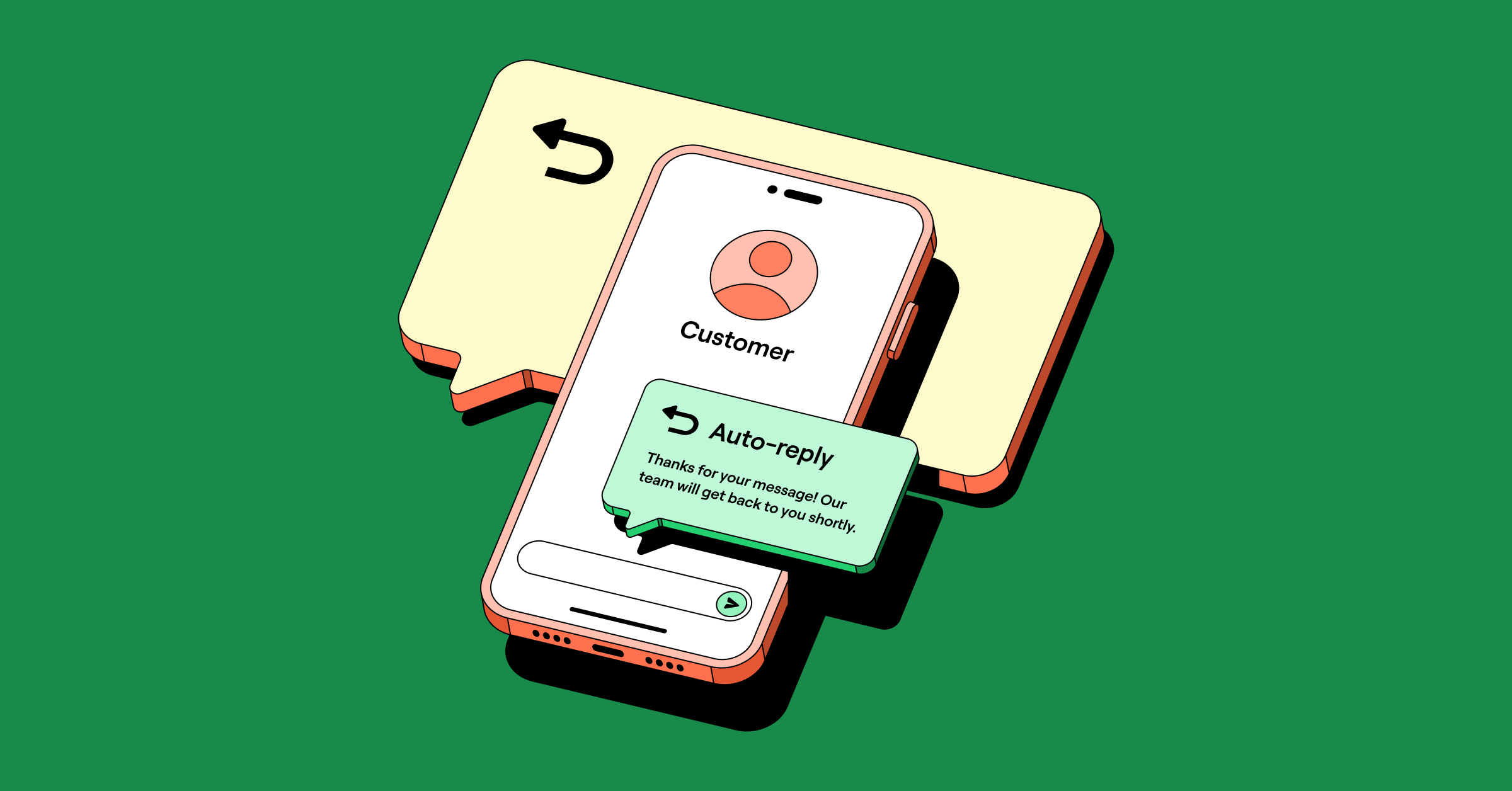
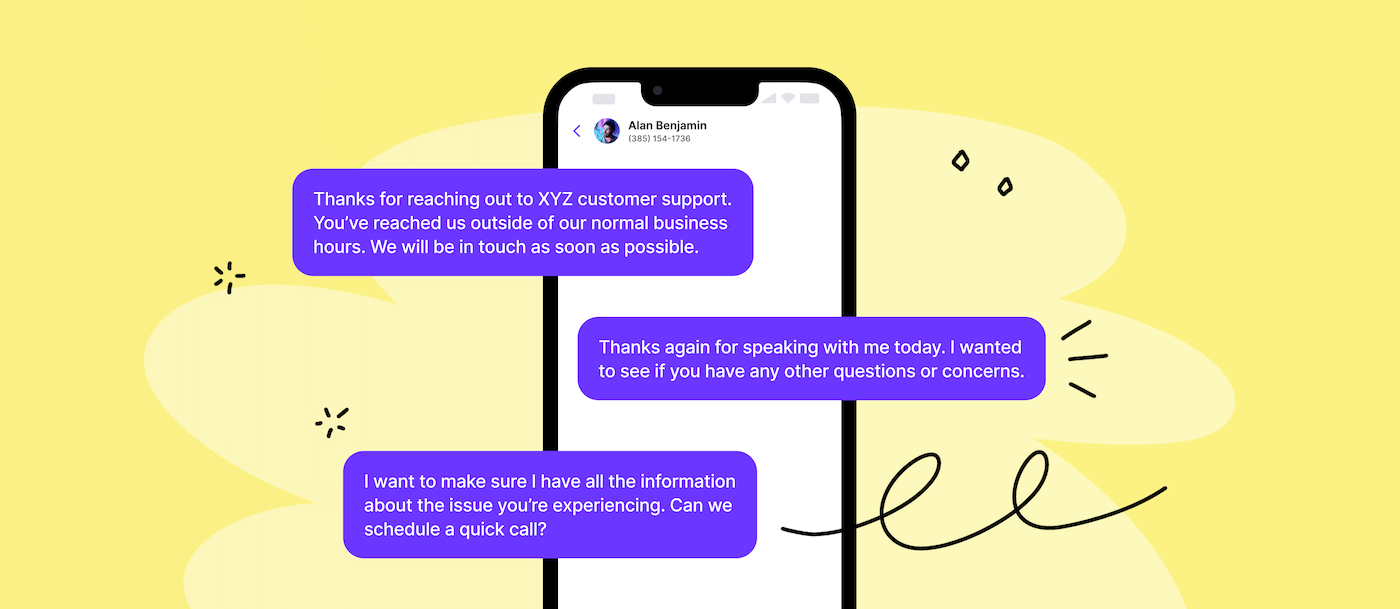
On Quo, you can also set up auto-reply messages to instantly acknowledge missed texts, calls, and voicemails — even outside business hours. It saves you time, sets clear expectations with leads, and helps you stay responsive even when you’re tied up or out of the office.

6. Save time sending your go-to follow-up texts
When you’re receiving a ton of text messages from prospects, responding quickly can be tricky, but snippets make it easy. Snippets are essentially message templates. They allow you to insert a text message quickly when responding to a prospect.

If you use Quo, you can use a snippet just by typing “/” into the text box, selecting the “/snippets” option, and searching the list for the snippet you want to use.
💡 Related: How to send a text from your computer using Quo
7. Schedule your follow-up texts
Scheduling texts helps you stay consistent, save time, and avoid losing leads when you’re juggling a full day of calls.
It also helps your sales team avoid texting outside of business hours. This isn’t just bad form — it can also be a compliance issue.
But what happens when your prospect texts you before your scheduled text is sent?
Quo’s automation can cancel a scheduled text if your prospect replies before it goes out.


💡Pro Tip: Set up multi-step automated text sequences
With Quo’s Zapier and Make integrations, you can automate your text follow-up with prospects. Set up automated sequences based on your CRM’s prospect lead stage. If there’s no change in the status, you can set up a sequence of follow-up texts. Add time delays so you’re following up regularly, but not too often.
8. Follow opt-in and opt-out rules for texting
We’ve mentioned texting compliance rules a couple times in this section. These regulations are strict, and if you don’t follow them, your messaging deliverability can be affected. Even worse, your business could be blacklisted and blocked from texting your customers.
As part of regulatory requirements, make sure you follow both SMS opt-in and opt-out rules. TCPA opt-in rules require you to collect written consent or implied consent from customers. That includes having digital or paper forms that clearly request SMS opt-in before sending your first text.
Similarly, make it easy for your customers to stop receiving texts from you. The initial text you send to a recipient needs to include clear instructions on how to opt out of future messages, such as “Reply STOP to unsubscribe.” (You can also use a different opt-out keyword here, such as STOPALL, UNSUBSCRIBE, QUIT, CANCEL, or END.)
Close more deals and win back time with Quo, formerly OpenPhone

You’ve got the follow-up text templates; now it’s about making them easier to send consistently.
Quo helps you stay responsive without adding more to your plate. Use auto-replies to instantly acknowledge missed calls and texts, schedule messages like appointment reminders or payment reminders, and save your go-to messages as snippets so you’re never starting from scratch. Like the sound of it?
Try Quo for free for seven days and see how it can make follow-ups faster, easier, and more consistent.
FAQs
A good follow-up text message is short, relevant, personalized, and includes a clear call to action for the recipient.
Since it takes at least five touches to convert a lead, try to follow up at least five times across multiple channels. Make sure to space out these follow-ups. For example:
1. After 1 day
2. After 3 days
3. After a week
4. After 10 days
5. After two weeks
Choosing a follow-up channel depends on the type of communication you want to send. If you need to send a follow-up with attachments, like a quote or invoice, email is a better option. But if you need to send a quick follow-up to schedule a meeting, then text is the more convenient channel.