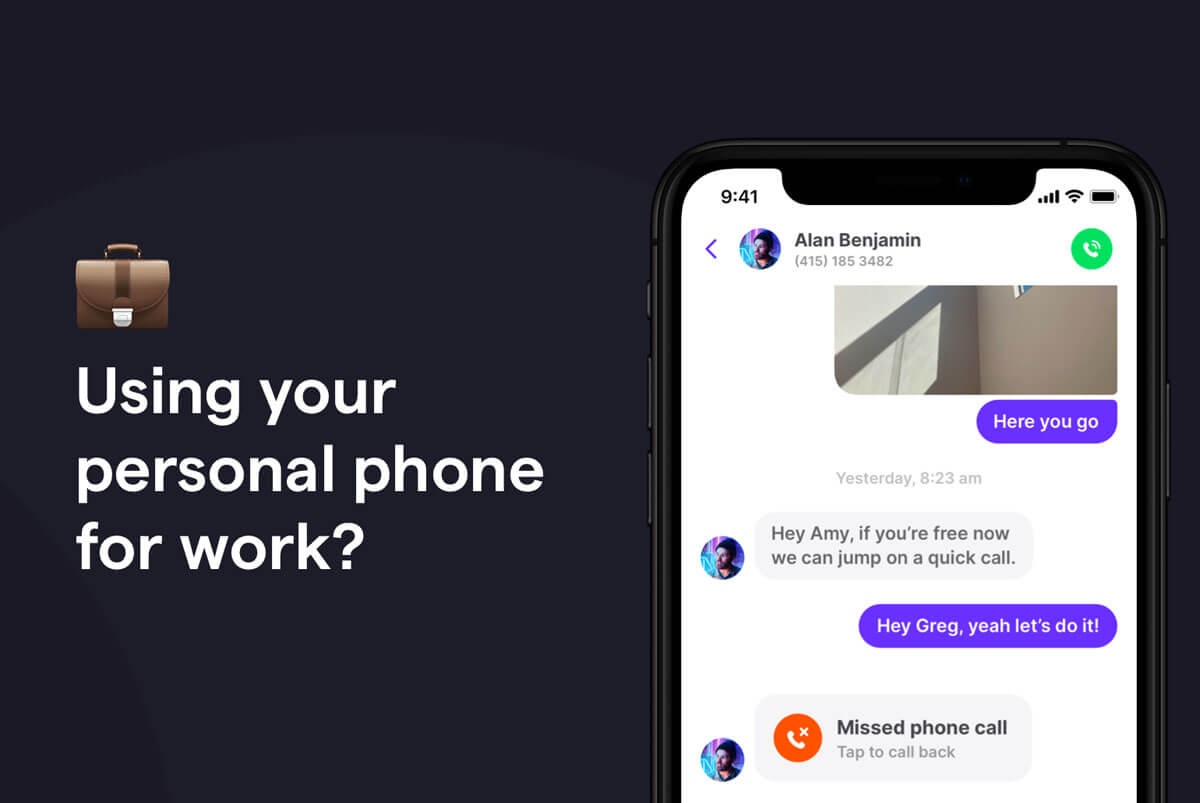
The Bring Your Own Device (BYOD) trend is growing rapidly as remote and hybrid work become the norm. Under a BYOD policy, employees use personal devices, such as cell phones or laptops, instead of company hardware.
BYOD is now more mainstream than the alternative. A 2022 Oxford Economics survey found that only 15% of small- to medium-sized businesses provide devices to all employees. That leaves employees from most companies downloading Slack and taking work calls from their personal phones and laptops.
However, the downsides of using personal devices for business are often overlooked. If you’re considering using your personal phone for work — especially with your personal phone number — it’s important to weigh the pros and cons. We’ll dive into this topic below and offer some better options to help you maintain your work-life balance.
4 Reasons you should avoid using your personal phone number for work
Whether you’re the founder of a company or an employee, using your personal device as a company phone can be convenient. But if you’re considering using your personal cell phone number as your work number, you may want to think twice. Here’s why.
1. Disruption of work-life balance
According to a Qualtrics survey, the number one reason employees give for working outside of business hours is that they’re checking important emails, texts, or phone calls. And over 60% of employees say they “always” or “very often” use their phones to continue working outside of work — including first thing in the morning, in the evening, and on weekends.
This constant blurring of work-life boundaries can open you up to chronic fatigue, stress, and burnout. And once you give coworkers and clients your personal phone number, you can’t take it back.
If you work for a global organization that spans multiple time zones, using a personal phone may mean you receive calls or texts at all hours. And unless you adhere to strict business hours while you work from home (or silence your phone), your personal and home life could suffer.
2. Difficulty keeping work and personal calls separate
When everyone uses the same phone number to call you, it becomes impossible to distinguish between personal and work-related calls. You never know what “hat” you need to wear until you pick up the phone — and when you accidentally pick up a client call when you thought you were answering the pizza delivery guy, it’s hard to hang up politely. Inadvertently answering a work call in the wrong context might come off as unprofessional to your client or manager.
For employers, having employees use their personal numbers for work also means losing a degree of control over customer relationships. Not only are you unable to track important customer interactions day to day, but if your employee leaves the company, they could potentially take their client relationships with them.
3. Negative impact on customer relationships
When you use your personal phone number for work, your personal device suddenly has an influx of work contacts intermingled with your friends and family. Texts and voicemails from customers and coworkers become interspersed with your personal SMS and MMS messages and missed calls.
It’s easy to see how critical work-related messages could slip through the cracks. And while the occasional missed call or text might not seem like the end of the world, for many customers, that’s all it takes: according to Zendesk’s Trends Report, one in two customers will switch to a competitor after a single negative support experience.
4. Loss of privacy
Sharing your personal phone number is like letting a genie out of a bottle. There’s no pushing it back in — unless you get a new phone number.
What might have been an act of good faith to your entire personal client roster (“Reach out anytime!”) may affect you for years to come. Imagine continuing to receive business-related calls from those contacts long after you change employers.
This loss of privacy also comes with legitimate security concerns. Sharing your personal phone number can make it easier for individuals to find your current or past home addresses, social media profiles, and the full names of your family members or friends. If your personal phone number lands in the wrong hands, it can also open you up to phishing, scamming, or identity theft.
Using a personal phone for work vs using a business phone
Aside from using your personal number, using your personal phone rather than a work phone issued by your employer has its pros and cons. Let’s take a look:
| Using a personal phone for work | Using a business phone for work | |
|---|---|---|
| Convenience | Only one device to carry | Requires carrying two devices |
| Privacy | Risk of exposing personal data to an employer | Personal data stays private |
| Security | Must comply with work profiles or MDM apps | Pre-configured with company security |
| Work-life balance | Harder to separate work and personal life | Clear separation between work and personal |
On the positive side, using your personal phone means you don’t have to carry an extra phone and can manage everything on one device. You also have the freedom to use whatever device you prefer.
However, there are some drawbacks to using your own mobile phone for work.
Some employers have strict company policies and security protocols surrounding customer and company data. To mitigate cybersecurity risks, some employers will install a work profile on Android phones or a mobile device management (MDM) app on iOS devices to ensure the security of their corporate data.
Alternatively, your employer may ask you to connect to your company’s virtual private network (VPN) to conduct business remotely.
Either scenario exposes all your personal data — including your contacts, photos, texts, and social media interactions — to your employer. And yes, this is legal.
If your company requires this level of control over your device, it may be in your best interest to avoid using your personal phone for work. But if a separate corporate device isn’t in the books for you (or your business), all hope is not lost. You can still take advantage of a business number.
How having a business and personal phone number on one device can solve these issues
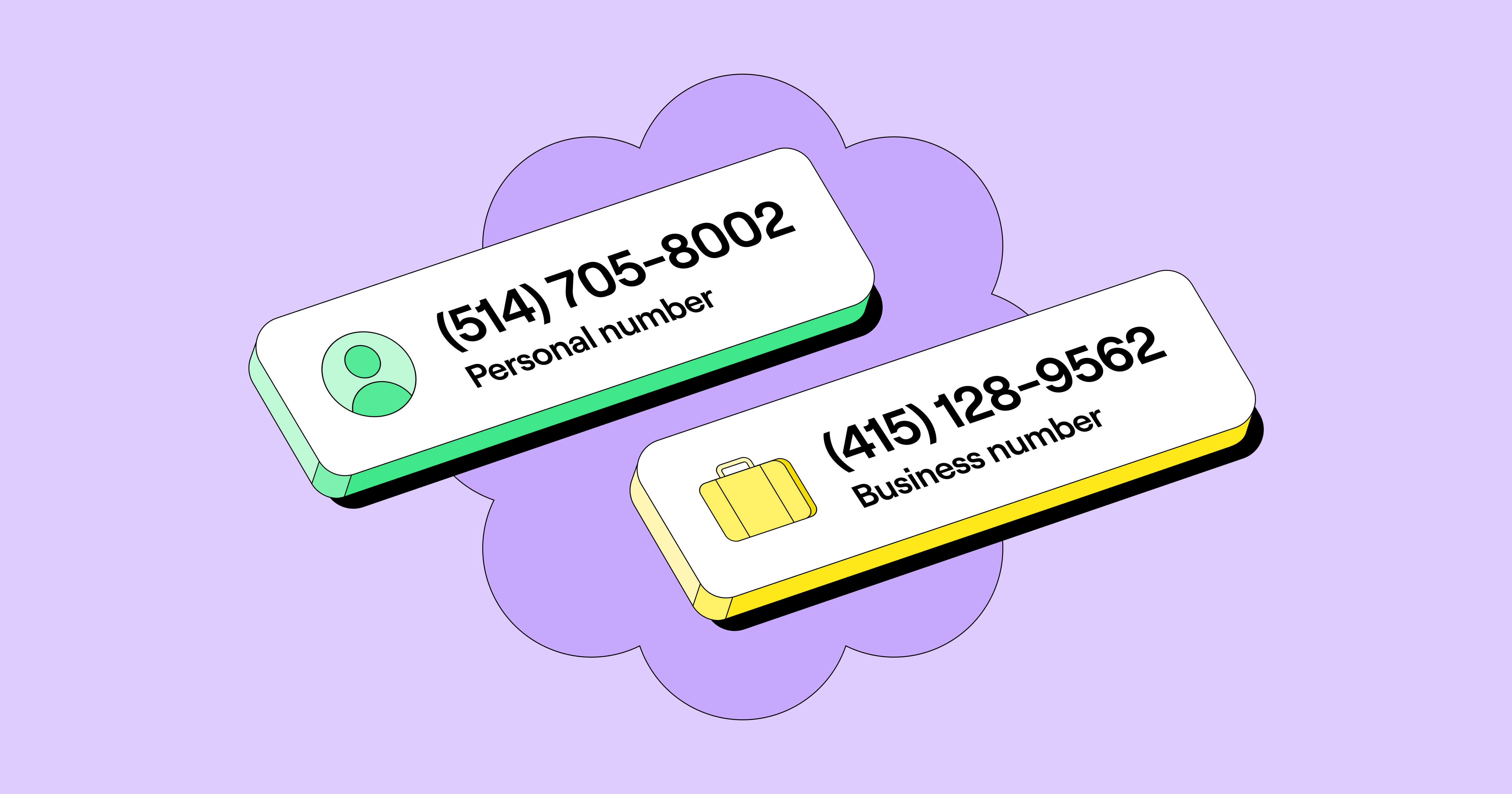
A virtual business number lets you avoid using your personal number for work or asking your employees to. Plus, you can use this number on a tablet or laptop and avoid using your personal cell phone at work.
A platform like Quo (yes, that’s us!) lets you add a virtual business line to any smartphone using an app. This lets you sidestep the drawbacks of using your personal number for work and comes with added benefits. For example, you can use one phone number on two phones (or devices) to be more flexible with how you answer calls and texts.
1. Maintain a work-life balance

With a dedicated business phone number, you won’t have to worry about getting calls at all hours. You can eliminate the expectation that you’re always available by setting business hours within your business phone app. That way, you can enjoy your personal time without interruption.
If you manage a team, this can also help you with employee retention. Yes, it’s possible to decrease burnout, lower overtime, and increase employees’ overall happiness.
2. Separate work and personal calls

Whether you’re self-employed or working for a company, with a separate business number, you’ll be able to differentiate between work and personal calls and handle them with the level of attention and professionalism they deserve. You’ll never be caught off guard by a business call you thought was personal.
And because there’s no commingling of business and personal contacts, voicemails, or text messages, you can take care of work-related tasks with intention and efficiency with your new second phone number. Once you log into your virtual business number in the morning, any missed calls or texts will be highlighted so that you can promptly get back to customers and coworkers.
3. Deliver a great customer experience
A business number platform can be more than just a phone number. For instance, Quo’s platform lets you work together with your team to respond to your work contacts so you can provide them with the best experience possible.

Working from a shared inbox, you can see who on your team responds and when. Plus, you can easily tag your teammates in internally visible threads when you need a colleague’s input before responding externally.
Quo can also integrate with many of the workflows and tools teams already use (like Slack, Zapier, and HubSpot) — helping you automate repetitive tasks.
4. Protect your privacy
Since you won’t be giving out your personal cell phone number, you won’t have to worry about receiving calls from former business contacts if you change jobs. And you also won’t have to worry about disgruntled customers calling you.
Since your virtual business number also runs off a cloud-based app, company and customer data isn’t stored locally on your phone. If you’re managing a team, this also makes onboarding new folks onto your Quo workspace simple.
5. Use your virtual number anywhere (at no extra cost)
You can easily access your virtual number via WiFi from most devices and from virtually (pun intended) anywhere. Text and call from your computer, smartphone, or tablet. Plus, you can take personal and business calls on one device using the Quo app to keep everything organized.
Can I refuse to use my personal phone for work?
The short answer is: it depends on your situation and where you live. This isn’t legal advice, so if you have questions, it’s best to contact a lawyer.
There’s no federal law requiring employees to use their personal phones for work or mandating that employers provide reimbursement for business-related phone expenses.
That said, some states require employers to reimburse employees for business-related phone expenses (including California, Illinois, Iowa, Massachusetts, Minnesota, Montana, New Hampshire, New York, Pennsylvania, and the District of Columbia). These states allow employers to set their own policies around reimbursing personal cell phone use as long as their rules are in line with state law.
If you’re in a state without such laws, refusing to use your personal phone may depend on your company’s policies and willingness to provide alternatives, such as a work phone or a stipend. Many employers are open to covering a portion of your phone bill, especially if you ask to add a virtual business phone number to your personal device. A virtual business phone number will let you keep your work number separate from your personal line and comes with a set monthly cost (starting as low as $15 a month).
Of course, if you’re self-employed or reimbursing employees, you can also write off cell phone use as a business expense per the IRS.
Ready to add a virtual business line to your personal phone?

Using your personal phone for work has trade-offs, but a virtual business number can help you maintain privacy and work-life balance while staying flexible.
Ready to switch to a virtual business number (or make the case to use a business phone system at your organization)? Explore your options with our guide on how to get a business phone number.
FAQs
It depends on your location; some states, like California and Illinois, require reimbursement for business-related phone expenses, but no federal law mandates it.
If your employer installs a work profile or mobile device management (MDM) software, they may access data like work emails, apps, and activity, but personal data may also be exposed, depending on the configuration.
Adding a virtual business number, like Quo, creates a clear separation by keeping work communication in a dedicated app. This allows you to manage personal and business calls on one device without mixing them.
Reimbursement varies, but a virtual business number through Quo starts at just $15 per month, making it an affordable solution for employers and employees.