My husband has two phones on him at all times, and the seams of his pants pockets take the brunt of it. Oh, and he always checks his notifications, even after hours or on weekends (RIP work-life balance).
I get it, you need everyone to have their own work numbers. But if your people are carrying two phones for work and personal (or worse, using their personal cell number for work), it creates problems that can hold your business back. Not to mention, it’s frustrating and inconvenient for your team (and their families).
Here’s why having separate work and personal devices isn’t the best solution, along with a better alternative that can get you all the perks of two numbers and more.
Common reasons people carry two phones for work and personal use
Some companies give their team work phones because they assume certain benefits only come with having separate phones:
- Separate work and personal: Since all communication comes from separate devices, employees know when they’re getting calls and texts from work contacts and can answer during business hours.
- Stay organized: You and your team can keep up with business conversations by ensuring missed work-related calls, texts, and voicemails aren’t buried between personal ones.
- Protect your team’s privacy: Help your team members avoid spam calls and after-hours client calls by keeping their personal numbers private.
- Get the right business features: You can ensure your team is putting their best foot forward by having the phones that support the features your team needs to deliver a great customer experience.
While separate phones can offer these perks, they often come with just as many downsides, if not more. Let’s start with how carrying two phones can support these needs.
Advantages of carrying two phones
Investing in work phones for employees has a few perks:
1. Dedicated business phone number
The best part of carrying two phones is getting a dedicated business phone number for all your work calls and text messages. This lets your team members know if an incoming call is from a personal or business contact, so they can respond professionally to incoming work-related calls.
2. Same operating system means better app compatibility
Keeping your team members on the same operating system, whether Android or iOS, is more than a matter of preference for businesses. It ensures all your work phones are compatible with the business apps your team needs and the level of security your company policy requires.
For example, some SMS forwarding apps only work on Android phones while others only work on iPhones. If one team member has a Google Pixel and another uses an iPhone 15 Pro, you’d need separate tools and workarounds. Talk about inconsistent customer experiences and messy operations.
3. Potential discounts for bulk purchases
Some cell phone providers offer discounts for bulk device purchases, as well as for enterprise phone plans. If you’re currently reimbursing your team members for their personal phone costs, this can help your business save money and time in the long run. When you supply the phone, you’ll know exactly how much your monthly phone-related expenses are, making it easier to track and budget for. Plus, it’ll save you the hassle of reminding your team to submit their expenses for reimbursement.
While giving staff work phones might have its benefits, it’s not the right choice for most growing businesses.
Disadvantages of carrying two phones
Carrying two phones can be a huge hassle for your people (just look at how many “carrying two phones Reddit” complaints there are). Here’s why investing in work mobile phones might not be the best choice for your business:
1. High upfront expenses
The average smartphone costs $833 per employee. Plus, other expenses quickly add up, including phone service plans, data rates, shipping devices to remote team members, and replacements or repairs when a phone is lost, damaged, or stops working.
2. Extra costs to upgrade
Whether you invest in Apple or Android phones for your team, you shouldn’t expect to use the same devices for long. The average lifespan of a smartphone is less than three years. Even if your mobile phones don’t have any issues, they may not receive software and security updates over time.
3. Poor work-life balance
Sure, carrying different phones means you don’t get work calls on your personal phone. But that doesn’t necessarily mean a better work-life balance.
Nearly three out of five employees feel pressured to answer work communications outside of work hours. In small businesses, that number is even higher (67%).
If your team doesn’t turn on Do Not Disturb every night — and remember to turn it off in the morning — it can feel like they never fully clock out. But if they do turn on Do Not Disturb, it may leave clients unhappy.
Most cell phones don’t even let users set auto-replies for after-hours callers. So your team can’t let customers know why they’re not responding or when they’ll follow up.

4. More inconvenient for your team members
Having a business number should make life easier for your team, not harder. But giving your team members another phone comes with its challenges:
- Two phones are harder to carry: Having two phones means full pockets or needing extra gear like dual phone cases or phone holsters, which isn’t practical for most people.
- There’s more to manage: Your team has to keep both phones updated, charged, and secure.
- There’s a higher risk of loss or damage: More devices mean more chances that something gets dropped, lost, or broken.
5. Harder to enforce business communication policies
Even with the same phone models, keeping call handling consistent is tough. You can’t easily:
- Set shared voicemail rules or after-hours auto-replies across your team
- Track call history, missed calls, or follow-ups without digging through each device
- Update team-wide settings (like caller ID or business hours) without manually changing them on every phone
It’s a lot of extra work that may lead to missed follow-ups, delayed responses, and inconsistent customer experiences.There are definitely easier ways to get a second phone number for your team members.
How to avoid carrying two phones: Virtual phone systems
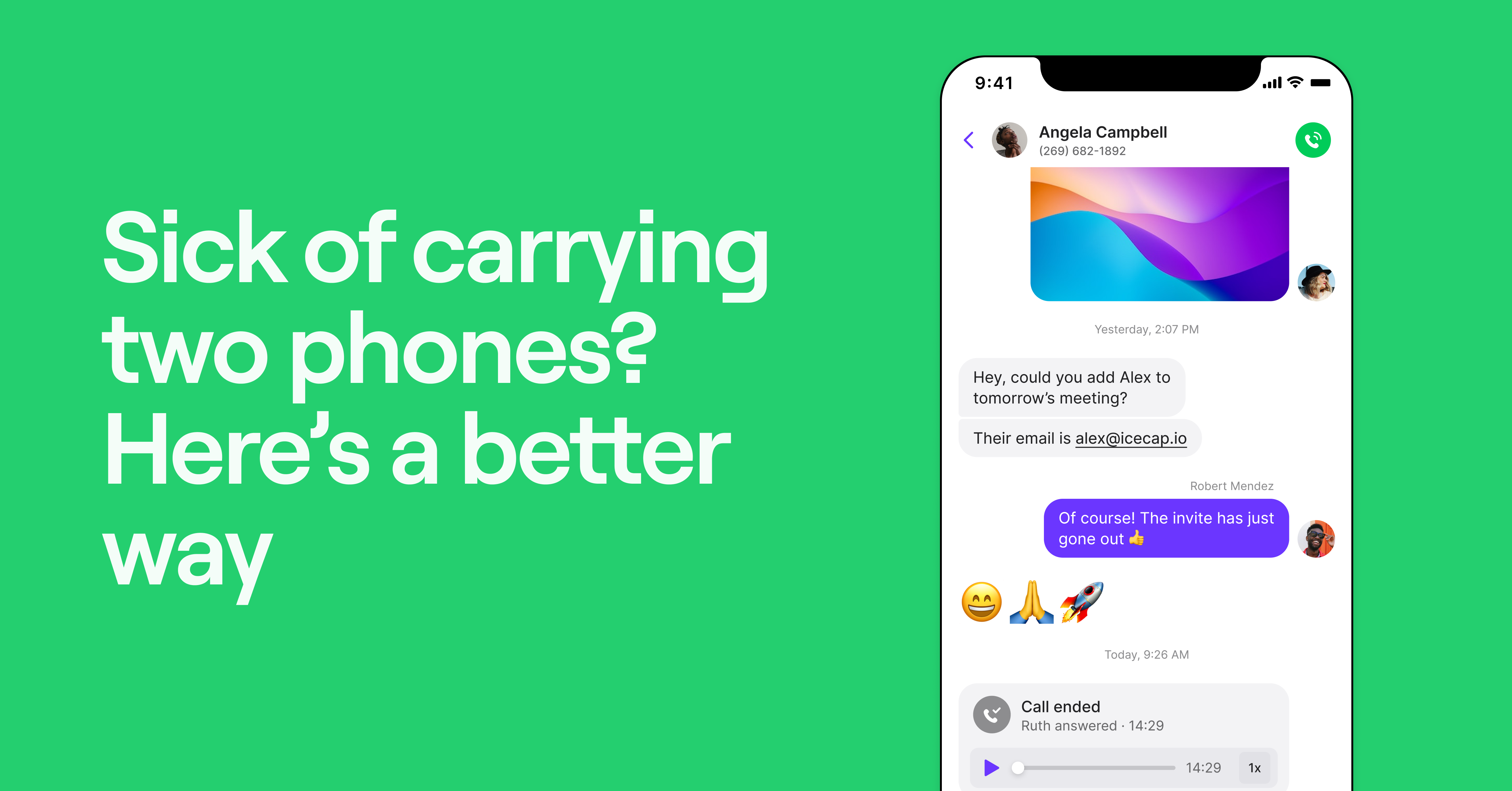
You don’t need to carry two phones to have two phone numbers. With a virtual phone system (or VoIP phone system) like Quo, you can provide your team with business phone numbers they can use on any device — like their personal cell phone — as long as they have an internet connection.
All your team members need to do is download an app on their phone. Then, they can manage work and personal calls on one device (including computers, tablets, and iPads). You get all the benefits of carrying two phones without any of the drawbacks.
Plus, a virtual phone system gives you way more benefits than a regular cell phone — for your team and your business.
How a virtual phone system benefits your business

Here are six perks of using a virtual phone system like Quo for growing businesses:
1. Get set up the same day
Even if everything aligns perfectly, ordering and setting up a new device and getting those new numbers to your team can take days, if not more. You can create an account and get a virtual phone number within minutes. Once you download your virtual phone provider’s app, you can fully set up your phone system the same day. And that’s including caller ID and professional voicemail greetings.
2. Scale with ease
You won’t have to worry about buying or setting up a new phone each time you hire a new team member. You can just add an extra user to your plan for a small monthly fee — starting at $15 per user per month with Quo — and your new hire can use their new business number from their own cell phone, work computer, or any other device.
Every user also comes with their own local US, Canadian, or toll-free number. Extra numbers are only $5 per number per month.
Plus, adding new team members to your Quo workspace is as easy as sending an email invite.

3. Collaborate with team members

The best VoIP phone apps come with built-in collaboration features that help your team work more efficiently together, as opposed to everyone being an island, with their own separate phones.
For example, Quo lets your team members share business numbers, so they can share contacts and collaborate on calls and texts.
You can provide clients with one number for all sales or support calls, and have a phone menu that automatically routes callers to specific team members.
Need to collaborate on responses, assign follow-ups, or ask questions in context? You can use internal threads on Quo to chat with your team behind the scenes, right inside a conversation thread. Your customers won’t know a thing.

4. Work from anywhere
You can use your virtual phone system anywhere in the world if you have WiFi or a cellular internet connection. Team members can stay on top of phone calls and text messages even while they’re between jobs, out in the field, or working remotely.
With Quo (formerly OpenPhone), every plan includes unlimited calls to the US and Canada. So no matter where your team is, they can share one phone number on two phones (or more) and reach customers without worrying about minutes or long-distance charges. All you need is WiFi.
5. Automatically set expectations when your team is off
Remember those 67% of small business employees who feel like they can never fully disconnect from work? We like doing our part to reduce that number.
For example, on Quo, you can set your business hours and use your call flow builder to handle after-hours calls however you’d like, whether that’s automatically sending them to voicemail, forwarding them to another number, or routing them to our AI voice agent, Sona.

You can also use auto-replies to acknowledge missed communications and set expectations. Or set up Sona to answer FAQs, take messages, and capture leads whenever you’re busy or out of reach.

6. Save hours on data entry
Landlines and standard cell phones don’t come with features that save you time.
If you want to keep your team focused on customers instead of copy-pasting info between tools, a VoIP system like Quo would be a better fit.
Quo helps your team stay responsive and consistent without doing everything manually. You can set auto-replies, schedule messages in advance, and use saved templates (snippets) to speed up responses.
It also integrates with tools like Zapier, Make, Slack, Salesforce, and HubSpot, so updates from calls and texts show up where your team already works.

Finally stop carrying two phones with Quo (formerly OpenPhone)
While carrying two phones can help you separate work and personal communications, it’s not the best way to support your team’s needs. A virtual phone is a flat-out more convenient option and significantly benefits your customers.
With Quo (formerly OpenPhone), you can give your team shared, dedicated business phone numbers they can use on any device, anywhere they have an internet connection. You’ll also get extra features like integrations with 7,000+ tools to keep all your systems in sync, automations to save you time, and AI features like call summaries, transcripts, and our voice agent Sona.
Try out Quo free for seven days and see for yourself.
FAQs
You can, but carrying two phones may be more trouble than it’s worth. It adds unnecessary costs, inconveniences your team members, and makes it harder to scale your business. A better option is using a virtual phone system like Quo to give your people a shared business number they can use on smart devices they already own.
Yes, if your phone supports dual-SIM or eSIM, you can use two carriers. But setup can get messy, and managing two plans can be expensive. A virtual number is simpler and easier to manage, especially for teams.
You can get a second number by adding a new SIM to your existing phone, purchasing a second phone, or using a virtual number with Quo, which you can use on your computer and smartphone.
You can use dual SIM if your phone supports it, but it’s limited. You’ll still get mixed notifications and no business features. A VoIP app like Quo keeps work and personal life completely separate and gives you tools for auto-replies, call routing, shared numbers, and more.