We may have cut the physical cord to our phones, but in many ways, we’re still “tethered.” Most people associate one phone line with one device — even if they’d like to answer calls from a variety of devices.
There are so many reasons for this: avoiding missed calls, working on the go, allowing multiple people to respond to a single line, or traveling abroad.
The good news? You can have two phones with the same number, allowing a single line to ring on multiple devices. In this article, we cover a few different ways to set this up and the benefits of having one number ring on multiple phones.
Can you use the same phone number on two phones?
You can only have one active number on a cell phone at a time. For a lot of people, this means carrying two phones so they can maintain different phone numbers for work and personal use. You could switch SIM cards and move a phone number from one device to another (moving the number from your business device to your personal devices), but this is a cumbersome process.
However, if you use a Voice over Internet Protocol (VoIP) app for your business, you can easily install the app on both devices. This way, incoming phone calls to your business line will ring through the app on both phones.
3 Methods to use one phone number on two phones
If you need to answer your phone number on multiple devices, you can choose from several options.
Method 1: Using your provider’s multi-phone line plan
Depending on your phone carrier, you might have the option to use your mobile number across multiple devices. For example, T-Mobile’s DIGITS service is installed as an app on compatible devices connected to WiFi. It lets you have multiple lines on several devices through the app.

Verizon offers a similar service — Verizon Number Share — which allows customers to share their mobile number on eligible devices through their My Verizon settings. Here are some things to keep in mind:
- Limited to five devices: Using DIGITS or Verizon Number Share is straightforward, but you can only share your number with up to five different devices.
- Pricing: DIGITS is free to T-Mobile customers, but Verizon Number Share pricing is $15 per line, which adds a lot to monthly service charges.
- Limited team collaboration features: While you could have a phone line ring to multiple people on a customer service team (for example), they can’t easily see who has answered calls or work with shared contact information.
Method 2: Using Quo
Quo is a VoIP business phone system that allows you to have the same number on multiple devices. With the Quo app, calls can ring to cell phones, tablets, or computers. Here are some fast facts:
- Unlimited devices: Quo users can share phone numbers across unlimited devices for a single user. You can also share phone numbers with up to ten users on the Starter plan and unlimited users on the Business and Enterprise plans.
- Pricing: Quo plans start at $15 per user per month and include one local or toll-free number per user, auto-replies, basic call forwarding, and more.
- Teams can easily collaborate: Features like shared inboxes for calls and texting, internal threads to solve problems together, and workspace analytics make collaboration easy.
If you need additional phone numbers, you can add more numbers for $5 per number per month. Quo makes it easy to manage two phone numbers on one phone as well.
How to set up two phones with the same number on Quo
Get a phone number you can use across multiple phones in minutes

To add the same phone number to two phones, here are the steps you need to follow:
- Sign up for an account with Quo (you can try Quo free for seven days).
- During signup, you’ll be prompted to select your city or area code in the US or Canada.
- Pick your phone number or select a North American toll-free number.
- Download and install the Quo app on each device you want to use.
- Sign in on each device with your Quo credentials.
That’s it! Your account and phone number will automatically sync across all devices.
Method 3: Using call forwarding
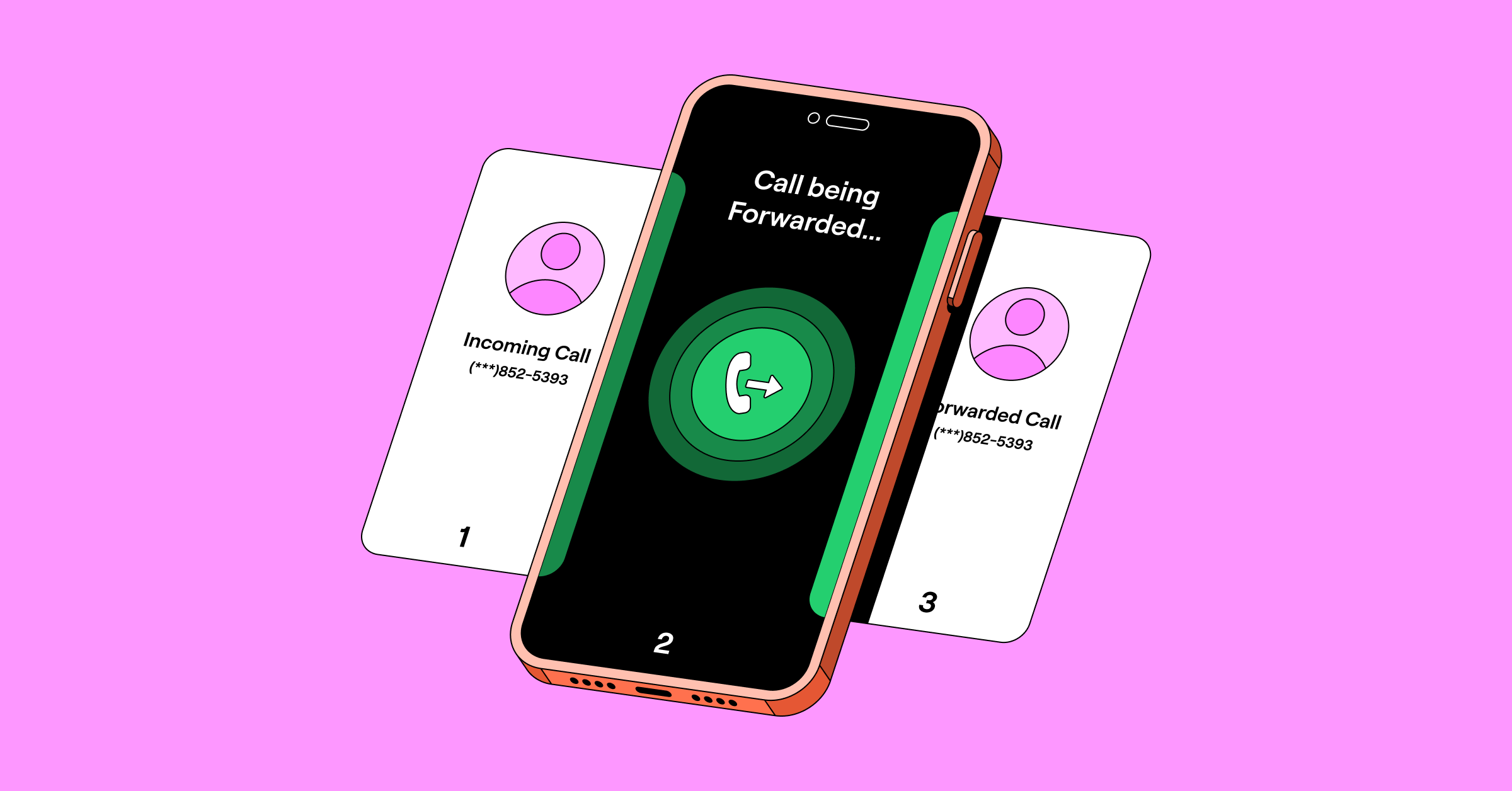
You can also use call forwarding to send calls from one device to another. For example, you may not want to use a personal phone number for work, so you have two phone numbers and two devices. Call forwarding works by routing calls from your business device to your personal device or vice versa.
Call forwarding setup depends on the device.
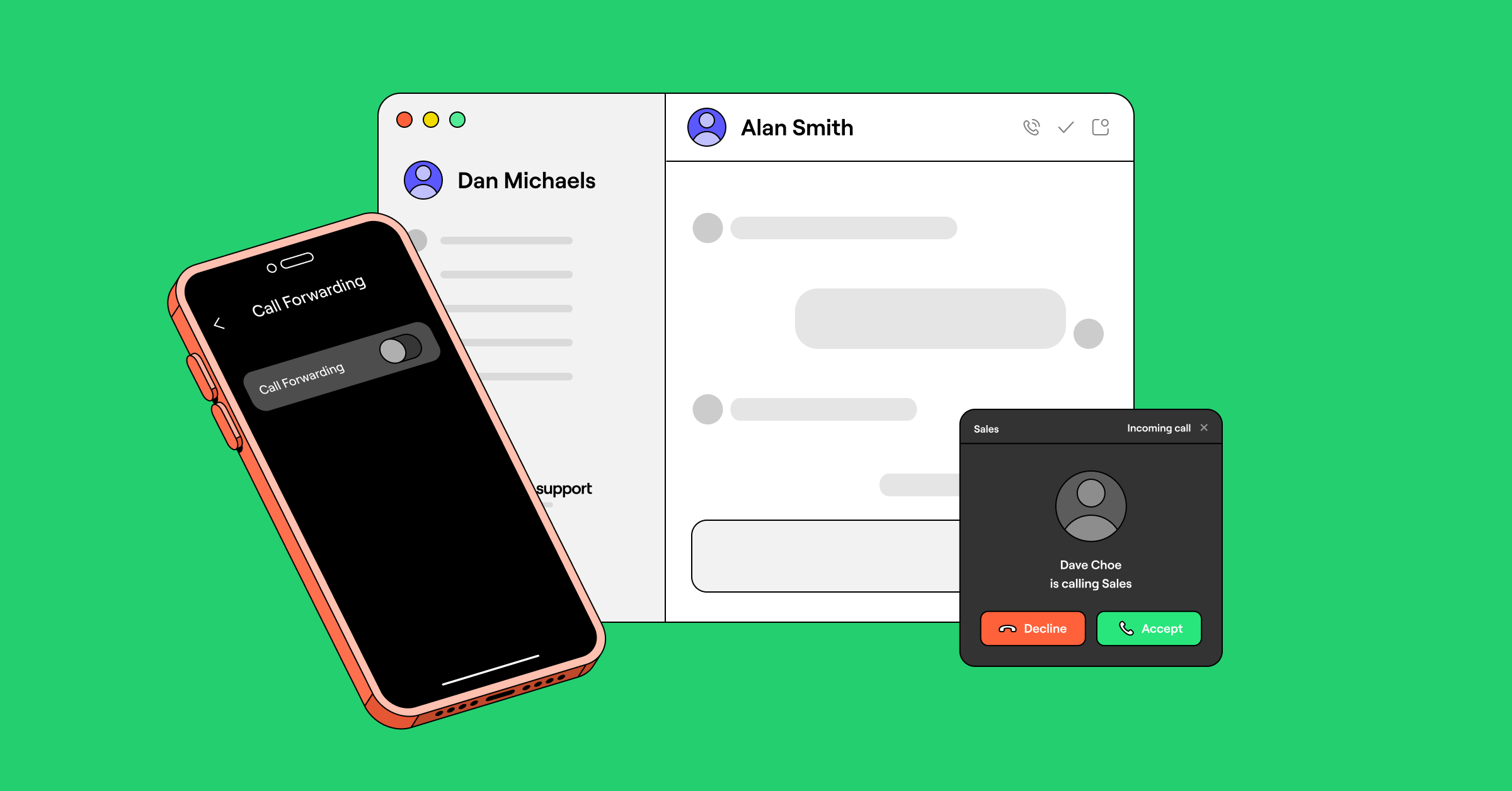
- On an Apple iPhone, you’ll go into Settings and Phone and then select Call forwarding. You’ll then enter the number you want to forward your calls to.
- On an Android, you’ll go into Settings and Supplementary services and then select Call forwarding. Android phones offer a few different forwarding options, such as forwarding all calls or only forwarding when busy or unanswered.
Call forwarding may meet your needs if you’re trying to send all calls from one device to another rather than actively using the same number on multiple devices. Here are a few additional key points to remember about call forwarding:
- Call forwarding is very easy to turn on/off.
- Call forwarding is usually free from any carrier.
- You might miss text messages since you can only forward calls.
You can read more about call forwarding setup (with screenshots) on different carriers in our guide to conditional call forwarding.
Benefits of having one number on multiple phones
One of the biggest benefits of having one number on multiple devices is flexibility. You can answer calls in different ways, depending on your needs at the time (without forcing you to carry multiple devices). It makes having a second phone number for business purposes easier to manage.

When one number is on multiple devices, it can ring simultaneously. This helps customer service teams that might be sharing a single phone number ensure no calls are missed. Unlike call forwarding — which routes calls from one device to another sequentially — simultaneous ringing allows all team members with access to the shared line to respond immediately. Say goodbye to missed opportunities and hello to happier customers.
The best apps for using one number on multiple devices
Not sure which app is right for you? Here’s how the top second phone number apps compare:
| Tool name | Starting price | Best for | Key features |
|---|---|---|---|
| Quo | $15 per user per month | Growing businesses | Unlimited calling and texting, shared phone numbers, call recording and transcripts, 8,000+ integrations |
| Google Voice | $10 per user per month | Businesses using Google Workspace | Unlimited texting in the US, auto-attendant with an upgrade, integration with Google products |
| TextNow | Free | Individuals looking for a free calling and texting app | Calling and texting, possibility to purchase eSIM, scheduled messages on iPhone |
| Burner | $6.99 per number per month | Temporary personal numbers | Text messaging auto-replies |
| Hushed | $4.99 per month | Individuals making international calls | Voicemail greeting, call routing, auto-replies |
| Line2 | $7.99 per month | Basic business phone features | Voicemail transcriptions and recording, call forwarding |
| Dialpad | $15 per user per month | Large contact centers | Video meetings, call recording and transcripts, CRM integrations |
| Ooma | $19.95 per user per month | Calling Mexico and Puerto Rico | Unlimited calls to Mexico and Puerto Rico, desk phone, digital fax |
| Grasshopper | $14 per month | Phone number extensions | Phone number extensions, voicemail transcriptions and greetings, IVR |
| Sideline | $14.49 per month | Businesses that mainly communicate through text | Verification code support, group messaging, auto-replies, business hour settings |
| 2Number | Not publicly available | Verification purposes | International numbers available, international calling to 100+ countries, business hours voicemail |
| eVoice | $14 per month | Having a live receptionist | Live receptionist as an add-on, virtual fax, usage reports, caller ID, time-based routing |
🔍Want a closer look at these providers? Check out our guide to the best second phone number apps.
Choose Quo — the best way to answer calls on different devices

You shouldn’t feel limited by your devices when you answer calls. If you already have T-Mobile or Verizon and don’t need to collaborate with other people, you might want to look into your carrier’s multi-line options. Call forwarding might also work as a solution if you’re simply trying to send all calls from one device to another.
However, if you need more advanced features like having a single phone line ring to multiple people on a team, you’ll want to look at business VoIP solutions. Quo has the collaboration tools small teams need while also being cost-effective and easy to use.
You can get started with Quo by signing up for a free trial today.
FAQs
Quo allows you to share one phone number across multiple devices at no additional cost. If you’re using a traditional carrier, the cost can vary: T-Mobile offers free multi-line calling with its phone plans, while Verizon offers number sharing for $15 per month per line.
Phone numbers are tied to SIM cards. A dual SIM phone allows you to use two SIM cards — and therefore two phone numbers — on one device. You can switch between the two numbers in your device’s settings as needed.
Yes, if you are using a VoIP phone system like Quo, you can install the app on multiple cell phones. Both phones would receive the same incoming call and ring simultaneously.
If you’re using a mobile phone carrier, you can get a second phone number by purchasing an additional SIM card or device. With a VoIP system, you can purchase additional phone numbers with your provider’s plan without needing to purchase additional devices.
Security depends on your VoIP provider. For example, Quo encrypts your calls, text messages, and business data with AES-256 encryption and holds SOC 2 Type II certification. If you work in healthcare, Quo can also be used in a HIPAA-compliant way.
The best VoIP provider for small businesses depends on your team’s use case. That said, Quo is a popular choice for growing businesses. Over 90,000 professionals use our platform for its shared inboxes, automations, and easy-to-use interface.
Want a full breakdown of providers? Check out our guide to the best business VoIP services.
Yes! It’s very easy to port an existing number over to Quo. Please fill out a short porting form in your Quo account with your previous carrier information and complete carrier registration. We’ll handle the rest.
The FCC recommends less than 0.5 Mbps download speed for VoIP calls. You can check this using a speed test online like OpenSpeedTest. If you make a lot of calls per day and spend most of your time at a desk, you can opt for a wired connection for better reliability.
If you’re having VoIP issues, the first thing to check is your internet connection. Run a speed test and look for jitter above 30ms or latency above 150ms, since either can impact VoIP calling and texting. For a full list of common problems and fixes, check out our guide: 8 common VoIP problems and how to solve them.
The main alternatives to VoIP are traditional landlines, cellular plans, and on-premise PBX systems. Each comes with higher costs and less flexibility than a modern VoIP solution. For a full breakdown, check out our guide: VoIP alternatives for business.
As long as you’re using a reputable VoIP provider, sharing a number across devices is safe. Access is protected by credentials and, with providers like Quo, two-factor authentication. Just make sure any device with access is secured with a strong password or biometric lock.