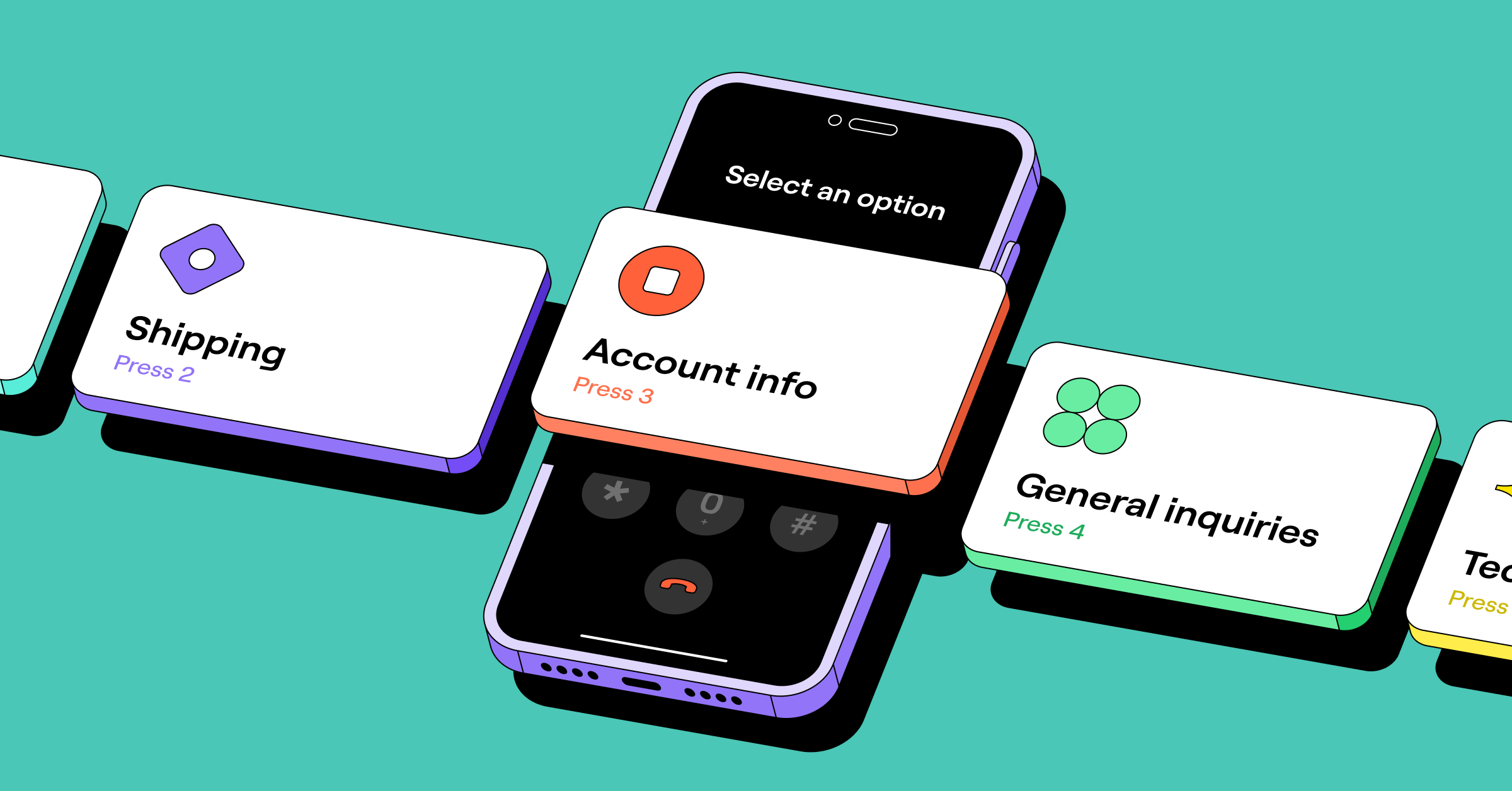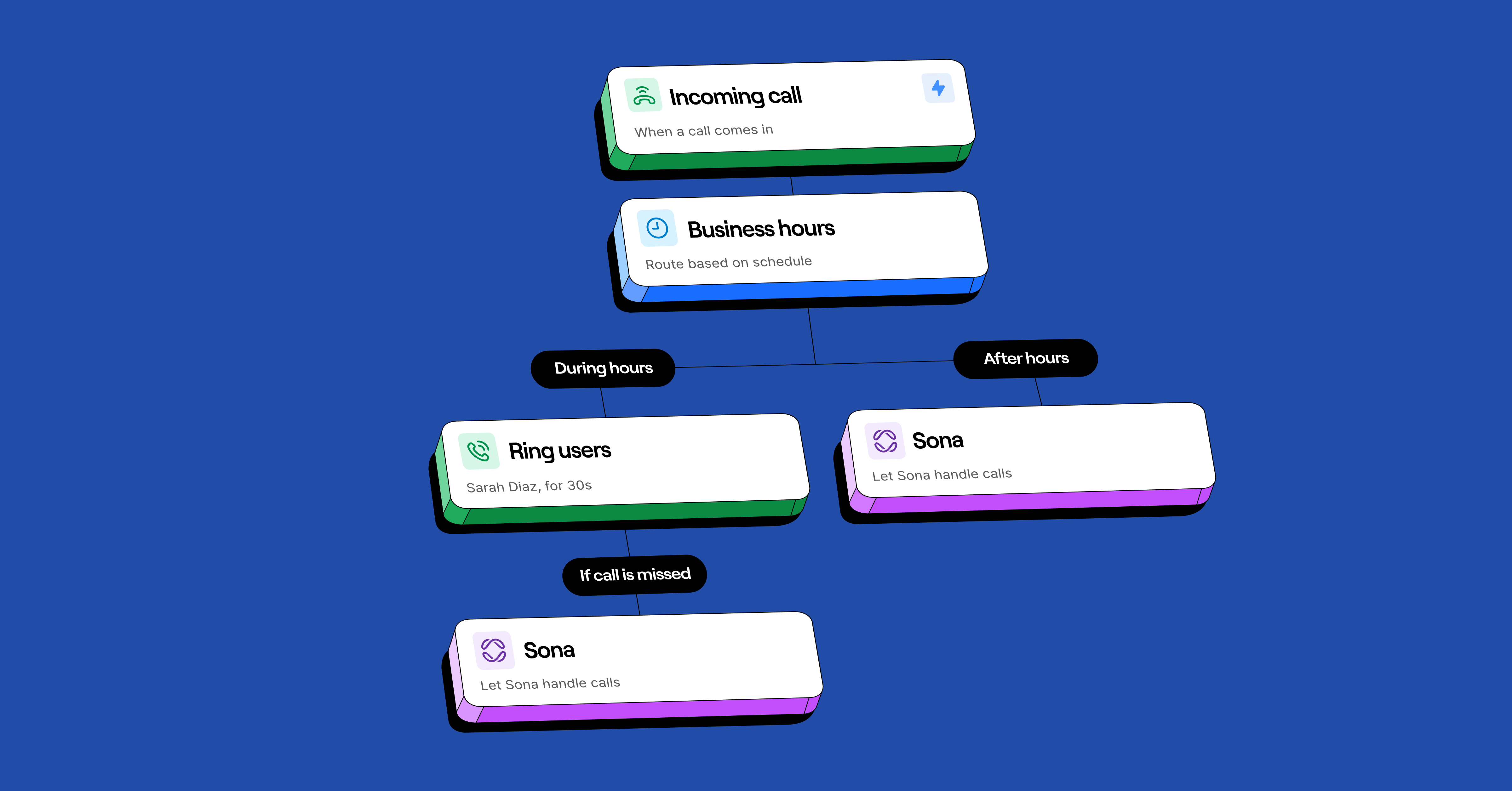
The call flow builder has shipped a lot of new features in the last six months — multiple flows, scheduled flows, multi-level menus, and a tighter integration with Sona.
A more flexible phone system isn’t just easier to maintain. It means a better experience for your customers and fewer lost opportunities. Here’s what’s new and how teams are using it.
Stay responsive after hours with custom routing and Sona
When a potential customer called after hours, you used to have two choices: send them to voicemail or have a live answering service handle it. But most callers wouldn’t leave a message. And with live answering services, it was more difficult to piece together what transpired.
Now you can build call flows that route callers differently during business hours vs after hours:
- Separate emergencies from everything else. After-hours flows let you sort up front — “Press one if this is an emergency. Press two to leave a message” — and route accordingly.
- Protect your team’s off-hours. Filter what wakes someone up from what’s handled the next morning. An AI answering service like Sona can take a message, capture caller details, or answer common questions, so the after-hours phone only rings for the things that can’t wait.
- Set expectations when someone calls. Swap in an after-hours greeting that tells callers your hours, when they’ll hear back, and what to do if it’s urgent.
- Capture leads instead of losing them. Sona answers, qualifies, and books — so a prospect who calls at 9 p.m. doesn’t end up calling your competitor at 9:05.
Even when your business closes, your brand runs 24/7.
Handle ad hoc situations with multiple call flows
When call volume spikes, your team goes on vacation, or your business goes through a seasonal change, multiple call flows let you switch routing with one click. No rebuilding your setup.

Your phone system can have a “default” call flow and as many alternates as you need. For example, an HVAC company can flip on a “backup flow” during a heat wave when everyone’s calling about their AC. Calls that would’ve gone to voicemail are routed to Sona or a live answering service instead.
▶️ Learn more about how to set up temporary call flows.
💡Did you know? You can publish a call flow from the mobile app — useful when you’re stepping into a meeting or going out to a job and need to flip your routing on-the-go.
Stay on top of holidays and planned changes with scheduled call flows
For predictable changes like holidays, office closures, and one-off events, you can schedule call flows in advance. Set the start time, line up another flow to take over after, and Quo handles the switch.
That means planning instead of scrambling. A dental office can schedule their “closed for the holidays” flow on December 1st for the entire holiday week. December 23rd comes and goes, and nobody has to remember to flip a switch at 4:55 p.m.
See it in action with the demo below:
Fine-tune call routing with multi-level menus
When your main menu has too many options, callers give up before they reach the right place. Multi-level menus let you build submenus under each option, so the top-level menu stays short, and the routing gets more precise.
Main Menu
├── 1. Sales
│ ├── 1. New customers
│ ├── 2. Existing accounts
│ └── 3. Partner inquiries
├── 2. Support
│ ├── 1. Technical issues
│ ├── 2. Billing questions
│ └── 3. Account help
└── 3. Hours and location
The structure works for any business with distinct caller types. A property management company, for example, can offer three options at the top level — current resident, prospective resident, vendor — and let each one open a submenu with specific tasks, like maintenance requests. Callers get to the right person faster, and your team handles fewer misrouted calls.
Submenus are especially helpful for multi-location businesses or teams using IVR integrations to connect their phone system to other tools.
Every call, routed right the first time
Your business will keep changing: seasonal shifts, growth, new locations, new hours. Your phone system can finally keep up.
For more on getting the most out of your setup, see our guide to call management.
Try the call flow builder today with a free seven-day trial of Quo.