When you get more customer calls than you have hours in the day, something has to give. Leads go unanswered, and customers wait for long stretches. Meanwhile, your staff spends most of their day answering frequently asked questions.
Every missed call could mean lost revenue. But scaling your team just to keep up with phone calls might not feel like the right move.
Automated call handling systems like IVR and IVA can help. But understanding which tool will fix your specific problem is key.
This guide breaks down key differences between IVA vs IVR. You’ll learn when to choose which, plus a reliable provider that offers both tools on one plan.
What is IVA?
An intelligent virtual agent, or IVA, can understand and respond to voice or chat messages and respond like a real person. It’s AI-powered software that can make decisions based on conversation flow, then execute multi-step tasks on its own. They’re also called “intelligent virtual assistants” or “virtual receptionists.”
One example of an IVA comes from Quo, formerly OpenPhone. Once you work it into your call flow, our AI voice agent, Sona, responds naturally to customers and performs tasks on its own. A customer can call asking, “Are you open this Saturday?” Then, Sona responds conversationally with your weekend hours. It can also offer to text a booking link if the customer wants to schedule an appointment.

Businesses typically use IVA for:
- Customer support. Handle overflow and after-hours inquiries, like FAQs or appointment booking.
- Lead qualification. Capture lead details by asking relevant follow-up questions based on the caller’s or visitor’s responses.
- Sales assistance. Answer product questions and help customers find what they need quickly. Some AI can also guide customers through the checkout process.
- Internal operations. Give employees instant answers to common workplace questions without waiting on HR, IT, or other support teams. For example, AI can answer questions about PTO policies or guide new hires through onboarding steps.
IVA benefits and disadvantages
IVAs can help address customer needs faster, which can reduce wait times and improve customer satisfaction scores. Plus, virtual receptionist costs are much lower than hiring more staff. But while it’s an effective call reduction strategy, it’s not without its flaws.
Pros
- 24/7 availability
- Faster speed to lead
- Reduced response times
- Lower operational costs
- Higher rep productivity
- Highly scalable
- Helps handle call volume spikes during peak times
- Automatic call logging and data collection
Cons
- Some customers prefer speaking with human reps; some agents can be set up so callers can be transferred to someone
- Requires upfront setup and ongoing maintenance
- May struggle with highly complex or unusual requests
How does IVA work?
IVA solutions require four technologies:
- Natural language processing, or NLP. This includes natural language understanding, or NLU. These conversational AI tools use this technology to determine the meaning and intent of a message.
- Machine learning, or ML. Using this technology, the AI can improve its responses over time. ML relies on deep learning algorithms to identify patterns and decide which responses work best.
- Natural language generation, or NLG. This helps the IVA give natural-sounding responses based on the context of the conversation. For example, if a customer calls and says, “Are you guys open this weekend?” NLG generates a natural response like, “Yes, we’re open Saturday from 9 a.m. to 5 p.m. and Sunday from 10 a.m. to 4 p.m. Would you like me to text you our address?”
- Speech recognition, or text-to-speech. Convert spoken language into text so the AI can analyze it and respond. This can also turn the AI’s responses into audio for natural-sounding phone conversations.
What is IVR?
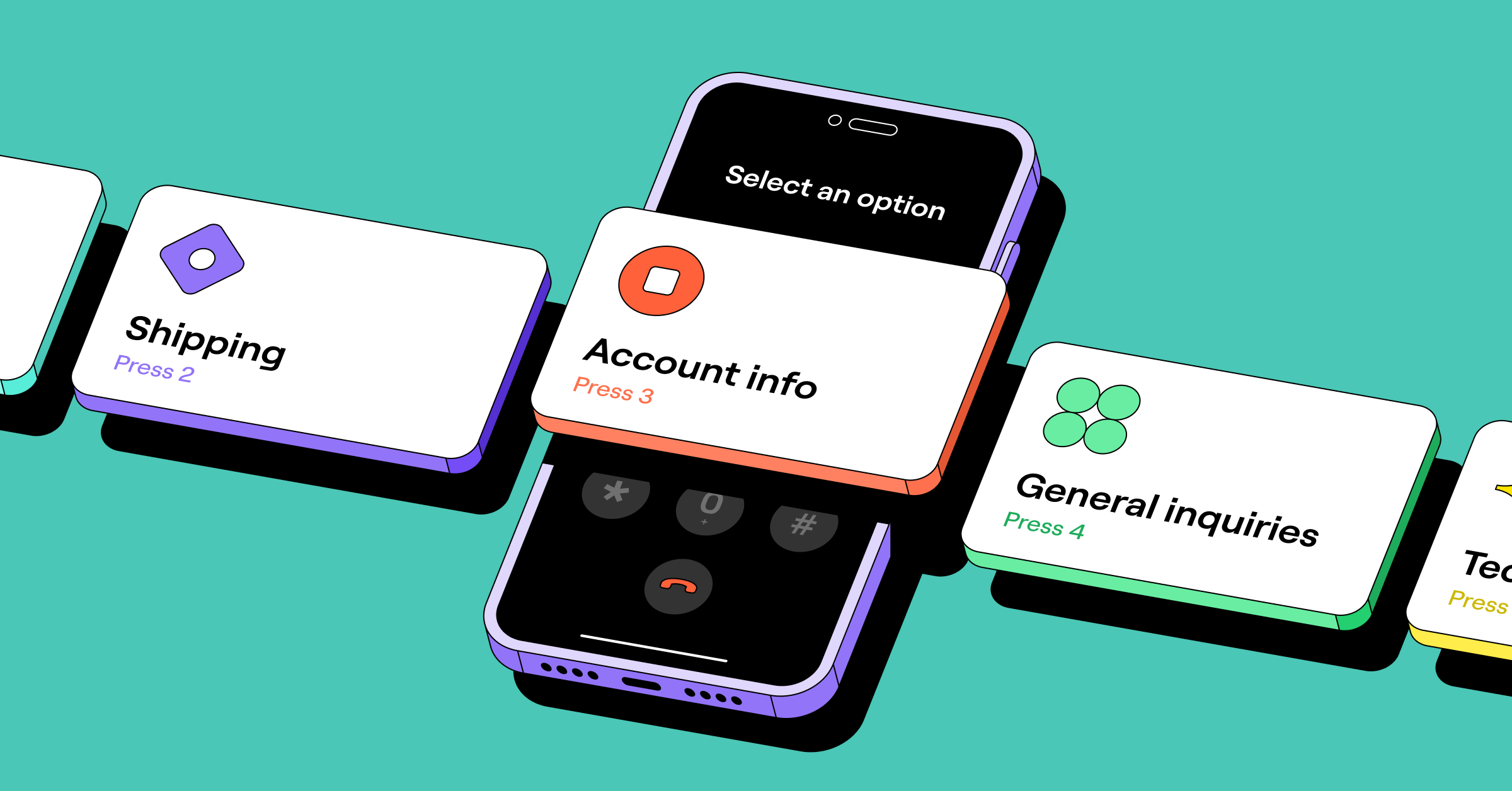
Interactive voice response, or IVR, is an automated phone system that uses pre-recorded menus. Callers press buttons or speak commands to navigate options. Then the system automatically routes them to the right person or department. IVR is also called a phone menu or phone tree.
When a customer calls a business with IVR, they might hear a greeting like this:
“Thank you for calling ABC Dog Grooming! To book an appointment, press one or say ‘appointment.’ For pricing information, press two or say ‘pricing.’ For our hours and location, press three or say ‘hours.’ To speak with a team member, press zero.”
If no one’s available to pick up, phone menus can send callers to voicemail, pre-recorded messages, or an AI voice agent. Quo even lets you set different phone menus during and after hours, so people get relevant options based on when they call.

Here are a few use cases for business IVR:
- Call routing. Direct callers to the appropriate department or team member without needing a human receptionist.
- Self-service IVR options. Let customers access basic information on their own. This could be business hours, locations, and where to find more information about your company.
- After-hours messaging. Let callers know when you’ll reopen and give them the opions to leave a message or be transferred to emergency support for urgent matters.
- Reducing reception workload. Automate basic directory and routing functions so your team doesn’t have to forward calls manually.
IVR benefits and disadvantages
IVR can improve call handling efficiency and even help prevent customer service burnout. But it has drawbacks, especially when menu options are too rigid or complex.
Pros
- Cost savings compared to human reception
- Handles high call volumes efficiently
- Improves first call resolution by routing callers to the right department
- Reduces receptionist workload
- Available 24/7 for basic routing and information
- Enables self-service for simple tasks
Cons
- Callers can become frustrated if menus are too long, complex, or have too many levels
- Can’t understand natural language or caller intent
- Limited to pre-defined options
💡Learn more about what is first call resolution and why you should improve it.
How does IVR work?
IVR relies on five technologies:
- Dual-tone multi-frequency, or DTMF. When you press buttons on your phone’s keypad, it sends specific signals. IVR systems detect these tones to determine which option you selected.
- Speech recognition. Some IVR systems understand spoken words in addition to dial presses. For example, a caller can say “billing” instead of pressing a specific number, and the IVR will route them to the billing department.
- Call routing logic. Set rules that direct customers based on what they dial or say. For example, if the caller presses two, you could set up a rule to transfer them to customer support.
- Automatic call distribution, or ACD. ACD distributes calls based on priority, skill, and availability. It’s not required for IVR. But it’s useful in busy environments like call centers where you need to manage high call volumes efficiently.
- Database integrations. Some IVR systems integrate with CRMs like HubSpot and Salesforce. That way, you get customer context when calls come in, and all call data is automatically synced to your CRM.
6 IVA vs IVR differences + summary table
Both IVA and IVR can handle calls automatically. But IVR uses pre-programmed menus, while IVA uses AI to have actual conversations with callers.
Here’s a more detailed breakdown of IVA vs IVR:
| Category | IVR | IVA |
|---|---|---|
| Interaction style | Menu-driven with button presses, or the caller says a keyword | Conversational, natural language |
| Flexibility | Limited to pre-programmed options | Can adapt to varied phrasings and requests |
| Cost | Lower upfront cost | Higher upfront cost |
| Response capability | Fixed responses based on menu selection | Dynamic responses based on intent and context |
| Availability | 24/7 automated routing | 24/7 intelligent assistance |
| Setup and maintenance | Requires menu design and periodic updates to optimize or adjust due to business needs | Requires knowledge base setup and ongoing optimization |
IVR vs IVA: Which should you choose and when
The choice between IVA vs IVR comes down to your business size, main customer support issues, and call volume.
IVR is best for simple routing and basic self-service. In contrast, IVA is best for complex questions, taking messages, and capturing leads.
Use IVR when:
- You need straightforward call routing to departments
- Call volume is manageable and inquiries are predictable
- Your primary need is directing callers to the right person during business hours
- Budget is limited and basic routing is sufficient
Use IVA when:
- You’re missing calls after hours or during busy periods, leading to call abandonment or worse customer experiences
- Your team is overwhelmed with repetitive questions that could be answered by artificial intelligence
- You need to qualify leads and gather contact information to simplify sales follow-ups
- You want to take more detailed messages than voicemail allows
Keep in mind this doesn’t have to be an either/or decision. Many businesses use both IVA and IVR for best results.
For example, set up IVR menus to route customer requests to the correct departments. Then you can deploy IVA systems within specific departments, like sales or customer support. The AI-driven agent can handle detailed inquiries, take messages, or qualify leads.
How to set up IVR and IVA on Quo with a simple drag-and-drop
Here’s how to set up a phone menu and AI voice agent, Sona, using Quo’s call flows:
- Navigate to Settings.
- Click Phone numbers.
- Tap the phone number you want to configure.
- Under Call flow, click Edit call flow. This opens a visual canvas where you can drag and drop components.
- Drag and drop the Phone menu step from the right-hand side of your screen. From here, you can add your menu options, route each option to appropriate ring groups, and set voicemail or Sona as a fallback.
- To set up Sona, drag and drop Sona into your call flow. You can place Sona after a Ring users step so Sona handles missed calls. You can also have Sona provide specific departments with assistance or handle all after-hours calls.
💡Learn more about Sona setup and configuration.
Build better customer relationships with IVR and IVA in Quo

IVR helps route customers to the right person or department based on their needs. In contrast, IVA uses AI to answer calls 24/7, respond to FAQs, and capture detailed messages. But there’s no need to choose one or the other. Fast-growing businesses can use both for more efficient and scalable customer interactions.
With Quo, you can set up a phone menu and our AI voice agent, Sona, starting at $23 per user per month. You can give callers a better experience and avoid losing business to competitors.
Sign up today to try Quo free for seven days and test your first 10 calls with Sona.
FAQs
IVAs use AI to understand context, allowing for more natural, human-like conversations. Traditional chatbots typically follow scripts and rules, so they can’t respond to unexpected user inputs. They can only respond to specific keywords or phrases.
A business phone system with IVR technology ranges from $23 to $100 per user per month. Quo’s phone menus are available on our Business plan, starting at $23 per user per month.
The average AI voice receptionist costs $15 to over $300 per month. Pricing typically depends on the number of users or usage you need, and on whether you want features like CRM integrations. Quo’s IVA, Sona, offers usage-based pricing plans starting at $15 per user per month.
The two types of IVR are single-level and multi-level. Single-level IVR offers one menu where callers select an option and are routed immediately. Multi-level IVR provides nested menus where callers make multiple selections to reach the right place. For example, pressing one for service, then one again for emergency HVAC repairs or two for routine maintenance.