It’s nearly noon on Wednesday. It feels like the phone has been ringing all morning. But that’s typical lately. Honestly, it feels like your phone never stops ringing.
Of course, more calls are a good thing. They mean more business. But as call volume goes up, your team is starting to get more stressed. This can lead to customer service burnout, a decline in service, and missed opportunities.
This is where integrated IVR systems come in. Connecting your phone menu with your CRM and other business tools helps route calls efficiently. This integration also gives your team the context they need to provide better service. In this guide, we’ll walk you through what IVR integrations are, how they work, and how to set them up.
What are IVR integrations?
IVR integrations connect your phone menu with your CRM, business phone system, and other tools. This way, customer data and call information flow automatically between all your systems.
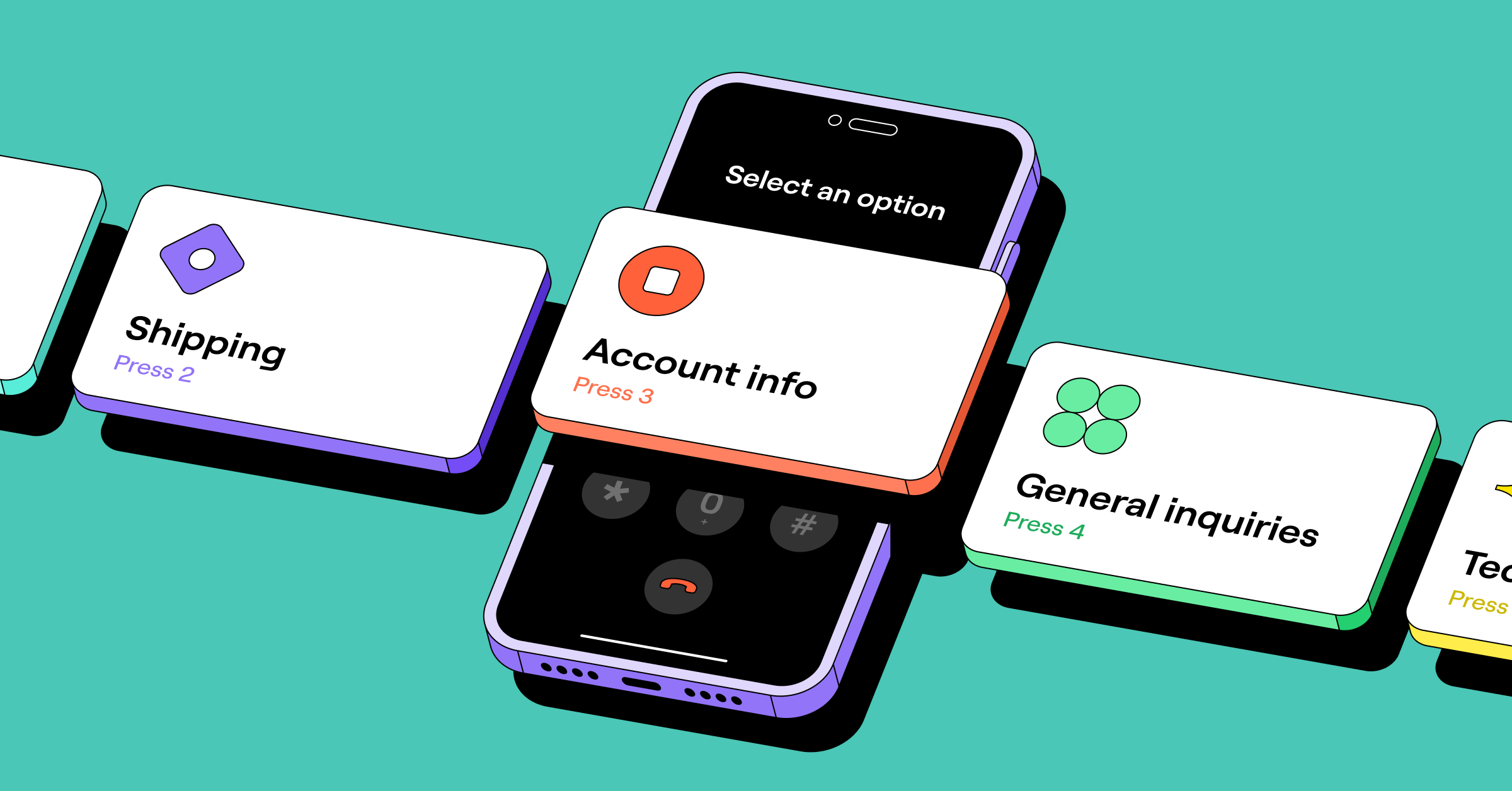
But what’s the difference between standalone IVR and integrated IVR? Standalone IVR solutions present menu options and route calls. Think of “Press one for billing” or “Dial two for technical support.” They’re isolated and don’t give you any visibility into the caller or their issue.
An integrated IVR system does routing, but it’s also part of a connected phone system. It works together with other tools to give you customer context, log calls, and save all information in one central place.
What makes integrated IVR systems essential for growing businesses
Here’s how integrated phone menus help your growing business serve more callers without adding more to your team’s plate.
More efficient call routing
IVR call routing directs people to the right person or department based on their needs. This keeps them from being constantly transferred and lets you help them more quickly. With a multi-level IVR, you can also route calls based on department, language, or location. For instance, you can set up a nested menu for callers to first select their language, like “Press one for English.” Then you can include department-specific options, like “Press two to book an appointment.”
If you use a system like Quo, you can create different phone menus for during and after hours. This allows you to provide the right options based on when customers call. For example, you can direct calls to your team during business hours and send after-hours calls to voicemail. You can even route them to self-service options like an AI receptionist. That way, you can stay responsive around the clock without your team working overtime.
Quo also lets you set up separate IVR call flows for different circumstances. Let’s say you want a default call flow for normal days and another for call spikes or extended holidays. You can design your call flows with the drag-and-drop builder and toggle between them in your settings as needed.

Complete customer context for your team
When you integrate your CRM with your IVR system, you’ll be able to see who’s calling instead of a string of unfamiliar numbers. Let’s say you integrate Quo with HubSpot. Here’s how your reps will see caller information after the sync:
This seamless integration also gives you full context from past communications. Your team can see messages they’ve exchanged with the customer and when the customer last called. That saves customers from repeating themselves in every interaction. It also helps your team provide more personalized service, which customers appreciate. According to McKinsey, 71% of consumers expect a personalized experience. Another 76% said they felt frustrated when they didn’t get it.
An integrated IVR system like Quo also shows you what menu option callers select on their keypad. This gives team members a clue on what the call is about before they answer. It’s especially useful for smaller teams handling multiple departments.

On the Business or Scale plans, you also get call summaries and transcriptions after calls for easy follow-up and record-keeping. Since Quo stores all this information in one centralized space, team members know what happened and can follow up faster.

Improved customer satisfaction
McKinsey found IVR systems lead to five times higher customer satisfaction scores. That’s no surprise since they connect people with the right resource quickly and reduce wait times.
IVR integrations also help provide 24/7 customer support. For instance, you can use it to set up pre-recorded messages that answer questions about business hours or location. That allows you to deflect calls and let your team members focus on more complex customer issues.
You can take this self-service a step further with conversational IVR. Route your overflow and after-hours calls to an AI-powered voice agent like Sona so callers get immediate help. Sona uses speech recognition technology to have natural conversations and answer FAQs. It can also take detailed messages and send an SMS to callers with important links like your booking page for appointment scheduling.

Cost savings
Stop drafting that job description for a receptionist. IVR integrations route calls automatically, so you don’t need to hire someone just to answer the phone and transfer calls.
So how much does this save you on operational costs? Hiring a virtual receptionist or an answering service can cost anywhere from $300 to $2,000+ per month. An integrated IVR solution like Quo starts at $23 per user per month.
Better visibility into your call operations
Phone systems with integrated IVR can track call data in an activity dashboard. For instance, Quo’s call analytics show you when call volume spikes throughout the week so you can make better staffing decisions.

You can also tell when callers listened to your audio recording and hung up versus when they just abandoned the call. If more people are abandoning calls, it could mean that certain menu options are confusing. It could also be a sign callers aren’t hearing the options they need.

Here’s what it looks like when callers hang up or get stuck in the menu:

You can use this data to refine your IVR menus and improve the caller experience over time. Let’s say you spot patterns where callers drop off or which options they use most. You can adjust your menu to better match what customers actually need.
How does integrated IVR software work?
Let’s break down how the real-time process of call handling looks when you use integrated IVR solutions.
Before the call: The customer gets connected
Here’s how your IVR system works on the backend:
- Someone calls your business phone number.
- Your phone system checks your business hours. This will determine which greeting to play. If your business is open, your IVR plays menu options for different departments and services. After closing, it can send callers to an emergency number or voicemail. An AI agent like Sona can also text useful links and route them to self-service options.
- The caller hears a pre-recorded IVR greeting. For example, “Hi, and thanks for calling ABC Dog Grooming! Press one to book a service, press two to speak with a representative, or press three to hear our business hours.”
- They pick a menu option. They can use their dial pad to select an option from zero through nine. Systems like Quo also let callers say a keyword like “representative” or “appointment” to get connected.
- Your phone system routes the inbound call. Based on the customer’s selection, the system offers more menu options or connects them to a department or rep. It can also play an audio message or send the call to voicemail, Sona, or an emergency number.

During the call: The conversation starts with context
With an IVR system, the call is answered by a team member or an AI voice agent:
- A rep answers. Your team members automatically see the caller’s history, thanks to the CRM integration. This way, reps have the customer information they need to solve the issue faster.
- Sona answers. The conversational AI can answer questions in natural language and take a message. It can also share important links over text and transfer calls to a human if needed. When Sona transfers calls, it also shares relevant information with the team so they know what the call is about.

After the call: Everything gets logged and synced automatically
With call recordings, transcripts, and summaries, team members don’t have to worry about taking manual notes. The next time that customer calls? Your team can review the full history and pick up right where things left off, even if they weren’t the one who handled the original call.
If you integrate Quo with your CRM, all your call data and team notes will auto-sync to your CRM. Let’s say you’ve connected Quo with HubSpot. Here’s how your activity will look:

How to set up an integrated IVR system on Quo

You can set up an integrated IVR system with Quo in just a few steps.
- Sign up for a free trial with Quo
- Open Quo on the web or desktop app.
- Navigate to Settings and Phone Numbers.
- Select the number you want to add a phone menu to.
- Click Edit call flow under the Call flow section to create or update your call flow.

- Drag the Phone menu step into the call flow you built.
- Add your phone menu options, from zero to nine.

- Once you’ve set up call flows and tested them, integrate Quo with your CRM. Quo integrates directly with HubSpot, Salesforce, Jobber, Attio, and Pipedrive. If you don’t use those CRMs, you can use Zapier, Make, or the Quo API.
To connect your CRM, go to Settings, and click Integrations. Pick your CRM from the available options, then follow the steps to complete the setup.
💡Check out our guide on setting up your phone menu in Quo to learn more about the different IVR destinations you can set. For instance, you’ll learn how you can route calls to a specific team member or to an external phone number.
Give customers faster, more personalized service with integrated IVR

Integrated IVR systems help you optimize how you handle calls without burning out your team. When your team has context for every call and can deliver more individualized service — that’s a win-win.
If that doesn’t describe your reality just yet, don’t worry. It probably means you just need a better system. Like Quo.
Quo helps you create a better system without hiring more people or becoming a tech expert. It allows you to:
- Design call flows quickly with a drag-and-drop builder
- Set up separate call menus for during and after hours
- Route calls to Sona so you stop missing calls after-hours or when you’re busy
- Integrate your phone system with your CRM for more customer context
Ready to see how Quo makes serving customers easier? Try it for free with a seven-day trial.
FAQs
IVR is an automated phone system that uses pre-recorded menus and touch-tone or voice commands to route callers. It presents callers with a series of options, like “Press one for sales, press two for support.” This way, callers can direct themselves to the right department or information. And it isn’t just for call centers and contact centers. Growing businesses can access advanced IVR functionality with a cloud-based provider like Quo.
Good IVR examples use clear, brief greetings and phone menu options to direct customers to the right place. You can tweak these phone tree templates for different business scenarios:
– Standard business greeting. “Thank you for calling [company name]. To reach our sales team, press one. To set up an appointment, press two. For billing, press three.”
– Customer support or service. “You’ve reached the customer support team at [business name]. If you’re calling about an existing appointment or project, press one. To request a quote or book another service, press two.”
– After-hours. “You’ve reached [company name]. We’re currently closed, but we’re open [days] from [hour] to [hour]. To book an appointment, visit [URL] or leave a message with your name and number, and we’ll call you back first thing in the morning.”
Common use cases of IVR include:
– Basic support routing. IVR sends callers to the right rep or department. It’s also scalable. As you experience high call volume, IVR handles the increase without needing additional staff to route calls.
– Self-service IVR workflows. These allow callers to get answers without help from a team member.
– After-hours message handling. IVR systems can route callers to voicemail or a voice bot when your business is closed.
– Emergency routing. You can create separate phone menu options for emergencies so callers get connected to solutions even when your team can’t answer.
IVR systems can help you scale your growing business faster by allowing you to:
– Improve customer experience. IVR systems reduce wait times and direct callers to the right resource quickly.
– Capture more leads. IVR systems make it easier for customers to connect to your sales or service teams.
– Give customers more self-service options. IVR can help you reduce the number of calls your human reps need to handle.
– Increase call routing efficiency. IVR systems let you add submenus for more precise call routing.
If not designed well, IVR systems present a few business challenges, including:
– Menu fatigue. Customers may become frustrated by too many phone menu options.
– Lack of human touch. Too much automation may feel impersonal and turn customers off.
– Maintenance requirements. You’ll need to update your IVR regularly as you add services or change hours.
An IVR call flow is a step-by-step path a caller takes through an automated phone menu to reach a specific department. Those steps include the voice commands or keypad inputs callers select. During the call flow, the IVR system works like a digital receptionist. It streamlines the process by guiding users through greetings, menus, and self-service options. That makes for more efficient call routing and a better user experience.