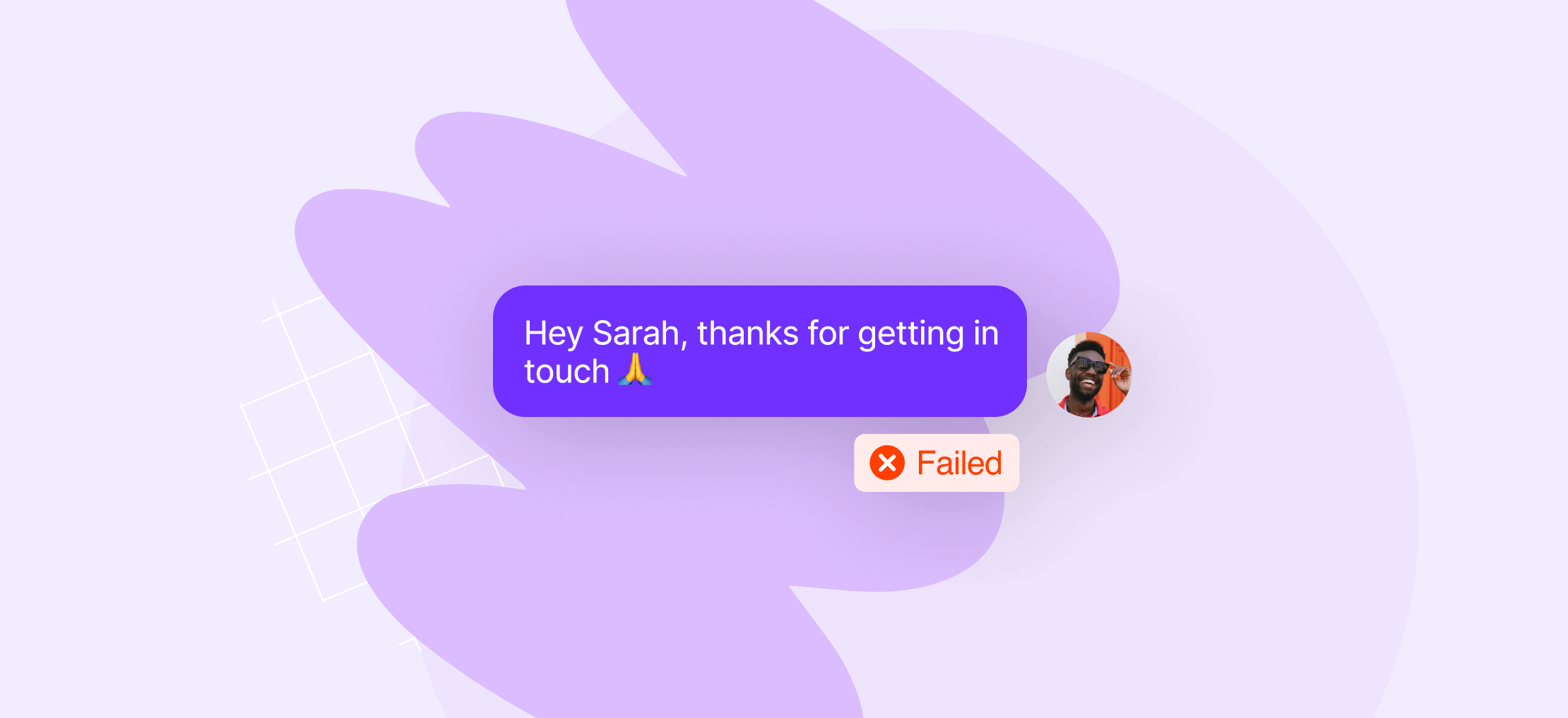

If your text message didn’t get delivered, the most common causes are carrier filtering, an invalid or disconnected recipient number, network congestion, or the recipient’s phone being off. For business texts specifically, missing A2P 10DLC registration or a compliance violation, like no opt-in consent, can also block delivery. Most delivery failures are diagnosable and fixable.
Whether it’s an issue with your recipient’s device or a problem on your end, knowing the root cause can save time and prevent miscommunication. Let’s dive into the common reasons why your text message didn’t get delivered.
Why does my message not say delivered?
Your text message may not say ‘delivered’ due to several reasons. The recipient’s phone might be switched off or out of service range. The recipient might have blocked your number. Or the carrier might be experiencing technical difficulties. It’s also possible you’ve entered an incorrect or non-working phone number.
We’ve seen them all and will share what we’ve learned in this post.
Here are 7 reasons why your message didn’t get delivered.
1. Your message was flagged as spam by the recipient’s carrier
This is the most common reason business texts don’t get delivered — and the one most people don’t see coming.
Carriers actively filter messages they consider suspicious before they reach the recipient’s phone. Unlike email spam, which lands in a junk folder, filtered SMS messages don’t get delivered at all.
While many carriers have their own guidelines and methods for fighting spam, some principles are universally followed. Here are some of the common reasons your number may be marked as spam:
- Suspicious links — especially shortened URLs from services like bit.ly or TinyURL. These are a major red flag.
- High-volume sending from an unregistered number — if you’re sending dozens of similar messages from a virtual local number that hasn’t been registered for A2P 10DLC, carriers will block it.
- All-caps or high-pressure language — phrases like “SIGN UP NOW FOR FREE” or “CLAIM YOUR PRIZE” pattern-match against known spam templates.
- Long messages or repeated content — sending the same message to many contacts in a short window triggers anti-flooding filters. Similarly, if you’re sending 300 messages but only getting 10 responses, it raises a red flag and can lead to your messages being blocked.
- Sending from Google Voice or similar free VoIP numbers — these numbers weren’t built for business texting, and carriers increasingly filter them as spam. If your team has been using Google Voice for customer communication, this is likely why messages are going missing.
Anyone using a local number with a virtual phone solution needs to get verified through The Campaign Registry. This is a third-party organization created from a collaboration by these carriers. If you haven’t already registered and use Quo, you can get verified through the US carrier registration form.
Looking for a more reliable service provider? Check out our guide to the best texting services.
2. You need a different type of phone number
The type of messages you send affects the kind of number you need. If your number isn’t set up properly, your messages may get filtered or blocked.
There are two types of messaging:
- A2P messaging, or application-to-person. If your business sends messages to your customers, you may be engaging in A2P 10DLC messaging. This includes texts like appointment reminders and other transactional texts sent through an app like Quo.
- P2P messaging, or person-to-person. This is when you text someone directly from your cell phone, sending one message at a time. No texting automation or mass messaging is involved. Peer-to-peer texting is usually used for personal conversations, but it can also be used to coordinate with coworkers or request customer feedback.
If A2P describes your use case best, you need to make sure you have an appropriate type of phone number for it. Short codes and certain local numbers approved for high-volume messaging, known as 10DLC or 10-digit long code, will work here. Using a regular local phone number to send hundreds or thousands of messages in a short time span will get your messages blocked by the carriers, especially if you’re not compliant with 10DLC.

If P2P describes your use case, you’ve got nothing to worry about. As long as you don’t send hundreds of messages in a short span of time, you’ll be set.
If you’re looking to send a high volume of messages, talk to our sales team, and we’ll be happy to help find a number type that suits your needs.
3. You’ve entered a wrong number or the number is incorrectly formatted
You’d be surprised how often this happens.
Make sure you’ve entered the number correctly, especially if you’re messaging international numbers. Mistakes in formatting or forgetting to include the country code are common errors that lead to invalid phone numbers.
For instance, if you’re trying to message a number in Mexico, ensure it looks like this: +52 followed by the 10-digit local number.
- ❌ Incorrect: 528908949805
- ✅ Correct: +528908949805
Other common country codes: the UK +44, the US +1, Canada +1, India +91, and Australia +61.
4. The recipient blocked your phone number or opted out
While this is rare, it happens. If the recipient blocks your phone number, your message won’t be delivered. Similarly, some carriers or apps may filter your messages as spam, preventing delivery. If you don’t see a ‘Delivered’ or ‘Read’ notification, this is a likely explanation.
Similarly, if a recipient previously replied STOP to one of your messages, they’ve opted out of your texts. Most SMS platforms, including Quo, enforce this automatically: you won’t be able to message them again unless they reply START to opt back in.

This is a legal requirement under TCPA, not just a platform setting.
5. The content of your message violates carrier or regulatory guidelines
Certain types of content will get your messages blocked regardless of how your number is configured:
- Messages sent outside permitted hours — TCPA defines business texting hours as 8 a.m. to 9 p.m. in the recipient’s local time zone. Some countries, like India, have even narrower windows for promotional messages. Quo’s scheduled messages automatically send outbound messages to the recipient’s time zone, so you don’t have to manage this manually.
- Adult content or references to illegal activity — illicit or illegal content is filtered by carriers under CTIA guidelines.
- Cannabis, firearms, or other regulated industries — these categories face additional carrier restrictions regardless of legal status in the sender’s state.
6. A temporary issue on the recipient’s end
Some delivery failures resolve on their own:
- Phone is off, in airplane mode, or out of range — messages queue on the carrier’s side and deliver once the device reconnects. If the message doesn’t deliver after 24–48 hours, something else is likely the cause.
- Carrier network outage or congestion — rare, but occasional routing errors or outages can delay or prevent delivery temporarily.
- Billing issue on a prepaid plan — some prepaid carriers block incoming messages if the account balance lapses.
If a message you expected to deliver hasn’t arrived after a day or two, assume it’s not a temporary issue and investigate the other causes on this list.
7. You’re texting a landline or a non-SMS-capable number
Despite all advances in technology, there are still phones connected with wires. They don’t support messaging and are limited to calls only. If you text a landline, your message is most likely not getting delivered.

Similarly, if you’re sending to a VoIP number not configured for SMS, or a number that’s been ported in a way that dropped messaging capability, the message won’t deliver.
If you’re working with a business phone number that needs SMS enabled, this is a configuration issue — not something the sender can fix on their end. Contact your provider.
How to improve SMS delivery rates
If you’ve diagnosed the issue, here’s how to improve SMS deliverability and make sure you avoid future problems:
- Register for A2P 10DLC. If your business sends texts through an app or platform, register for A2P 10DLC before sending at scale. Unregistered numbers are the fastest path to carrier filtering.
- Follow SMS compliance best practices. That means following SMS compliance best practices around opt-ins, opt-outs, message timing, and content — both to stay out of spam filters and to stay on the right side of TCPA.
- Choose a provider with strong carrier relationships. Not all business texting platforms are built the same. If you’re currently sending from Google Voice or a tool that wasn’t purpose-built for business messaging, delivery issues are likely to continue. Choose a business texting provider that maintains direct carrier relationships and supports 10DLC registration natively.
- Monitor delivery rates over time. A single undelivered message might be a one-off. A pattern of them points to a registration, content, or sending volume problem worth investigating.
“I wanted to find a much more reliable smartline service for my business. I am so grateful for the amazing and fast customer service, the quick porting experience of my business number, and having such quick and reliable talk and text options.” — Quo user on G2
Quo handles registration, compliance guardrails, and delivery monitoring in one place — so you’re not piecing together a solution after something breaks.


See how texting works with Quo

FAQs
“Not Delivered” means the carrier couldn’t route your message to the recipient’s number. It doesn’t always mean the message was blocked — the phone may be off, out of service range, or the number may be disconnected. For business texts, it often points to a missing A2P 10DLC registration or a carrier filtering trigger. Check that the number is valid and that your account is registered for A2P 10DLC.
Make sure all your contacts have a valid number and they’re not using a device that doesn’t support texting, such as a landline phone. To proactively handle this, if they’re opting in to receive texts from you, the field in your form can say “Cell phone number.”
Confirm you have an active connection through your mobile, data plan, or WiFi. If the message still fails to send, your contact may have opted out of receiving texts from you. If you’re confident that’s not the issue, consider checking with your contact via email that you have the correct phone number on file.
Group messages on Android may not send if there’s an issue with your network connection, if the group message settings are disabled, or if one or more recipients are using a non-SMS platform, like iMessage. Make sure your mobile data is on and group messaging is enabled in your settings.
Similarly, if someone switches the default messaging app on their Android phone without turning off RCS chats first, messages might not come through.
To troubleshoot a “message not delivered” error on your iPhone, check your network connection. You should also ensure you have enough storage and verify that the recipient’s number is correct.
If iMessage fails to deliver, try sending as a regular SMS instead: go to Settings > Messages and turn off iMessage. If that doesn’t help, restart your iPhone or go to Settings > General > Transfer or Reset iPhone > Reset > Reset Network Settings. Just know that resetting network settings will clear your saved WiFi passwords.
If you’re sending business texts to US customers from a virtual phone number, you need to register for A2P 10DLC. If you don’t, your messages won’t be delivered.
There’s no definitive way to know. On iPhone, if iMessages stop showing “Delivered” and calls consistently go to voicemail after one ring, a block is likely — though the phone could simply be off. On Android, the signals are less clear. The most reliable test is calling from a different number to see if it rings normally. For business texting, if messages to a contact consistently fail across multiple sends, try reaching them through another channel first to confirm the number is still active.