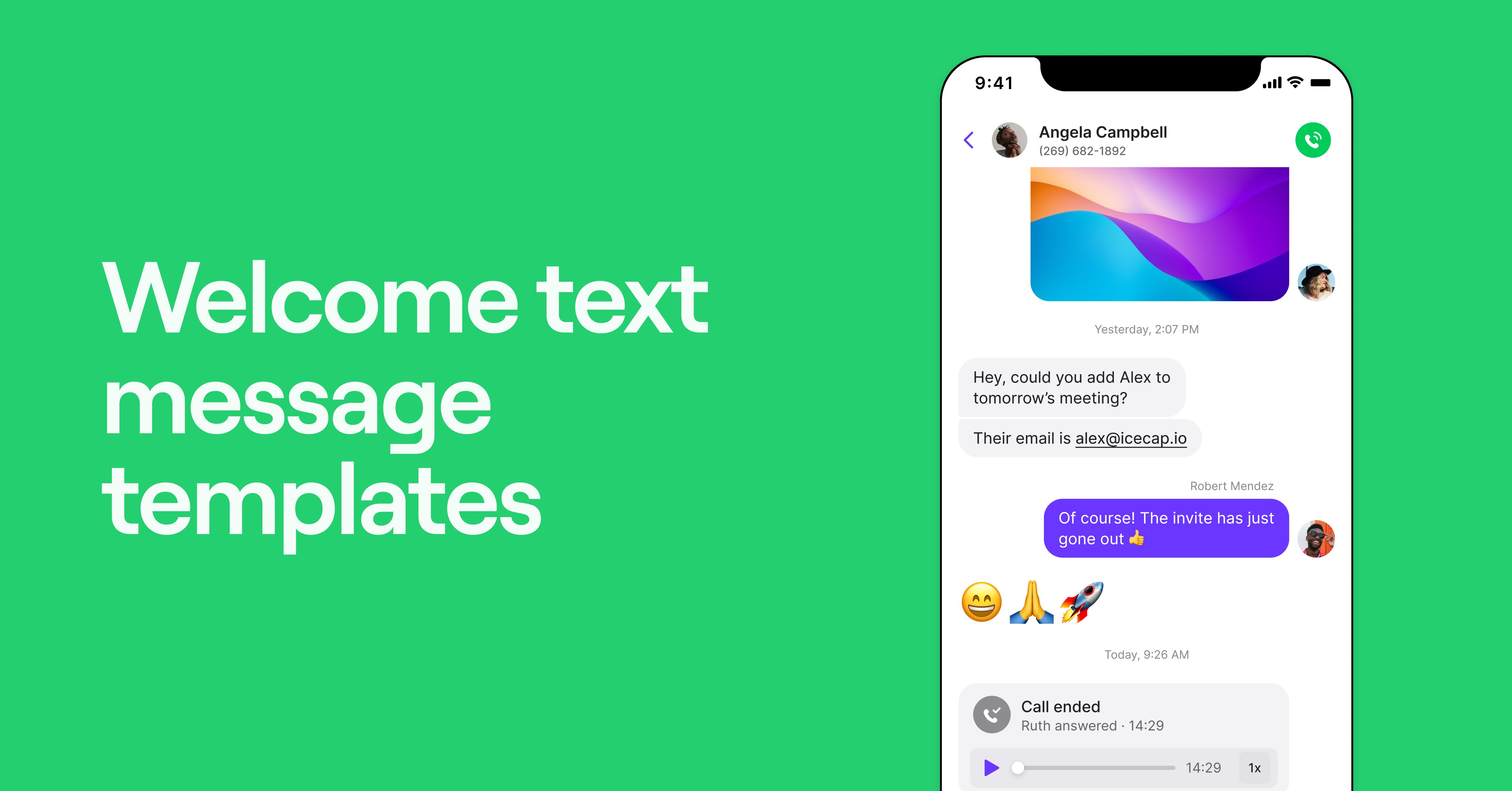
Sending welcome texts can build trust fast by reassuring new customers that they’re in good hands. They save you time by helping you answer common questions upfront, which reduces back-and-forth messaging.
But not every growing business owner has time to write the perfect message from scratch. And manually sending personalized text messages to every customer isn’t realistic, either.
That’s why we’ve rounded up 56 welcome text message templates organized into different categories. You’ll also learn a few texting compliance best practices and two easy ways to send automated texts.
56 welcome message templates
Ready to start sending better welcome texts? Here are 56 templates you can use for new customers, appointment bookings, subscribers, and service clients.
📌 P.S. Don’t forget to bookmark this guide so you never run out of message ideas.
10 Welcome text messages for new customers
Here are a few examples you can use to welcome new customers and make a strong first impression.

- Nice to meet you, [customer name]! I’m [your name], [role] at [business name]. If you need anything, text me here or call [phone number] between [hours]. Reply STOP to opt out.
- [Business name]: You’re in, [customer name]! We’ll send msgs each month with special offers and coupons. Follow us on social media: [handle]. Reply END to opt out.
- Hi [customer name], welcome to [business name]! Text us here if you need anything. Reply END to stop.
- Hi [customer name], welcome to [business name]! I’m [your name], your account manager! Excited to have you here. Text me here if you need anything. Reply STOP to opt out.
- Thank you for joining [business name], [customer name]. If you have any questions, please reply here. To opt out, reply STOP.
- [Customer name], welcome to [business name]. We’re glad to have you here and look forward to working with you. Reply STOP to opt out of further texts.
- Thank you for creating an online account with [business name]. We look forward to serving you. To opt out of future messages, reply STOP.
- Welcome to the [business name] shop, [customer name]! We’re excited for you to try [product]. Need tips on how to use it? Reply here, and we’ll send you a short guide. Reply END to unsubscribe.
- Hi [customer name], welcome to [business name]! To finish setting up your account, please complete this short form: [URL]. Reply END to stop.
- Thanks for reaching out, [customer name]! Our team has your info and will follow up within [timeframe]. Have questions? Msg here. Reply END to stop.
6 Welcome text messages for appointments
When someone books an appointment, a text can confirm the details and make their visit easier to plan and manage. Try one of these short welcome messages to make a great first impression.

- Hi [customer name], your appointment with [business name] is confirmed for [date] at [time]. Here’s how to pay with your credit card: [link] Reply END to stop.
- Thanks for booking [service] at [business name], [customer name]! We look forward to seeing you on [date] at [time]. To reschedule, tap [URL]. To confirm, reply YES. To stop receiving messages, reply END.
- Hi [customer name], welcome to [salon/spa name]! Your appointment is confirmed for [day/time]. Come [number] minutes early, and don’t forget [item]. Reply STOP to opt out.
- Thanks for booking with [salon/spa name], [customer name]. If it’s your first time, here’s what to know: [prep tip or pricing link]. Questions? Just text us. To end msgs, reply STOP.
- Hi [customer name], welcome to [clinic name]! We’re excited to meet [pet name]. Here’s what to bring for your first visit: [URL]. To opt out, reply STOP.
- Thanks for setting up an appointment with [business name], [customer name]. We’ll take great care of [pet name]. Questions? Reply here. To stop messages, reply STOP.
4 Welcome texts for guests
Welcoming guests to your restaurant or hotel? A text can confirm their reservation details and let them know what to expect. Here are a few well-crafted welcome message examples you can use.

- Hi there [customer name], thanks for choosing [restaurant name]! Your reservation for a party of [number] is confirmed for [day/time]. To opt out of messages, reply END.
- Welcome to [restaurant name], [customer name]! Your reservation for a party of [number] is ready at table [number]. [server name] will be your server tonight. Reply STOP to opt out.
- Hi [customer name], and welcome to [hotel name]. Check-in starts at [time]. Please visit the front desk or reply here with questions. Reply STOP to opt out.
- Thanks for booking with [hotel name], [customer name]. We have your itinerary and check-in details here: [URL]. Reply here with questions. To end msgs, reply STOP.
7 Welcome text messages for new subscribers and members
When someone becomes a new member or subscriber, they want clarity on what comes next. Use your welcome text to thank them and let them know what they can expect moving forward.

- [Business name]: Welcome! Get a [number]% off deal on your first purchase of [product name] with discount code [CODE]. Shop now: [landing page URL]. Reply STOP to stop.
- Hey [customer name], [your name] from [business name] here. I wanted to personally welcome you with a discount on [service name]. Use the code here: [URL]. Reply STOP to opt out.
- Thanks for joining [business name], [customer name]! We’ll keep you in the loop here with updates and offers. To end, reply STOP.
- Welcome aboard, [customer name]! Excited to have you at [business name]. Here’s a quick setup guide to get you started: [URL]. To stop, reply END.
- You’re in, [customer name]. We’re excited to have you! Check out this video on how to set up your [business name] account: [URL]. To opt out, text STOP.
- Hi [customer name], welcome to [business name]! What’s the main thing you hope to get from [product/service name]? Just reply here. Reply STOP to opt out.
- Thanks for joining [business name], [customer name]! I’m [your name], the founder. Quick question: what are your goals with [product/service]? To stop messages, reply END.
8 Welcome text messages for service clients
For new service clients, a welcome text is a simple way to confirm details and help them feel prepared. Here are some welcome message examples to get you started.

- Hey [customer name], it’s [your name] from [real estate firm name]. Thank you for choosing me to represent you in the sale of your home. You’ll find a copy of the contract in your email.
- [Customer name], congrats on starting your search for a new home! [Brokerage name] is here to help. Check daily listings here: [URL]. To opt out, text STOP.
- Hi [customer name], welcome to [legal firm name]. We’re honored to have you as a client. We’ll be in touch within [timeframe] to discuss next steps. You can contact client services on [phone number]. Reply STOP to opt out.
- Thank you for choosing [firm name], [customer name]. I’m [your name], and I’ll be guiding you through the next steps. Here’s a video of what to expect: [URL]. Reply STOP to stop.
- Hi [customer name], your cleaning session from [business name] is confirmed for [day/time]. Please secure pets and clear surfaces before our arrival. Reply STOP to opt out.
- Welcome, [customer name]! [Your name] from [business name] will be taking care of your home on [day/time]. Review your prep checklist: [URL]. To end messages, reply STOP.
- Hi [customer name], welcome to [agency]! I’m [your name], and I’m excited to help find your next opportunity. I’ll be in touch within [timeframe]. To stop receiving messages, reply END.
- Hello [customer name], and thank you for registering with [agency name]. Our team will review your application and follow up shortly. Reply STOP to unsubscribe.
7 Welcome back text messages for returning subscribers
When an inactive customer resubscribes to receive your texts again, a welcome back message is a good way to reconnect. It acknowledges their return, makes them feel valued, and gives you a chance to guide them toward what they should do next — all of which can help improve retention.

- Hey [customer name], we missed you — welcome back! If there’s anything you need or if it’s time to book your next [service name], just shoot us a text. To stop messages, reply STOP.
- Hi [customer name], it’s [your name]! Thrilled to see you back at [business name]. Text this number if you have questions or want to pick up where we left off. Reply STOP to opt out.
- Hey [customer name], we’re happy to see you again 💖 To show our gratitude, we’re offering [X%] off your next purchase. Use [code] at checkout to apply your discount. To opt out of future messages, reply END.
- You’re back! [Customer name], we’re happy you’re here. We’ve saved your settings preferences in your account. Simply click the [link] to access it. Reply STOP to unsubscribe.
- Welcome back, [customer name]! We’ve missed you. Here’s what’s been happening while you were away: [link]. Reply END to opt out.
- [Customer name], [brand name] is honored to have you back. We’ve been working to create the best possible user experience. Check out our site improvements here: [link]. To opt out of msgs, reply STOP.
- [Customer name], I’m [your name], founder of [brand name]. I wanted to personally welcome you back and share a surprise! Use [code] at checkout for a mystery discount! [GIF]. To unsubscribe, reply END.
6 Welcome text messages for employees and contractors
When you bring someone new onto your team, a welcome text can set the tone for their first day and make onboarding easier. Here are a few templates you can send to new employees and contractors.

- Hey [employee name], welcome to the team! We’re excited to have you as a valuable asset in our journey! Best, [your name].
- Welcome to the team! Everyone at [company name] is excited to give you a warm welcome in person. See you on [date]!
- [Business name] welcomes you as a new member in [department name]! On your first day, come to [location] by [time] and ask for [contact name]. Please bring [item]. Text us here if you need anything.
- Welcome to the team, [employee name]! This is [your name] from [business name]. Looking forward to our Zoom call on [day] at [time]. Text here with any questions!
- Hey [employee name], it’s [your name] from [business name]! Looking forward to working with you. Would love to connect this week for kickoff. Grab a time on my calendar: [URL].
- [Employee name], [business name] welcomes you as a contractor for [department name]. Please complete this onboarding training and join the freelancer Slack channel: [URL].
8 Seasonal and special occasion welcome text messages
Sometimes your warm welcome message needs a seasonal touch. Whether it’s a holiday greeting, a seasonal marketing campaign, or a note when your team is out of office, these templates give you a place to start.

- [Business name]: We appreciate you joining our community. Wishing you a joyful holiday season and a Merry Christmas! To opt out, reply STOP.
- Welcome to the new year, [customer name]! [Business name] is kicking off the new year with new deals + discounts. Browse the sale here: [URL]. Reply END to stop.
- Thanks for joining the [business name] family, [customer name]! We hope you’re having a happy 4th. Browse our 4th of July deals here: [URL]. Reply STOP to opt out.
- Hi [customer name], this Thanksgiving, we’re thankful for you! Welcome to the VIP club at [business name]. Hoping you and yours enjoy the holiday! Reply END to opt out.
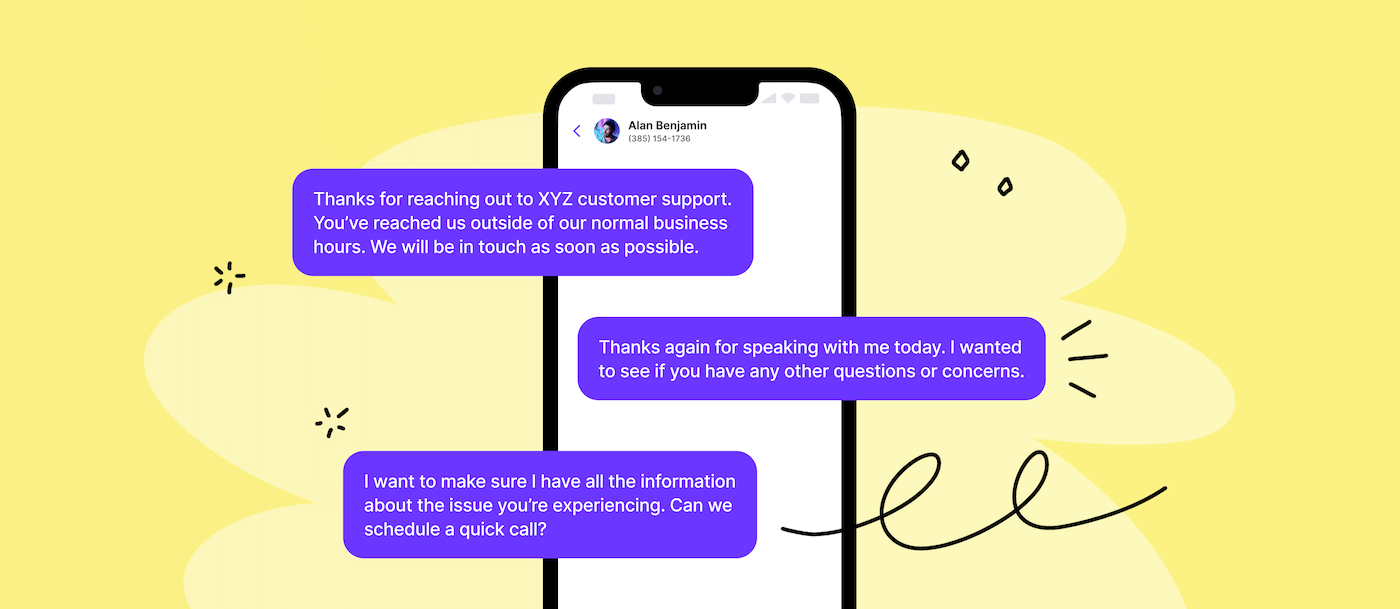
- Hi [customer name], thanks for signing up with [business name]! We’re currently away but will get back to you during business hours [date/time range]. Reply STOP to stop.
- [Customer name], it’s [your name] with [business name]. Welcome! I’m currently out but will follow up [timeframe]. Thanks for your patience! You can also contact customer support on [phone number]. To opt out, reply END.
- Hi [customer name], welcome to [business name]! To finish setting up your account, please complete this short form: [URL]. Reply END to stop.
- Thanks for joining [business name], [customer name]! Ready to book your first session? Schedule here: [URL]. Reply STOP to opt out.
How to automate sending greeting messages on Quo
You can try sending welcome messages manually. But this becomes unfeasible as you grow. That’s why most scaling businesses automate welcome messages to take one more thing off their plates.
If you’re a Quo, formerly OpenPhone, user, you have two options.
- Method 1: Snippets, or pre-written templates. This is a great option for lower-volume messaging. You can save any go-to message as a template and pull it up quickly by typing /snippets in any conversation thread. Then, all you have to do is personalize it and hit send.

Need your message to go out later? You can schedule texts in the web, desktop, or mobile app.
- Method 2: Quo’s API or automation tools, like Make or Zapier, to send texts. You can set up automated texts based on specific conditions or triggers.
For example, you might set up an automation with Zapier, Jotform, and Quo. This automation sends a message when someone fills out a form on your website, like signing up to your email marketing list.
How to write effective welcome messages
A great welcome message should feel personal and easy to act on. It’s often the first message someone receives from your business, so clarity, tone, and compliance matter. Here’s how to write a welcome message that builds trust and improves the customer experience:
- Start with consent. Always comply with TCPA regulations before texting anyone. That includes getting SMS opt-in first and clearly identifying yourself so your messages don’t get marked as spam. You should also offer a simple opt-out, like “Reply STOP to unsubscribe.” Keep in mind that if someone texts you first, that counts as implied SMS consent for that specific conversation.
- Personalize the message. Use the recipient’s name and any relevant details, like their appointment type or location. This makes sure the message feels personal, not automated.
- Keep it short and easy to read. Stick to one or two clear points so your text feels helpful rather than overwhelming.
- Set expectations early. Let people know what kinds of messages you’ll send — updates, reminders, resources, or anything else that helps them stay in the loop.
- Make replies effortless. Include your contact information or let them know how to reach your team members if they need help.
- Send it immediately after the client connects. This could be when they opt in, book an appointment, or message your number for the first time.
Start sending welcome text messages with Quo

Welcome text message templates help service-based small businesses make strong first impressions. They also build trust and help you respond to customers faster — without having to start from scratch every time.
Quo simplifies business texting. It offers a wide range of features designed for small business owners:
- Snippets, or templated messages, speed up communication and keep it consistent.
- Auto-replies let you respond to missed calls, texts, and voicemails and set expectations.
- Scheduled texts help you queue up messages in the customer’s time zone so you can send them during business hours. This also helps you stay TCPA compliant.
- Shared SMS inboxes let teams split responsibility for incoming calls and texts. They help ensure every customer gets a timely, consistent response.
- CRM integrations allow you to integrate directly with HubSpot and Salesforce. If you use another CRM, you can connect it with Quo’s API.
- Sona, Quo’s AI voice agent, can automatically pick up the phone when you aren’t available. Plus, it can send welcome texts during live calls so callers get the information they need without waiting on a rep.
Sign up today for a seven-day free trial and see how Quo makes it easy to build better relationships with customers.
FAQs
A good welcome message should be short and clear. It should also introduce you and your business and explain how customers can opt out at the end of your message, e.g., “Reply END to stop.” It might also benefit from a call to action, like asking someone to watch a personalized video before onboarding.
Start by writing a short, friendly message. It should introduce your business, set expectations, and share next steps or contact info. Keep it personal, and make sure you have the recipient’s permission to text.
Then, use a business phone system like Quo. Once you sign up for an account, you can complete carrier registration to text numbers in the US. After you’re approved, you can send free messages to the US and Canada and even automate welcome texts with Zapier or Make.
For one thing, welcome SMS messages get more attention than welcome emails because people check texts more often than emails. Plus, emails often get buried in crowded inboxes — while texts show up even on locked screens.