.svg)
Salesforce
Call and text your leads, save contact notes, and close more deals


Overview
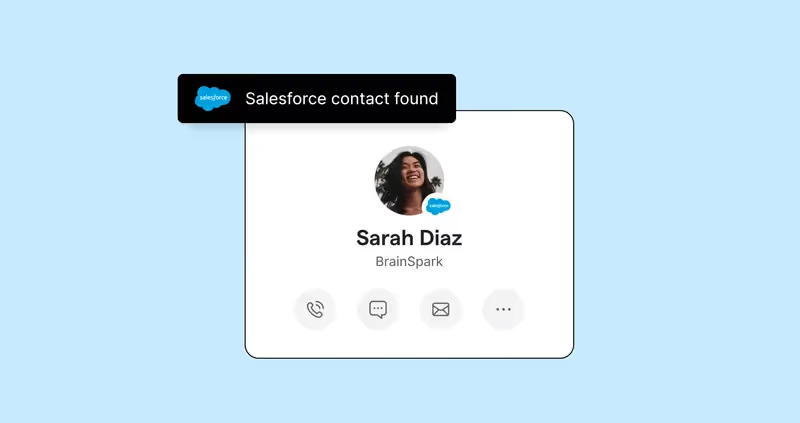
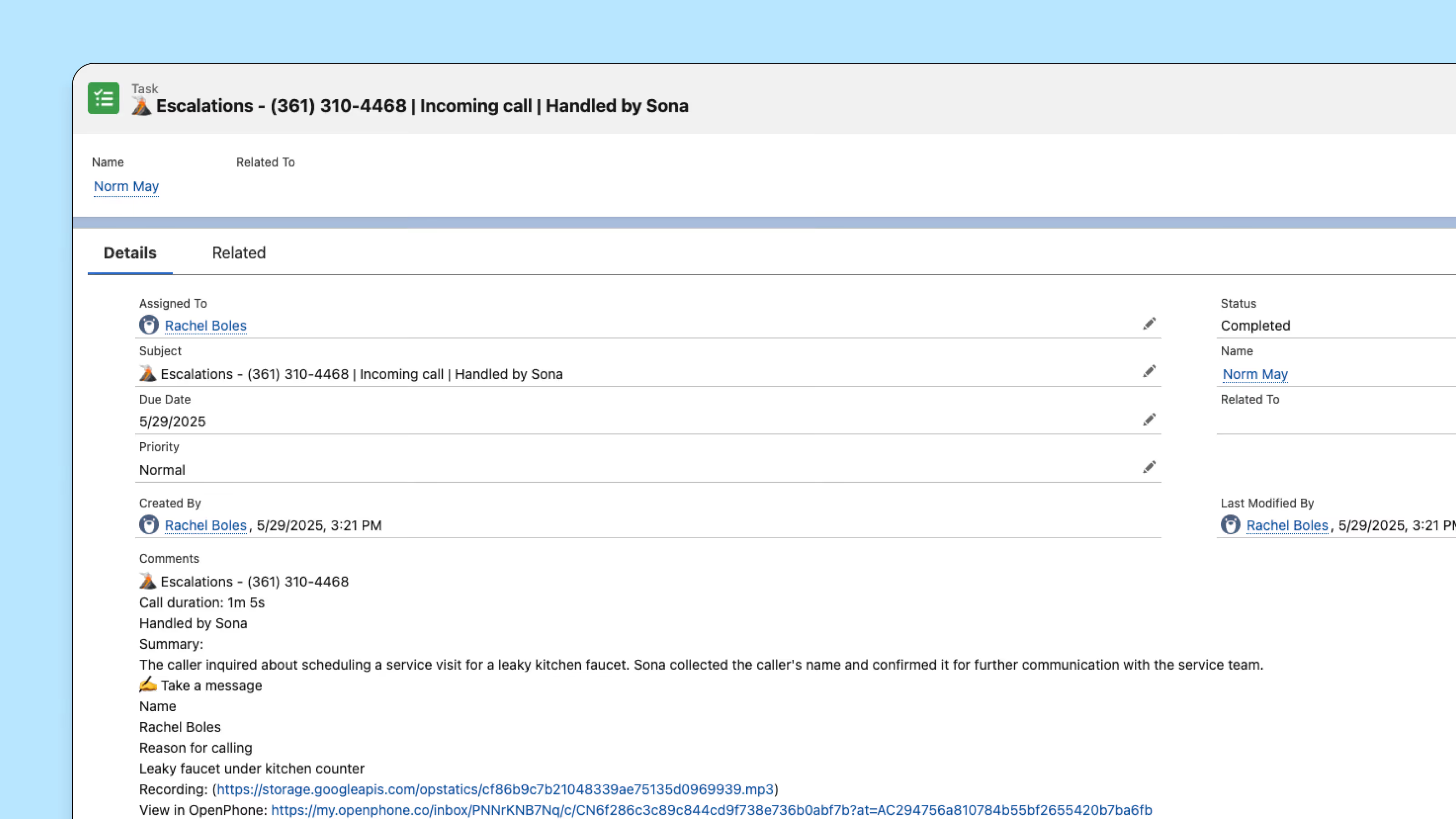
Salesforce and Quo work together to give your sales team complete visibility into every customer conversation by automatically logging calls, texts, and voicemails-along with AI generated call summaries-directly to the correct contact, lead, or opportunity record in Salesforce without any manual effort.
With one-way contact sync from Salesforce to Quo, your phone system stays up to date with the latest contact information, eliminating duplicate records and ensuring your team always has accurate data at their fingertips. And when it's time to reach out, your team can click-to-call directly from Salesforce using your Quo business number, while AI-powered features ensure you never miss an inbound lead—allowing you to move faster, close more deals, and maintain the personal touch that builds lasting customer relationships.
Get started
Follow these steps to connect Salesforce with Quo:
- Go to the Quo web or desktop app.
- Select "Integrations" under the Workspace settings.
- Select Salesforce and click “Connect to Salesforce”.
- If you haven’t already, log into your Salesforce account. Salesforce will ask you to confirm the Salesforce account you want to connect to Quo.
- After you confirm you wish to connect the apps, you’ll be redirected back to the integration settings in Quo. From the integration settings, you will be able to configure whether you want to log calls for all numbers or specific lines in your workspace.