Sona AI agent

Never miss a call. 

Never miss a customer.

Your always-on AI agent. Sona answers calls 24/7 so you never miss a customer or lose an opportunity.
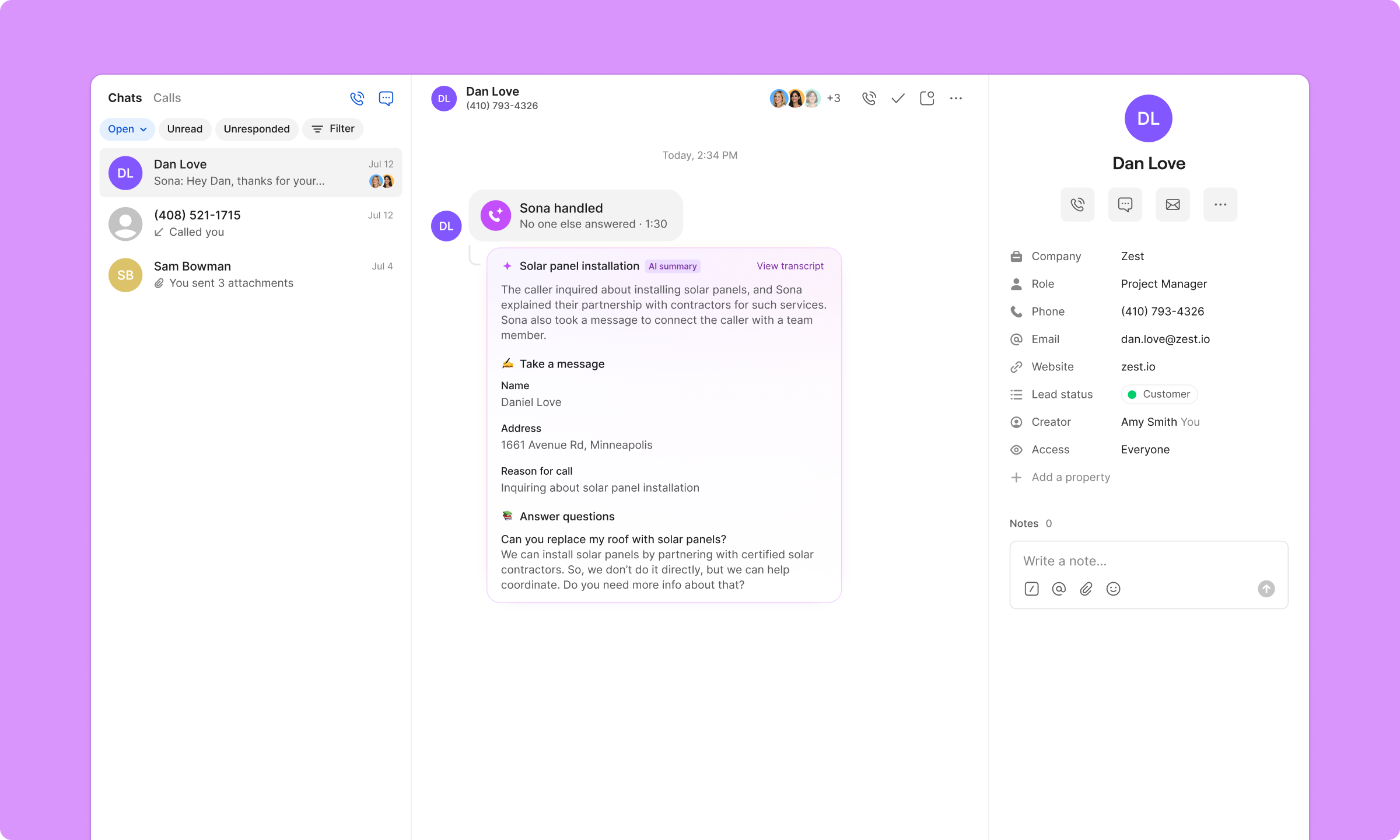
User interface showing a chat conversation about solar panel installation including caller details, a summary by Sona, and a response with a link to local licensed contractors.

Experience Sona for yourself

Call Sona to get a feel for how it works. Ask questions about capabilities, setup, and how it fits into your workflow.
Talk to Sona
Call the number below to talk to Sona and ask questions.
Ready to use Sona?
Start your free trial today
Handled by Sona

Smarter than voicemail, more affordable than an answering service

Sona greets callers, answers questions, and captures messages at a fraction of the cost.
Hear Sona in action
What your team sees
Call flow builder

Customize Sona to work your way

Voicemail is a dead-end, leaving callers without answers. With Sona, responses are tailored to your business, guiding callers to provide the key information you need to follow up.
Control when Sona handles your calls
Add Sona to multiple points in your call flow so it can step in whenever you're unavailable. Customize its greeting, the questions it answers, and the information it gathers from callers.
Flowchart showing an incoming call routing: phone menu offers option to press 1 to ring users simultaneously for 30 seconds or no selection to voicemail; if call is missed, virtual assistant Sona handles the call. Sidebar describes Sona’s features and setup options.Call flow diagram showing incoming call, phone menu, ring users or voicemail, and Sona handling calls if missed, with Sona assistant setup panel on the right.
Three labeled white boxes on black background: Business description with briefcase icon, Opening hours with clock icon, Team information with group icon.
Make Sona an expert on your business
Add details such as your business name, company description, operating hours, products or services, pricing, FAQs, and more.
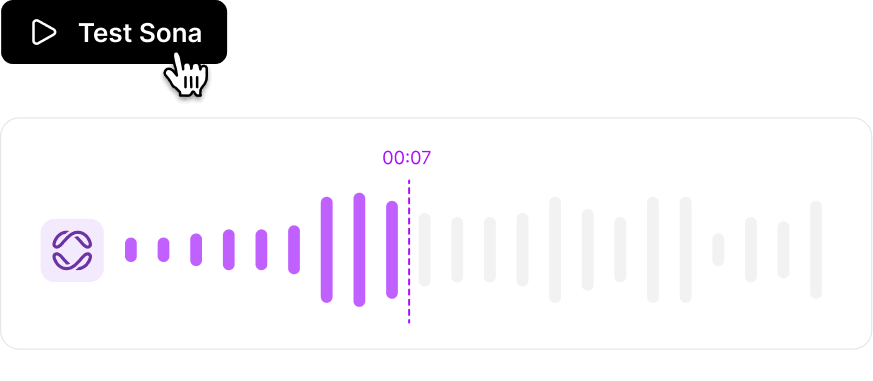
Audio player interface showing a purple play button labeled 'Test Sona' and a waveform progress bar paused at 7 seconds.
Test Sona before launch
Hear Sona's responses to know exactly what your customers will experience.
Instruct Sona to handle specific scenarios
Go beyond basic call handling by telling Sona exactly what to do, send scheduling links, transfer calls, or route to specific departments, so every step fits your workflow and callers get the right next step.
Instructions for new client intake including triggering conditions, steps to book an appointment via SMS, and transferring calls to the front desk.
Automatic oversight

Complete and effortless oversight

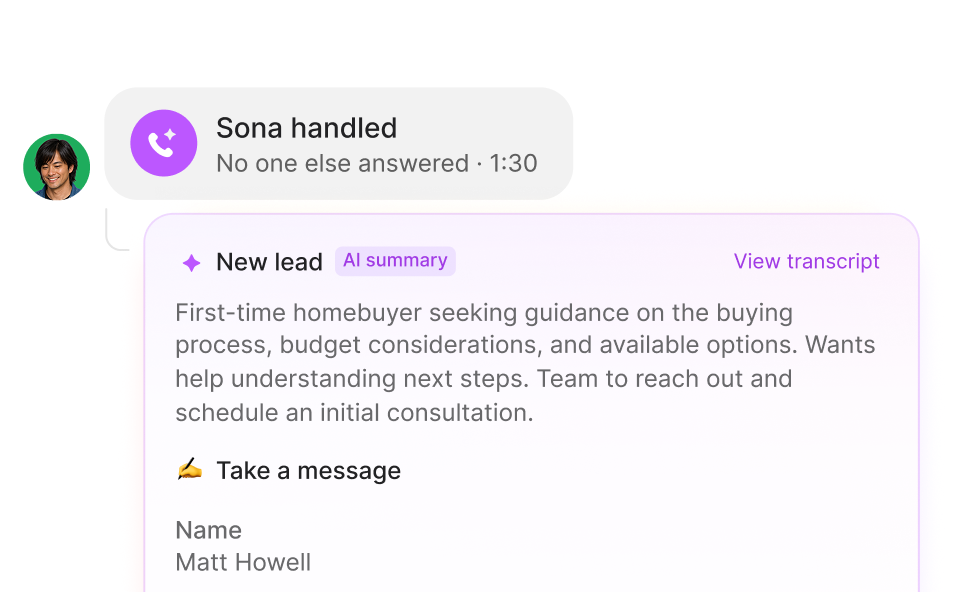
Keep track of every call without effort. Sona records, summarizes, and organizes conversations right in your Quo workflow.
Conversation notification showing 'Sona handled, No one else answered, 1:30'. Below, a new lead summary describing a first-time homebuyer seeking guidance on buying process, budget, and options, with a message to schedule a consultation. Name listed as Jennifer Cross.
Handled by Sona
Easily view and filter a list of calls handled by Sona on all your devices.
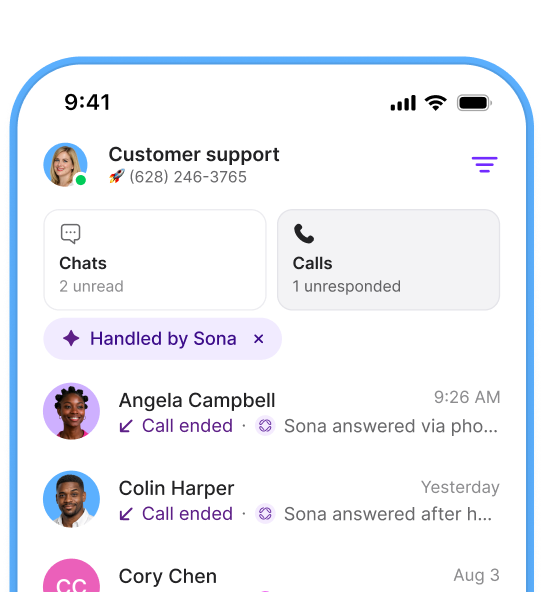
Mobile screen showing a customer support app with unread chats and unresponded calls, listing recent calls handled by Sona from Angela Campbell and Colin Harper.
Automatic call logging
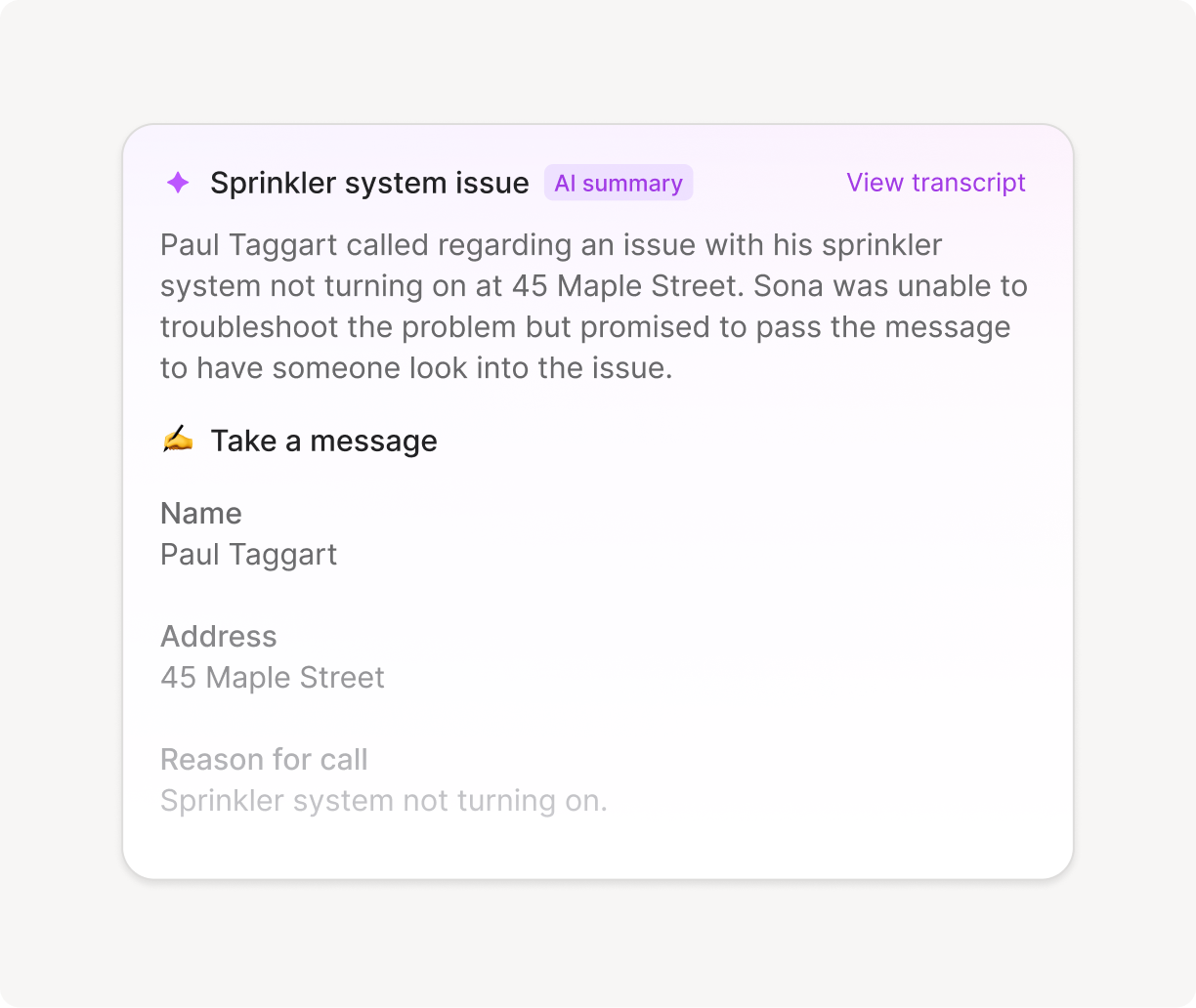
Every Sona call is recorded and includes an in-depth summary for easy follow-up.

Watch a demo of Sona

Presented by Justine Delgadillo
Interface showing drag-and-drop action replacing voicemail with Sona, marked as new, with cursor hand grabbing Sona.

Sona can help...

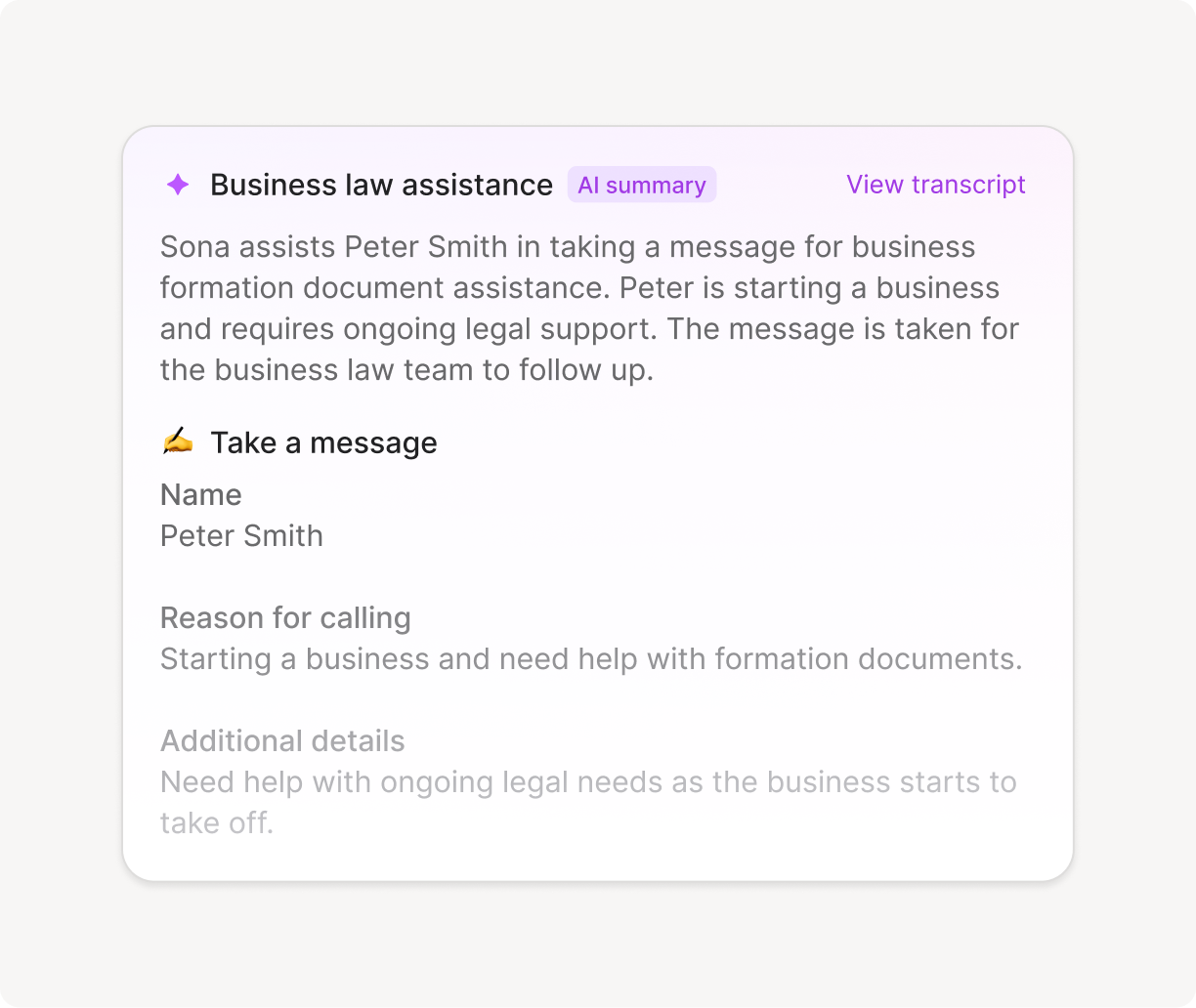
Take a message

If you’re in a meeting, on another call, or simply unavailable, Sona can handle incoming calls, take messages, and provide basic information to callers.
Profile photo of a thoughtful person next to a purple icon, with text reading 'Sona is handling Call in progress...'

Capture leads

Customize the questions Sona asks new leads so your team has the info they need to follow up.
Instruction card titled 'Take a message' with details to capture caller’s name, reason for calling, and notes to collect property size and specific service needed, asking for urgency if mentioned.

Answer questions

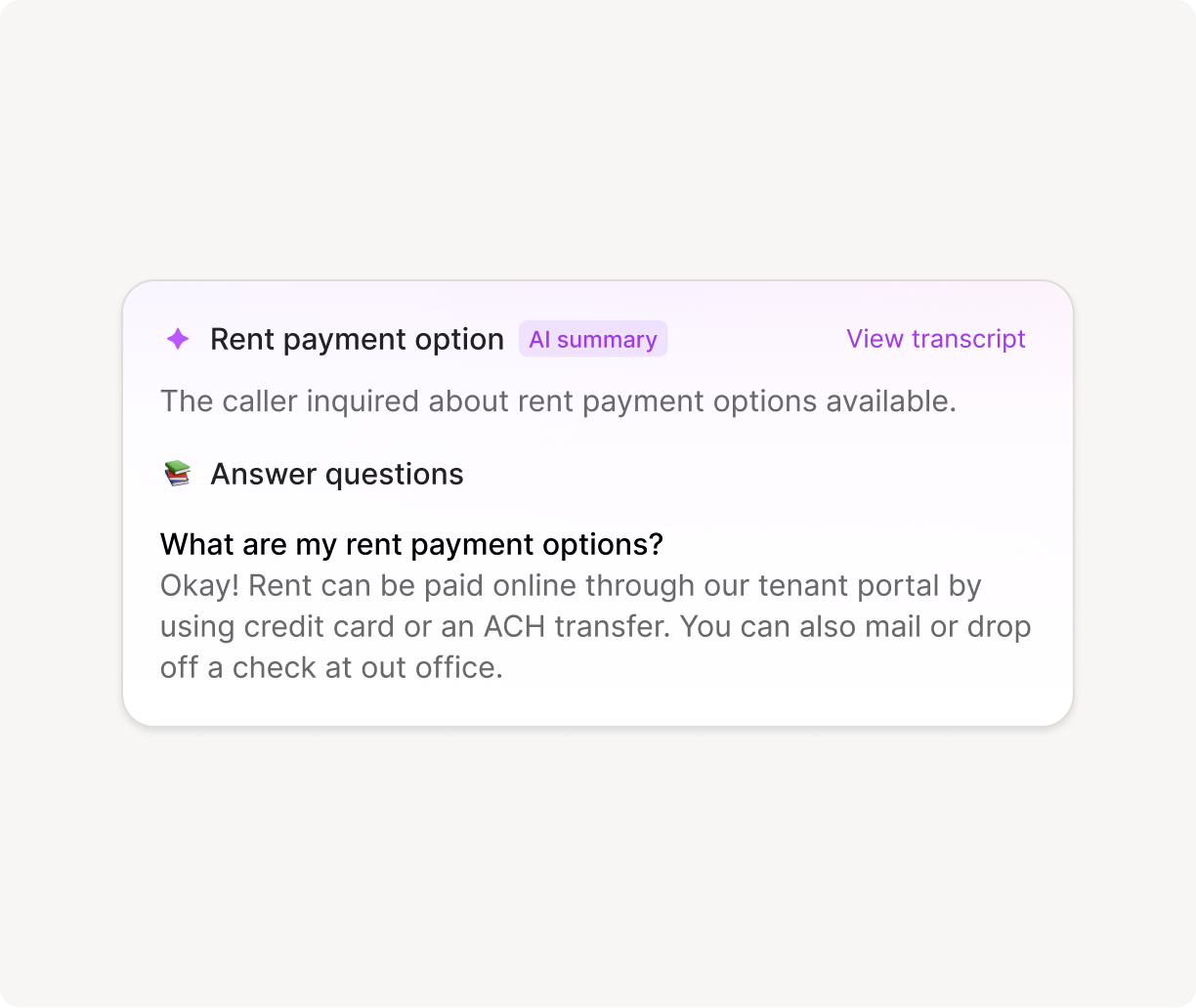
If customers often ask about business hours, appointment availability, pricing, or services, Sona can answer instantly, reducing the need for human intervention.
Transcript of phone call between Angela Campbell and Sona about weekend work hours and electrician licensing.

Transfer calls

When customers need a real person, Sona seamlessly transfers them to the right teammate or department for a fast, professional experience.
Call transfer request from Sona to connect with Maggie Sullivan about an incorrect charge in her July invoice, with Reject and Accept buttons.

Send SMS

Send SMS messages to callers while they’re still on the line. Share scheduling links, forms, directions, and more.
Interface showing instructions for booking an appointment with options to Send SMS or Transfer call, with a cursor hovering over Send SMS.
Every Wednesday at 10 AM PT / 1 PM ET

Join the live Sona webinar

See Sona in action, get your questions answered, and hear our vision for AI.
Two smiling women with purple background next to a white abstract logo on a purple gradient square.Portraits of two smiling women above a purple square with a white abstract looped logo.Two smiling women with purple background next to a white abstract logo on a purple gradient square.
Compare

Ready to switch?
Why teams choose Quo

No training required
Dialpad's enterprise dashboards can be hard to learn and navigate
Always on, 24/7 AI assistance
Dialpad's AI requires expensive upgrades and coaching to use
All-inclusive plans staring at $15 per user
Dialpad's base price jumps to $45+ for a similar level of features
Shared inbox and full-thread visibility for complete context
Dialpad has siloed conversations and admin-heavy workflows. ⁠
Built to help you give a personal touch at scale
With Dialpad you have to dig through call center metrics
Transparent with predictable costs
Dialpad has toll-free fees and per-minute international charges
All-inclusive plans starting at $15/user
RingCentral has custom pricing with add-ons
Easy to get started
RingCentral takes more time to configure and set up
Included Sona AI answers calls 24/7
RingCentral spreads AI features across several expensive tiers
SMS approved fast with Quo
RingCentral's lengthy waits for approvals lose customers
Created to build customer relationships
RingCentral has complex internal collaboration dashboards
Calls, texts, and customer context in one thread
RingCentral spreads conversations across separate apps and dashboards
All-inclusive plans starting at $15/user
Nextiva's entry level plan has no phone service
Unified calls, texts, and easy CRM from day one
Nextiva is $30-36/user just for basic calling and nothing else
Sona for handling first responses is included
Nextiva requires a $40-75/user tier for any AI assistance
Unlimited business texting included
Nextiva has 100-250 SMS per-month caps that lose you customers
Streamlined for simple relationship building
Nextiva has limited features paired with complexity
No hidden fees, transparent pricing
Nextiva has add-on pricing to access to basic features
Starting at $15/user with no minimums
Aircall requires a 3-license minimum purchase for $30-50/license
Unlimited toll-free with Sona AI included
Aircall has hidden fees and $9/user AI add-on
Unlimited texting with no caps
Aircall limits you to 4,000 messages and charges extra for each additional text
Advanced analytics included
Aircall requires a $50/user Professional plan for reporting
All-inclusive plans with no surprises so you can scale
Aircall has a complex per-license model that requires purchasing unnecessary licenses so they can scale
Shared inbox and full customer history for every teammate
Aircall’s call-centric workflows make it harder to keep texts, voicemails, and notes in one thread
Complete platform starting at $15/user
Google Voice has a $50 Google Workspace subscription required
Shared numbers and team inboxes
Google Voice allows only single user lines
24/7, always-on responses from Sona
Google Voice just has extremely basic voicemail and transcription
CRM integrations and phone menus built in
Google Voice just has consumer calling features
Unlimited texting without restrictions
Google Voice has limits and restrictions
Make calls globally on day one
Google Voice has a US-only limitation on their Starter plan
Unlimited calling starting at $15/user
Zoom's entry plan charges for every outbound minute
Sona handles routine calls and texts 24/7
Zoom Phone has basic transcription focused solely on meetings
All-inclusive plans starting at $15/user
Zoom requires $18-22/user bundles for the basics
Designed for customer conversations
Zoom Phone was created as a way to make a little extra money from video conferencing
Real CRM and business integrations
Zoom's has a limited phone system ecosystem
Calls, texts, customer info unified
On Zoom Phone they are scattered across meeting and phone apps
Ready to make a call?
Start your free trial today

Don’t just listen to us

Headshot of a man with short dark hair and a suit against a purple background.
Christopher Sands
CEO
“With Sona, I never worry about missing a call again. It’s like having a smart, reliable assistant who always picks up. It’s professional, friendly, and on it 24/7.”
Logo text reading 'HANNON DePALMA' with a stylized blue 'H' and a decorative symbol between the words.
Smiling blonde woman with shoulder-length hair against a purple circular background.
Kendall Carameros
Co-founder & COO
“Sona ensures that no calls go completely unanswered. Having someone available to take their information—even after hours—gives customers a better impression of Nutiliti. It reassures them that their concerns are being noted and will be addressed promptly.”
Nutliti company logo
Portrait of a smiling man with short brown hair against a blue circular background.
Jon Christensen
Co-founder
“Prior to adopting Sona, we struggled with consistently capturing after-hours communications, resulting in missed opportunities. We now have absolute assurance that every incoming call is handled promptly.”
Bidmii brand logo in gray stylized text.

Frequently asked questions

How much is Sona?

Sona starts free — you get ~10 calls a month at no cost. If you need more, paid plans begin at $25/month and scale based on usage, with lower per-call rates at higher tiers. You only pay for what you use, and you can cap usage to avoid unexpected charges.

Which Quo plan do I need to be on to use Sona?

Sona is available as an add-on for all Quo plans: Starter, Business, and Scale.

Can I purchase Sona while on a free trial of Quo?

No, you must be on a paid Quo plan to purchase Sona. Free trial users will need to convert to a paid plan first before adding the Sona add-on.

Is there a free trial of Sona?

Eligible customers can start a 7-day free trial of Sona. The trial includes full access to Sona’s features with unlimited usage. After 7 days, it auto-converts to a paid subscription unless canceled.

To start a trial, you must meet all of the following criteria:

  • Be on a paid Quo plan (not a free trial)
  • Use Stripe billing (not Apple iOS subscription)
  • Be a workspace Admin or Owner
  • Your workspace must not have previously trialed Sona
Can I test Sona before purchasing if I have an active Quo account?

Yes, you can drag the Sona block into your call flow and fully configure and test it before purchasing. When you try to publish the changes, you'll be prompted to purchase the add-on.

What languages does Sona support?

Currently, Sona only supports English. If a caller speaks another language, Sona won't be able to respond. We're working on adding support for additional languages in the future.

Can I configure Sona to handle different situations?

Yes, you can add multiple Sona steps in your call flow and configure each one differently. For example, you might have different knowledge or greetings during business hours versus after hours.

Can Sona make outbound calls?

Sona currently answers only inbound calls.

Does Sona work with other phone systems?

No, Sona is built to be used in Quo only so you can manage all your phone communication within one platform.

Never miss a call again

Sona answers every call, provides instant responses, and captures key details — so your business stays responsive 24/7 without the hassle of voicemail or the cost of an answering service.