Is your business phone constantly ringing off the hook? Congratulations! More calls usually mean more business.
But high call volumes can also mean a greater risk of missed customer requests, delayed follow-ups, and unresolved issues. How can you prioritize conversations effectively and stay responsive without dropping the ball??
This is the magic of a call filtering system: a process that helps you handle, organize, and prioritize calls. This makes it easier to send important calls to the right people, schedule follow-ups with customers, and keep spam out of your voicemail.
In this guide, we break down how to filter calls for managers (plus a few best practices using a phone system like Quo).
How call filtering works
Call filtering helps you handle and organize phone calls so you can easily identify and prioritize them, route callers to team members, and manage follow-ups faster.
There are two different ways to manage call filtering:
- Incoming call filtering: This lets callers get where they need to go. You can screen or route callers in real time with tools like spam blocking, call routing, and phone menus (IVR).
- Post-call filtering: This helps you organize completed calls, prioritize which ones need attention first, and manage your follow-ups effectively. You can also analyze data from your call summaries and transcripts to improve responses.
Using them together makes it easier to create a seamless customer experience, avoid overwhelming your team, and look more professional to callers.
How to use Quo to filter calls for managers
Quo gives managers tools to filter calls at every stage — when they’re incoming, missed, or recorded — so you can prioritize customers and keep spam out.
Let’s take a closer look:
1. Filter calls as they come in
Quo can help you filter incoming calls and direct them to specific people or departments.
For example, with business hour call routing, you can automatically filter calls based on the time of day — handling them differently during open hours versus after hours.
Work schedules further refine routing by only sending incoming calls to team members who are working — speeding up responses and protecting off-duty employees’ work-life balance.
You can use the call flow builder in your Quo settings to direct calls based on specific criteria (such as during vs. after business hours, by availability, or by team members or departments).


Pro tip: Managers for teams that have multiple shared numbers can use Do Not Disturb mode (DND) to mute the numbers they don’t want notifications for. Learn how to send callers to voicemail with Do Not Disturb.
Next up is IVR call routing to guide customers through preset phone menu options (like “press one for sales” or “press two for technical issues”). This is helpful for two reasons:
- Since robocalls can’t navigate phone menus, IVR stops spam calls from ringing your phone number.
- Phone menus give customers autonomy to pick where they want to go — and even access self-service options for better user experiences. In Quo, you can set up menu extensions that play audio recordings with answers to FAQs so customers can get help on their own (which 69% of them want).

2. Add spam callers to blocklist
As a last line of defense, add spam callers to your blocklist. Quo blocks numbers across your entire workspace so you can stomp out robocalls for your whole team.

3. Use call views to quickly summarize and organize conversations
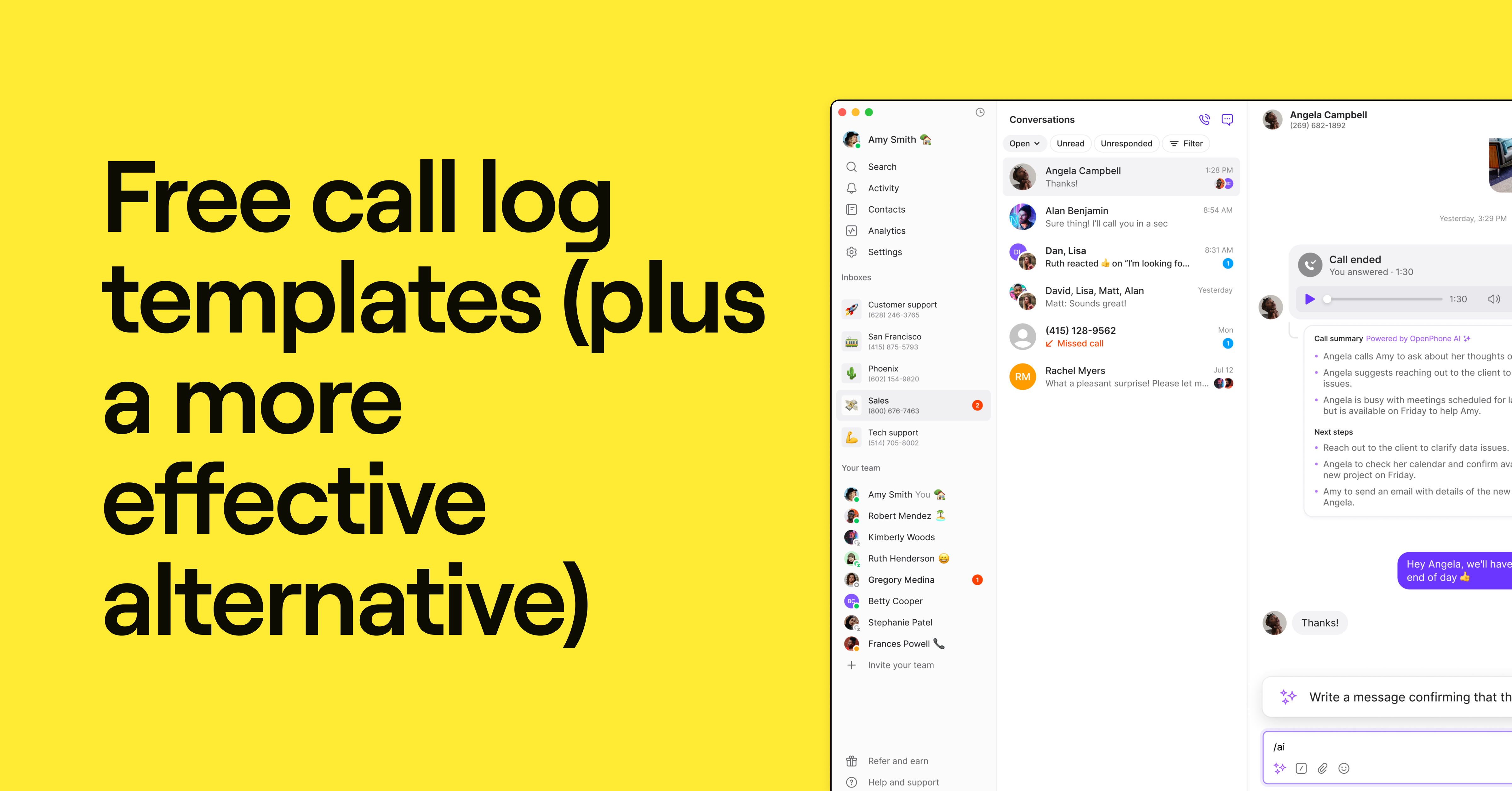
Call views is a more organized alternative to call logging — you won’t need to worry about manually recording call activity or introducing human error. It also keeps your caller information in the same place so everyone on your team can keep an eye on past conversations.

From your call view, you can quickly filter your shared inbox by:
- Call status: Sort call status by “Open,” “Ended,” “Unresponded,” or “Missed” to easily prioritize follow-ups. You can also mark conversations as “Done” to check completed conversations off your to-do list.
- Date: You can use date to focus on recent calls, like those within the last day or week. This makes it easier to prioritize calls or to make your way down your to-do list from the oldest to the most recent requests.
- Team member: Review call activity for team members to track follow-ups and daily responsibilities. You can also identify coaching opportunities and offer personalized support whenever they need help.
4. Review voicemail transcriptions for faster follow-ups
When a caller leaves you a voicemail, Quo automatically transcribes it to text. Reviewing voicemail transcripts gives you context at a glance without needing to playback any recording. That way, you can prioritize callbacks and respond faster to customers who need attention.

5. Use call tags to spot key conversations
If you’re on Quo’s Scale plan, you can organize your calls with call tags. Quo’s AI will automatically tag calls with preset or custom tags related to the content or context of a conversation.
If you’re in charge of escalation management, you can use call tags to pinpoint sensitive and negative customer interactions. You can also look for trends or spikes to spot common problems and brainstorm ways to fix them.
For example, you might set up AI call tags for:
- Customer sentiment
- Priority (like “urgent” or “general question”)
- Subject (like “cancellation” or “customer support inquiry”)
You can also filter calls by tag to prioritize follow-ups and see which callers need attention.

Once you’ve found the call you need, you can access detailed call summaries and recordings and easily identify actionable items.
6. Manage missed calls automatically
Missed calls are inevitable — but they don’t have to mean lost business. With Quo (formerly OpenPhone), you can manage missed calls with auto-replies and conditional call forwarding.
Auto-replies let you instantly send texts when you miss calls, receive voicemails, or get messages after hours.
This is a great way to set expectations so customers know they’ve reached the right place. In Quo, managers can set up custom automated messages during and after business hours. Customers will know their request has been received, and your team will have time to follow up when they’re available.

7. Avoid missing calls
You can use Quo’s AI agent, Sona, to manage calls that would otherwise be missed. This helps automate customer service in two ways:
- Answers common caller questions: If you feed Sona information like your hours, location, or pricing, it can instantly answer your callers’ FAQs. This spares customers from waiting in line and keeps team members from adding another callback to their day.
- Takes detailed messages: If a call does require follow-up, Sona proactively gathers the information you specify (like name, reason for calling, urgency, and best callback time). You’ll get a clear summary of this information so you can quickly prioritize who to follow up with first.

Why should small businesses filter calls
Here’s how filtering calls can help your team operate more efficiently:
- Improve customer satisfaction: Forty-four percent of customers get annoyed, angry, and irritated when waiting 5-15 minutes. But since call filtering helps teams route calls and prioritize follow-ups more effectively, callers spend less time waiting for a reply. This results in fewer call escalations and happier customers.
- Save time for other tasks: No need to listen to entire call recordings or voicemails. With call filtering tools like transcripts and call tags, you can quickly get the gist of a call in a short time.
- Stay focused on mission-critical tasks: Call filtering can help you sort routine questions (like pricing or billing issues) from emergencies (like a burst pipe or a network outage). Call filtering also helps you set priorities for callbacks so your team knows what to tackle every day.
- Boost team productivity: Call filtering stops spam calls from cluttering up the line — and fewer spam calls means more available team members.
Make filtering calls a breeze with Quo (formerly OpenPhone)
Call management isn’t for the faint of heart — but it’s light years easier with the right phone system. Quo makes it easy to filter incoming, completed, and missed calls so managers can streamline their work and keep their teams on task.
Our IVR call routing does away with spam callers so your customers can connect with your team more quickly. Then, you can jump into call views to sort conversations by call tags, review action items, and build better relationships with your customers.
But Quo offers a lot more than just call filtering functionality. You can get as many numbers as you need (local US or Canadian or toll-free), share numbers to split responsibility for call handling, and collaborate better on follow-up tasks and customer interactions with internal threads.
Sign up today for a free trial of Quo to see how it can help you make your customer communication process more efficient.
FAQs
Call filtering is a workflow that helps you screen, route, and prioritize customer calls. That makes it easier to figure out who’s on the other line, who they need to reach, and how you can help them quickly.
You can filter incoming calls with tools like caller ID, call routing, and phone menus. You can also filter missed calls with call tagging, voicemail transcripts, and AI agents.
Here are some options for stopping unwanted calls:
Use a business phone menu (like “press one for customer service”) to stop robocalls
Register your number with the National Do Not Call Registry (best for telemarketers and similarly unwanted callers)
Remove persistent callers from your contact list by blocking them
Download your carrier’s call screening or call filtering app (only available for some carriers)
Most carriers offer basic call screening tools like caller ID, contact management, and a voicemail inbox. Others offer more advanced features, such as unknown caller spam blockers or software like Nomorobo.
Depending on your mobile device, you may also have built-in filtering tools. For example, some iPhone models let you send unknown and spam callers directly to voicemail and silence calls identified by your carrier as spam.