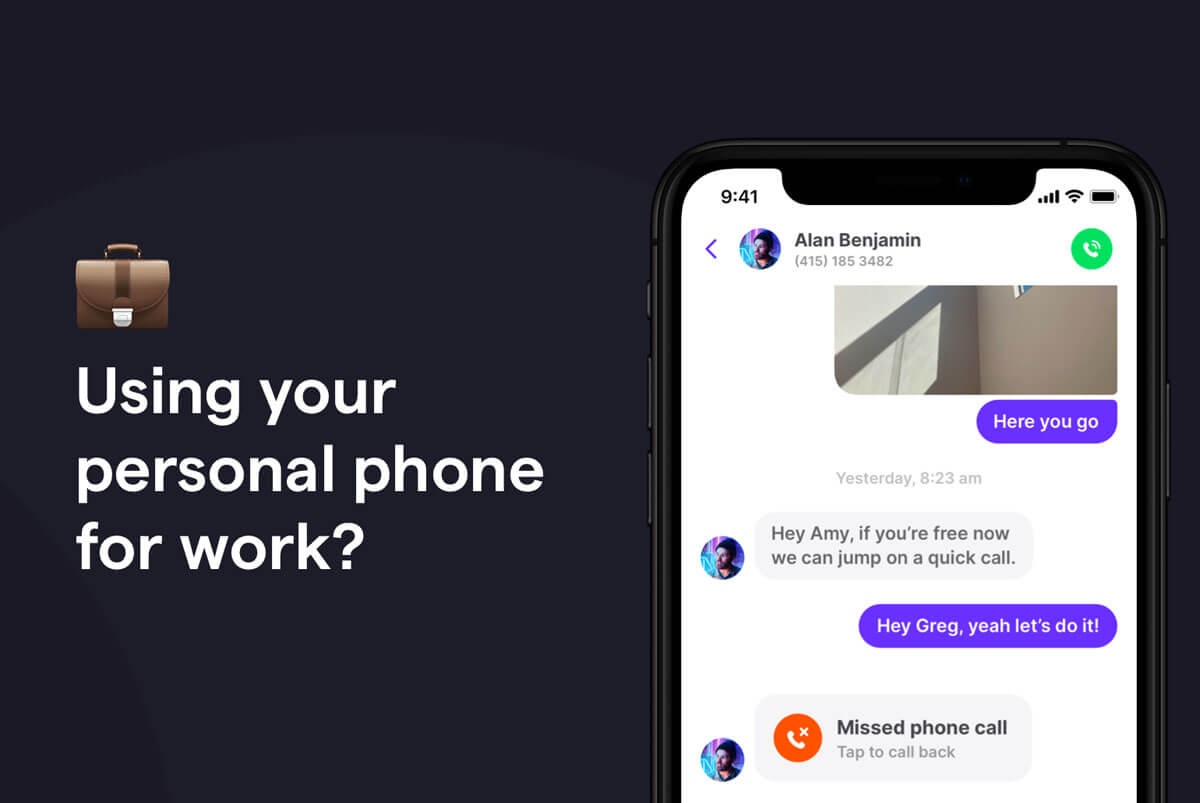
Texting customers from personal phones creates several business risks: you lose all customer message history when employees leave, you can’t enforce TCPA requirements or HIPAA compliance, there’s no audit trail for disputes, and your team can’t see or collaborate on conversations. For businesses that text multiple clients or operate in a regulated industry, a dedicated business text number is essential.
If you’re considering using personal phones to text customers, you should weigh the pros and cons. We’ll dive into this topic below and share some better texting options as you grow your business.
Why personal phone texting breaks down as your business grows
If you’re a one-person team, texting clients from your personal number may work fine. The moment you hire your first employee — or need to cover for someone who’s out — things start to break.
When team members text from their personal phones, client contact history, active relationships, and ongoing conversations are effectively owned by the employee, not the business. When that person leaves, those assets leave too.
What does personal phone texting actually cost your business?
Before we get into the risks, it helps to see them in dollars. Even a conservative estimate adds up quickly:
- Lost customers when a rep leaves: 40 clients × $600 avg customer value = $24,000 in relationships that may not transfer back to the business
- TCPA fine exposure: 200 texts sent without documented opt-in × up to $1,500 per violation = up to $300,000 in potential exposure
- Coordination overhead: 3 hours a week spent forwarding texts and reconstructing conversations × $25 per hour = $3,900 a year, just in staff time
(These are illustrative numbers to show how the risk compounds. Swap in your own client value and text volume to see what it looks like for your business.)
5 Texting-specific risks of using a personal phone for business
Each of these sounds small on its own. Together, they add up to a business that doesn’t fully own its customer relationships.
1. Clients and their message history get lost
Clients who’ve been texting a rep’s personal number for months may follow that rep to their next job. The relationship technically lives on their number, not yours. The business has no claim to that number and no way to retain the relationship once the rep is gone.
Imagine a home services company’s top technician leaves for a competitor. The 20 or so clients who’d been texting him directly about scheduling and follow-ups don’t know to reach out to the business instead — they just start texting him at his new job.
2. No easy way to cover for team members

If the person who handles client texts goes on vacation, gets sick, or leaves suddenly, it creates a communication gap. No one else on the team can see what’s been said, what’s outstanding, or what was promised. There’s no shared inbox.
That keeps customers in limbo — not the best experience, and it can cost you business.
3. You can’t standardize SMS consent
Personal phones have no way to document that a customer opted in to receive business texts. In a TCPA dispute, “They texted me first” isn’t a defense. The burden of proof is on the business to produce a consent record.
There’s also no built-in process for SMS compliance. With Quo, you complete US carrier registration, then get safeguards like automatic opt-out confirmation. When someone uses an opt-out keyword, Quo sends a confirmation message automatically. You won’t be able to send messages to that contact anymore unless they manually opt back in.
4. You can’t set business hours or auto-replies

A personal phone doesn’t know you’re closed. Customers who have your employee’s personal number may text at 11 p.m. and expect a response.
Personal phone numbers also don’t give you the option to send an automated reply after business hours, automatically route after-hours messages to someone else, or acknowledge receipt automatically.
5. Customer data lives next to personal data
Client phone numbers, addresses, case details, and payment conversations sit in the same app as personal photos and family group chats. If a device is lost, stolen, or subpoenaed, there’s no separation.
That’s a problem twice over. For the business, it means customer data can end up in a legal or security review that was never supposed to include it — and there’s no way to hand over just the business messages without exposing everything else on that phone. For the employee, it means their personal life is now part of a business risk they didn’t sign up for.
Industries with the biggest risk from using personal phones to text
These risks aren’t evenly distributed. A few industries carry regulatory exposure on top of operational headaches.
- Healthcare: PHI in personal text threads can constitute a HIPAA violation. Penalties range from $145 up to $2,190,294 per violation, depending on culpability, with the top end reserved for uncorrected willful neglect. Most violations don’t hit the max, but the Office for Civil Rights, or OCR, doesn’t need a data breach to open an investigation. A privacy complaint is enough.
- Legal: Attorney-client communications via personal text threads are subject to eDiscovery. If a case goes to litigation and opposing counsel requests communications, personal phone texts are discoverable. There’s no privilege protection if they’re not properly controlled.
- Financial services: FINRA requires broker-dealers to retain all business-related communications for at least three years. Personal texts don’t meet the retention or supervision requirements.
- Real estate: Disputes over what was promised, disclosed, or agreed to often hinge on written records. Agents texting from personal phones have no retrievable record if the device changes or the employee leaves.
In these verticals, the liability from personal phone texting isn’t hypothetical.
Signs it’s time to switch to a business texting number

Not sure if this applies to you yet? Watch for these moments, as they tend to show up right before the problems become noticeable:
- You hire a second person and realize they have no visibility into your existing client conversations.
- An employee leaves and a client calls asking about a conversation you have no record of.
- A customer escalates a complaint and you need the text history to understand what was promised, but you can’t get it.
- You’re in a regulated industry and someone asks for proof of consent or a record of communications.
- You want to set up an auto-reply for after hours or schedule a message for a day off, but there’s no way to do it.
- You spend time manually forwarding texts, copying notes into a CRM, or reconstructing conversations from screenshots.
How to move your client conversations to a business-owned number
Making the switch is more straightforward than it sounds. Here’s the short version:
- Get a business text number. A virtual phone platform gives you a number the business owns, not one tied to any employee’s device. Quo is one virtual phone option built for exactly this.
- Port your existing number or set up forwarding. If the business has been texting from one person’s personal number that clients already know, you have two options: port that number to a business platform or set up call and text forwarding while you transition.
- Set up the shared inbox and add your team. Every team member gets access to the same number. Past conversations are visible, so your team always has full conversation context.
- Communicate the change to clients — or don’t. If you ported the number, clients wouldn’t notice. If you got a new number, a one-time text from the old number pointing to the new one is enough for most businesses.
Find the right business texting platform

Once your client conversations live on a business number, they stay with the business. You keep full control over your contacts, no matter who’s on the team next year.
Here’s how that plays out for one Quo customer:
“What I like best about Quo is how easy it is to manage business calls and texts from one place. The setup is straightforward, the interface is clean, and features like missed-call notifications, automatic text responses, voicemail, and the phone menu make it much easier to stay responsive without being tied to the phone all day.” – Quo user on G2
Still weighing your options? Read our guide to the best business texting services.
FAQs
A dedicated business phone number through a platform like Quo starts at $15 per user per month. Compare that to the hidden costs of personal phone texting: lost customer history when an employee leaves, potential TCPA fines (up to $500–$1,500 per violation), and time spent manually coordinating conversations. For most small businesses, the ROI on switching is immediate.
Yes. With a VoIP platform like Quo, employees use a separate business number from the same device — their personal number is never exposed to customers. The business number lives in an app. They keep their personal line, and the business owns the business line.
It leaves with them. Texts on a personal phone are stored locally on that device and in the employee’s personal account (iCloud, Google Messages backup). The business has no claim to it and no way to retrieve it. The only way to avoid this is to ensure customer conversations happen on a business-owned number from the start.
A business texting policy doesn’t need to be a legal document — it just needs to answer four questions for your team:
1. What number do we text clients from? The business number, never a personal phone.
2. Who has access? All team members, via a shared inbox in your business texting platform.
3. What counts as a business text? Any message to a client, lead, or vendor about work.
4. What happens when a team member leaves? The number stays with the business. Access is revoked in the platform.
Copy those four lines into a Notion document or employee handbook, and you have a policy. Adjust the specifics to fit your platform and team size.
There’s no federal law requiring employees to use their personal phones for work or mandating that employers provide reimbursement for business-related phone expenses. Some states do require reimbursements for business-related phone expenses.
For business owners, even if requiring personal phone use is legal, it means client conversations, message history, and customer relationships sit on property the business doesn’t own — and leave when the employee does.
For texting specifically, neither BYOD nor a corporate-issued phone solves the core problem. If the number belongs to an employee’s device — personal or company-issued — the business doesn’t own the conversation history or the client relationship.
A business phone platform is the only option that keeps message history, shared inbox access, and the number itself under business control, regardless of which device an employee uses or whether they leave the company.