Ever tried juggling two phones? Even if you haven’t, you can probably understand how annoying it would be. If you run a business or have a business phone, carrying two phones is quite common. But it doesn’t have to be.

To get a business phone number that forwards to your cell, you have two options. With a traditional carrier (AT&T, Verizon), dial *72 from your business line, enter your cell number, and wait for the confirmation tone; dial *73 to turn standard call forwarding off. With a virtual number app like Quo, you sign up, pick or port a number, and route calls to your cell in the app, no star codes. The virtual route adds what carrier forwarding can’t: you can tell business calls from personal ones, make outbound calls that show your business number, and keep texts and calls in one app on any device.
In this article, you’ll learn how to forward business calls to your cell with your carrier. We’ll also share a better alternative to consider: shared virtual phone numbers.
Ready to ditch your extra phone? Scroll down to find out how.
What is business call forwarding?
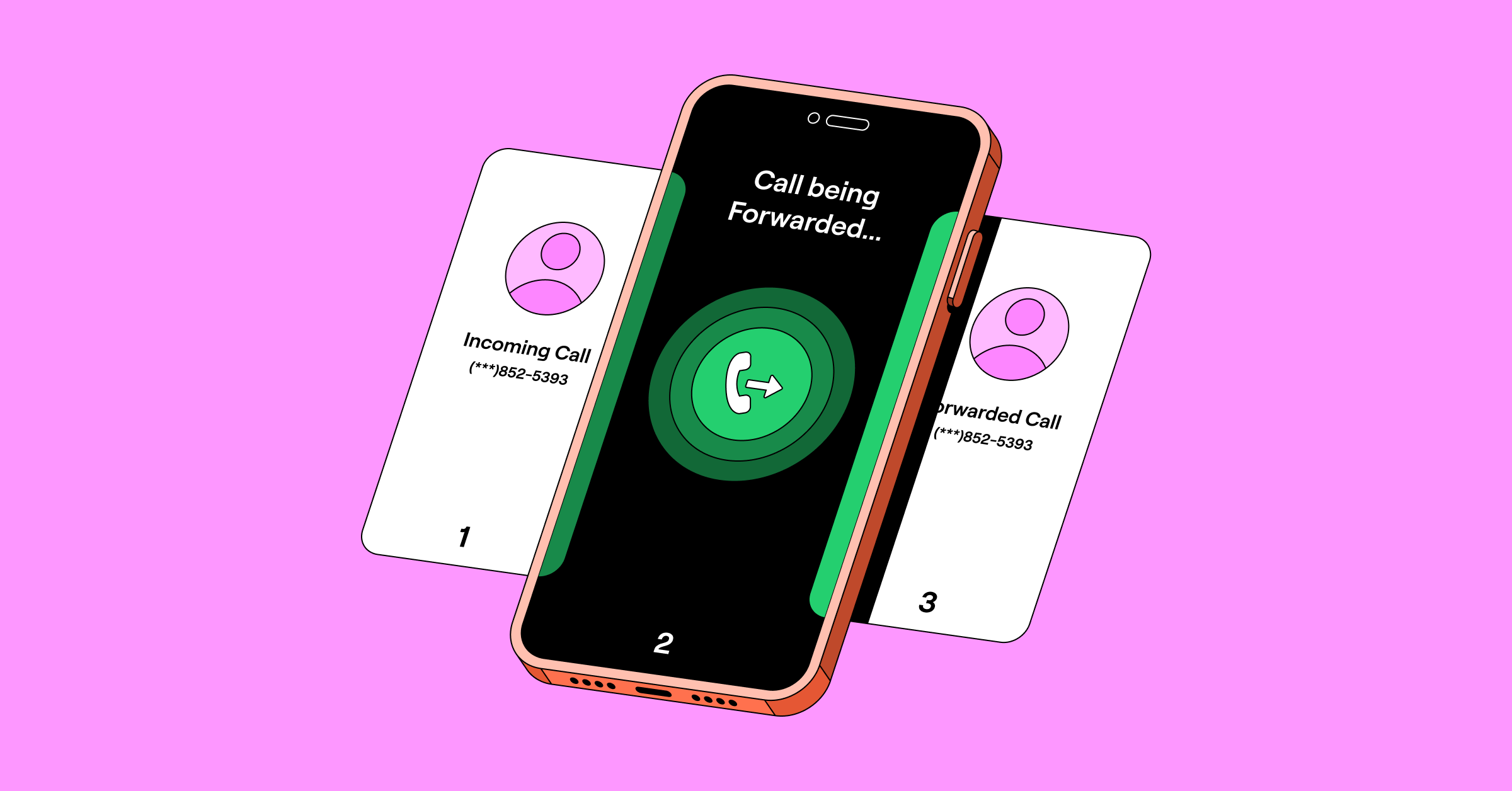
Business call forwarding routes incoming calls from your business phone number to another number. The forwarding number can be a local phone number, a virtual number, a mobile number, or a voicemail system.
You get two routing options with business call forwarding: unconditional call forwarding and conditional call forwarding.
- Unconditional call forwarding forwards all your calls as long as you have call forwarding enabled. This is useful when you’re on vacation and need to forward your calls to an external answering service or a backup number.
- Conditional call forwarding forwards calls based on the conditions you’ve set. For example, you can turn off call forwarding during business hours and/or forward calls after hours.
How to set up a business number that forwards to your cell phone

There are two ways to forward business calls to your cell:
1. Forward calls with a traditional cell carrier
If you already have a second phone number for your business, you probably got it from a traditional cell carrier like AT&T or Verizon.
Forwarding business calls to your cell is easy with a traditional carrier. Here’s how to forward calls with AT&T:
- Dial *72 and listen for the dial tone.
- Enter the number you want to forward calls to.
- Wait for the confirmation tone. After the confirmation tone, the system will automatically place a call to the number to which calls will be forwarded. If the forward-to party answers the call, the feature is activated.
- To turn off call forwarding, dial *73# or toggle call forwarding off in your phone’s settings.
With Verizon, the process is the same. You can activate call forwarding by dialing *72 with your Verizon device and entering the 10-digit number that you want to forward your calls to. On T-Mobile, you dial **21*1, enter the phone number, and press # to set up call forwarding.
Depending on the carrier you’re using, you could also set up conditional call forwarding. This allows you to route your call somewhere else if the number is busy or you can’t answer the phone. Just keep in mind most traditional carriers don’t offer business hour settings to their customers.
Another issue with this method: you don’t know when you’re receiving a direct or a forwarded call. This means you won’t be able to distinguish between incoming calls with caller ID (or know how to answer when you pick up the phone). Plus, texts don’t forward along with calls and your personal number will be exposed to clients.
2. Forward calls with a VoIP phone provider

If you’re looking for a more cost-effective option for your business call forwarding, you should consider getting a business number from a VoIP phone provider like Quo. With Quo (formerly OpenPhone), you can set up a business number and forward calls to your cell phone in minutes:
- Create a Quo account and pick the plan that’s right for you (starting at $15 per user per month).
- Choose a US or Canadian number with a local area code or opt for a North American toll-free number to look more professional to customers.
- Download the Quo desktop and mobile apps (Android and iOS) so you can take forwarded calls from anywhere with an internet connection.
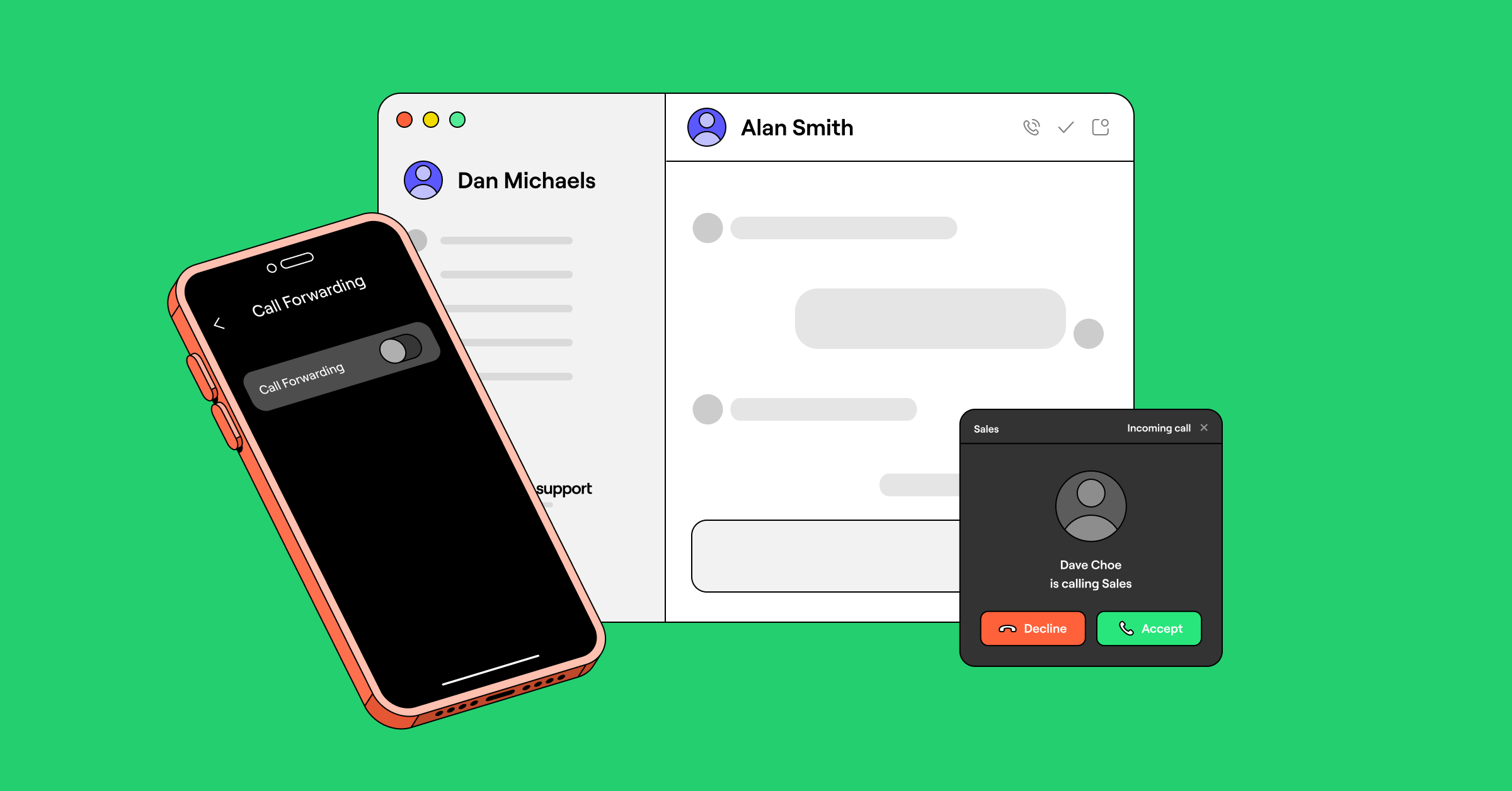
- Turn on call forwarding by default — go to Settings > Phone numbers > Forward all calls in the Call flow section.
Quo gives you more flexibility than traditional carriers. You’ll be able to see if your incoming calls are work-related or personal so you know how to answer the phone. You can also set up call forwarding rules during or outside business hours. Plus, you can call and text from any smartphone, computer, or tablet so you don’t have to stay glued to your desk.
Of course, call forwarding is only one way to manage calls. If someone needs to cover for you while you’re on vacation or if your team needs to collaborate on incoming calls and texts, you should start thinking about a shared business number.
Call forwarding vs. shared virtual numbers: which is better?
Before Voice over Internet Protocol (VoIP), the only way to share a call with another number was to conference in another number, make a group call, or forward the line.
With VoIP numbers, it’s possible to share calls and texts to split responsibility for incoming calls. This means you don’t need to route calls to your personal number or worry about the limitations of traditional business call forwarding.
Here are some reasons why shared virtual numbers are a better option for business call forwarding:
| Carrier forwarding to cell | Virtual number like Quo | |
|---|---|---|
| Works on any phone, no app or account needed | Yes | Needs the app and an account |
| Monthly cost | Second line costs roughly $20 to $50 per month, varies by carrier | Starts at $15 per user per month |
| Forwards text messages | No, voice only | Yes |
| After-hours and business-hours routing | Rarely available | Yes |
| Tell work vs. personal calls before answering | No | Yes |
| Outbound calls show your business number | No, shows your personal number | Yes |
| Call recording, transcripts, and summaries | No | Yes |
| Shared access for your team | No | Yes |
Here’s a closer look at the benefits:
1. Handle multiple calls simultaneously

Traditional numbers typically handle one call per number at a time. While traditional call forwarding sends calls to another number, it doesn’t support features like simultaneous call handling, routing calls to multiple team members, or integrating with texting.
On the other hand, VoIP numbers can handle multiple calls at once, whether you’re receiving calls, answering text messages, or making outbound calls to different numbers. This creates more flexibility for your team to minimize missed calls and answer customer questions faster.
Here’s what one Quo customer said:
“I love [Quo] and that I can have an extra phone number on my iPhone for business purposes without getting a second device. It works perfectly [and] has an easy-to-use user interface. I also have call recordings automatically enabled, so we never miss a detail of a business conversation.”
— Sion Cruz, Owner, Soundporium Music Store
2. Create custom ring orders
Shared VoIP numbers allow you to set ring orders so that incoming calls always reach a member of your team. With Quo, you can choose to ring numbers all at once, ring in smaller batches, or set a custom order that forwards callers to voicemail.
With custom ring orders, you rarely need to manually forward calls, especially since you’re ringing multiple team members on the devices they already use.
What if you still need to forward calls outside your Quo account? It’s easy to set that as part of your ring group or automatically forward calls to an answering service or an emergency number after hours.
Let’s say you also need multiple business numbers to support different locations or departments. Each number in Quo can also have their own ring group, with shared access to colleagues who only need access to specific inboxes.
3. Record and summarize calls automatically

Wish you could catch up on your team’s calls faster? Shared VoIP numbers help you do just that.
With Quo’s automatic call recording functionality, you don’t have to worry about hitting record for every call. And with AI-powered call summaries and call transcripts, you can gather context without listening to hours of call recordings.
Remember: traditional business call forwarding doesn’t guarantee that calls will be recorded on your personal cell. That’s why shared phone numbers are a much safer way to ensure no conversations fall through the cracks.
4. Available on mobile and desktop apps
Shared numbers can be accessed on any device, including your tablet and computer. Team members can make calls and send texts using their preferred device, not the one you choose for them.
This frees you up to multitask and get work done on the go — like tagging a team member to troubleshoot one customer’s issue while you’re on a call with another customer.
5. Third-party integrations
Business call forwarding works fine if you’re on your own. But if you’re working with a team, shared numbers can help you prevent silos and stop you from losing important shared context.
For example, VoIP platforms offer third-party integrations with your CRM and Slack workspaces so you and your team can keep each other informed. With Quo, you can link to an additional 8,000+ third-party apps with our native Zapier integration or the Quo API.
6. Keep your personal number private on outbound calls
Forwarding only solves inbound calls. The moment you call a customer back from your cell, your personal number is on their screen. Once it’s out, it’s out. A virtual number closes that gap: you place the call from the phone you already carry, and your business number shows as the caller ID, so your personal line stays private and every call looks professional.
“It’s crucial for me not to share my personal phone number, yet I still have to contact students when I’m away from the office… This allows me to keep my business calls and texts separate from my personal number.”
What to look for in a business phone app

You can forward business calls to your personal cell phone number: it’s just not the most practical (or efficient) way to build better relationships with your customers. Most business owners find that the best solution is to use a virtual phone system to set up shared phone numbers and more customizable call forwarding options.
If you’re comparing options, look for an app that:
- Separates work and personal calls, so you know how to answer before you pick up
- Shows your business number on outbound calls and keeps your personal line private
- Forwards texts as well as calls, so nothing lands somewhere you’re not watching
- Offers business-hours and after-hours routing, not just always-on forwarding
- Lets your team share a number, with custom ring orders so no call goes unanswered
- Records, transcribes, and summarizes calls automatically
- Works across your phone, computer, and tablet on any internet connection
Why Quo fits the bill
Quo checks every box above, which is one reason it’s become the #1 collaborative phone system for growing teams and small businesses. Our system brings your calls, texts, and contacts into an intuitive app that works across all your devices so you never miss a customer.
Our shared phone numbers keep your whole team aligned, since everyone can work together to seamlessly support customers. Whenever you need call forwarding, Quo has it — both conditional and unconditional call forwarding are available on our platform.
But Quo is more than a call forwarding app. You can use your virtual phone number to do so much more, such as:
- Free calls, SMS, and MMS across the US and Canada
- A mini CRM for your team’s contacts, with custom properties and notes
- Local, vanity, and toll-free numbers for every team member
- An auto-attendant that routes callers to the right place
- Thousands of automations and integrations
Want to see why we’re rated #1 in customer satisfaction? Get started today with a seven-day free trial.
FAQs
Yes, you can. You can add a business line to your cell phone using a traditional carrier or buy a virtual number from a VoIP service provider. Alternatively, you can purchase a shared phone number that everyone can access from their devices and internet connections.
When you sign up for Quo, you can get a business phone number in minutes. Then, download the Quo app on your cell phone to start using your number.
Yes, you can port your landline number to your mobile phone. Once you inform your existing carrier and select a virtual number provider, you can send the information to your new provider. Expect the number to port in five to 30 business days (depending on your service).
Callers won’t know either way. With both carrier forwarding and a virtual number, the person dials your business number and the call reaches you. They never see that it routed to your cell, and there’s no tone or message that gives it away.
What you see depends on the method. With carrier forwarding, the original caller’s ID usually passes straight through, so a forwarded business call looks like any other call on your cell. You can’t tell it came in on your business line until you answer. With a virtual app like Quo, incoming calls show which business number was dialed, so you know it’s a work call before you pick up and can answer in context.
No, carrier call forwarding is voice-only; texts stay on the business line. A virtual number keeps calls and texts together in one app.
With a traditional carrier, dial *73 or *73# to turn off call forwarding on Verizon or AT&T, respectively. With a virtual app like Quo, toggle the forwarding flow off in your settings.
Yes. Forwarding only handles incoming calls, but a virtual number lets you place outbound calls from the phone you already carry and choose your business line as the caller ID. Your customer sees your business number, and your personal line stays private.
It depends on how you forward. With a traditional carrier, call forwarding itself is usually included. But if you’re paying for a second line to have a business number in the first place, that costs around $20 to $50 a month, depending on your carrier. A virtual number includes forwarding into the plan, so there’s no separate line to buy; Quo starts at $15 per user per month.