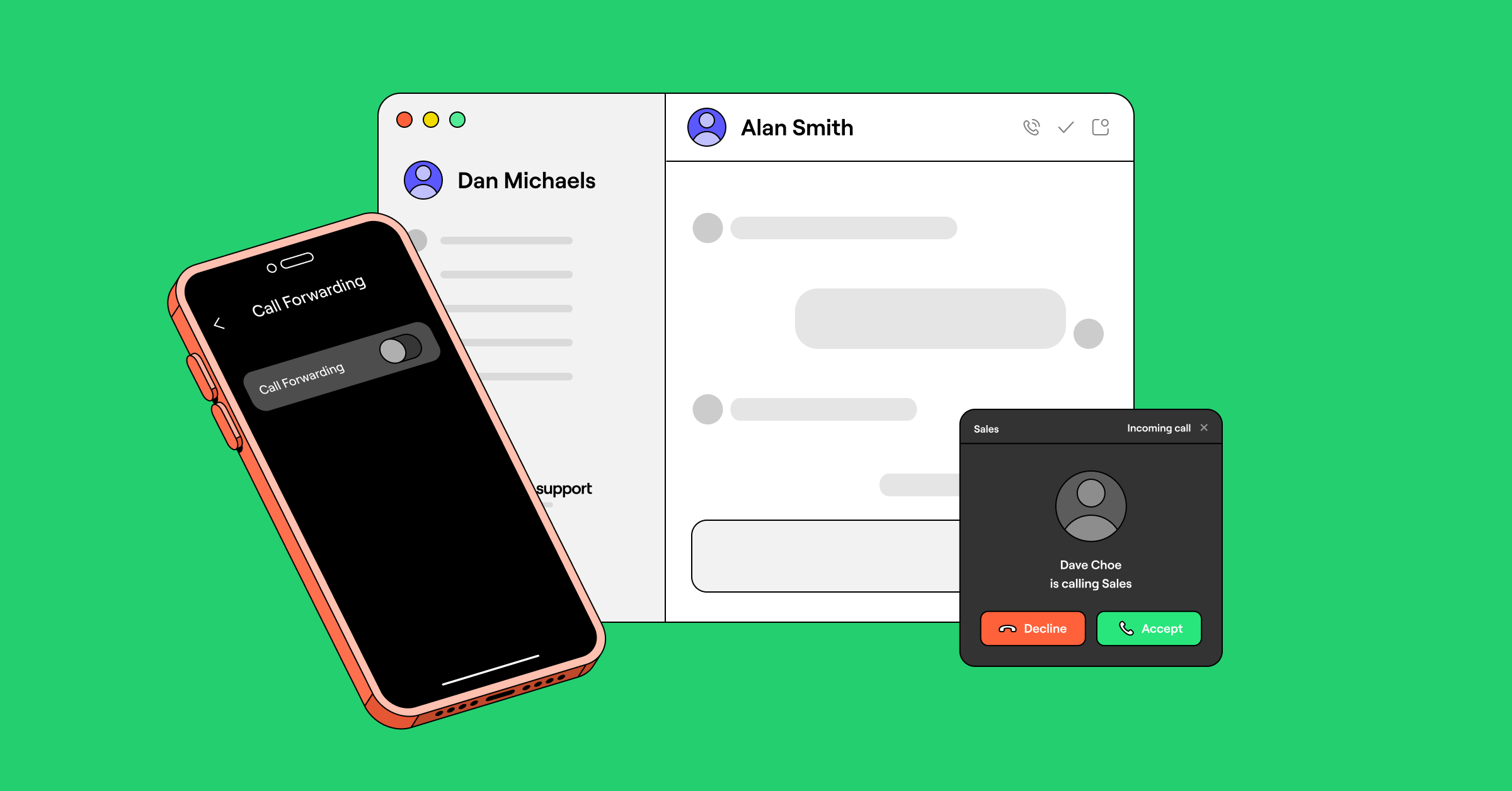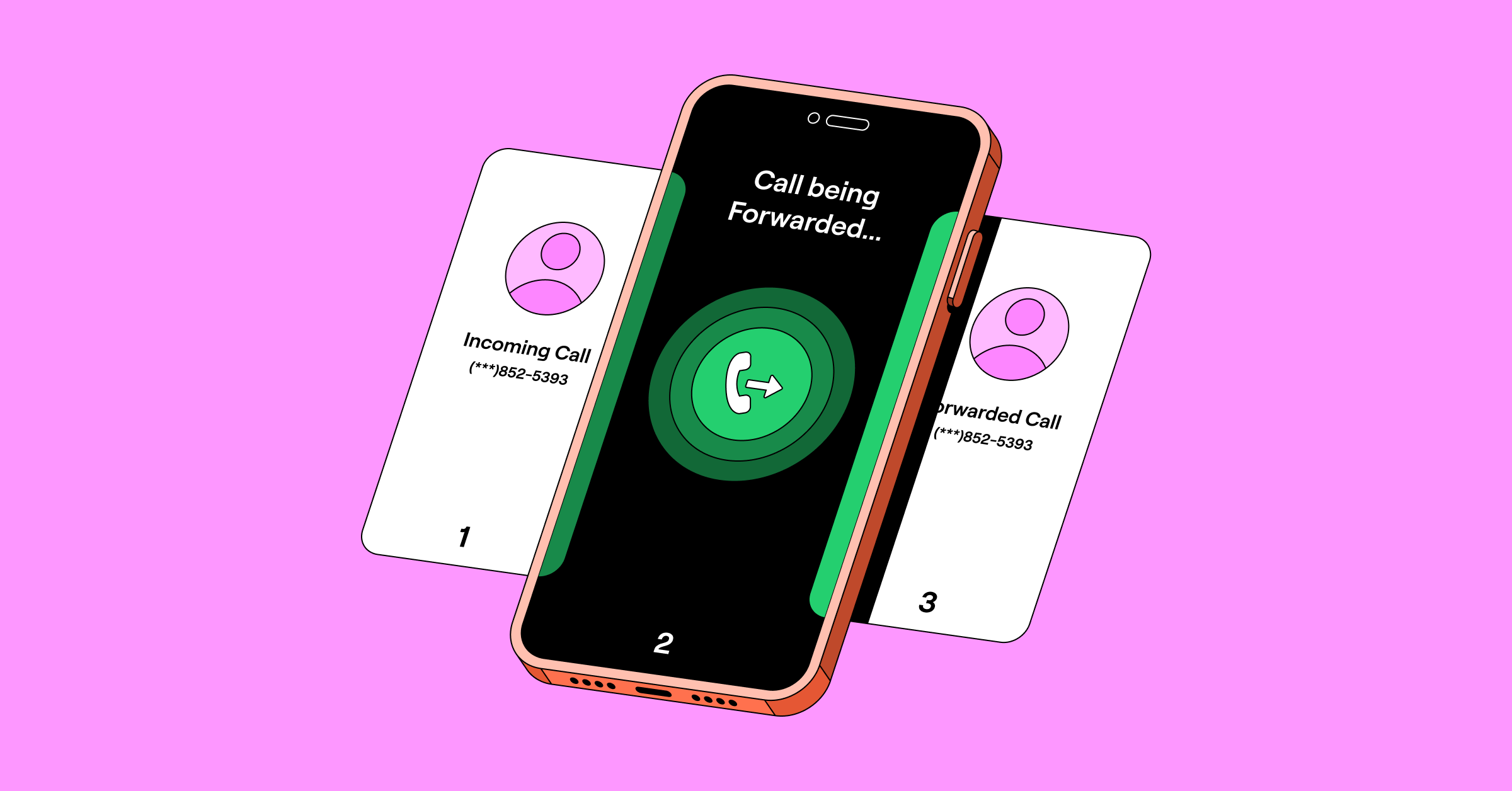

To forward calls on iPhone, go to Settings > Apps > Phone > Call Forwarding, toggle it on, and enter the number to forward to. iPhone forwards every call by default. To turn on conditional forwarding for when the line is busy, unanswered, or unreachable, dial your carrier’s code. To check whether forwarding is on, look for the green toggle in Settings or try dialing *#21#. To turn it off, toggle Call Forwarding off in Settings.
In this article, we’ll show you how to set up call forwarding on an iPhone in seconds. Plus, you’ll learn about a better alternative so you can ditch call forwarding altogether. On an Android? See call forwarding on Android instead.
How to forward calls on iPhone
Learning how to forward calls to another number or device is a must for maintaining a work-life balance.
Here’s how to set up iPhone call forwarding on iOS 17 or later in six steps:
- Open the Settings app from your iPhone’s home screen.
- Go to Phone — search for it under Apps.
- Select Call Forwarding.
- Toggle on Call Forwarding. It turns green when active.
- Select Forward To and enter the destination phone number for your calls.
- Tap Back and double-check the forwarding number.
After you’ve turned on call forwarding, all incoming calls will be redirected to your forwarding number until you turn it off.


How to check if call forwarding is active
Go back to Settings > Apps > Phone > Call Forwarding. If the toggle is green, forwarding is on, and you’ll see the destination number listed below it. You can also try dialing *#21# to check call forwarding status, though this may not work on every carrier.
How to set up conditional call forwarding for iPhones
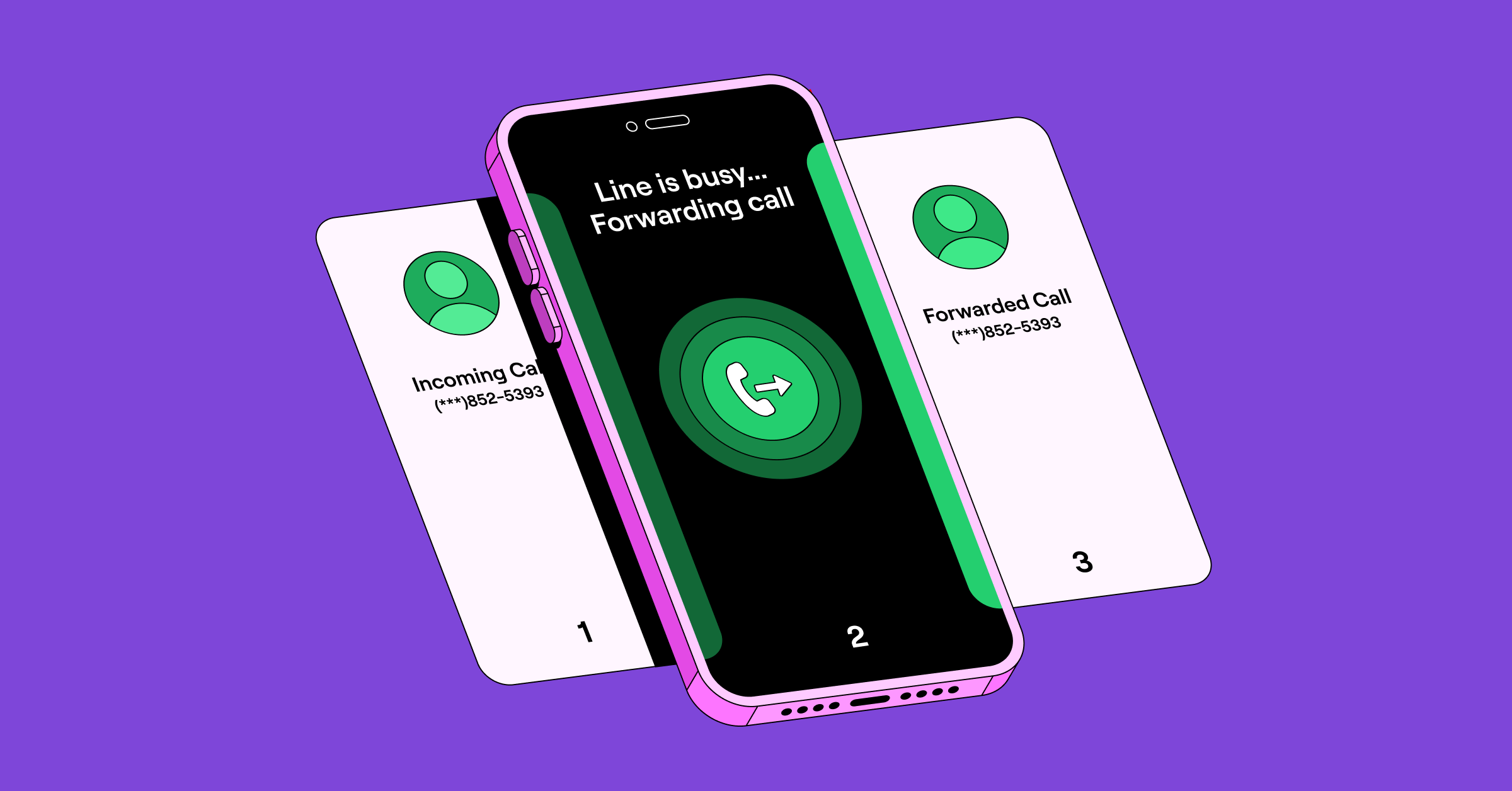
By default, iPhones forward all incoming calls when you turn on call forwarding. But what if you only want to forward calls when you don’t answer? Or if your phone number is busy or unreachable? That’s where conditional call forwarding comes in.
Conditional call forwarding means your iPhone only forwards calls based on specific conditions. For example, when your number goes unanswered or is busy. Here’s how you can set up call forwarding for your iPhone:
For T-Mobile users:
- Forward calls if unanswered: **61*1+PhoneNumber#
- Turn off unanswered call forwarding: ##61#
- Forward calls if not reachable: **62*1+PhoneNumber#
- Turn off not reachable call forwarding: ##62#
- Forward calls if number is busy: **67*1+PhoneNumber#
- Turn off busy call forwarding: ##67#
Source: T-Mobile self-service short codes
For AT&T users:
AT&T wireless uses standard GSM codes for conditional forwarding:
- Forward calls if number is busy: **67*+PhoneNumber#
- Turn off busy call forwarding: ##67#
- Forward calls if no answer: **61*+PhoneNumber#
- Turn off no-answer call forwarding: ##61#
- Forward calls if not reachable: **62*+PhoneNumber#
- Turn off unreachable forwarding: ##62#
AT&T’s own support docs only publish forwarding codes for landline/U-verse service. AT&T wireless doesn’t publish its own codes, but its network reportedly uses the standard GSM codes above.
For Verizon users:
- Forward calls when unanswered or busy: Dial *71 followed by the 10-digit forwarding number
- Forward all calls: Dial *72 followed by the 10-digit number you want to forward calls to
- Turn off conditional call forwarding: Dial *73
Source: Verizon star codes
On an MVNO (Mint, Cricket, Visible, etc.)
These budget carriers run on a major network, so use the codes for their parent carrier: Mint and Ultra Mobile on T-Mobile, Cricket on AT&T, Visible on Verizon. Confirm with your provider’s support docs, since a few restrict or remap these codes.
How to turn off call forwarding for iPhones
To turn off call forwarding, toggle off Call Forwarding in the phone Settings. You can also change the forwarding number as needed.
If you’ve set up call forwarding by dialing a carrier’s code, you can turn it off with a similar code. Here are the different carrier codes to turn off iPhone call forwarding:
- T-Mobile: Dial ##21# to turn off all-call forwarding, or ##004# to reset every forwarding type at once
- AT&T: Dial *73 to cancel all-call forwarding
- Verizon: Dial *73 to stop forwarding calls
If the toggle is greyed out or call forwarding will not turn off, here is how to fix it.
Limitations of the iPhone call forwarding feature
Apple’s call forwarding feature may get the job done. However, it has some drawbacks you should keep in mind:
- Manual control only: You need to remember to turn forwarding on and off manually. It doesn’t automatically route calls based on whether you’re in a meeting or are available. You have to remember when to forward and when to not forward calls throughout the day.
- Network dependency: iPhone call forwarding can only be set up when you’re in range of your carrier’s network.
- No call separation: Both personal and business calls get forwarded. You can’t route calls to different people or route only certain types of calls.
- No conditional call forwarding: You can’t set forwarding rules like “forward when busy” or “forward during specific hours” unless you use star codes.
The best alternative to iPhone call forwarding: Virtual numbers
There’s a modern alternative that overcomes iPhone’s forwarding limitations: virtual numbers.

A virtual phone number is a cloud-based number that isn’t tied to a phone line or a physical SIM. It works through an app on your phone or computer, using your internet connection to call and text rather than traditional phone hardware.
Virtual numbers ensure you remain accessible regardless of your location. VoIP phones let you make and receive calls on your laptop or mobile phone as long as you have a strong internet connection.
5 scenarios when you may need more than iPhone call forwarding
Here are a few scenarios where you may need a virtual business phone system to give you more control over incoming calls.
1. Taking calls while out of the country
Imagine you’re traveling internationally and misplace or lose your cell phone. Or maybe you leave it behind to avoid carrying multiple devices. Without your iPhone physically in hand, there’s no way to set up call forwarding to another number. Alternatively, your phone may not support dual SIMs, or you may not have a local number to forward calls to.
With a virtual phone number, you don’t have to worry about carrying your iPhone to take calls while traveling. Download your virtual number provider’s apps on your device, log in to your account, and start making calls. For example, Quo, formerly OpenPhone, has Mac, Windows, iOS, and Android apps that you can use. You can also use Quo in your browser, so it works on most devices.
Amira Harris, President and Owner of Aisle Travel, said:
“We switched to [Quo] from RingCentral during the COVID-19 pandemic since it allowed us to work remotely without missing any calls… anyone can respond to customers in real-time while traveling.”
2. Setting up call forwarding at specific times
While the iPhone gives you a basic way to redirect calls, you can’t schedule forwarding based on work hours or shifts. For example, you may want to forward calls only during meetings or outside regular business hours.
A virtual phone service gives you the option to automate call routing based on predefined schedules. Calls are redirected without constant manual activation.
For example, Quo users can set up business hours that determine when their team is available to take calls. Calls that come in outside of business hours can be routed to another number in their workspace or a backup emergency number.
Quo also lets you schedule custom call routing flows in advance. With temporary call flows, you can schedule call forwarding rules based on your team’s availability.
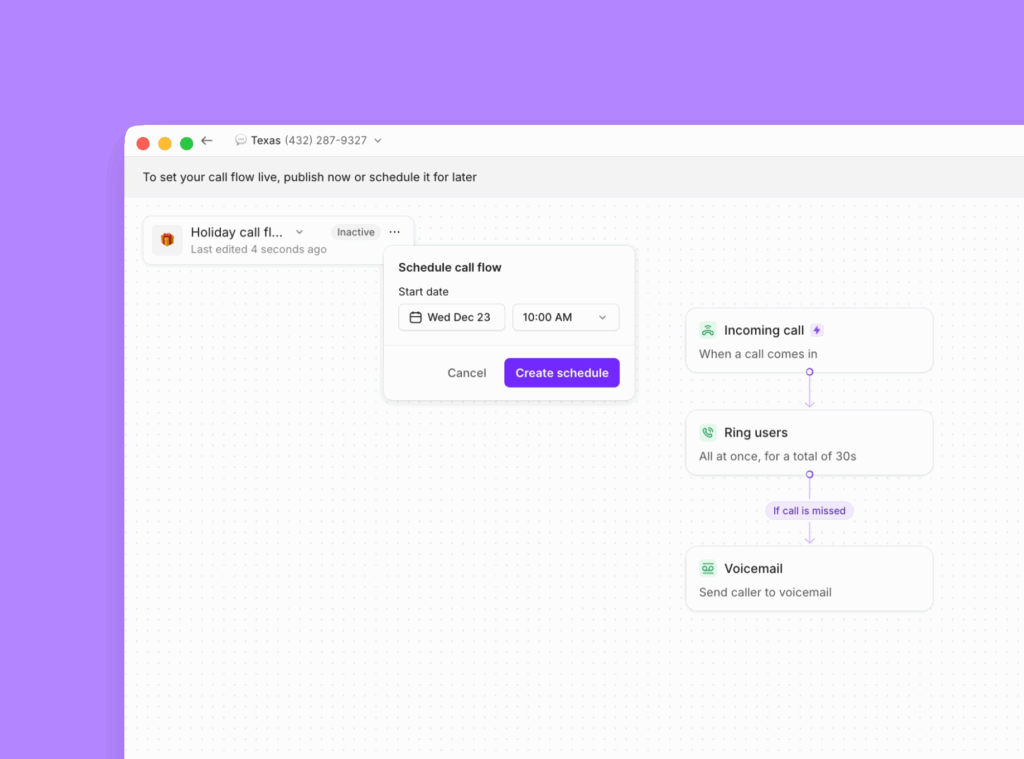
For example, let’s say your team has limited hours or needs to forward calls to a different team during the holidays. You can schedule the system to route calls elsewhere.
3. Sharing responsibility for incoming business calls
Virtual phones let you share your virtual number with your team. Incoming calls are routed to everyone who has access to your shared number. This way, even if you can’t take a call, your team can. It reduces your missed calls, which means fewer missed opportunities.
VoIP phone providers offer multiple ways to manage incoming call routing. You can set up simultaneous ring on your iPhone and other team members’ devices so everyone receives calls at the same time. You can also have a custom ring group that can ring your team in a specific order.
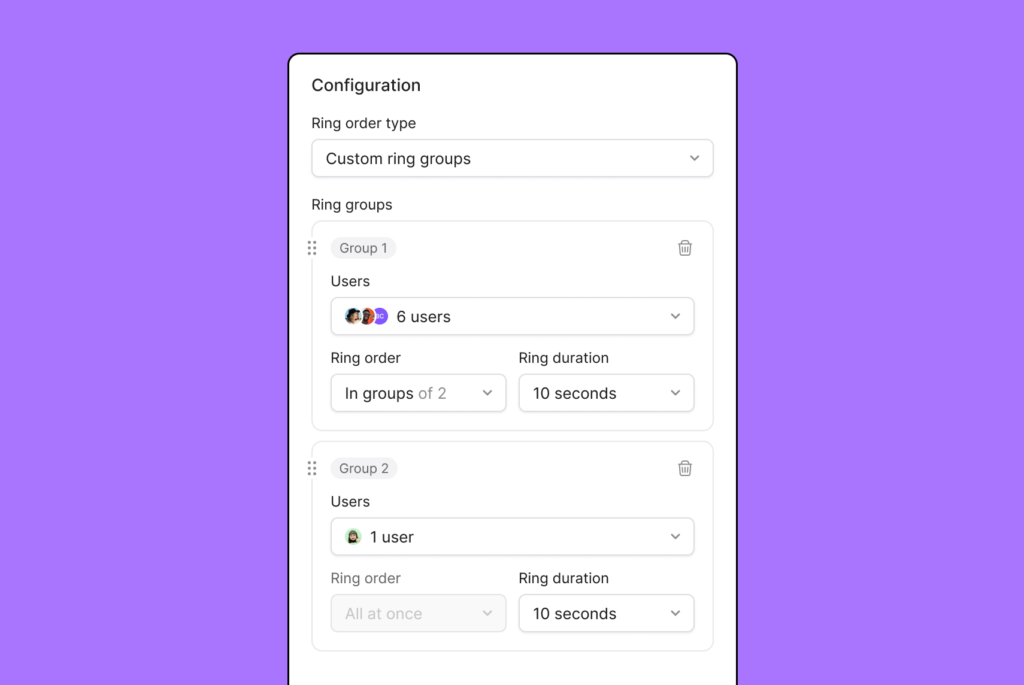
And if no one on your team can take a call, you can set up SMS auto-replies on your iPhone or route calls to an AI answering service.
4. Keeping a record of all incoming calls
Many industries need to maintain accurate call history for compliance and accountability. A virtual phone system lets you track and log every call, including details such as caller information and call duration.
With Quo, you can record calls automatically with built-in call recording compliance. You can also generate time-stamped AI call transcripts after every call. With both features, you can keep an accurate record of what customers shared with you. This way, you can keep track of customer needs and resolve potential disputes. Plus, with AI call tags on Quo’s Scale plan, you can identify your call drivers and surface recurring issues and opportunities.
5. Automatically diverting calls to the right person or AI agent
Forwarding calls to just one number might not cut it when your business has multiple departments or roles.
A phone menu, also known as an auto-attendant, can greet callers and route them to the appropriate person or team based on their input. This helps callers reach the right destination faster while reducing hold times and overall call volume.

VoIP providers like Quo also provide AI voice agents to handle calls when your team is busy or unavailable. Our AI agent, Sona, can answer common questions from callers and take down messages that your team can review later. Sona can also send SMS messages and transfer calls to your team as needed. With Sona, you can make sure your business never misses an incoming call again.
What to read next
Want call forwarding only in certain situations? Learn how to set up conditional call forwarding.
FAQs
Call forwarding redirects incoming calls to another number. Call waiting notifies you of incoming calls while you’re already on a call.
When you turn on default call forwarding on an iPhone, all incoming calls are redirected to your forwarding number.
With conditional call forwarding, you can determine when you want to forward calls to another number. For example, you can specify if you want to forward calls when:
• You don’t answer the phone
• Your number is busy
• Your number is unreachable
To confirm call forwarding is on, check that the toggle is green in Call Forwarding settings or dial *#21#.
You can set up international call forwarding on iPhones, but you’ll pay international rates for forwarded calls. The person calling you pays normal rates, but you’re charged for the international leg of the forwarded call.
Share access to a Quo number with your team by inviting team members through the Quo dashboard or mobile phone app.
Domestic call forwarding is usually included in your phone plan, but some carriers may charge you per minute or per forwarded call. You may also be charged extra for long-distance or international call forwarding. Your best bet is to check with your provider to be sure. With Quo, call forwarding is included at no extra cost.
No, call forwarding only works for phone calls. If you want to forward text messages, you’ll need a separate app or service that supports SMS forwarding.
No, the iPhone’s built-in call forwarding is all-or-nothing. When you turn it on, every incoming call is forwarded; when you turn it off, none are. There’s no native way to forward calls from specific numbers while letting the rest ring through, or to send different callers to different people. Doing that requires custom call routing rules, which iPhone’s native feature and carrier codes don’t offer.
The caller hears normal ringing and usually can’t tell the call was forwarded; they reach the forwarding number or its voicemail.
You can’t route calls straight to voicemail through iPhone’s built-in forwarding settings. It only supports forwarding to another phone number, not to voicemail directly. To actually send calls straight to voicemail — no ring, no delay — you’d need a virtual phone number app like Quo with customizable call routing rules.
This is usually one of three things: your carrier doesn’t support call forwarding on your plan, you’re on Wi-Fi Calling or a network type that blocks the feature, or there’s a typo in the forwarding code if you’re dialing it manually. Restarting your phone or toggling Wi-Fi Calling off can sometimes resolve it immediately.