Manage and route incoming calls from your international customers easily with Quo, formerly OpenPhone. Build flexible call flows customized to your business needs. Plus, make free calls and texts to US and Canadian numbers.







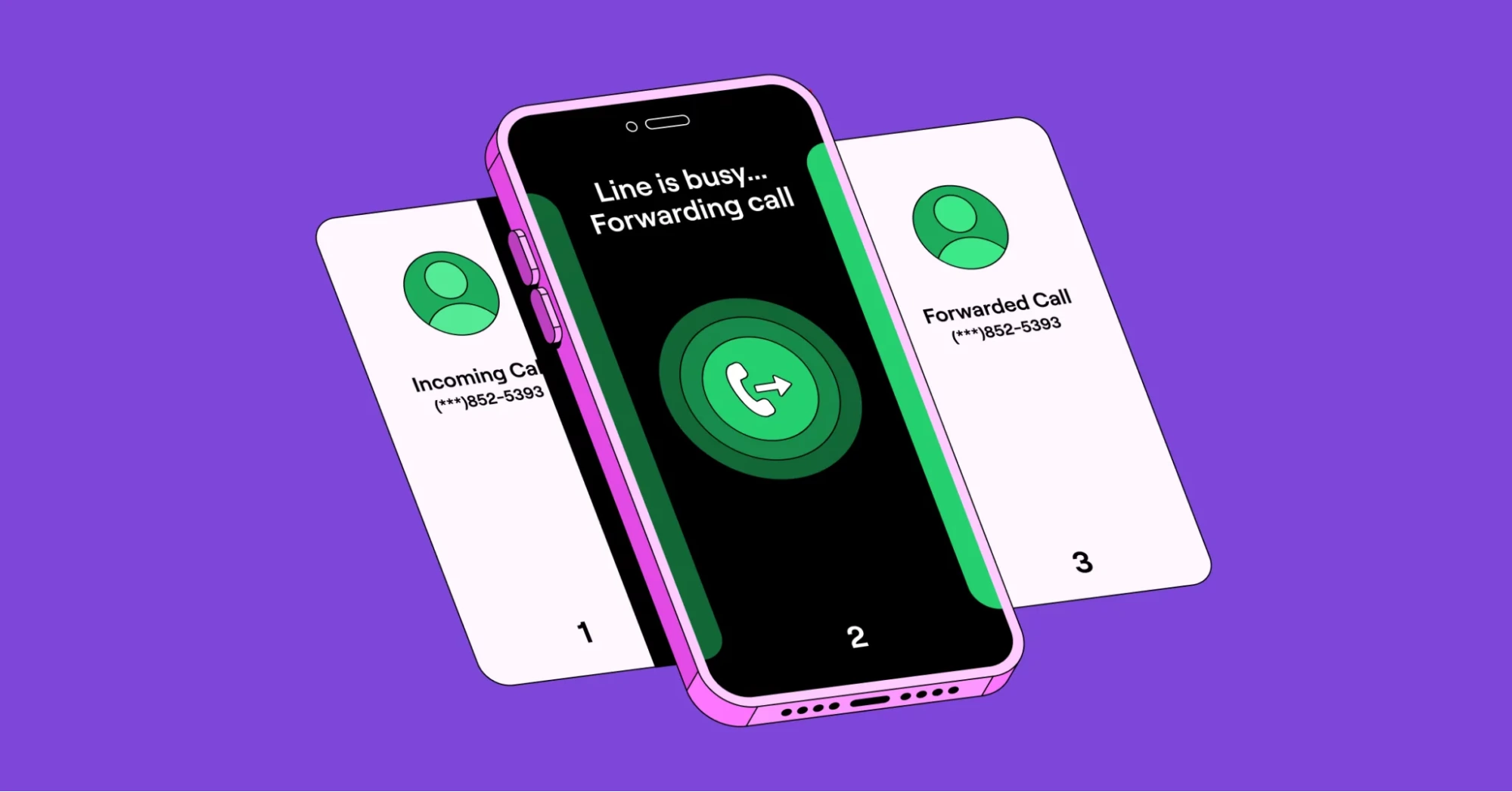
International call forwarding is a business phone feature that forwards calls from one country to another. With virtual phone numbers, a business phone can easily forward calls to any device around the world.
International call forwarding helps teams expand into new markets without the need for a physical presence. It also helps them receive calls from an international customer base.
Keep your business communications running smoothly with international call forwarding. Your customer conversations don’t have to wait when you’re traveling.
Quo’s virtual phone numbers allow you to receive voice calls from an international number anywhere in the world. You can easily call and text from a US, Canadian, or North American toll-free number. All you need to access Quo is a solid internet connection and your computer or cell phone. No landlines required.
You can also forward calls to any other US or Canadian phone number outside of Quo.
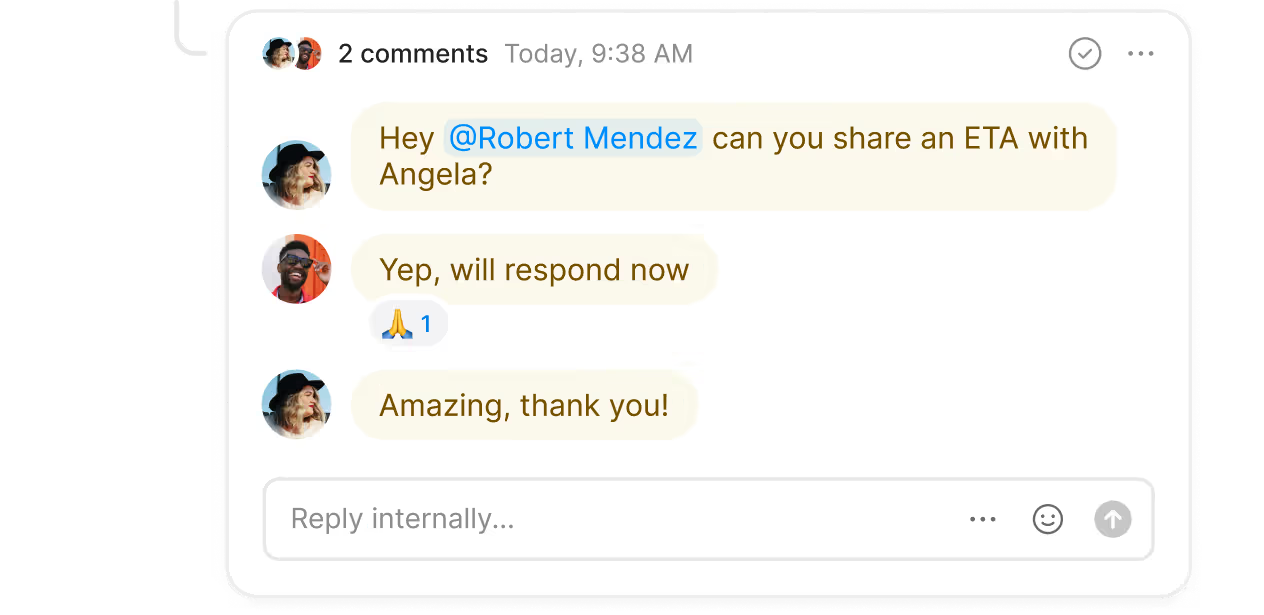
Have multiple team members who need to make or receive VoIP international calls? In Quo, everyone can work together from a shared inbox. Plus, your team can call and text from the same number.
International call forwarding is available on all Quo plans. Learn more about how to set up call forwarding in Quo.
Handle your calls without borders with Quo's call management features.
Work together as a team to respond to incoming calls and texts with shared virtual numbers.
.webp)
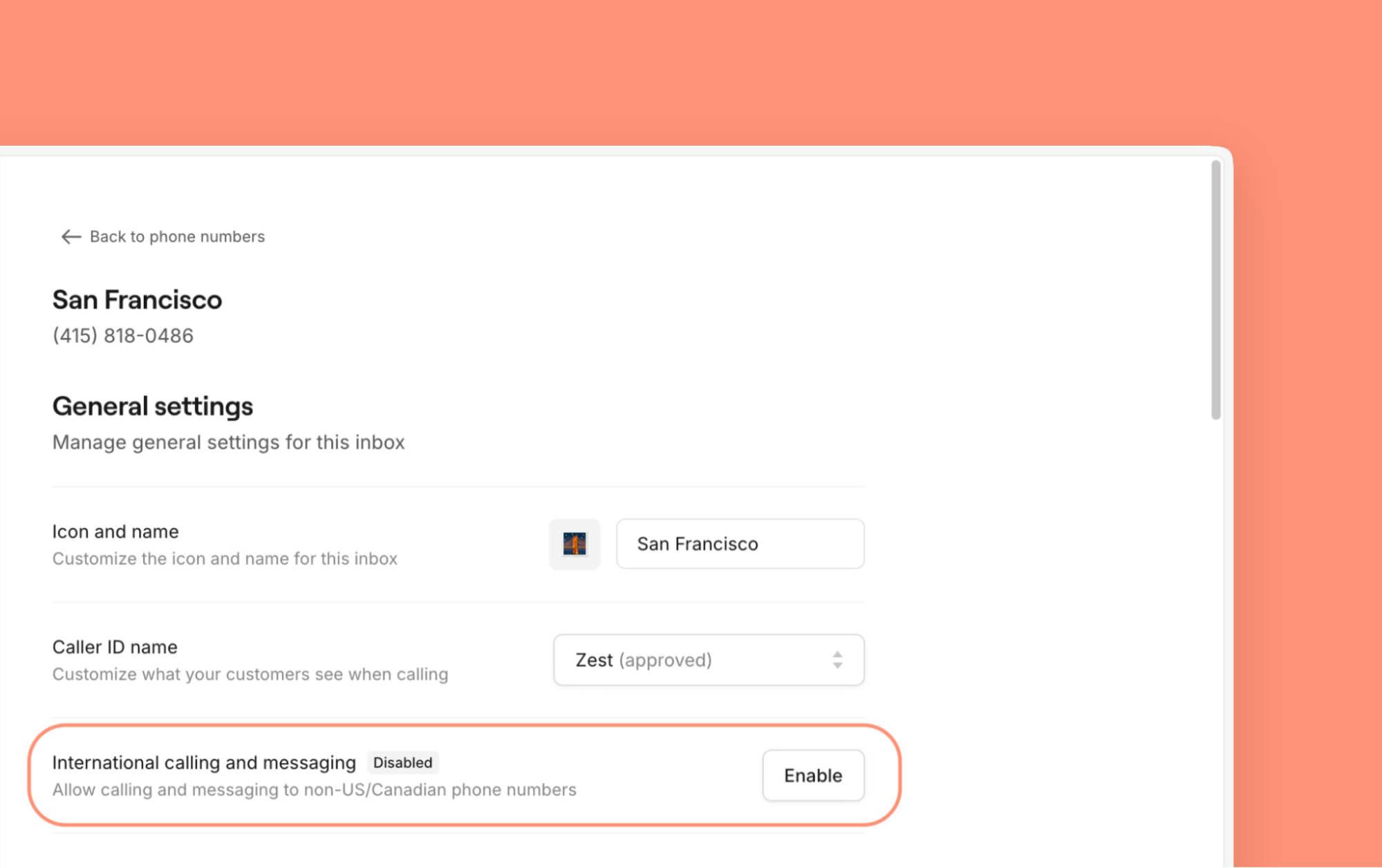
Have a missed call from an international customer? Enable international calling and texting in your Quo account. Add prepaid credits and call them back.
Create multiple call flows for holidays, campaigns, and staffing changes. You can schedule flows ahead of time so your call routing is always right.

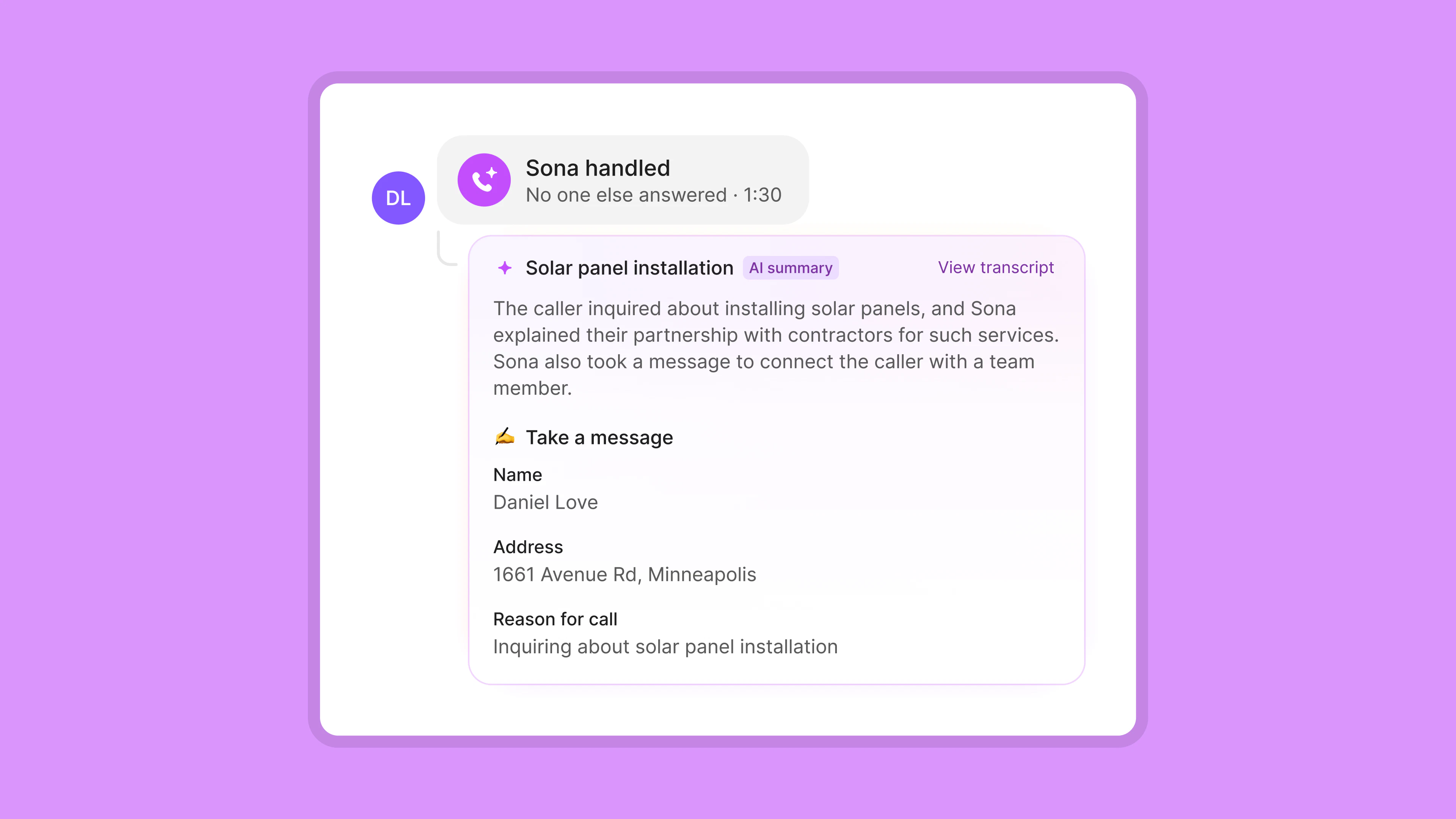
Never miss a call or potential customer with Sona, Quo’s AI voice agent. Sona learns about your company from your documents. It can answer questions, take messages, and send texts to customers when they call.
Make group calls
Bring together all your stakeholders in one conversation
Transfer calls seamlessly
Pass off calls with context for teammates with warm call transfers
Record calls automatically
Capture every detail on your customer calls
Choose a custom caller ID
Make sure customers recognize your number when you dial them
Create multiple phone menus
Enable customers to direct themselves to the right department — during and after business hours
Change how you route phone calls based on your business hours
Share your call and message data where you need them with third-party integrations
That’s it! Start calling your contacts and receiving international calls immediately.
Here’s how global call forwarding can help small businesses grow.

A call forwarding service helps you test new markets quickly and efficiently as you scale.
If you’re a business located outside the US, you can use a VoIP platform to get a local US number. You can then start receiving calls from North American customers. Redirect calls to your team virtually and start building new customer relationships. You can skip any investment needed to open a physical office and test new markets virtually.
Establish a local presence to meet your customers where they are.
Are you a US business expanding into Canada? Or maybe you serve customers across North America? In both cases, an international call forwarding service can help. Quo gives you access to local Canadian numbers or North American toll-free numbers. Choose your preferred area code and start calling local customers immediately.
When businesses look at expanding into other countries, they often expect to outsource customer support. That includes hiring third-party call centers or live virtual receptionists. International call forwarding lets you use your business phone to communicate with new customers. And with an AI receptionist, you can handle incoming calls 24/7 without adding headcount.
Here’s why Quo is the #1 business phone, as voted for by thousands of professionals
%20(1).jpg)
Add numbers for new teams as your business grows. Choose your preferred US or Canadian local number or North American toll-free number.
Need direct numbers for each team member? Quo plans include a number for every user who joins your workspace. Select your preferred local area codes. Plus, you can share business phone numbers across your teams. Give your sales and customer support teams their own dedicated phone numbers.
The best part? You can add additional numbers easily. Each extra number costs $5 per number per month.
Get a clear picture of your team’s customer communications in one place. See a full record of calls, messages, voicemails, recordings, and more with shared inboxes.
Break down silos to improve collaboration with Quo. With internal threads, you can answer questions and assign tasks directly to teammates. Easily notify team members who need to be in the loop with tags and mentions, and make sure they’ve viewed a conversation with inbox viewers.
Help your team manage incoming calls with Quo.
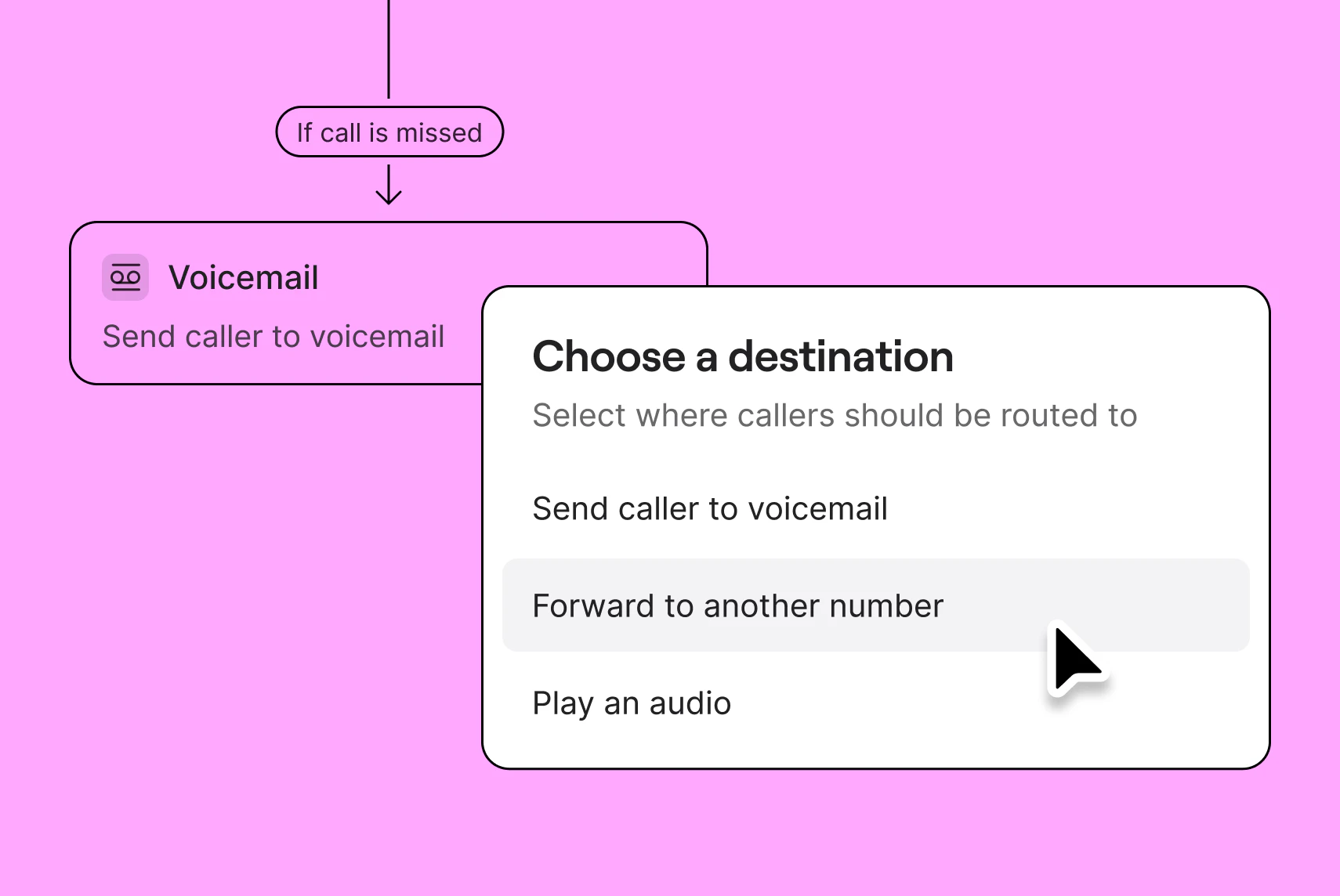
Distribute your incoming calls effectively. Choose a ring order that suits your team with simultaneous ring or sequential ring. Guide customers to the right team member with custom phone menus, also known as auto-attendant or IVR. Configure time-of-day routing to send after-hours calls to a backup call forwarding number, custom voicemail, or Sona.
Plus, easily forward calls from anywhere with remote call forwarding, and turn off call forwarding when you don’t need it.
Help your team reach more customers with SMS messaging in less time. Create auto-replies to respond to customer texts when your team is busy or unavailable.
Easily work across time zones and work schedules by scheduling text messages in advance. Plus, send answers to common customer questions faster with snippets, or pre-written text templates.
Remember the little things that matter to your customers. Quo helps you gather and store key customer details using custom properties and contact notes.
Plus, Quo automatically syncs customer information to your CRM to enrich your address book.
Automate repetitive tasks so your team can focus on what matters most.
Fit more customer calls into your day without spending time taking notes. Record calls with business call recording and take notes with AI call summaries and call transcriptions.
Give back hours to your team with Quo’s automations. Connect all your tools with our Make and Zapier integrations or the Quo API.
With Quo, your team can take their business phone wherever they go.
Team members can work from a laptop or mobile phone from anywhere with a strong internet connection. With Mac, Windows, iOS, and Android apps, Quo syncs all your customer communications across all your devices.
.webp)
Amira Harris

Find out how much you’re investing in your business phone solution upfront on our pricing page.
Can’t find the answer here? Check out our Resource Center.

In Quo, you can forward inbound calls to US and Canadian numbers, but you can’t forward calls to international numbers.
The good news is there’s no technical need to forward a call to an international number. Quo can be accessed internationally from your computer or smartphone, no matter where you’re located.
No, you don’t pay extra to call a US or Canadian number from outside either country.
Yes, Quo works great for virtual assistants based outside the United States or Canada.
No, you’re not charged for international call forwarding in Quo.
You can make international calls with Quo, but you’ll be charged for outbound calls made to numbers outside the US and Canada. Here’s how to enable international calling and messaging.
Find out how much it costs to call a particular country code with our international rate sheet.
You can’t block international calls specifically, but you can block contacts you don’t want to receive calls from.
Here’s how to block a number from the iOS or Android app:
Here’s how to block a number from the web or desktop app: