When records aren’t connected, teams miss follow-ups and repeat conversations
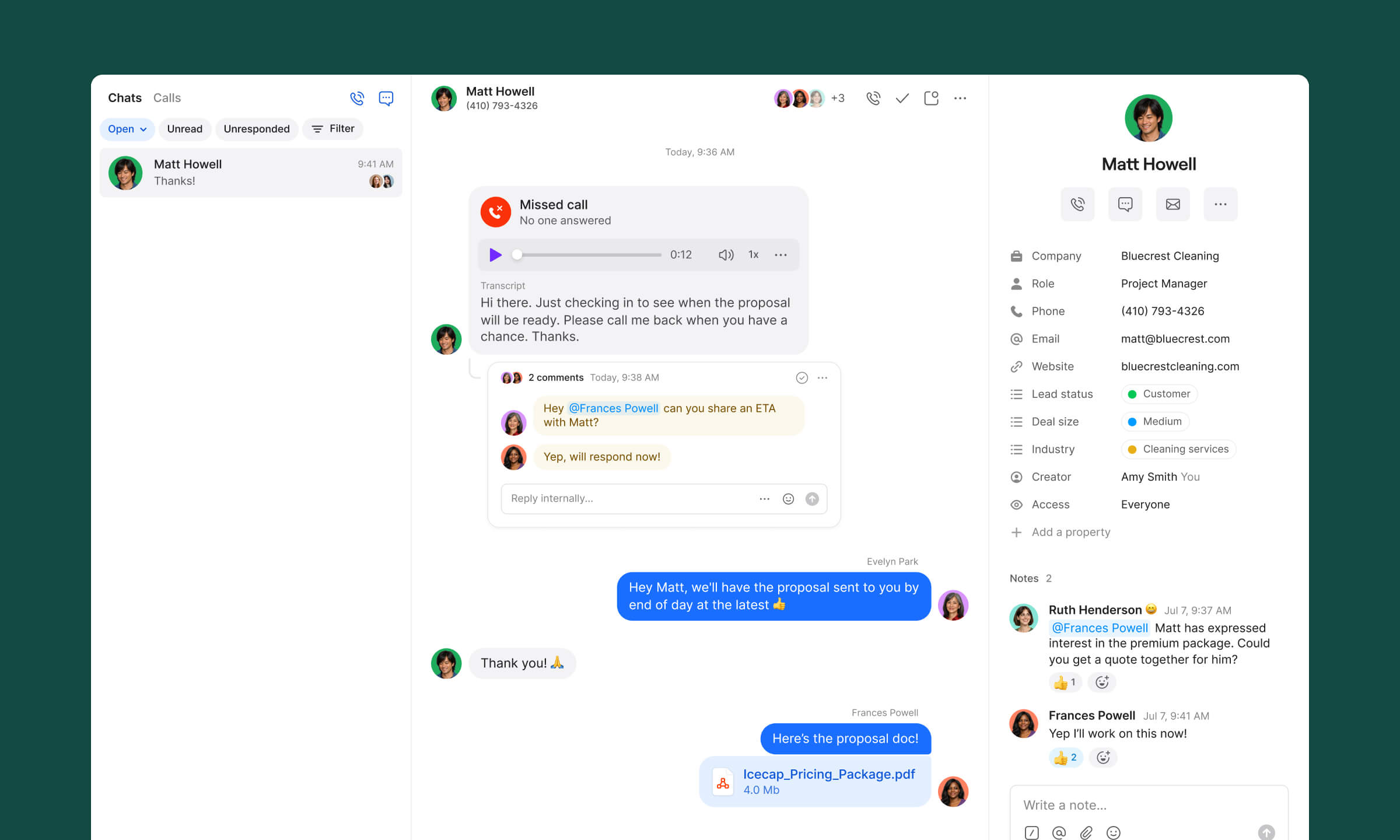
Stop digging through old notes and emails for context
See every detail tied to a contact alongside the conversation, so you always understand where things stand before reaching out.
Bring your CRM along for the ride
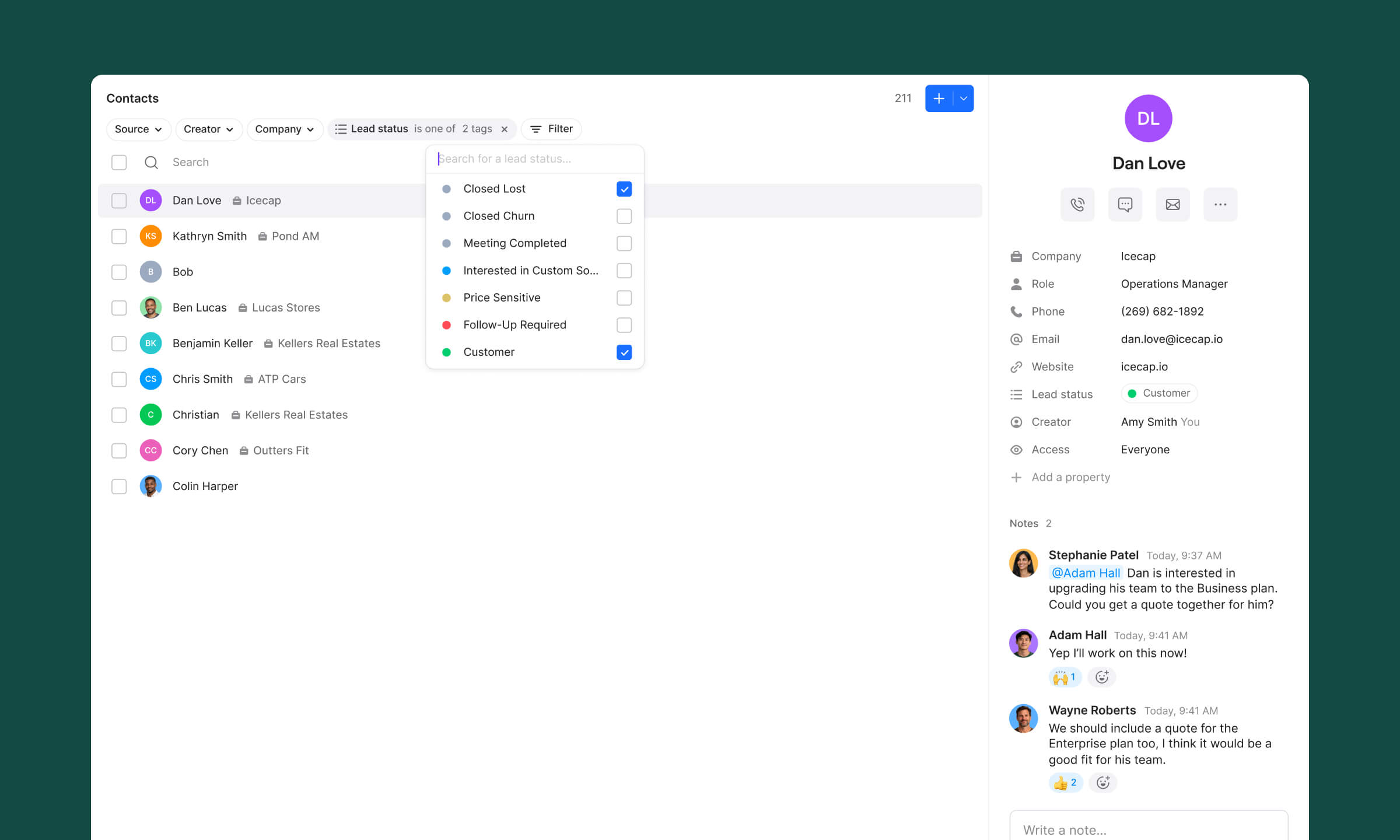
Sync contacts from HubSpot or Salesforce (or drop in a spreadsheet) to keep everything up to date — and send conversation data like call summaries and transcripts back to your CRM.
No more "wait, what happened with this client?"
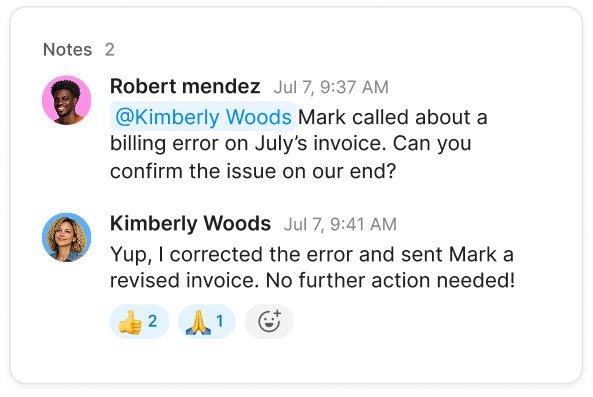
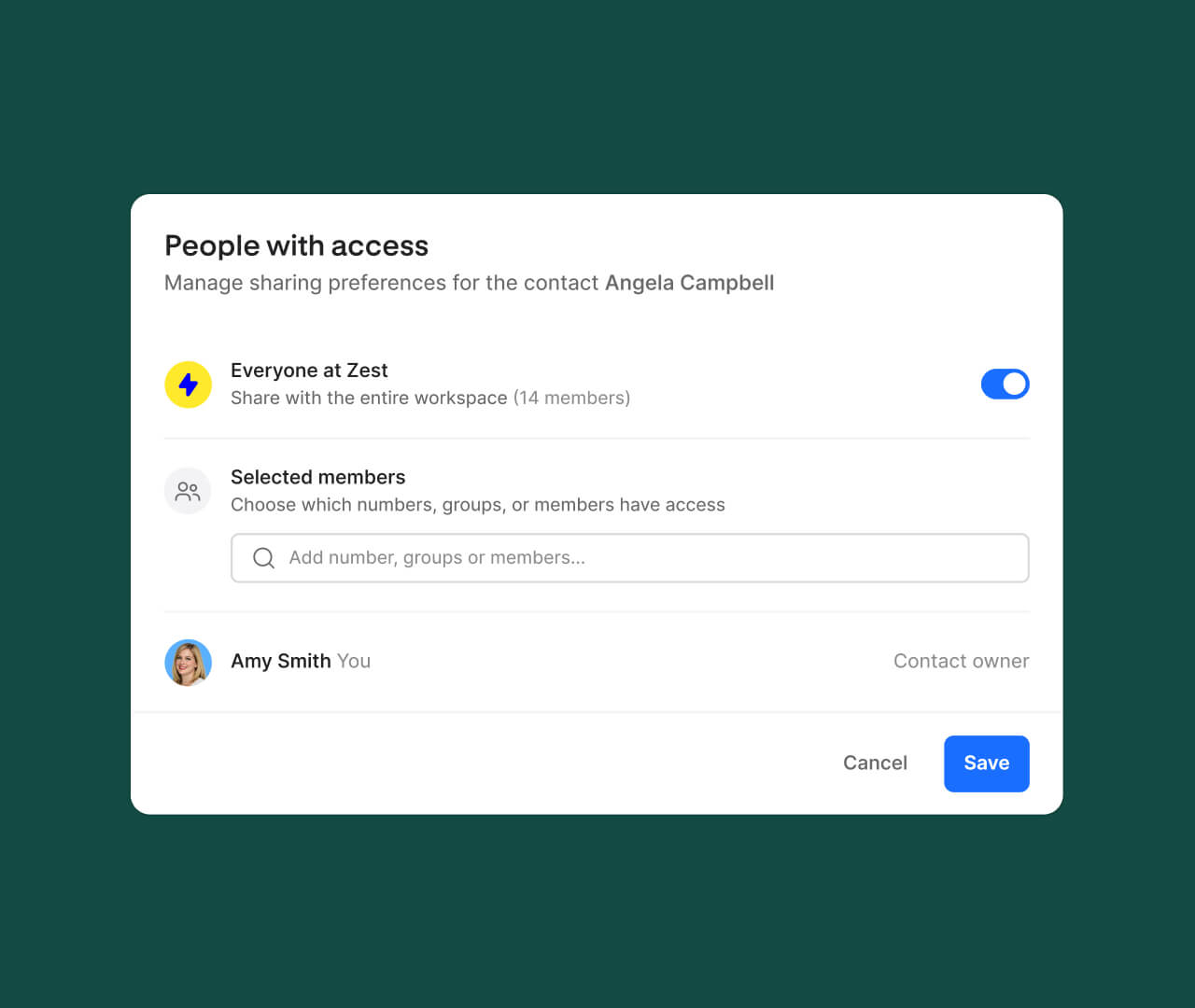
Whether you’re jumping in mid-thread or tagging a teammate for help, shared contacts mean less backtracking and more action.
2x
smoother workflows
Quo is phenomenal. Whether we’re communicating with employees, our customers, or our clients, it gives us visibility into all the different lines that we use. It’s a great platform, super convenient, really easy to use, and inexpensive. We love it.
Jason Ovryn
Co-founder & COO @ Carry
Powerful routing made simple
Shared contacts
Add custom properties and notes to any contacts in your address book, so you and your team can stay on top of customer relationships.
CRM integrations
Improve your workflow and gain insights into your business by tapping into an ecosystem of third-party tools.
Call summaries
Call summaries make it easy to get context from previous conversations in seconds while suggesting next steps.
Design your call routing visually with drag-and-drop simplicity - see exactly how calls will flow, easily set up after-hours menus, route VIP customers to specific team members, and make changes without technical headaches or disrupting customer experience.
Harness the power of AI to generate transcripts and automate note-taking using advanced speech-to-text technology. Call summaries make it easy to get context from previous conversations in seconds while suggesting next steps.
Sona, your AI agent, answers calls 24/7, handles common questions, captures key details, and ensures every customer interaction is logged. It’s like having an always-on receptionist — so you can focus on growing your business.



.avif)




.avif)
%20(1).avif)
.avif)


.svg)
.svg)
.svg)