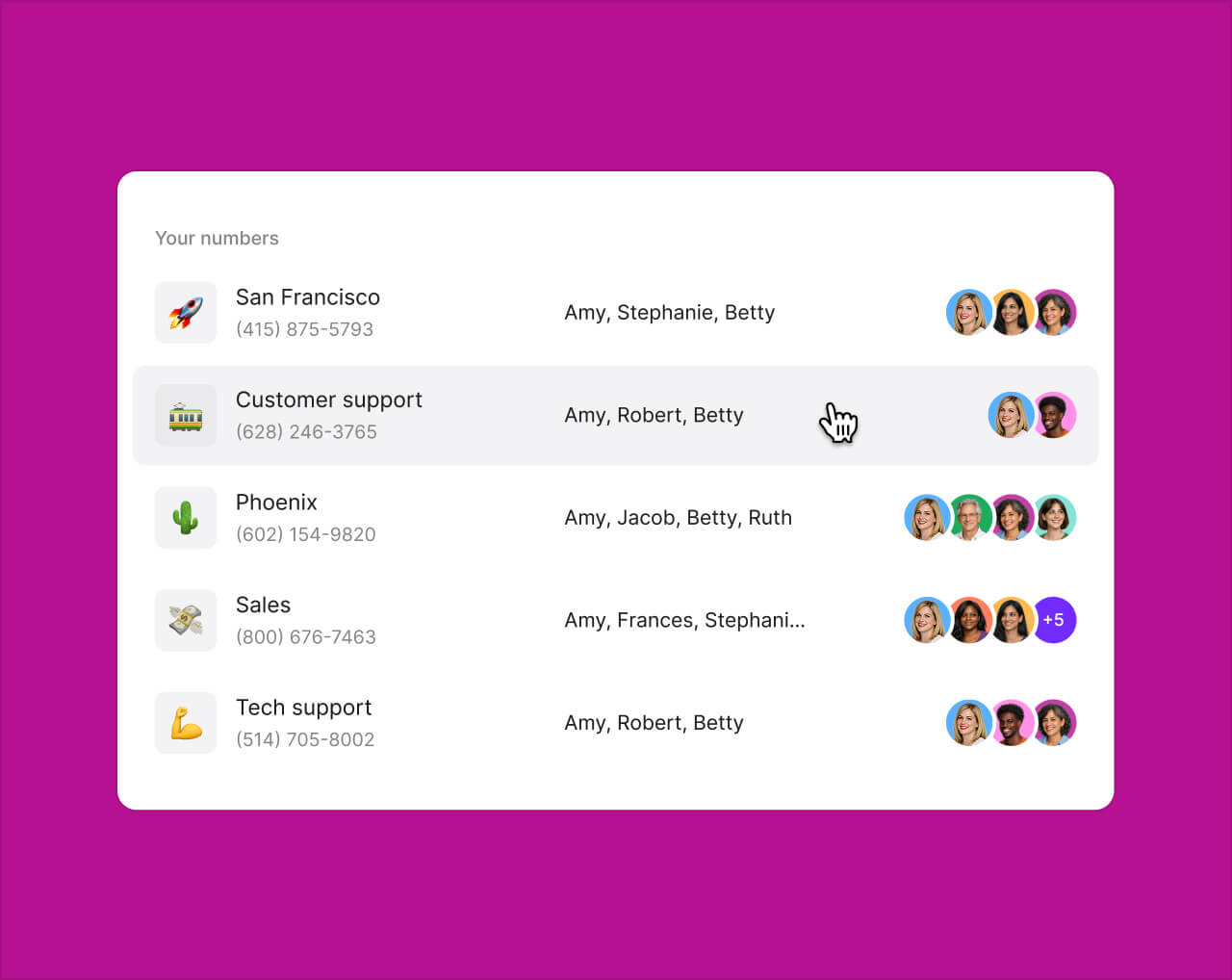
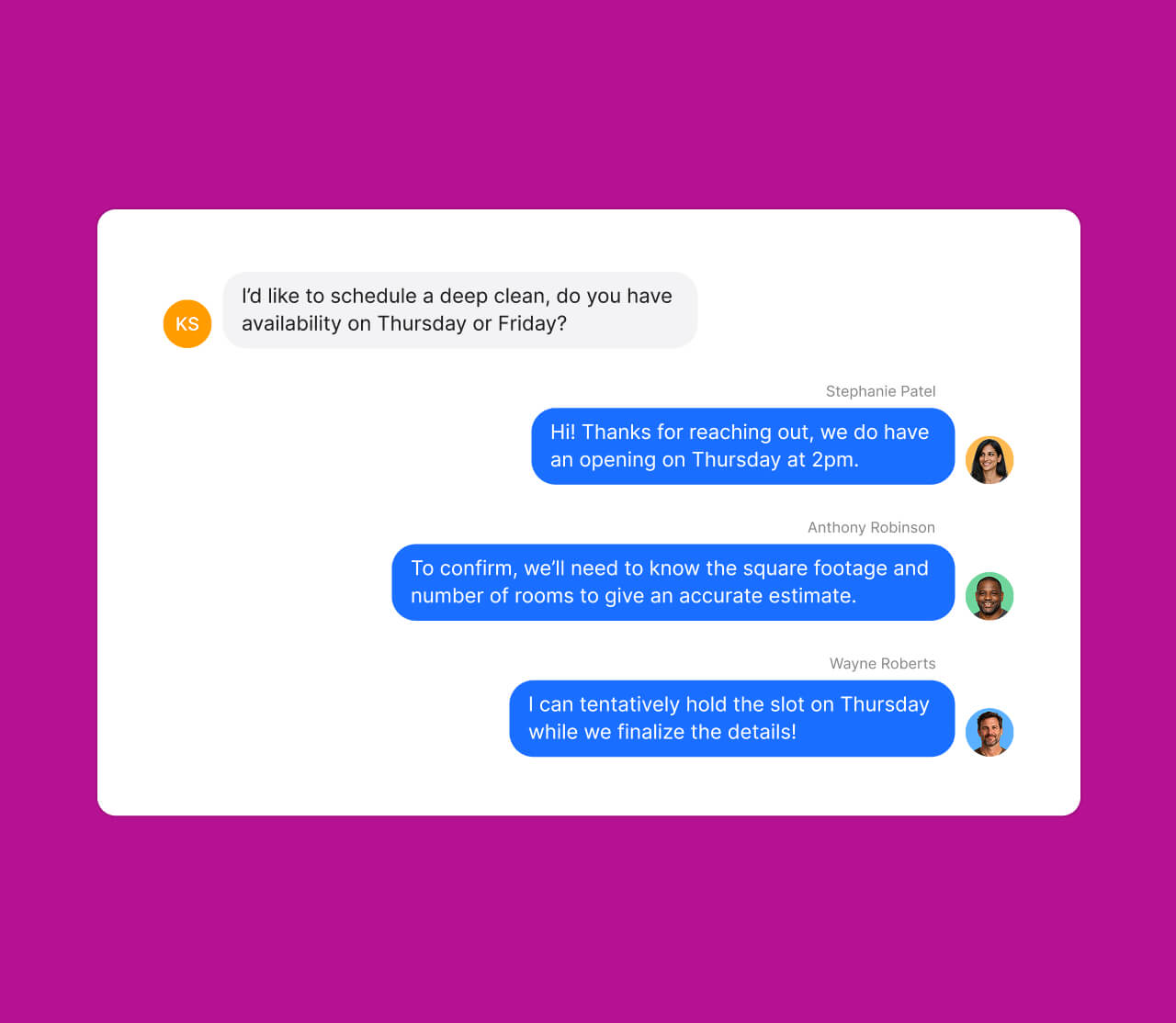
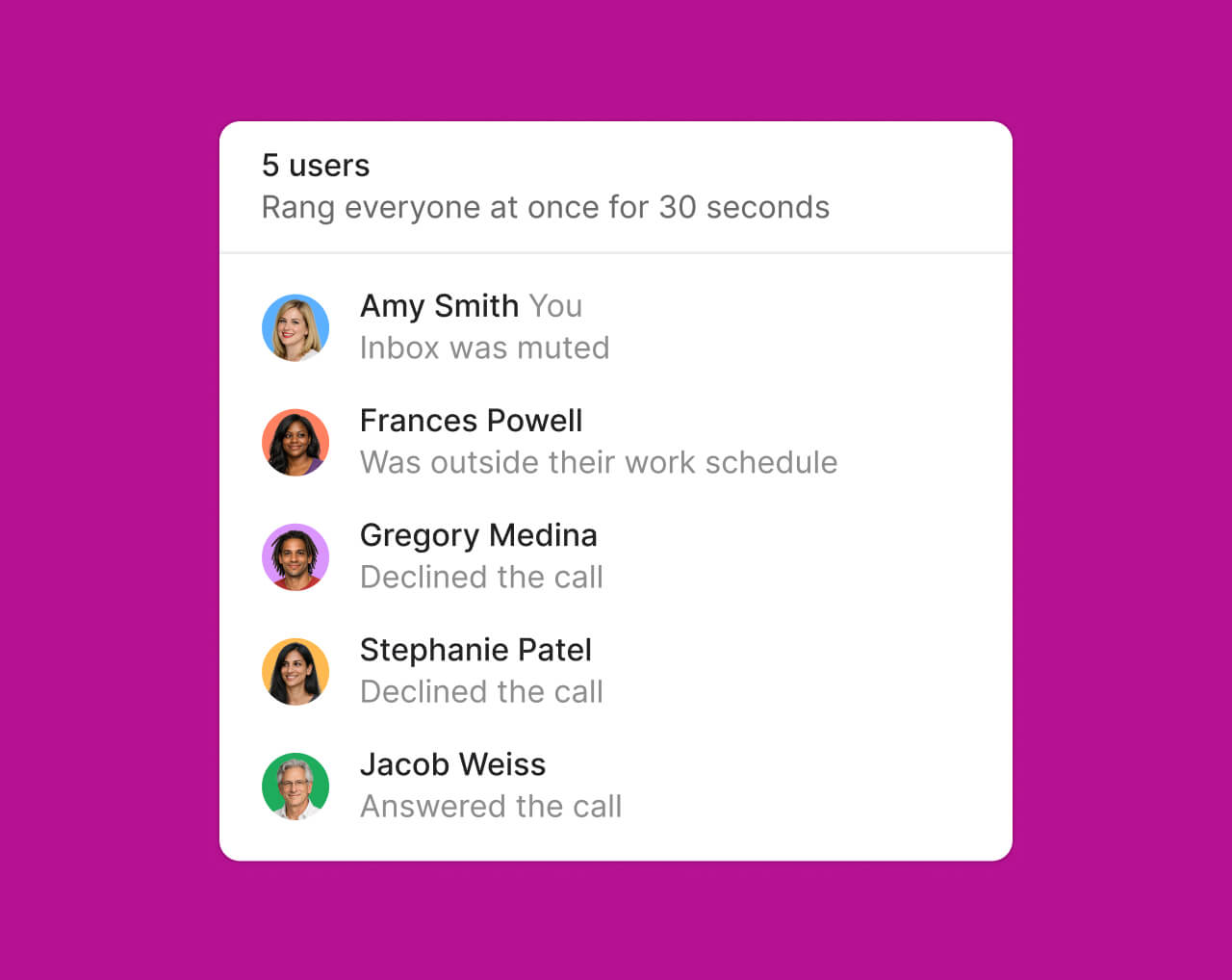
Shared numbers
Team collaboration
Shared inbox

Share one number. Work as one team.

A shared inbox for calls and texts makes it easy for your team to collaborate and respond faster.
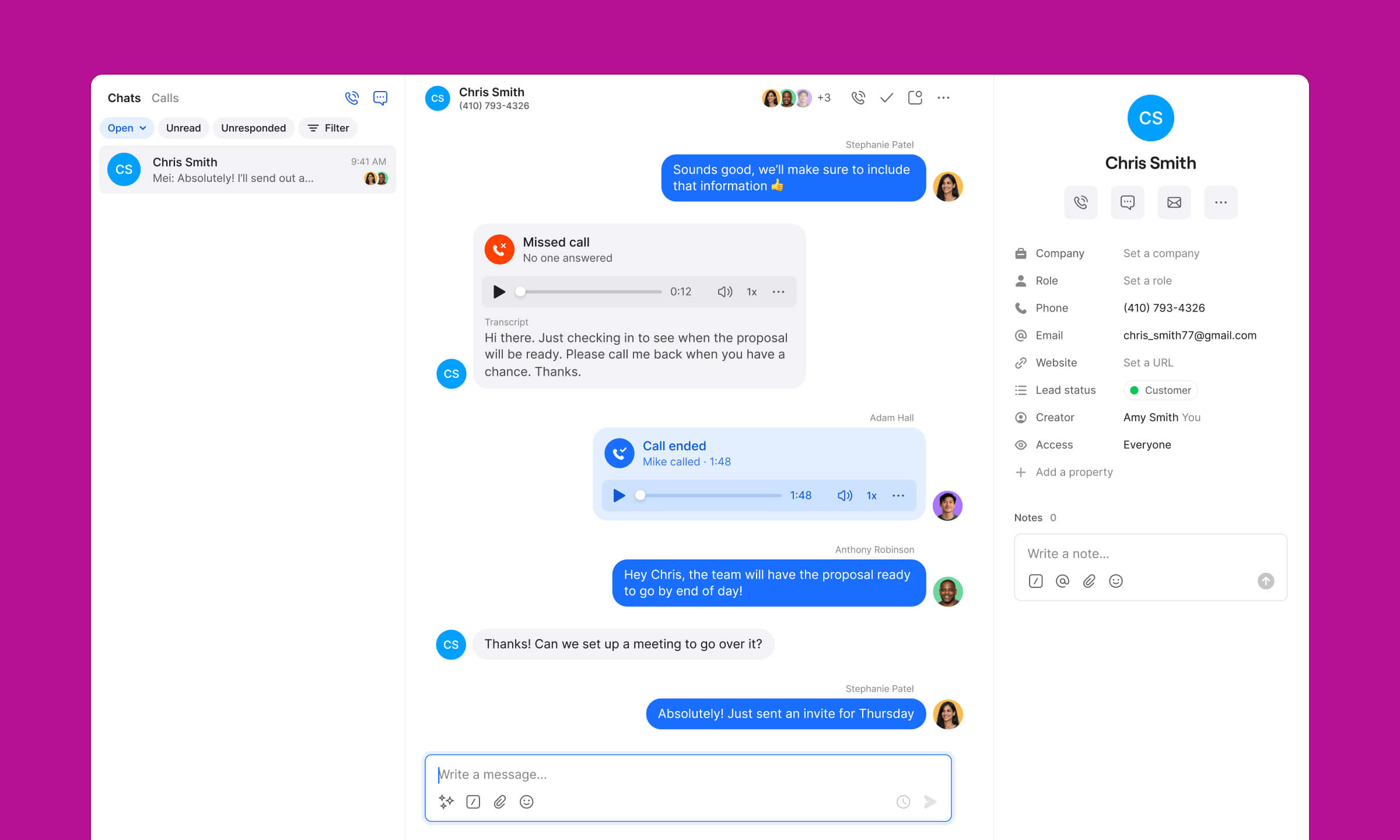
Chat interface showing messages between Chris Smith and colleagues discussing a proposal, including missed and ended call recordings and contact details for Chris Smith on the right.
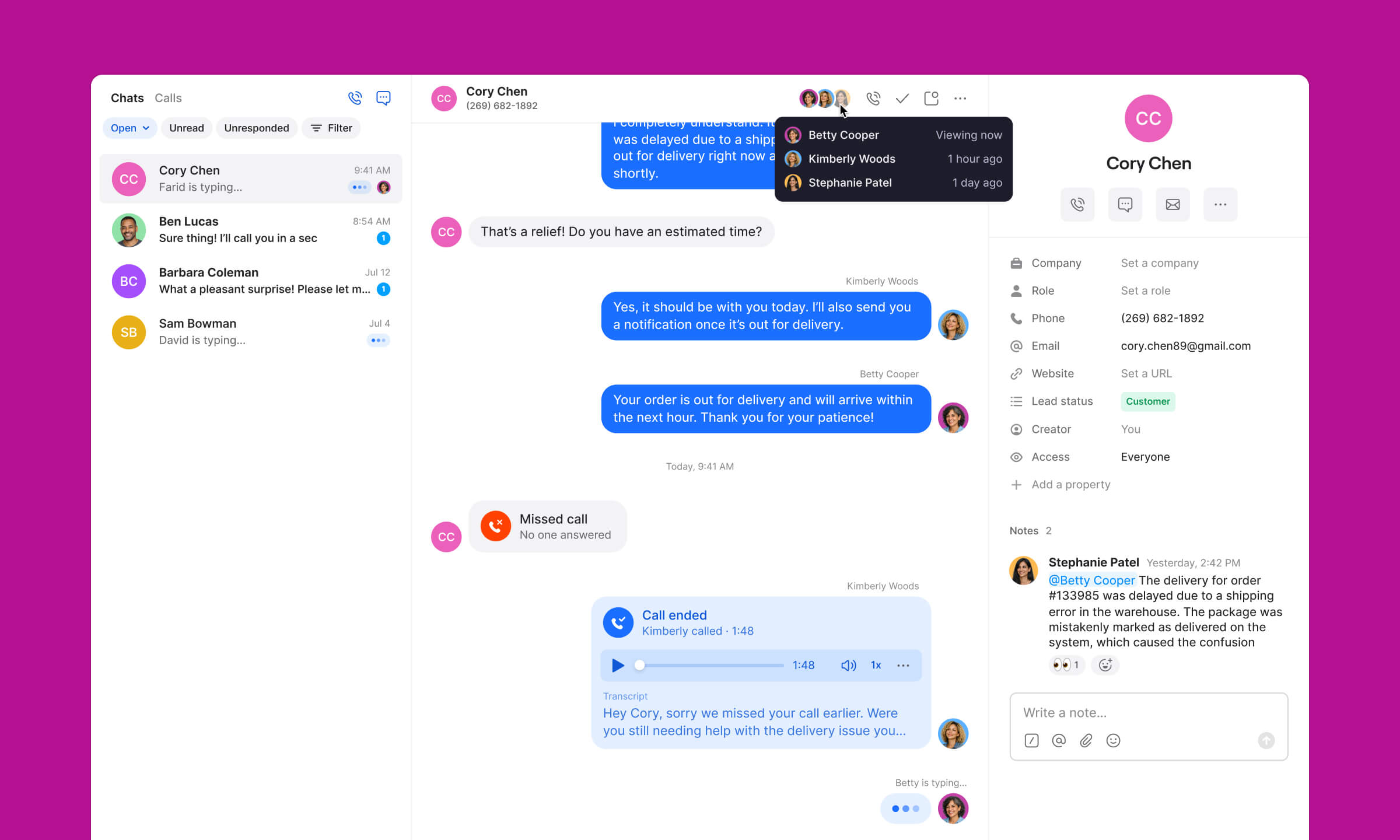
Messaging app showing a conversation between Cory Chen and customers about a delayed delivery, with call history and user details on the right.
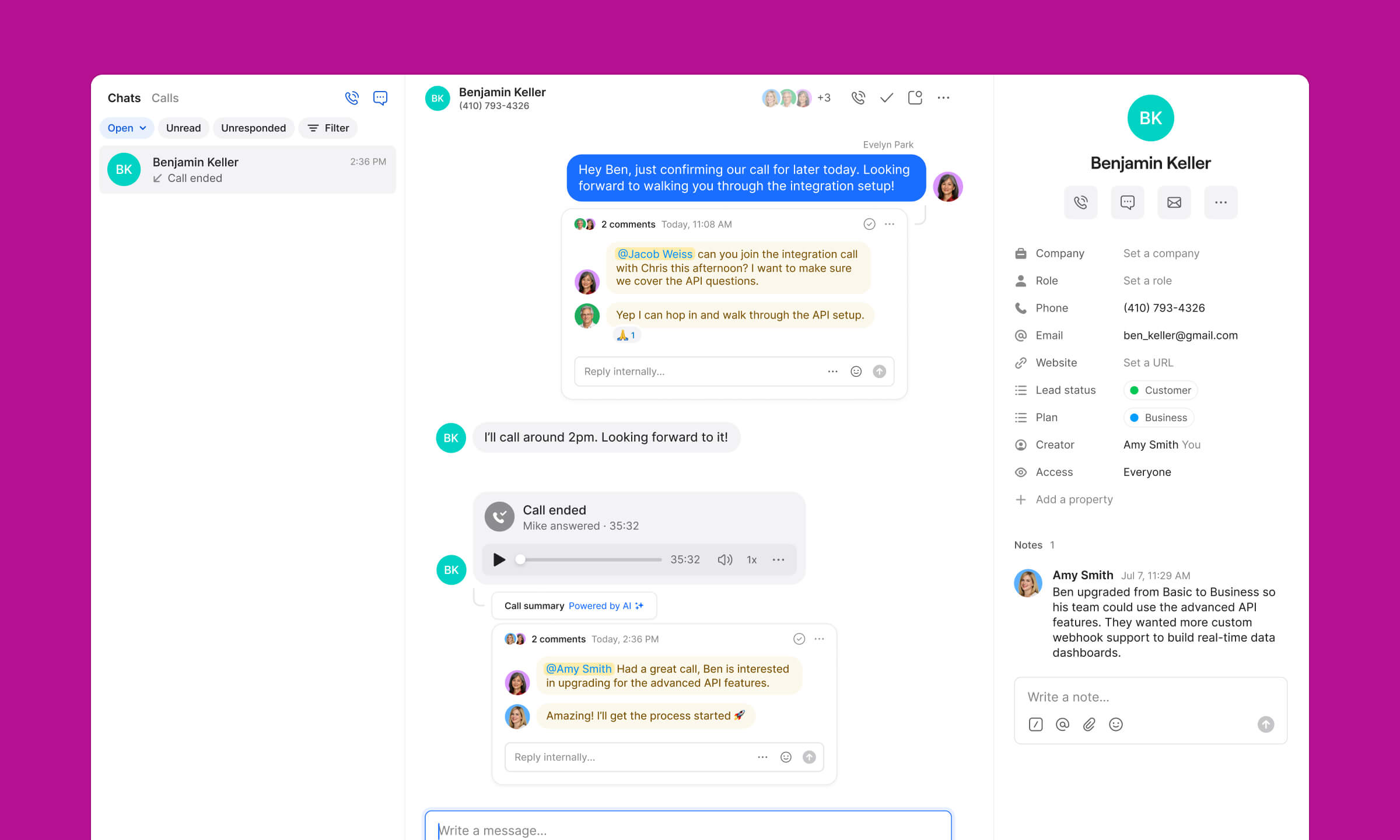
Chat interface showing a conversation with Benjamin Keller, including messages about scheduling a call, call summary, comments on API integration, and contact details on the right side.
Shared numbers
Teammates can use one number to simultaneously call and text — the line is never busy.
Gain visibility
Know who's responding, what was said, and what still needs a response.
Collaborate everywhere
Keep context intact with internal threads, teammate tags, and notes so nothing slips through.
Ready to make a call?
Start your free trial today

When a customer reaches out, your team should be aligned

No duplicate replies or repeat conversations
Whether Sarah started the conversation or Mike needs to follow up, full context is right there so customers never have to repeat themselves.
Internal threads
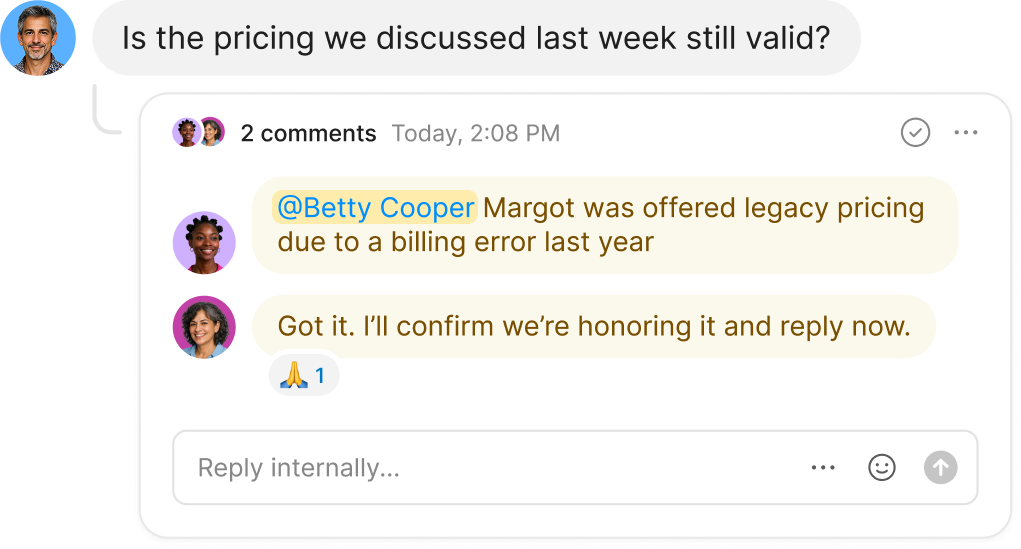
Chat conversation with two comments discussing legacy pricing offered to Margot due to a billing error last year, confirming to honor it and reply soon.
User profile photo with a phone call status showing 'Call in progress… Emily answered' and reaction icons with thumbs up and praying hands with counts 3 and 2.
No more "I thought you were handling that call"
When a customer calls, everyone knows who's responding and what's already been said, so nothing falls through the cracks.
Unified conversations
Chat interface showing customer asking, 'Hi, could I book an appointment?' with support agent Maggie typing a reply.
Handle high volumes without breaking a sweat
When 20 customers text at once, you can easily see who on your team is already responding and jump in where needed
Shared numbers
3x
More collaboration

Quo has transformed how our team collaborates, with intuitive features that make it incredibly easy to transfer calls, monitor teammate activity, and add detailed notes to every interaction. We can effortlessly scale by adding new numbers as we expand into different territories.

Portrait of a smiling woman with long dark hair wearing a black and white checkered shirt against a purple circular background.
Maureen Jones
Partner/Senior Recruiter @ Loophire

Collaboration features

Unified inbox
One interface for all calls and texts across team members
Internal threads
Work behind the scenes while keeping all relevant conversations in context
Call routing
Create dynamic routing based on availability, schedule, team, or contact
Shared contacts
Automatically synced contact database across all team members
Centralized billing
Make your accountant’s life easier by putting everyone in your company on the same bill
User management
Easily add or remove team members and adjust permissions whenever you need to
Number management
Use shared numbers between team members and as your team’s needs evolve, you can easily add or remove numbers to accommodate
Presence awareness
See when teammates are on calls or actively responding
Team activity feed
Alignment is easy with an activity feed across shared numbers
Inbox viewers
See when someone last saw a conversation
Usage analytics
See how your numbers are being used, from call volume to message history, so you can make smarter decisions, backed by real data
Team performance tracking
Individual and collective response metrics
Call views
Monitor and manage all your calls with dedicated views for missed calls, voicemails, and call recordings
Compare

Ready to switch?
Why teams choose Quo

No training required
Dialpad's enterprise dashboards can be hard to learn and navigate
Always on, 24/7 AI assistance
Dialpad's AI requires expensive upgrades and coaching to use
All-inclusive plans staring at $15 per user
Dialpad's base price jumps to $45+ for a similar level of features
Shared inbox and full-thread visibility for complete context
Dialpad has siloed conversations and admin-heavy workflows. ⁠
Built to help you give a personal touch at scale
With Dialpad you have to dig through call center metrics
Transparent with predictable costs
Dialpad has toll-free fees and per-minute international charges
All-inclusive plans starting at $15/user
RingCentral has custom pricing with add-ons
Easy to get started
RingCentral takes more time to configure and set up
Included Sona AI answers calls 24/7
RingCentral spreads AI features across several expensive tiers
SMS approved fast with Quo
RingCentral's lengthy waits for approvals lose customers
Created to build customer relationships
RingCentral has complex internal collaboration dashboards
Calls, texts, and customer context in one thread
RingCentral spreads conversations across separate apps and dashboards
All-inclusive plans starting at $15/user
Nextiva's entry level plan has no phone service
Unified calls, texts, and easy CRM from day one
Nextiva is $30-36/user just for basic calling and nothing else
Sona for handling first responses is included
Nextiva requires a $40-75/user tier for any AI assistance
Unlimited business texting included
Nextiva has 100-250 SMS per-month caps that lose you customers
Streamlined for simple relationship building
Nextiva has limited features paired with complexity
No hidden fees, transparent pricing
Nextiva has add-on pricing to access to basic features
Starting at $15/user with no minimums
Aircall requires a 3-license minimum purchase for $30-50/license
Unlimited toll-free with Sona AI included
Aircall has hidden fees and $9/user AI add-on
Unlimited texting with no caps
Aircall limits you to 4,000 messages and charges extra for each additional text
Advanced analytics included
Aircall requires a $50/user Professional plan for reporting
All-inclusive plans with no surprises so you can scale
Aircall has a complex per-license model that requires purchasing unnecessary licenses so they can scale
Shared inbox and full customer history for every teammate
Aircall’s call-centric workflows make it harder to keep texts, voicemails, and notes in one thread
Complete platform starting at $15/user
Google Voice has a $50 Google Workspace subscription required
Shared numbers and team inboxes
Google Voice allows only single user lines
24/7, always-on responses from Sona
Google Voice just has extremely basic voicemail and transcription
CRM integrations and phone menus built in
Google Voice just has consumer calling features
Unlimited texting without restrictions
Google Voice has limits and restrictions
Make calls globally on day one
Google Voice has a US-only limitation on their Starter plan
Unlimited calling starting at $15/user
Zoom's entry plan charges for every outbound minute
Sona handles routine calls and texts 24/7
Zoom Phone has basic transcription focused solely on meetings
All-inclusive plans starting at $15/user
Zoom requires $18-22/user bundles for the basics
Designed for customer conversations
Zoom Phone was created as a way to make a little extra money from video conferencing
Real CRM and business integrations
Zoom's has a limited phone system ecosystem
Calls, texts, customer info unified
On Zoom Phone they are scattered across meeting and phone apps
Ready to make a call?
Start your free trial today

Ready to get started? Explore features, learn more, or choose from thousands of numbers.