Call management made easy
Set up cloud calling workflows that meet your team’s preferences. Use our drag-and-drop call flow builder — no technical expertise required.
Choose how you want to receive calls with ring order. You can ring your team simultaneously or in custom ring groups. Give your customers self-serve paths to reach your team with phone menus. They can use specific keypad options or interactive voice response, or cloud IVR, to connect with your colleagues. Transfer callers to your colleagues with warm call transfers or bring them into your call with group calling.
Set up backup call routing options when your team is busy or unavailable. Direct callers to Sona, our 24/7 AI answering service, a backup call forwarding number, or voicemail.
Handle incoming calls 24/7 with Sona
Never miss a call or a lead with Sona. Answers calls 24/7 with our AI voice agent. Sona can answer questions, take messages, and send texts or transfer calls to your team as needed.
Train Sona on your company information. Share your business documents as PDFs or provide your website URL. Sona can scrape your website and identify important information it needs to know. You can also instruct Sona to handle specific scenarios, like lead qualification or booking an appointment.
Have a multilingual customer base? Sona can speak Spanish and French! We’re also adding more languages based on customer feedback.
Text smarter with advanced messaging features
Build your customer relationships over text with Quo’s SMS and MMS messaging features.
Reply to customers automatically after business hours. Set clear expectations about when they’ll hear back with SMS auto-replies. Schedule texts based on your customers’ time zones. They can view texts at a time that’s convenient for them. Save common customer support responses with text templates, or snippets.
Create text automations to send the right text at the right time to your customers. With tools like Zapier and Make, you can connect your Quo workspace with your tech stack. When a customer submits a website inquiry or books a consultation, you can immediately send a confirmation text.
Improve team performance with insights and analytics
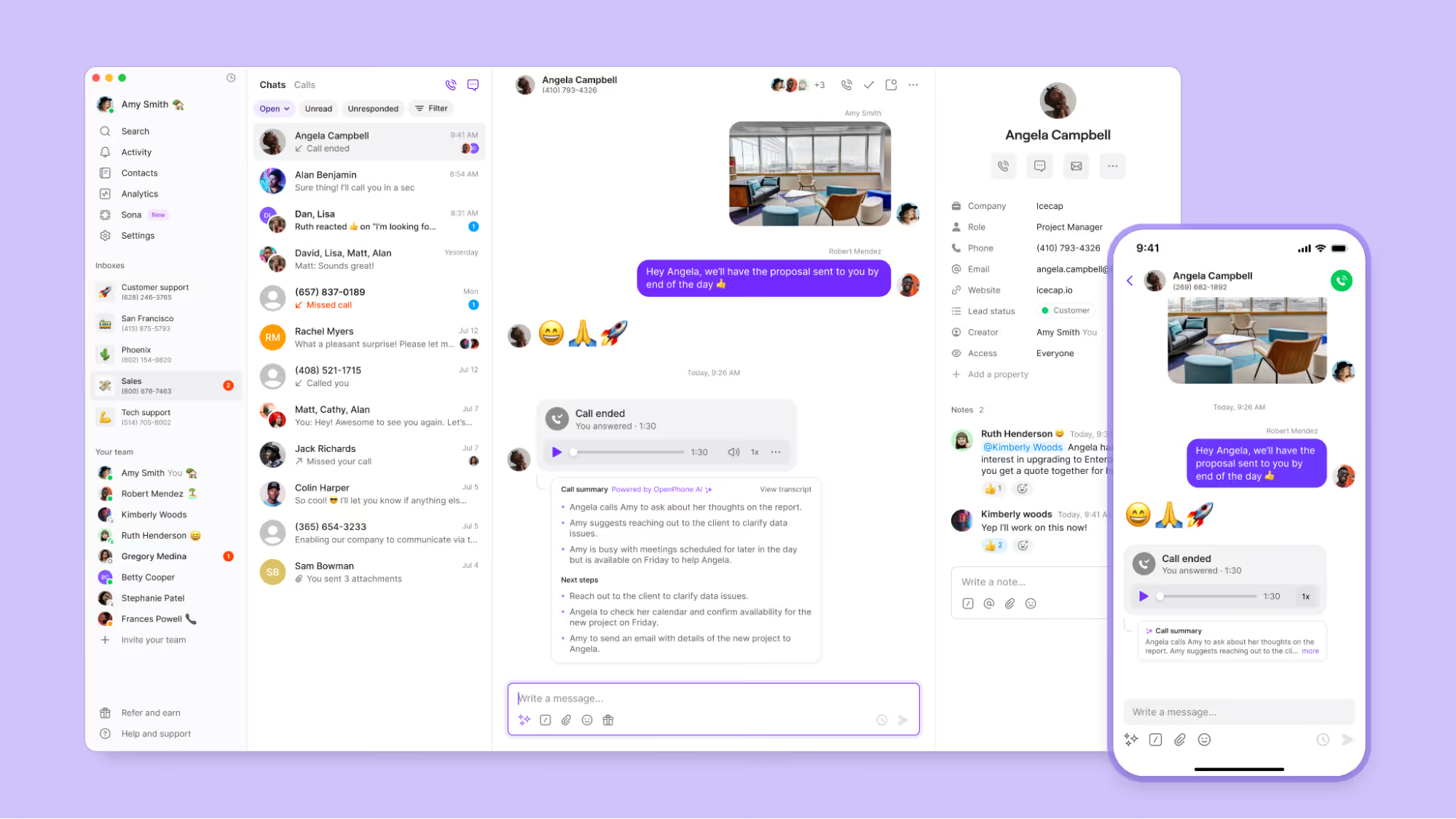
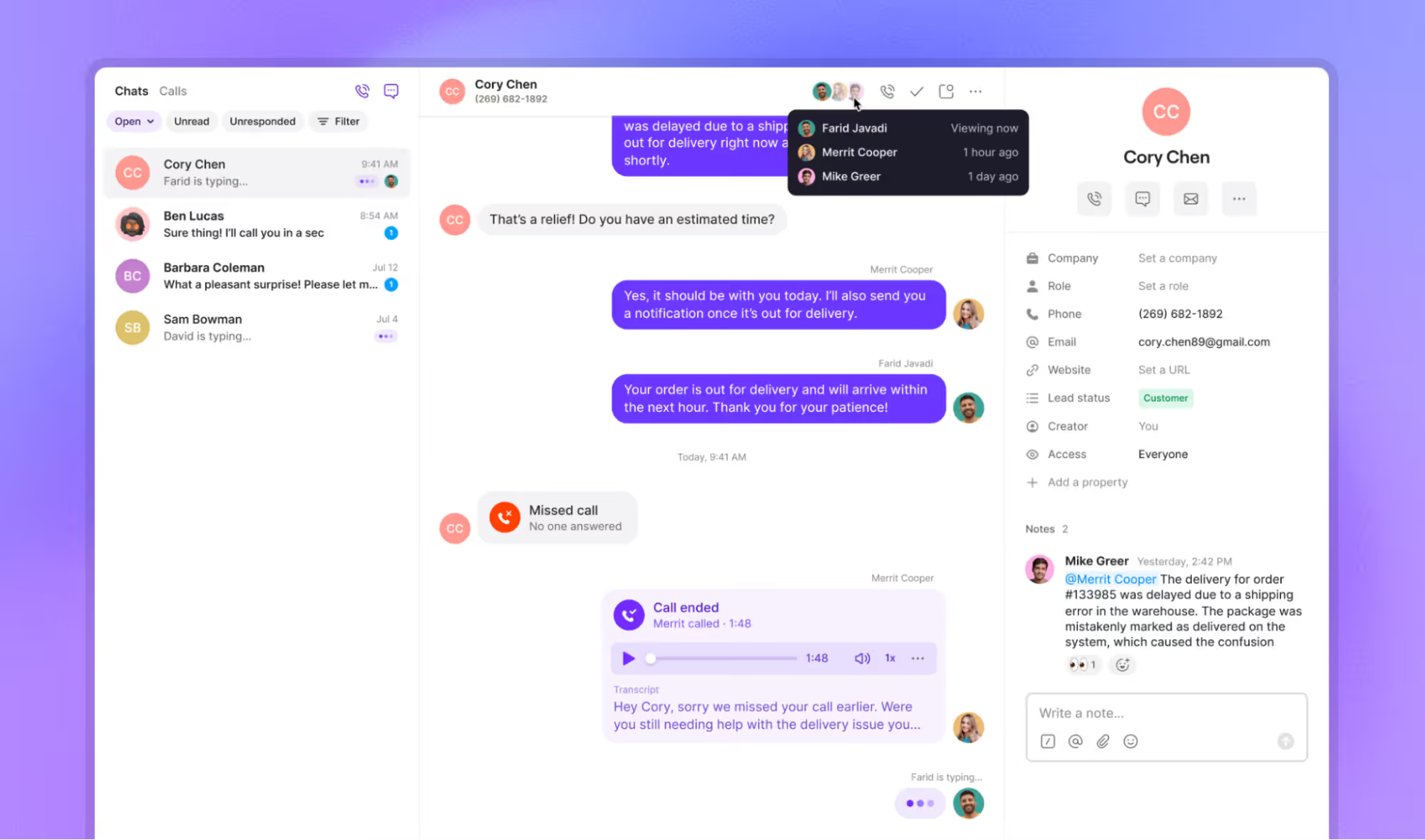
Manage your team effectively with Quo. See how your team is performing in real time with call views. Track historical performance by team member in our analytics dashboard.
Filter your call history based on custom date ranges. Look at our heatmaps to see when you receive the most calls. Understand whether you need to adjust your resources based on time of day. You can also export your data if you want Claude or ChatGPT to analyze it for you.
With AI call tags, you can surface recurring issues and opportunities across your calls. Create custom labels to track what matters to your business, like “sales proposals” or “negative feedback.” Our call tags use AI to analyze your calls and label them based on what was discussed.
Call and text from anywhere in the world
Talk to your customers wherever you go with Quo. No need to outsource your customer calls to a third-party call center.
You can use Quo on Mac and Windows desktops and iOS and Android phones. Or you can log into your Quo account in your browser. You don’t have to wait beside a desk phone to talk to your customers.
Get started with Quo today. Try Quo for free with our seven-day trial.








.jpg)




%20(1).jpg)