Clay
This is an official integration by the Quo team
By
Quo
Plans
Starter, Business, Scale
Create Quo contacts and send personalized SMS from Clay


Overview
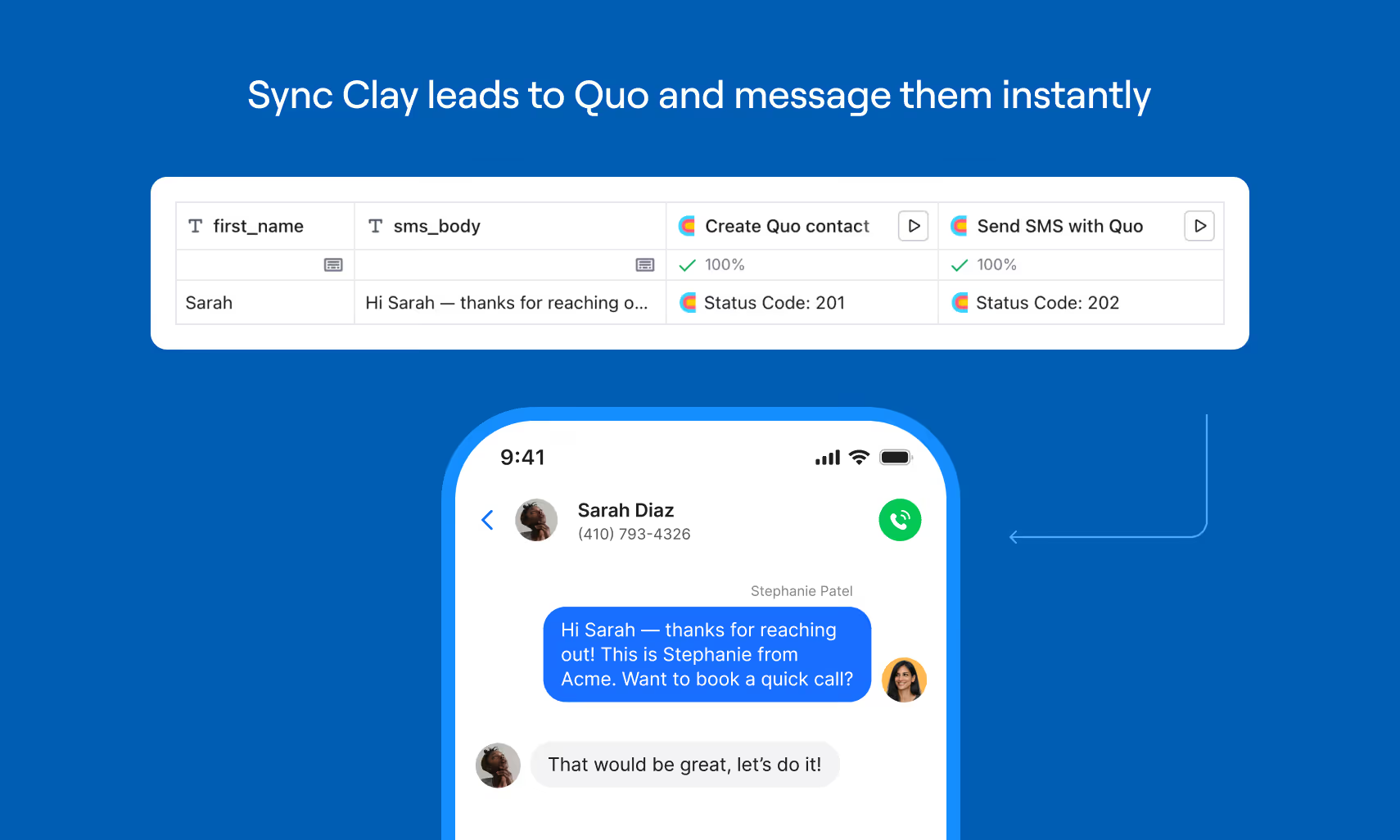
Connect Clay to Quo to turn enriched leads into real conversations in seconds. Using Clay’s HTTP API feature and Quo’s public API, you can automatically create Quo contacts from Clay rows and send personalized SMS messages directly from your Quo number — all without leaving your workflow. Enrich, qualify, and then instantly reach out with full context captured inside Quo, so your team moves from research to revenue faster.
Get started
Follow these steps to connect Clay with Quo:
- Get your Quo API key by going to the Quo web or desktop app, navigate to Workspace Settings and API.
- Open your Clay table. Click Add enrichment, search for and select HTTP API.
- Connect your Quo API key and set the endpoint to create contacts or send messages.
- Map your table columns to the API fields.
- Once configured, click Run on your row (or auto-run on new rows).