



Grok Bot
This is an official integration by the Quo team
By
Quo
Plans
Starter, Business, Scale
Connect Grok Bot with Quo


Overview
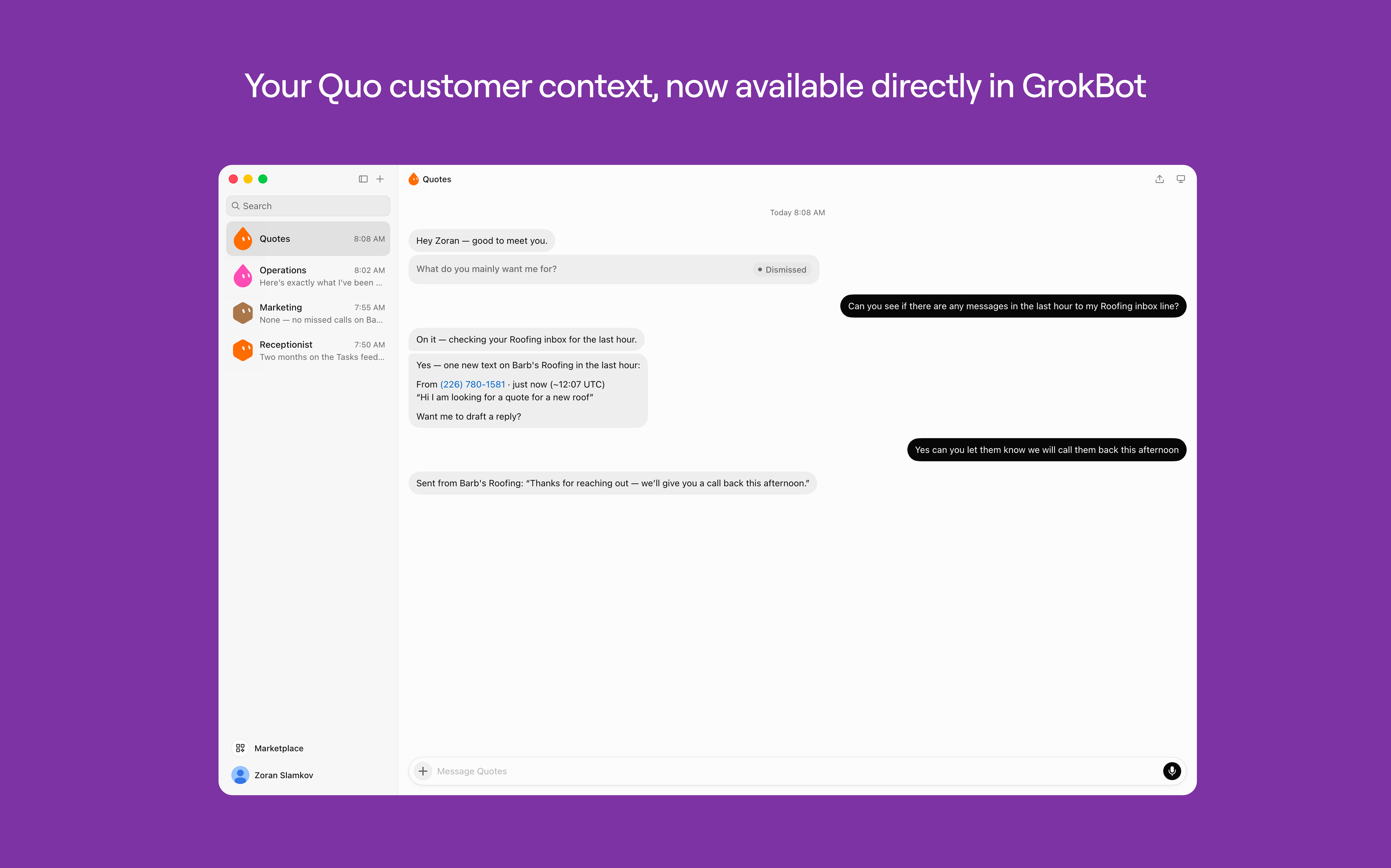
Quo is now available as a connector for Grok Bot. Ask Grok Bot to summarize what's happening in an inbox, track down a specific conversation, or catch you up on missed calls all without switching out of the chat.
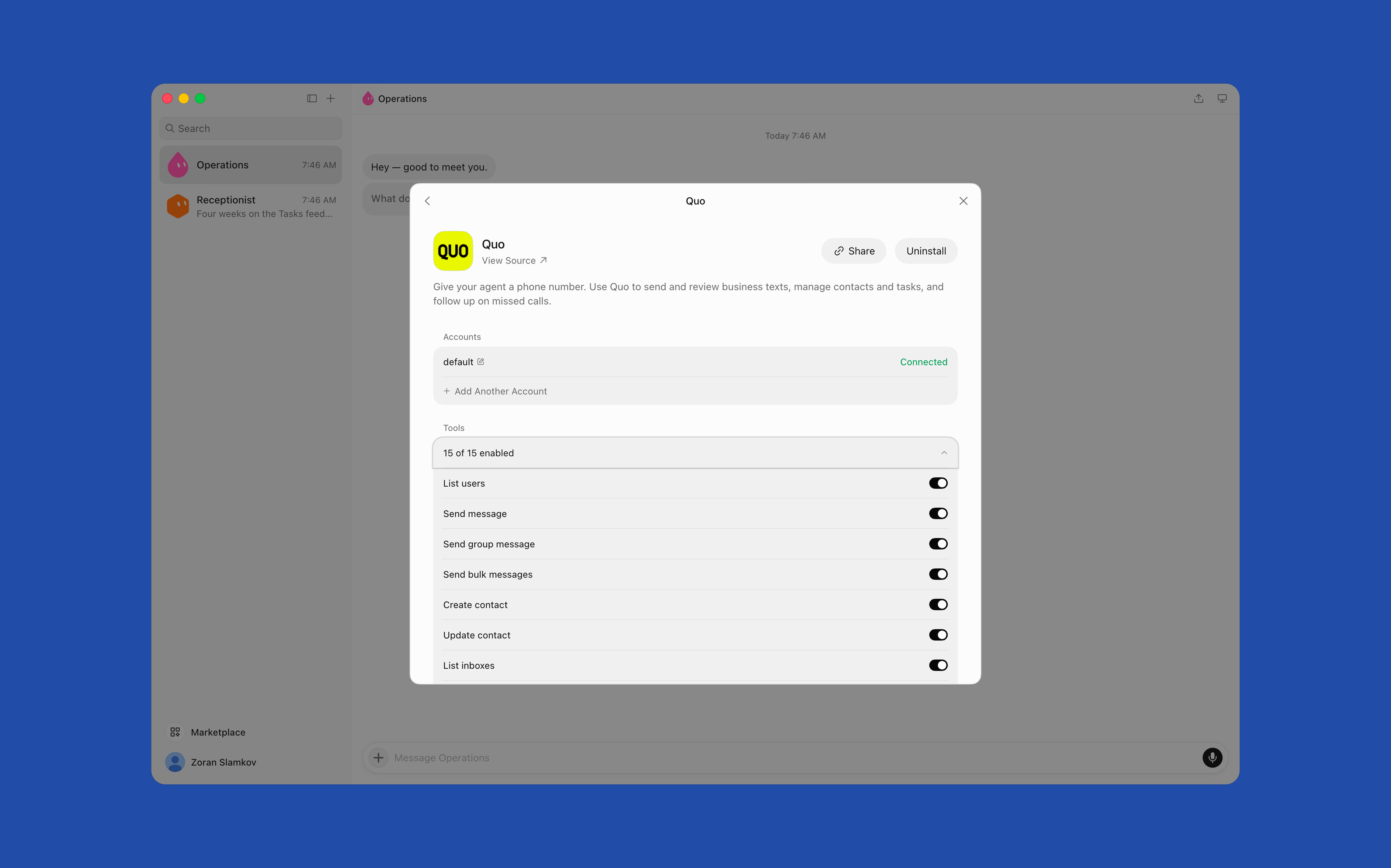
Grok Bot can send a text from your Quo number to one contact or your whole team, look up and update contact details, and pull call transcripts and voicemails on demand. It always asks for your approval before sending a message or adding a contact, and only accesses what your Quo account can already see.
Example prompts
- "Summarize conversations from my Sales inbox between April 1 and April 15."
- "Send this update to Anthony Robinson and Frances Powell: job site moved to Oak Street."
- "Get call transcripts from (415) 123-8976 between April 20 and April 27."
Call transcripts require the Business or Scale plan with transcripts turned on. You can disconnect anytime from Settings → Connectors in Grok Bot.
Get started
Follow these steps to connect GrokBot with Quo:
- Open Grok Bot
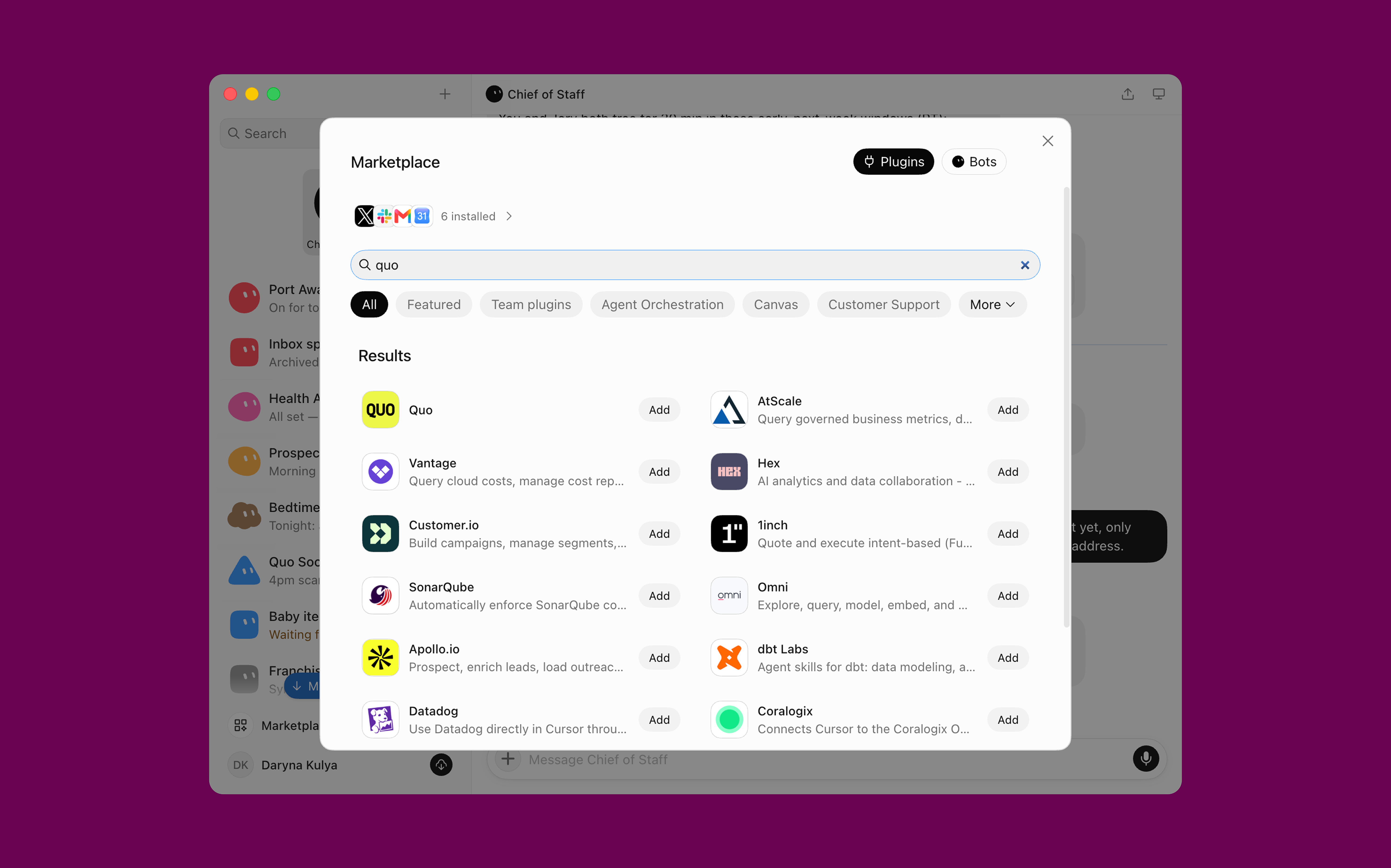
- Go to Marketplace and open the Plugins section
- Search for Quo and click Add
- Click Allow to finish connecting



.jpeg)


