DripJobs
Sync Quo calls and transcripts into DripJobs job records
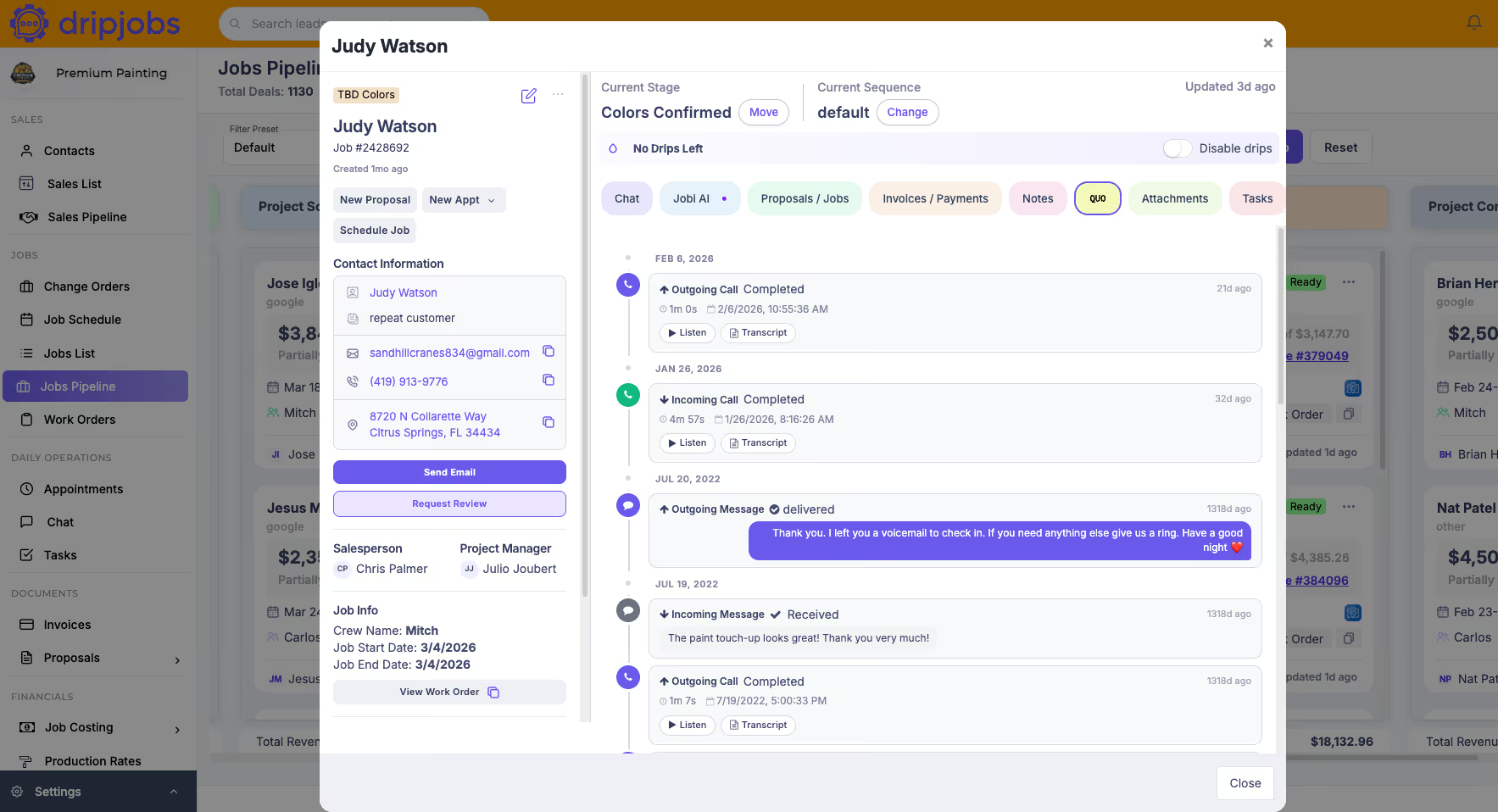


Overview
The DripJobs integration automatically syncs your full call history — including logs, recordings, voicemails, transcripts, and summaries — directly into the correct contact and job records in DripJobs. From day one, your past and future conversations are centralized in one place, giving your office staff and field crews complete visibility into what was discussed without jumping between apps.
With full call context stored inside DripJobs, Jobi AI becomes dramatically more effective — generating accurate estimate follow-ups, project updates, and next steps based on real conversations, not guesswork. Instead of piecing together customer history across platforms, everything lives where it belongs: on the contact and deal record, ready for action.