.svg)
Gong
Extract valuable insights from your team's calls to close more deals


Overview
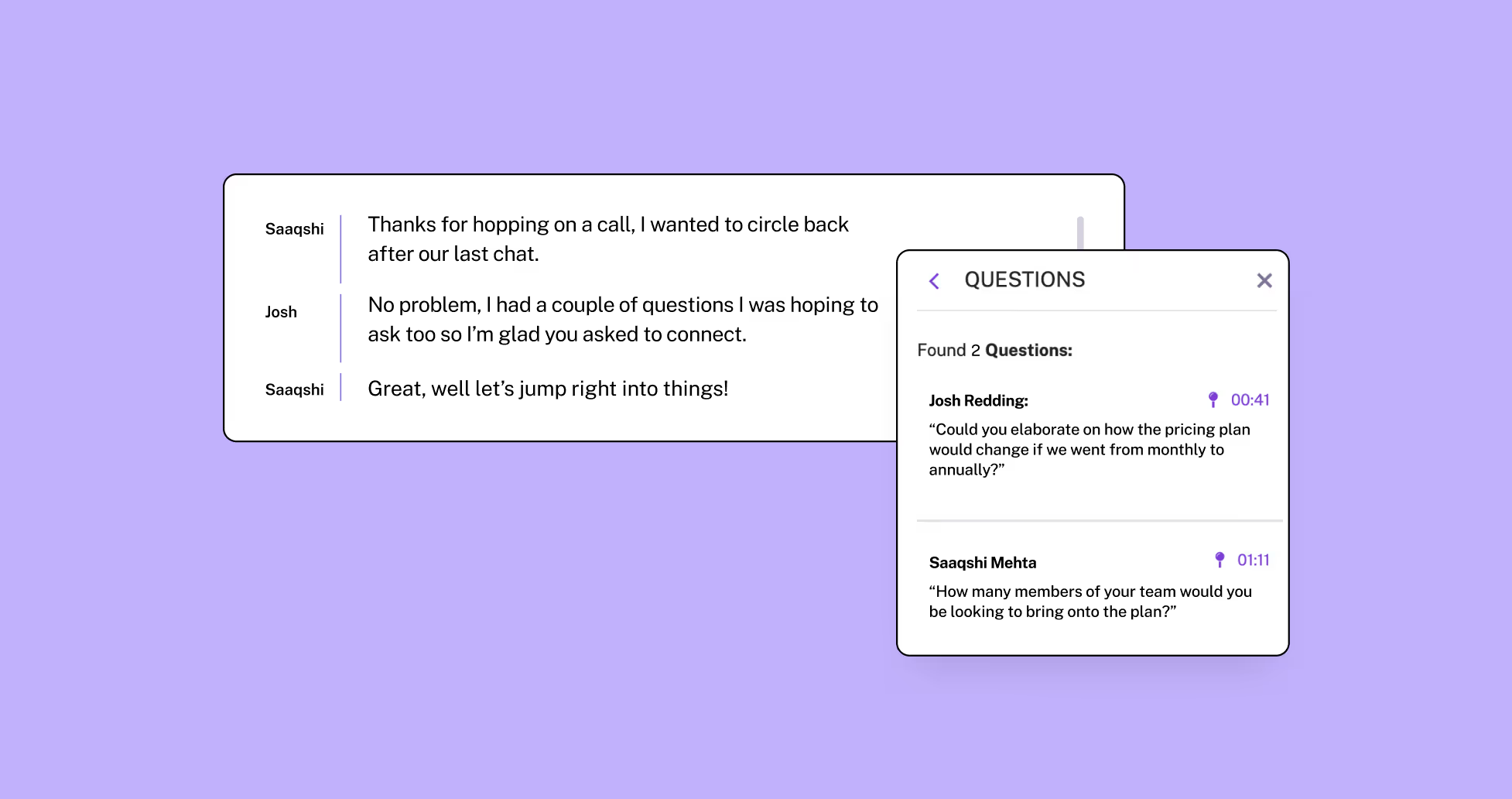
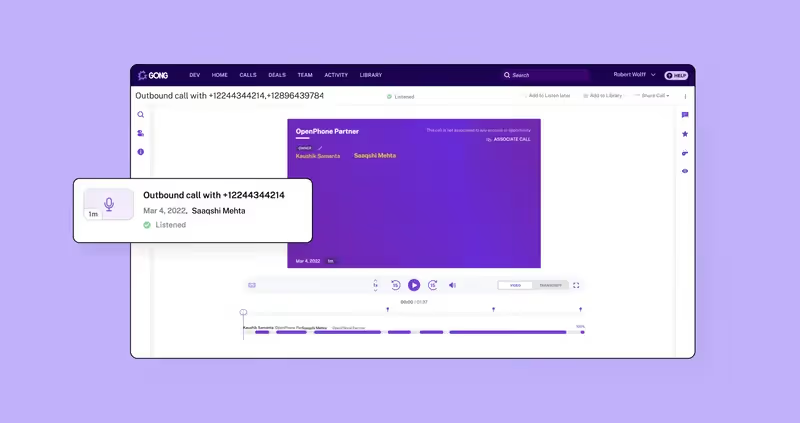
Gong and Quo work together to give your revenue teams powerful conversation intelligence by automatically capturing and analyzing every customer call, turning your phone conversations into actionable insights that help you close more deals and improve team performance.
With seamless integration between Gong and Quo, every call made through your Quo business number is automatically recorded, transcribed, and analyzed in Gong's platform, surfacing key moments, competitor mentions, and deal risks without any manual effort. And with these conversation insights at your fingertips, your team can coach more effectively, replicate winning behaviors, and scale revenue predictably while maintaining the personal touch that builds lasting relationships.
Get started
Follow these steps to connect Gong with Quo:
- Log into the Quo web or desktop app.
- Select “Integrations” under the Workspace settings.
- Select Gong and click “+ Connect to Gong”.
- Gong will ask you to confirm you want to connect your Gong account to Quo.
- After you confirm you wish to connect the apps, you’ll be redirected back to the integration settings in Quo.
- Scroll down to “Phone Numbers” to select which phone numbers you’d like to sync recordings from.



.jpeg)