.jpeg)
HighLevel
Connect HighLevel with Quo
.png)
.png)


Overview
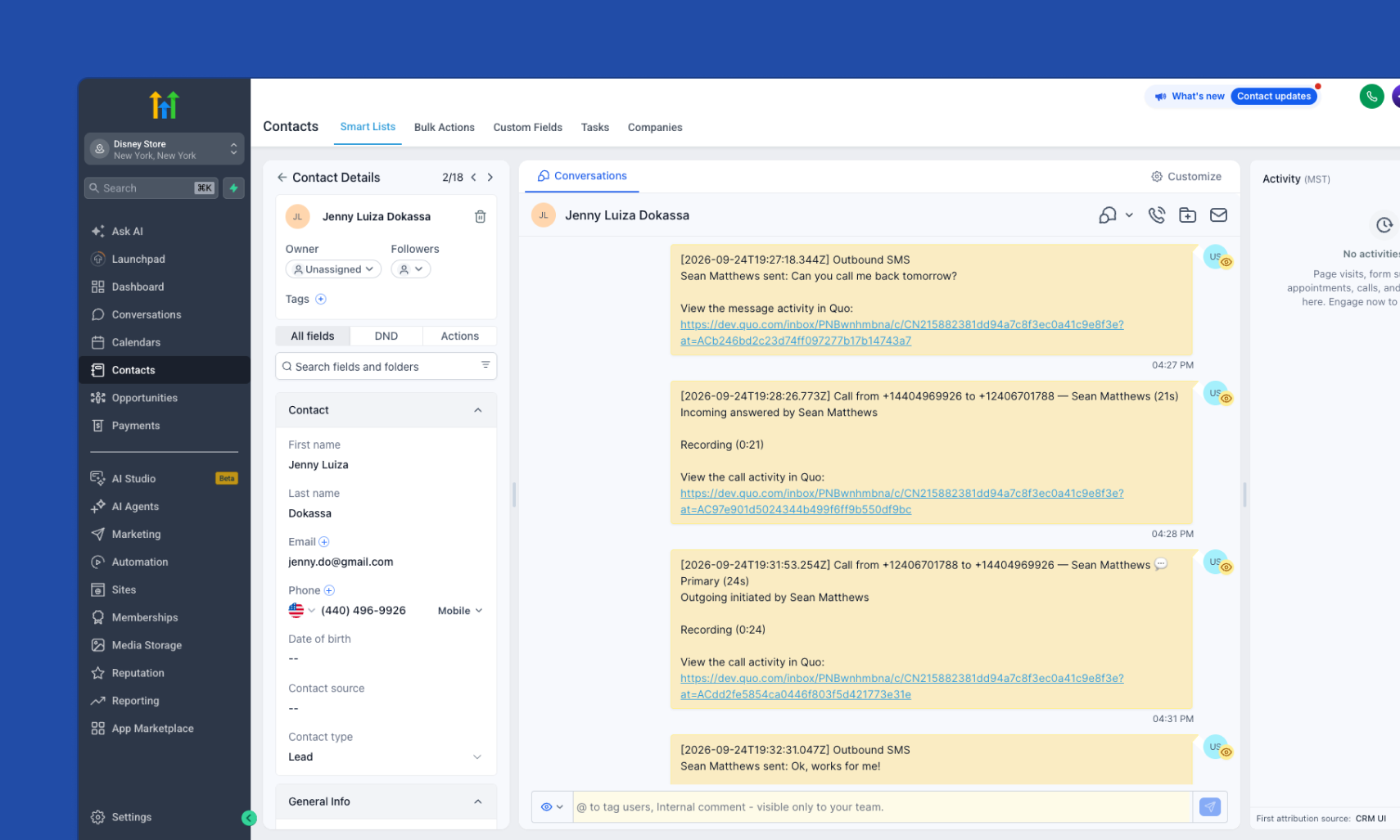
Quo integrates natively with HighLevel (GoHighLevel), so agencies and service businesses can run every customer conversation without leaving the CRM they already live in. Once connected, HighLevel contacts bi-directionally sync with Quo automatically, and every call, text, voicemail, recording, and AI summary logs back to the native HighLevel conversation thread.
For agencies managing multiple clients, the integration installs per HighLevel Sub-Account (Location), so Quo data remains consistent and clean across client accounts. AI-generated call summaries and next steps post directly to HighLevel conversation panel, giving your team full context on every customer without digging through recordings.
Get started
Follow these steps to connect HighLevel with Quo:
- In Quo, go to Settings → Integrations
- Select HighLevel
- Adjust your settings
- Click Save