monday CRM
This is an official integration by the Quo team
By
Quo
Plans
Business, Scale
Sync monday CRM contacts into Quo and log every call and text to the right contact’s timeline


Overview
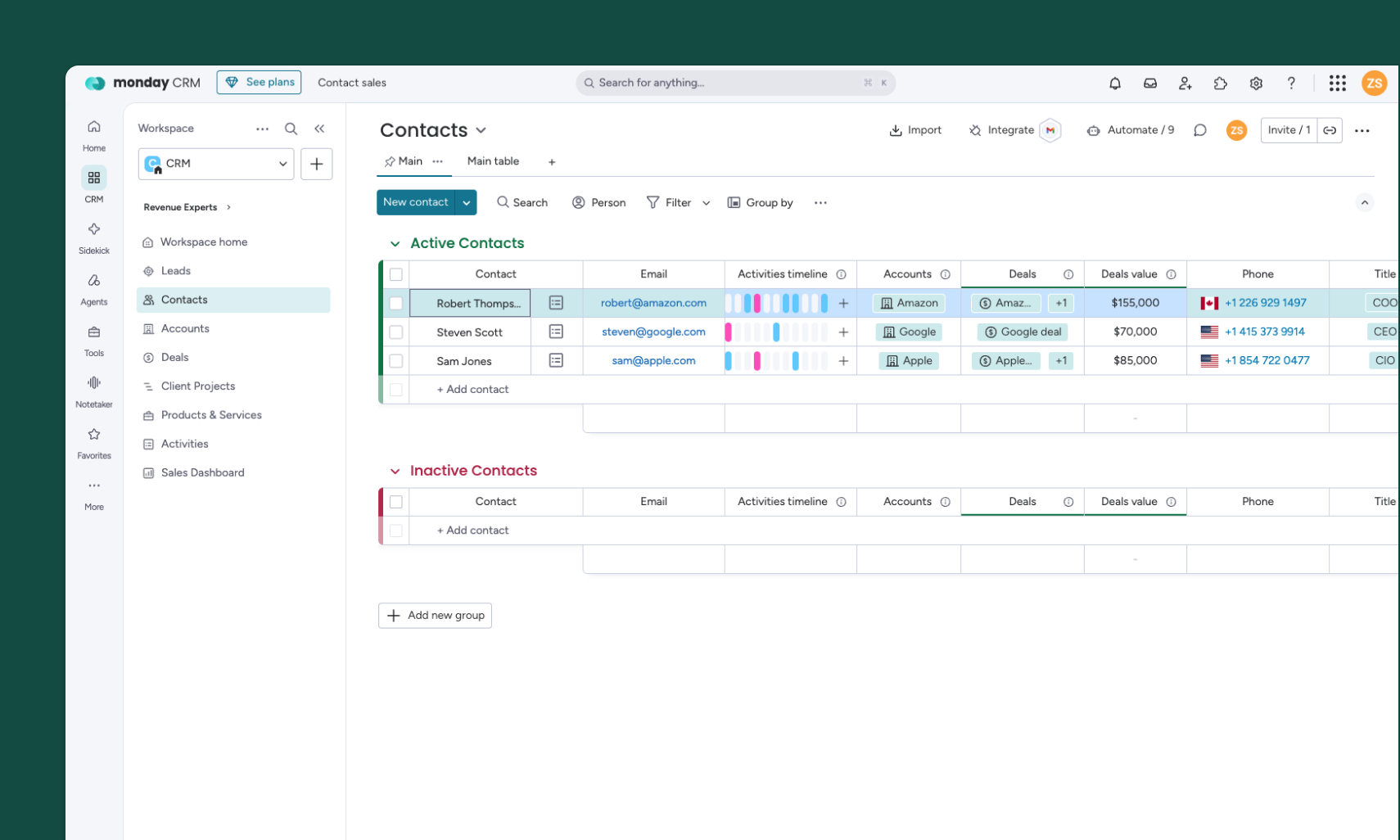
monday CRM helps teams manage leads, contacts, accounts, and deals. Quo handles the calls and texts that keep those relationships moving.
With the monday CRM integration, your tools stay in sync. Contacts sync from monday to Quo, giving your team up-to-date details when a contact calls. Update a synced contact in Quo, and those changes automatically sync back to monday CRM.
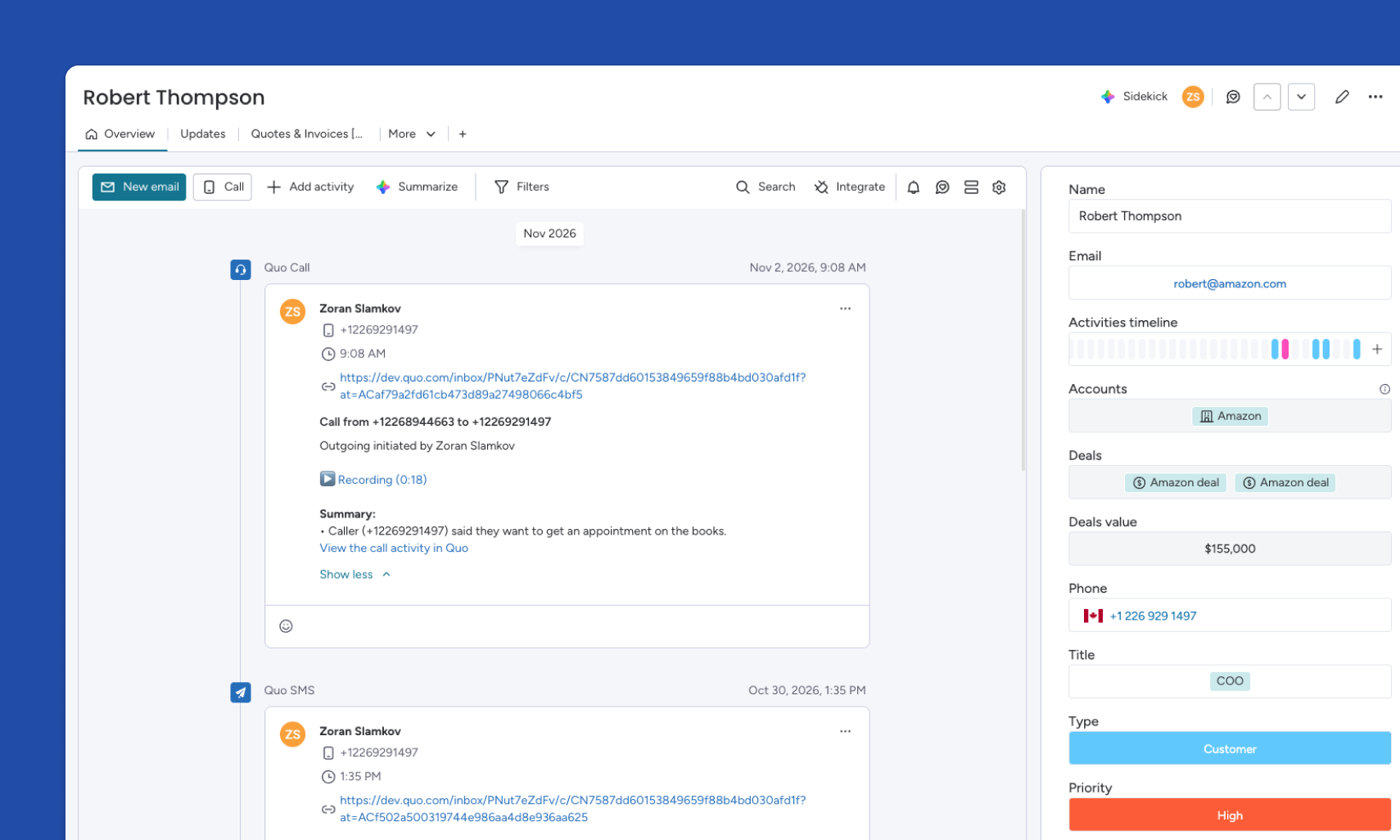
Supported calls and texts are logged to the contact’s Emails & Activities timeline in monday, alongside call summaries and recording links. That means less manual note-taking and a more complete view of every customer relationship, all in one place.
Get started
Follow these steps to connect monday CRM with Quo:
- Open the Quo web or desktop app.
- Go to Workspace settings → Integrations, select monday CRM, and click Connect to monday CRM. A Quo Owner or Admin needs to do this step.
- Choose the monday.com account you want to connect and authorize access.
- Confirm your Contacts board. Quo runs an initial sync to match contacts, then contacts sync and calls and texts log automatically.