Additional info
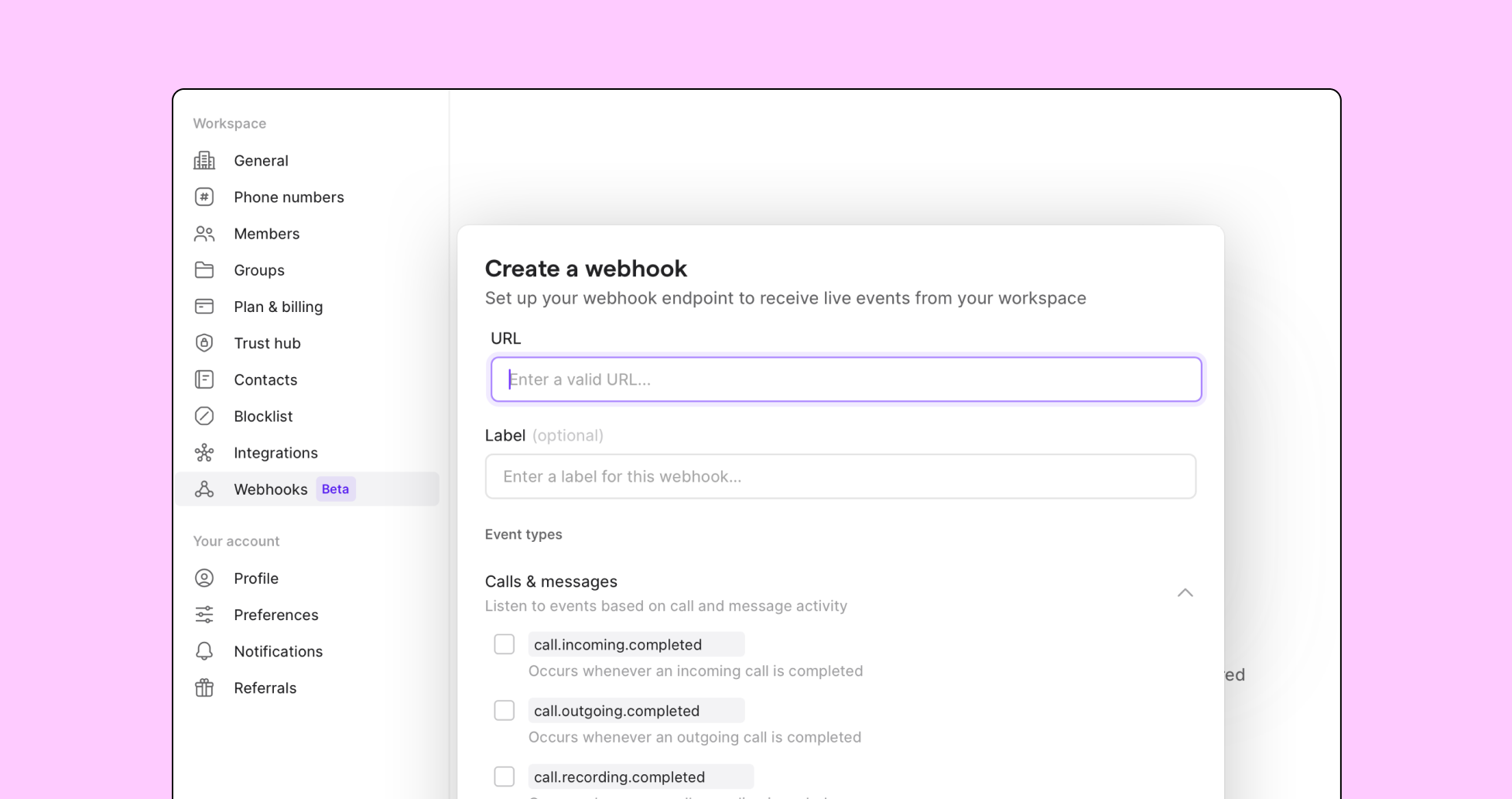
Webhooks allow you to send real-time notifications of events occurring in your Quo workspace to any other application that supports them.
This integration is for anyone who will be creating webhook applications on behalf of workspace owners.
By connecting Quo to the other tools you use via webhooks, you can create custom workflows that log call activity, send important notifications, and more.
Get started
Follow these steps to set up webhooks: