Get local and toll-free numbers for your team
Get as many phone numbers as your team needs with Quo. Choose between local US and Canadian numbers or North American toll-free numbers.
Choose your preferred area codes based on where your customers live. You can also choose a vanity number to help you stand out from the competition.
All Quo plans include one unique number for every user who joins your workspace. Plus, share numbers if you want dedicated numbers for your customer support and sales teams. Add more numbers as your team grows — additional numbers cost $5 per number per month.
Work better together as a team
Help your team collaborate more effectively with Quo. Split responsibility for incoming calls and texts with shared numbers. Catch up on ongoing customer conversations with shared inboxes.
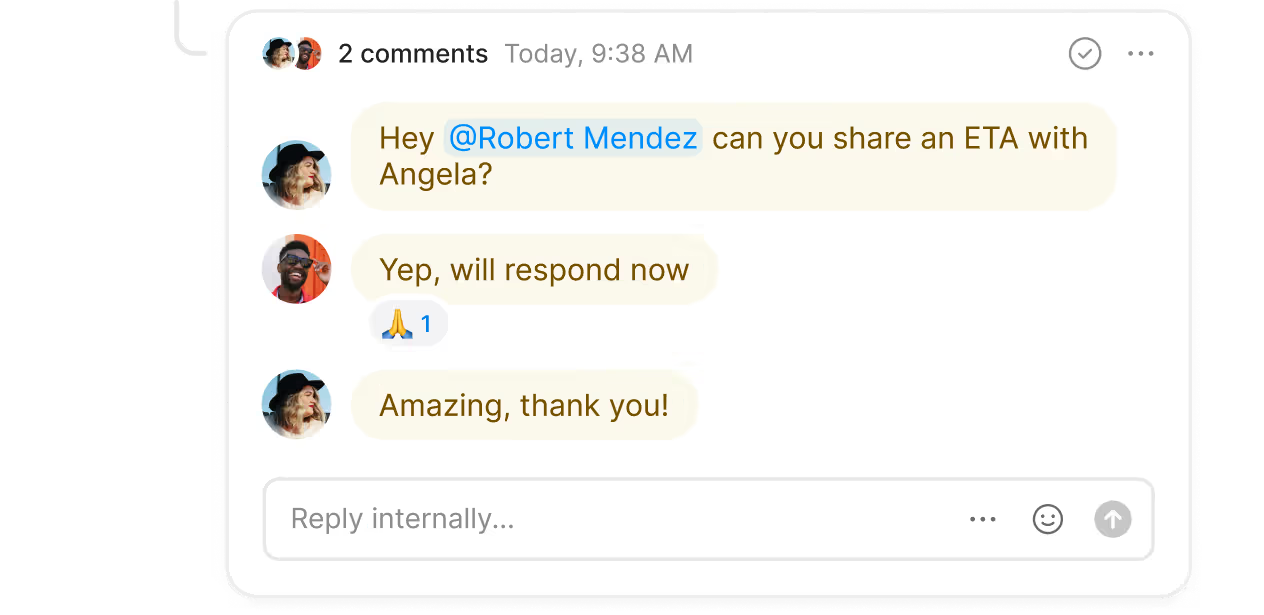
Troubleshoot ongoing issues and assign follow-up tasks in real time with internal threads. Anticipate business needs in advance and tag team members in Quo — no need to juggle multiple apps. Want to know if someone has reviewed a message or call recording? Inbox viewers keep you up to date so you don’t need to ping colleagues repeatedly.
Text smarter with advanced messaging features
Always send the right message at the right time with Quo.
Use our Zapier and Make integrations to automatically message your customers. Confirm appointment bookings right after customers choose a time and date to meet with you. Send appointment reminder texts to reduce no-shows. If a customer changes their plans, send a message to confirm their cancellation.
That’s not the only messaging feature that can help you build stronger customer relationships. Send texts automatically during or after business hours with SMS auto-replies. Schedule messages to reach customers in their time zones. Answer common questions faster with pre-written text templates, also known as snippets.
Say goodbye to repetitive administrative work
Take work off your team’s plate with Quo’s automation features. Automatically record every call and generate AI-powered call summaries and transcriptions. With instant AI notes, your team can focus better on what potential clients are saying.
Use our seamless integrations with CRM platforms like Salesforce and HubSpot. Log calls and texts automatically and free up your sales team. Keep your sales pipeline up to date — convert every high-value hot lead into a closed deal. Plus, with AI call tags, you can track recurring issues and surface potential opportunities. Create custom labels based on trends that matter to your business. Our AI handles call reviews and labels previous calls based on what was discussed.
Instruct Sona to schedule all sorts of appointments
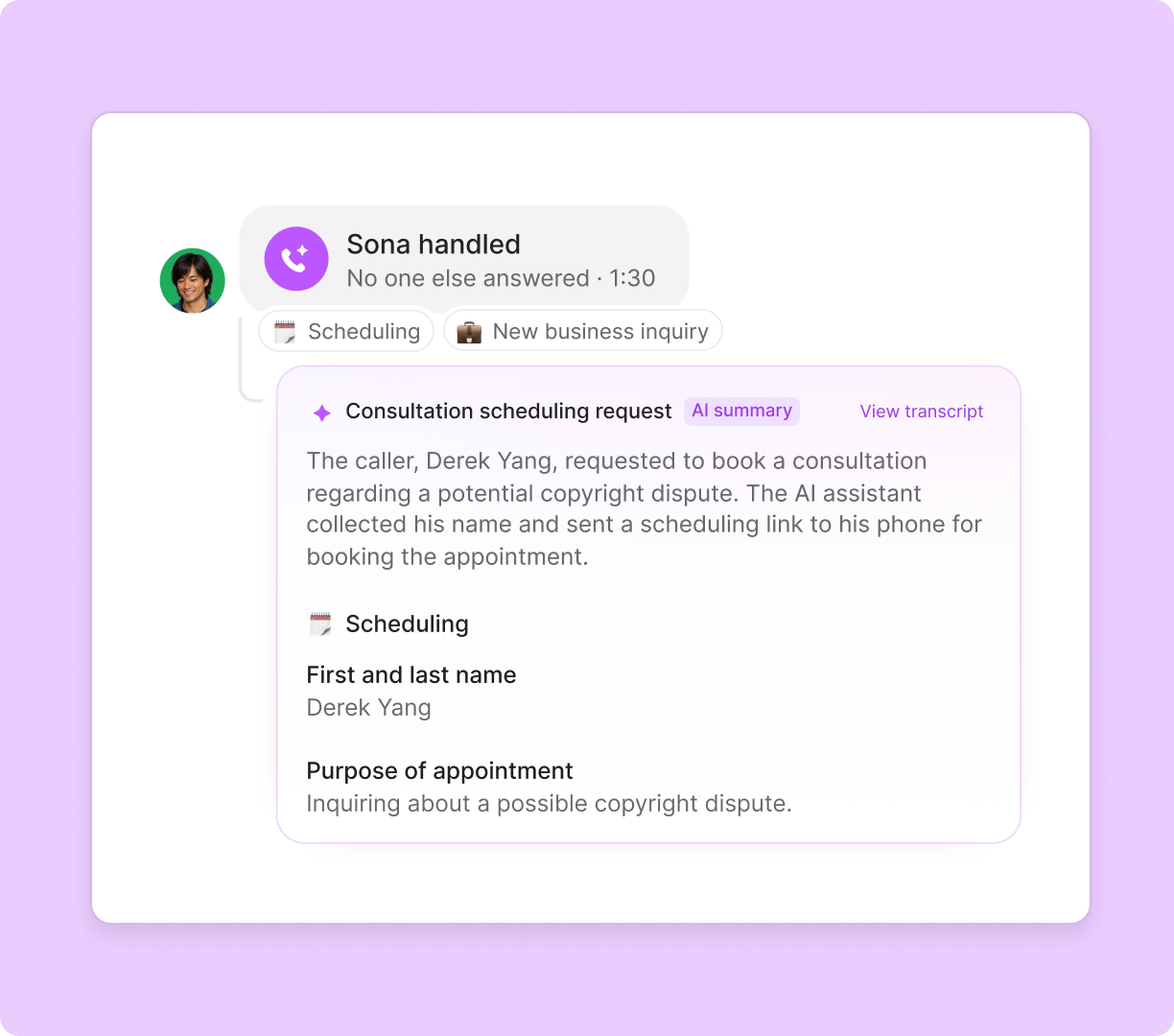
Sona is your always-on conversational AI voice agent. Reduce your missed calls, capture leads, and offer 24/7 support to your customers. Sona can also help customers schedule all types of appointments, similar to a virtual receptionist.
Drag and drop Sona into your call flows with our no-code call flow builder. Make Sona an expert on your business by sharing your company documentation with it.
Instruct Sona to perform certain actions in specific situations with Sona jobs. For example, give Sona a custom script to qualify leads when they call. Collect details like their pain points, budget, and timeline. Tailor your follow-up conversation based on what they share with Sona. Sona calls are available in your Quo workspace so your team can catch up on what was discussed right after every call.
Call and text from anywhere
Bring your business phone and your AI receptionist wherever you go. All you need to use Quo is a computer or smartphone and an internet connection.
Download our desktop and mobile apps on your preferred device. Quo is available for Mac, Windows, iOS, and Android. Have a device that isn’t on any of these platforms? Log in to our web app in your browser.