
Quo Agent is here. Stop searching, start asking


.svg)
3,300+ reviews
Grasshopper worked when it was just you. Quo helps your team spend less time chasing down customer context and more time closing new business.
.svg)
HIPAA compliance
Full conversation history
Save time texting
Easy integrations
.avif)
Powering conversations for 90,000+ businesses










We've asked hundreds of customers who’ve switched from Grasshopper to Quo to share their reasons for switching. Here are several of their answers:

Founder, Chargy

Co-founder, Holstee

President, CarePatrol
See how Quo stacks up against Grasshopper
Features |
 |
Grasshopper |
|---|---|---|
Starting price per month |
$15 |
$25 |
Pricing note |
Starter |
Solo plus |
Shared numbers |
 Yes Yes |
Yes |
Simultaneous ring |
Yes |
Yes |
Snippets and scheduled messages |
Yes |
Yes |
Additional phone numbers |
$5 per number per month |
$9 per number per month |
Users and extensions |
Unlimited users at $15 per user per month and up to 10 extensions |
Unlimited users and up to three extensions included |
Call transfers |
Included with Business plan |
Outbound calls can’t be transferred between extensions |
Integrations |
Slack, Zapier, Make, Google Contacts, Email, API |
No integrations |
Call recording |
Yes |
Yes |
G2 rating |
4.7 (~3390 reviews) |
3.9 (~160 reviews) |
Features |
Grasshopper |
|
|---|---|---|
Per-user math |
True Solo starts at $14 per month for one user and one extension. |
Starts at $15 per user per month. You’ll also get support for up to 10 extensions. |
International calling |
Requires a $500 deposit before international calling can be activated. Accounts also need to be at least 60 days old. |
No deposit needed. Start making international calls right away. |
Integrations |
No integrations with Jobber, HubSpot, or Slack. Your team has to manually copy customer information between tools. Just 30 minutes a day adds up to 125 hours per year. At $40 per hour, that’s over $5,000 in extra admin work. |
Jobber and HubSpot integrations automatically sync customer communication, such as call summaries, directly to the app. You can also integrate with Slack to send notifications to your chosen channels when you receive calls or missed texts. |
AI receptionist |
Grasshopper’s AI receptionist starts at $95 per month. |
With Quo, you’ll get 10 free AI receptionist calls every month — on any plan. |
Hundreds of teams have moved from Grasshopper to Quo. Here are a few reasons why:
Record every single call
Never miss a single customer detail with call recording on Quo. Grasshopper doesn’t offer call recording on their base plan.
Summarize every call instantly
Review calls faster and review outstanding action items with instant call summaries and transcripts, powered by AI and available on Business plan.
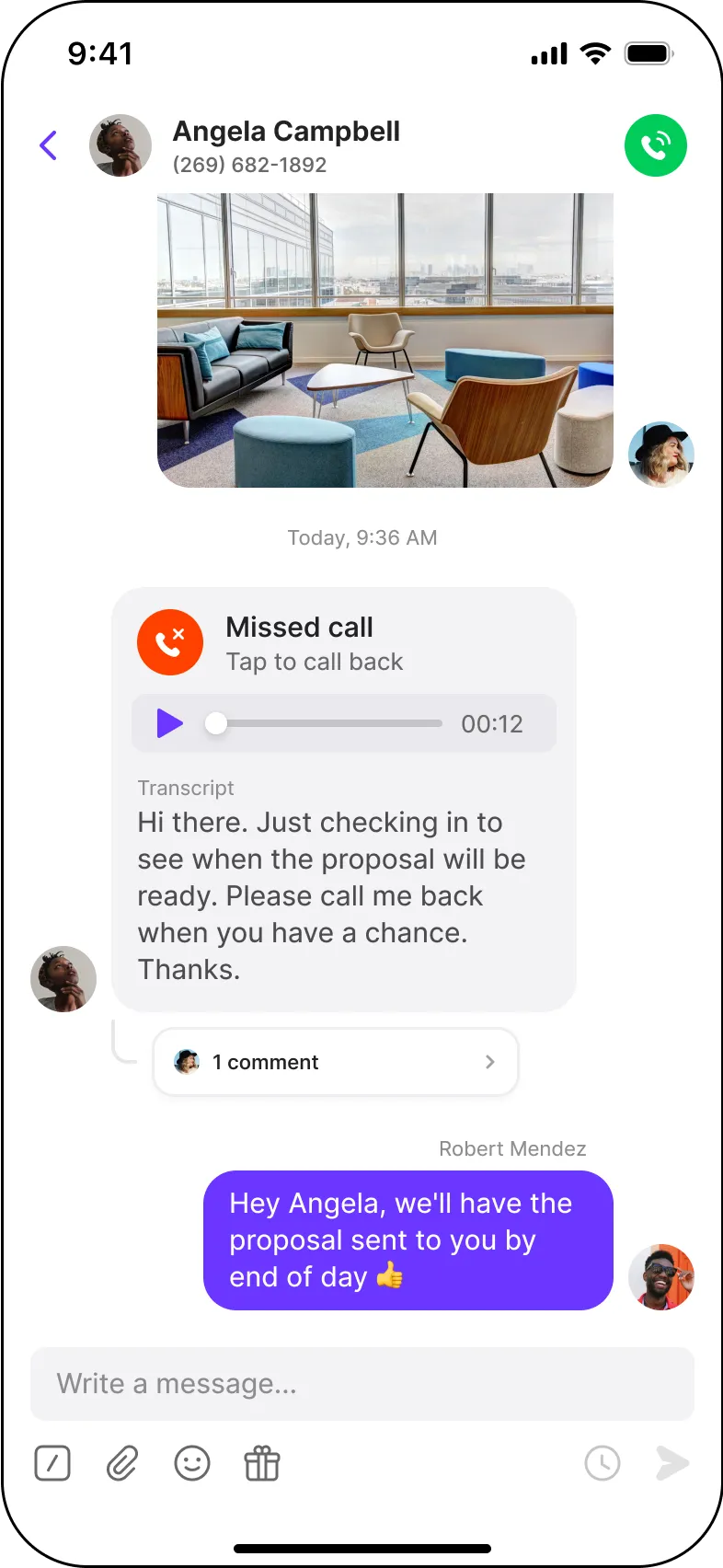
No texting limits
Grasshopper has limitations for business SMS — no texting to locations outside the US or Canada, and no MMS or group messaging with toll-free numbers.
Quo doesn’t have those limitations. Our toll-free numbers work the same as our local numbers, and you can text any international number at any time.
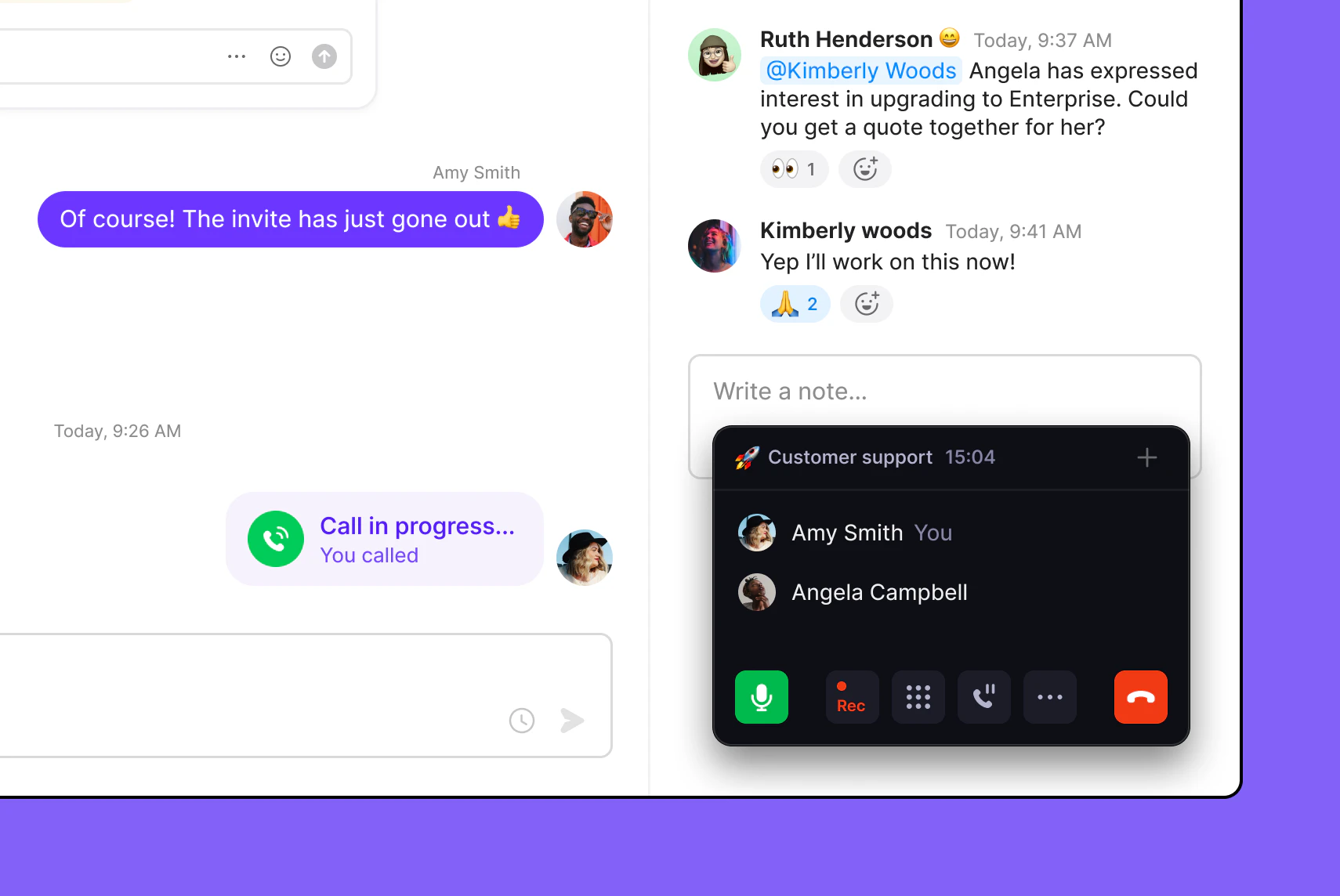
Schedule messages based on time zones
With scheduled messages, you can draft texts to customers to receive at a convenient time.
Grasshopper SMS doesn’t let you schedule messages in advance.
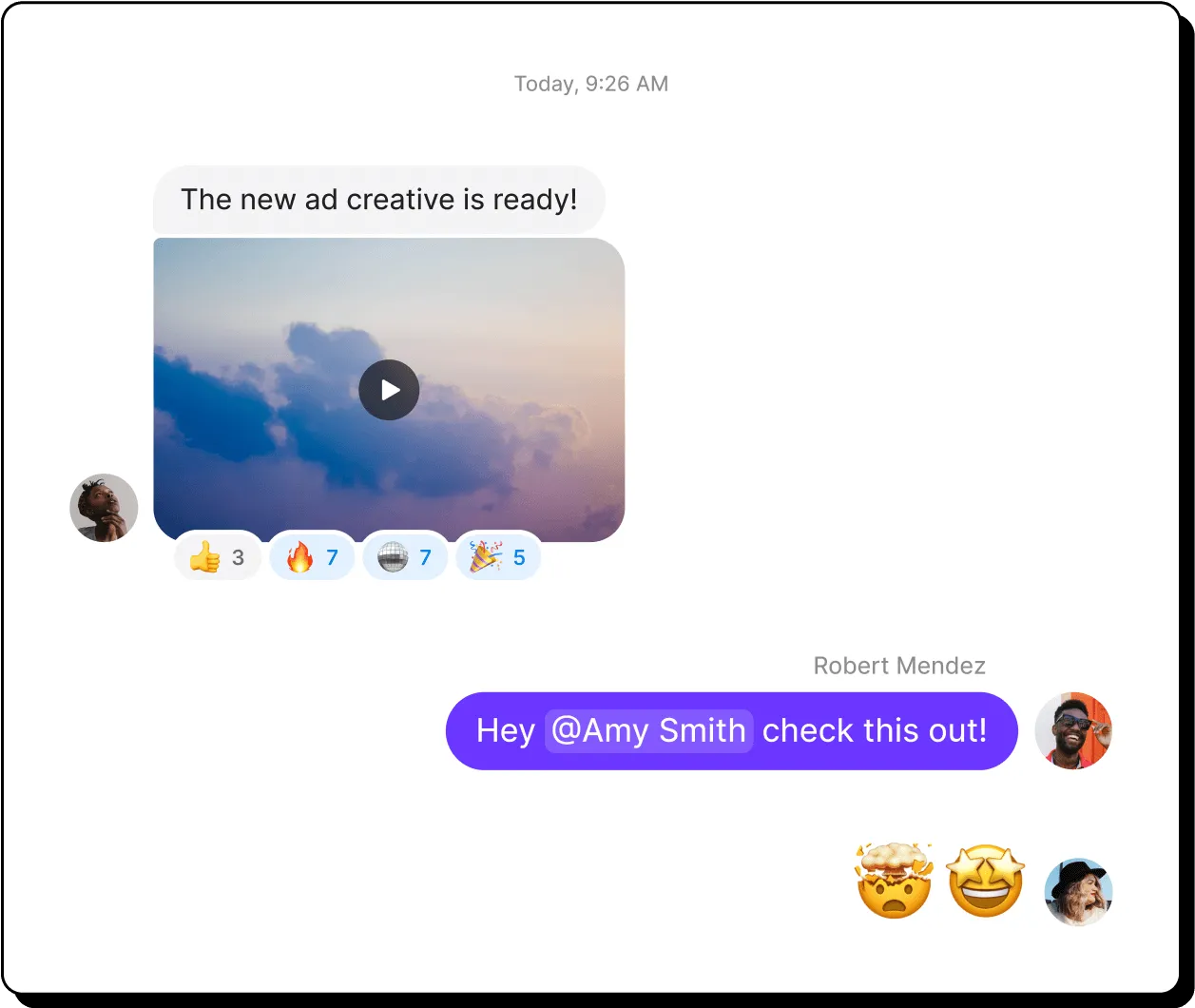
Automatically update your CRM
With our native HubSpot and Jobber integrations, you can automatically share your call, text, and call recording data with your CRM.
Grasshopper doesn’t offer third-party integrations, which keeps your customer conversations siloed and increases admin work for your team.
Share updates where your team works
Notify your team about missed calls, incoming messages, and voicemails on Slack and email.
Build custom workflows
Want to connect Quo with your tools? Set up workflows in minutes with Zapier or Make. Plus, build custom connections with the Quo API.
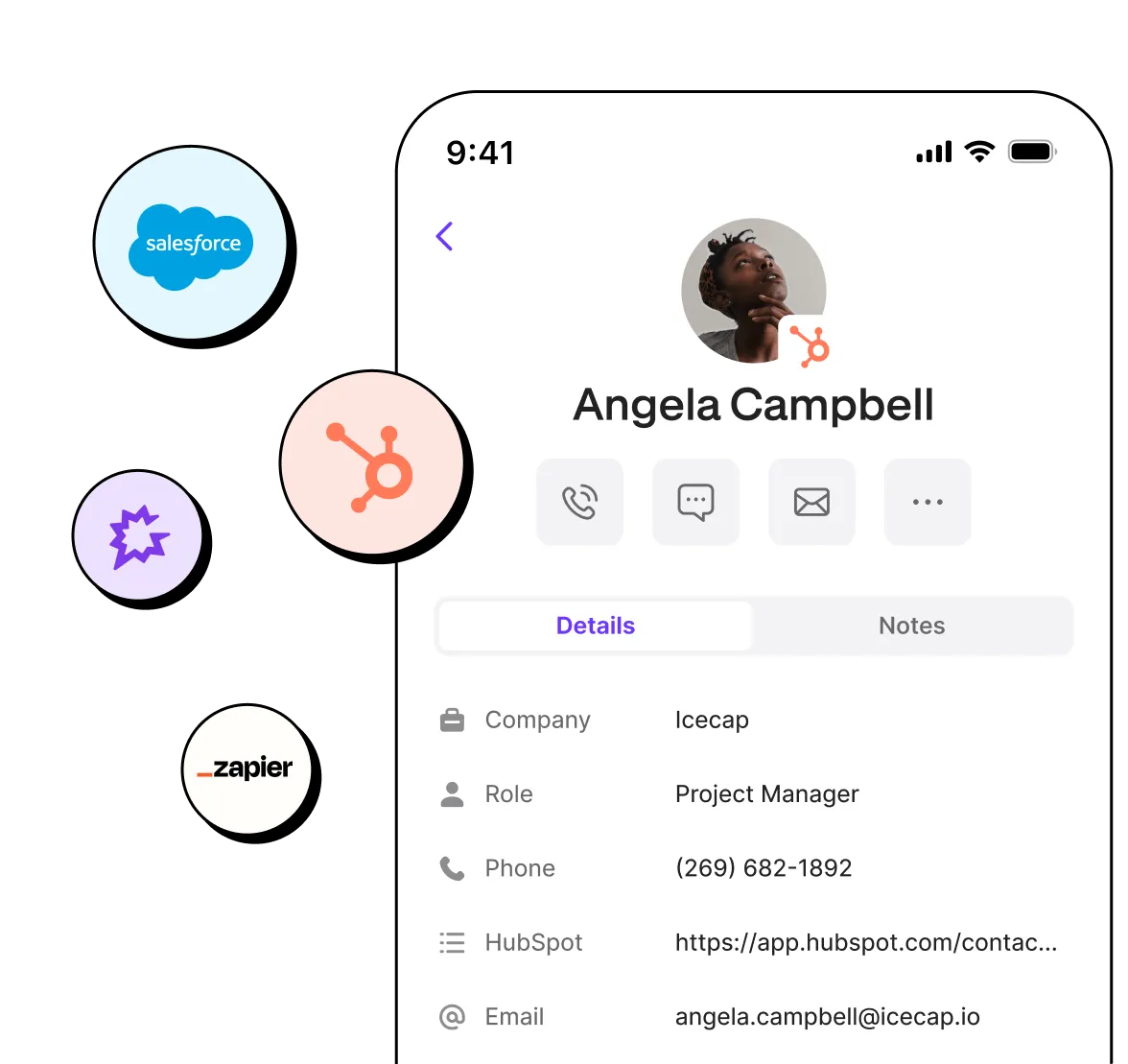
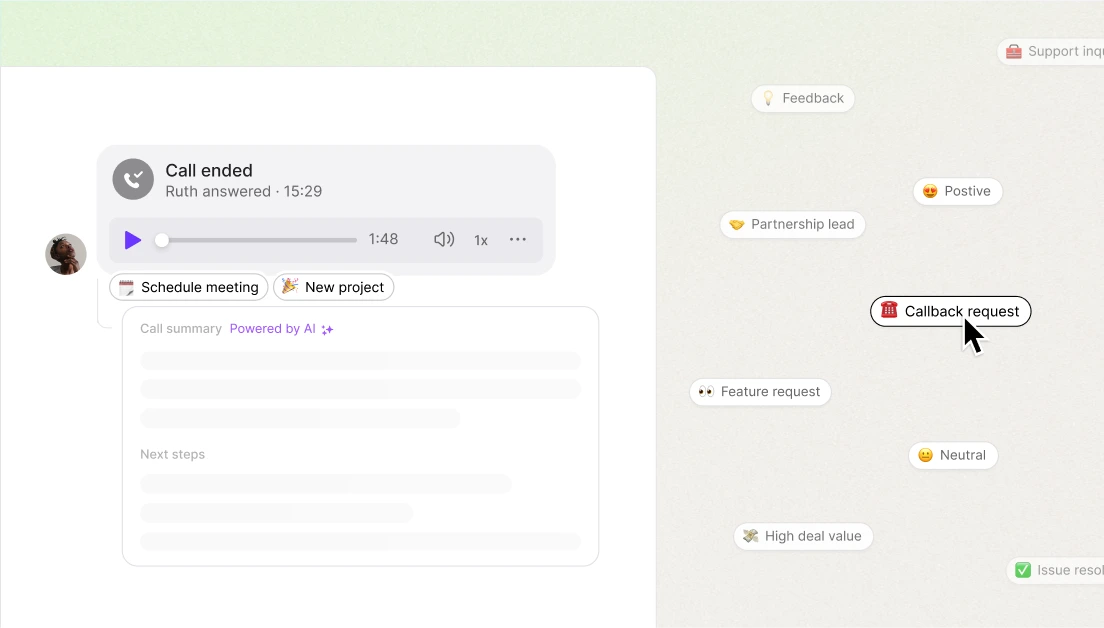
Track customer sentiment and spot training opportunities
Quo’s AI call tagging helps your team track customer sentiment across calls. For example, it can automatically flag conversations with negative sentiment or calls that need follow-up. That makes it easier to identify which teammates need help to improve their customer communication.
Grasshopper doesn’t offer AI call tags. It also only stores call recordings for 30 days unless you download and save them manually. That means you may not be able to access older customer calls to use for coaching or providing feedback later.
Some G2 reviewers say Grasshopper requires international calling to be activated for calls to Hawaii. They also said they were charged international rates for calling people locally in Hawaii.
Users mention that Grasshopper doesn’t let teammates transfer outbound calls between extensions, which can make customer handoffs harder for your team.
Other reviewers say Grasshopper doesn’t offer integrations with the tools their teams already use. That means it’s more difficult to keep customer information synced across your apps.
Quo AI automatically summarizes calls, then intelligently suggests next steps.
.png)
%20(1).png)
Read conversations in detail and quickly find information with time-stamped call transcripts.
.png)
Easily add new contacts with suggestions based on call and voicemail transcripts.
.png)
Never miss a call again with Sona, Quo’s 24/7 AI agent. Automatically pick up the phone, take messages, and sends texts during calls.


Have an existing phone number with Grasshopper or another service? We can port it to Quo for you, absolutely free.

Leave the work to us
All you need to do is submit your port request in the Quo app. Find out more here.
No service interruptions
Your phone number will work with Grasshopper until the port date.
Seamless transition
Before submitting your port request, try Quo for free with a temporary number so you can explore the platform.
Here's how fast you can get started with Quo:
.svg)
Our support team is here to help you
Whether it's questions about the product or feature requests, we love hearing from you. Our team releases new features every 2-3 weeks based on your feedback.
.svg)
The top-rated platform on G2
Quo is the #1 rated business phone in customer satisfaction on G2 based on over 3,350 reviews.

Fast and simple setup
Start calling and texting in minutes with a free trial. Adding team members and configuring your phone is easy.

Claim a number or bring your own
Get local or toll-free North American phone numbers or port existing ones for free.
.svg)
Install the app or use on the web
Use Quo across all your devices to stay connected.
.svg)
That's it! Start calling and texting
Try Quo free for 7 days — no commitment necessary.
Trusted by home services businesses, franchise operations, and field teams switching from Grasshopper to Quo.
Quo integrates directly with Jobber, so customer calls, transcripts, and summaries automatically sync to the right customer record. That way, your team always has the context they need to deliver personalized service. Shared numbers also make it easier for teams to work together, while Sona can handle after-hours emergency calls when your team is off the clock.
With Quo, you can sign a BAA so your team can communicate with patients in a HIPAA-compliant manner. Call routing helps patients reach the right department faster instead of bouncing between reps. If another teammate needs to step in, call transfers keep the conversation moving without making patients hang up and call back. Plus, you’ll get access to calling and texting in the US and Canada.
Quo helps professional services firms scale from 2 to 50+ users. Its HubSpot integration automatically syncs calls, texts, and voicemails to the right contact record, so your team doesn’t have to switch between apps for context. Slack notifications also keep teammates updated on missed calls and messages in the channel of their choice. Call recording gives managers a way to review conversations for compliance and spot client communication issues before they turn into bigger problems.
Can’t find the answer here? Check out our Resource Center.

On paper, Grasshopper starts at $14 per month. But in reality, Grasshopper comes with several potential additional costs that may surprise you.
International calling for example requires a $500 deposit.
Want to add an extra number to your Grasshopper plan? That costs an additional $9 per month as well.
All these individual features can add up to more than you might expect, adding to your phone system costs.
If you’re a one-person business and you need a second phone number, Grasshopper will get the job done.
But if you need a business phone system designed for team collaboration and scaling, then Grasshopper falls short.
Quo is the best Grasshopper alternative for small businesses because it lets you scale without losing the personal touch. You’ll get access to scheduled texts that let your team reply at the right time instead of texting customers too early or too late. You can also connect Quo with tools like Jobber and HubSpot to keep customer conversations synced across your tech stack as your business grows.
Yes, you can port out of Grasshopper. It’s an easy process that typically takes 1–2 weeks. See how you can port your number from Grasshopper to Quo.
Quo integrates directly with Jobber. It can sync AI call summaries, transcripts, and more from Quo to the correct customer record in Jobber. You’ll also be able to call clients with one click inside the app.
In contrast, Grasshopper doesn’t integrate with Jobber. That creates extra admin work for your team. Plus, it can lead to scattered customer conversations that cause leads to fall through the cracks as your business grows.
Quo supports franchises and multi-location businesses. Franchisors get visibility into how each location is handling inbound demand and customer conversations. That makes it easier to maintain brand standards and identify missed revenue opportunities across your network.
At the same time, franchisees can manage calls, texts, and more from one platform without needing IT support. Plus, your team can tell when a call is work-related. That way, they always know when to answer professionally without having to carry separate personal and business phones.
For example, Pink’s Windows grew from a single location to more than 75 franchise locations using Quo as its business phone system. Our platform makes it easy for new franchise locations to quickly get a local number and start taking calls right away.
Grasshopper can work well if:
Quo is usually a better fit if:
Here’s an overview of what you get on each Quo plan:
Quo is a better fit for remote and hybrid teams because reps can answer calls and texts from desktops, mobile devices, and web apps as long as they have WiFi or mobile data. Shared numbers also keep customer conversations visible across the team instead of being tied to one person’s phone.
Integrations with tools like Jobber also help office staff and field teams stay aligned without constantly switching between apps. You can get access to call summaries and transcriptions, which make it easier for teammates to quickly catch up on customer conversations.
Grasshopper is better suited for solopreneurs who mainly need a second business number. Remote teams may run into limitations since integrations with CRMs like HubSpot aren’t available, and business texting features are limited.
No, Grasshopper isn't HIPAA compliant. Quo, on the other hand, lets healthcare teams sign a BAA on its Business plan so your team can communicate with patients in a HIPAA-compliant manner. You’ll also get access to features like call routing, call transfers, and unlimited calling and texting in the US and Canada.No, Grasshopper isn't HIPAA compliant. Quo, on the other hand, lets healthcare teams sign a BAA on its Business plan so your team can communicate with patients in a HIPAA-compliant manner. You’ll also get access to features like call routing, call transfers, and unlimited calling and texting in the US and Canada.


