
Unlimited VoIP calls: Scale your customers, not your phone bill
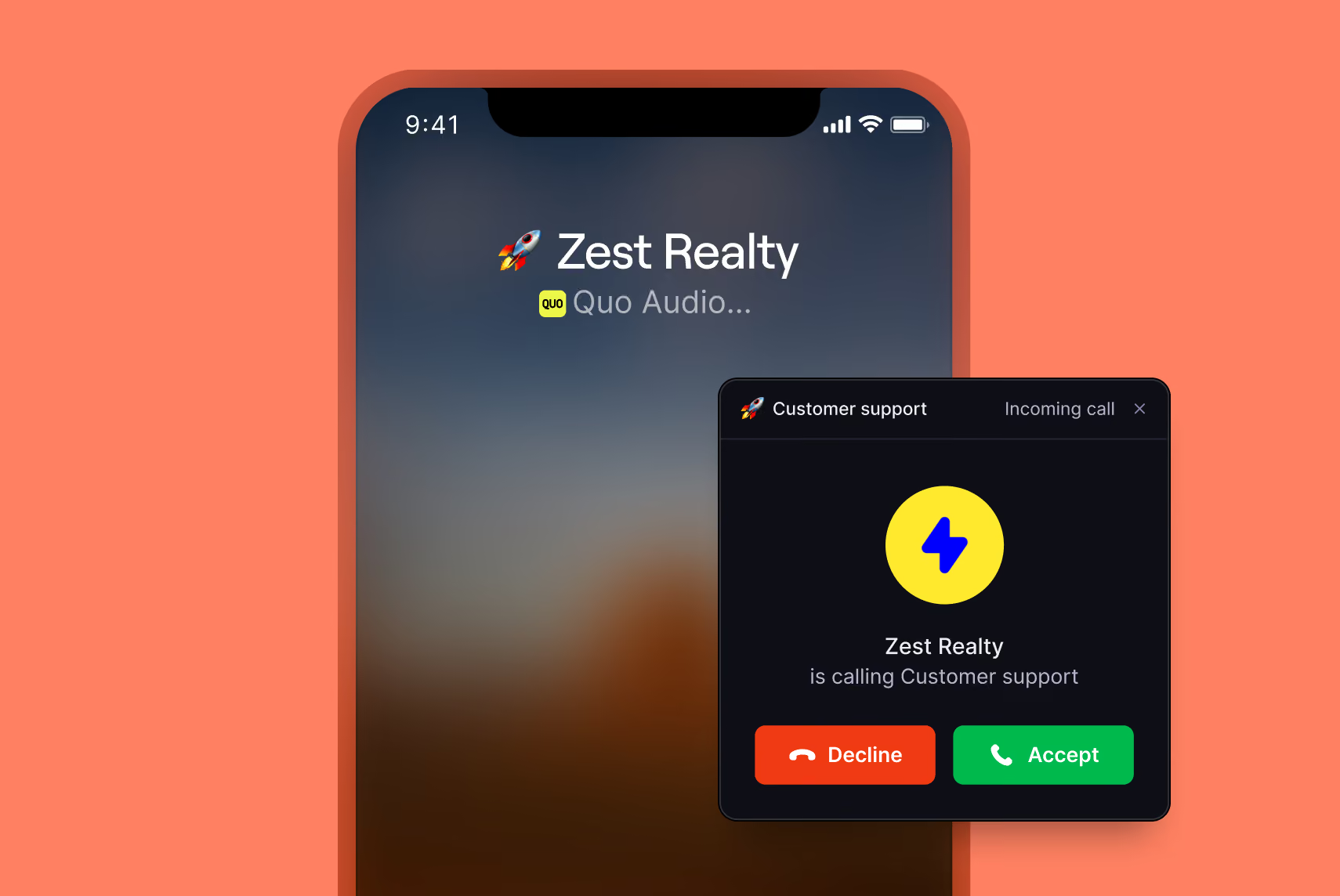
Make as many calls as you want with Quo, the VoIP phone system for fast-growing teams. Choose from local US and Canadian or North American toll-free phone numbers. Plus, get access to calling features like shared numbers, call routing, and phone menus.
Trusted by over 90,000 businesses







What is unlimited VoIP calling?
Unlimited VoIP calling means your team can make as many calls as they want to US and Canadian numbers. It gives you zero per-minute charges, no overage fees, and no surprises on your bill. You pay a flat monthly rate per user, and that's it.
VoIP calls are powered by Voice over Internet Protocol, or VoIP, technology. VoIP providers convert voice signals into digital packets that are sent over the internet. They transmit these packets to call recipients and convert them back into voice signals. The entire process happens in milliseconds so that you and your callers can have a smooth conversation.
VoIP software providers like Quo provide unlimited VoIP calling within a geographic area. You can use Quo for nationwide calling within the US and Canada.
Want to make additional international calls? You can make calls outside the US and Canada at affordable rates. Check out our international calling rate sheet.
Benefits of unlimited business VoIP calling
See how unlimited VoIP calling fuels your team’s growth.

Scale your call volume without increasing your costs. VoIP phones like Quo don’t charge you based on how many calls you make. You can save up to 50% on your phone bill compared to traditional landlines.
Cloud phone systems that use VoIP technology also come with zero setup fees. If you choose a PBX system, you’ll need to budget $500–$1,000 per user just for your initial setup.
Handle multiple calls at the same time. Your VoIP business phone service can ring available team members when a call comes in. Another advantage is that VoIP service providers maintain reliable uptime. That way, your connectivity isn’t affected. With features like call quality metrics, you can address poor voice quality in real time.
Make VoIP phone calls from any device, at any location, as long as you have an internet connection. Take your VoIP phone wherever you want to work. Your team can use their existing devices to communicate with your customers.
Quo is HIPAA compliant with a Business Associate Agreement, available on our Business or Scale plans. We’re also SOC 2 compliant. With our compliance standards, you can sign up with the confidence that your client data will be secure.
Reach your US and Canadian customers with a VoIP phone system when you’re traveling. Your VoIP calls will go out from your local number, and you don’t need to pay anything extra as long as you’re on a solid internet connection.
Start making unlimited VoIP calls in three steps
- Create a Quo account.
- Launch the Quo web, desktop, or mobile app.
- Import your contacts and invite your teammates to your account.
That’s it! Start calling your contacts right away.

Move faster with Quo
Communicate more effectively with customers and win them over with our VoIP phone service
See all your conversations in one place
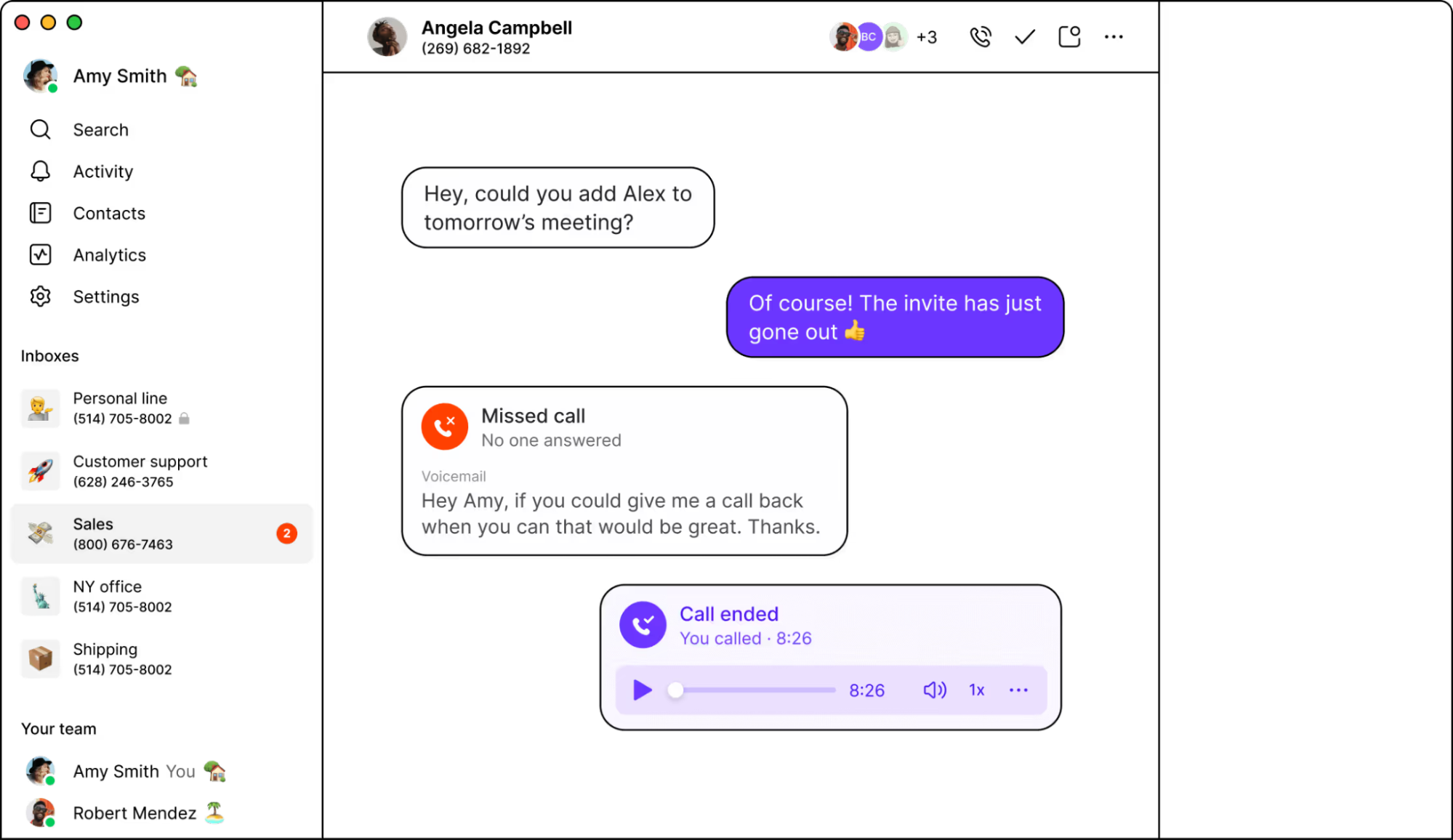
Get a unified view of all your conversations — calls, texts, voicemails, recordings, and more. Never lose track of your customer relationships.
Don’t miss out on potential customers
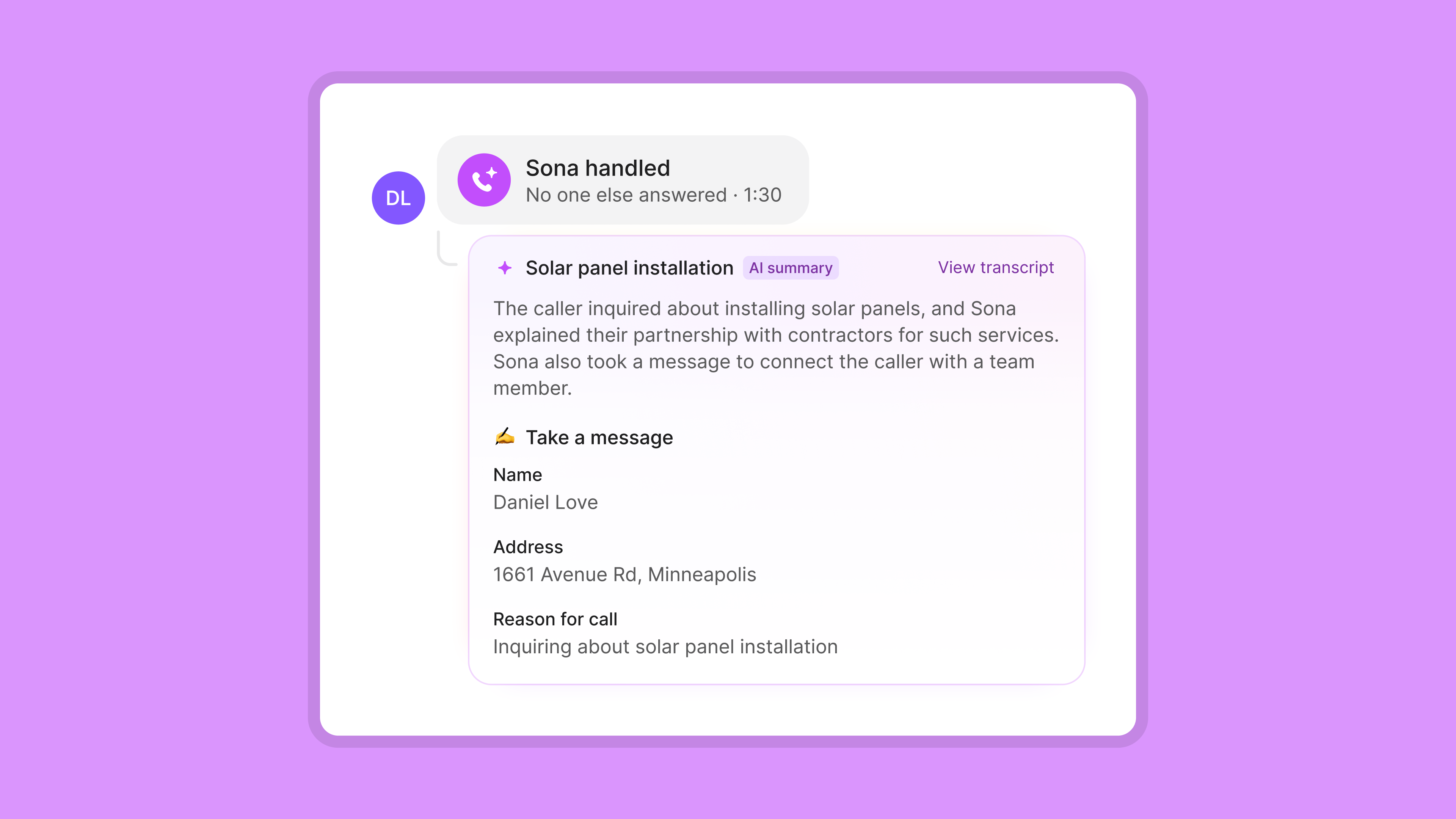
Our AI agent, Sona, can handle your incoming calls when your team is busy or unavailable so you don’t lose revenue. Answer questions and take down messages during and after business hours. Plus, you can instruct Sona to send texts or transfer calls to your team as needed.
Capture every detail with call recording
Record calls on-demand or automatically with Quo. Plus, follow up faster after calls with AI call summaries and transcripts in our Business plan.
Start calling contacts in minutes
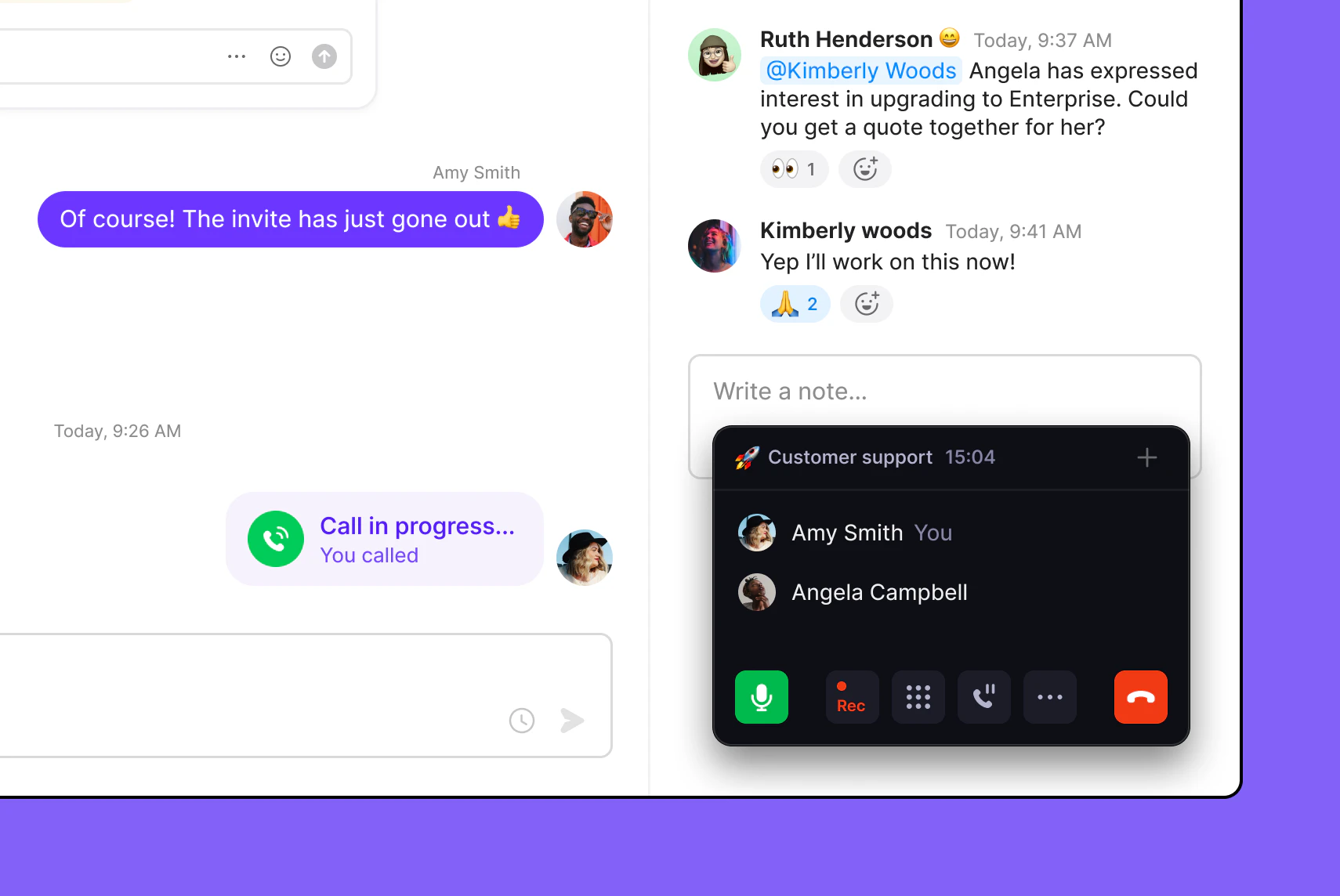
Easily set up and start using your Quo workspace. No technical implementation or complicated account setup required.
All the phone features your business needs
Port your existing numbers for free
Move numbers from your previous provider easily
Phone menus
Give self-serve navigation options to your customers
Business caller ID
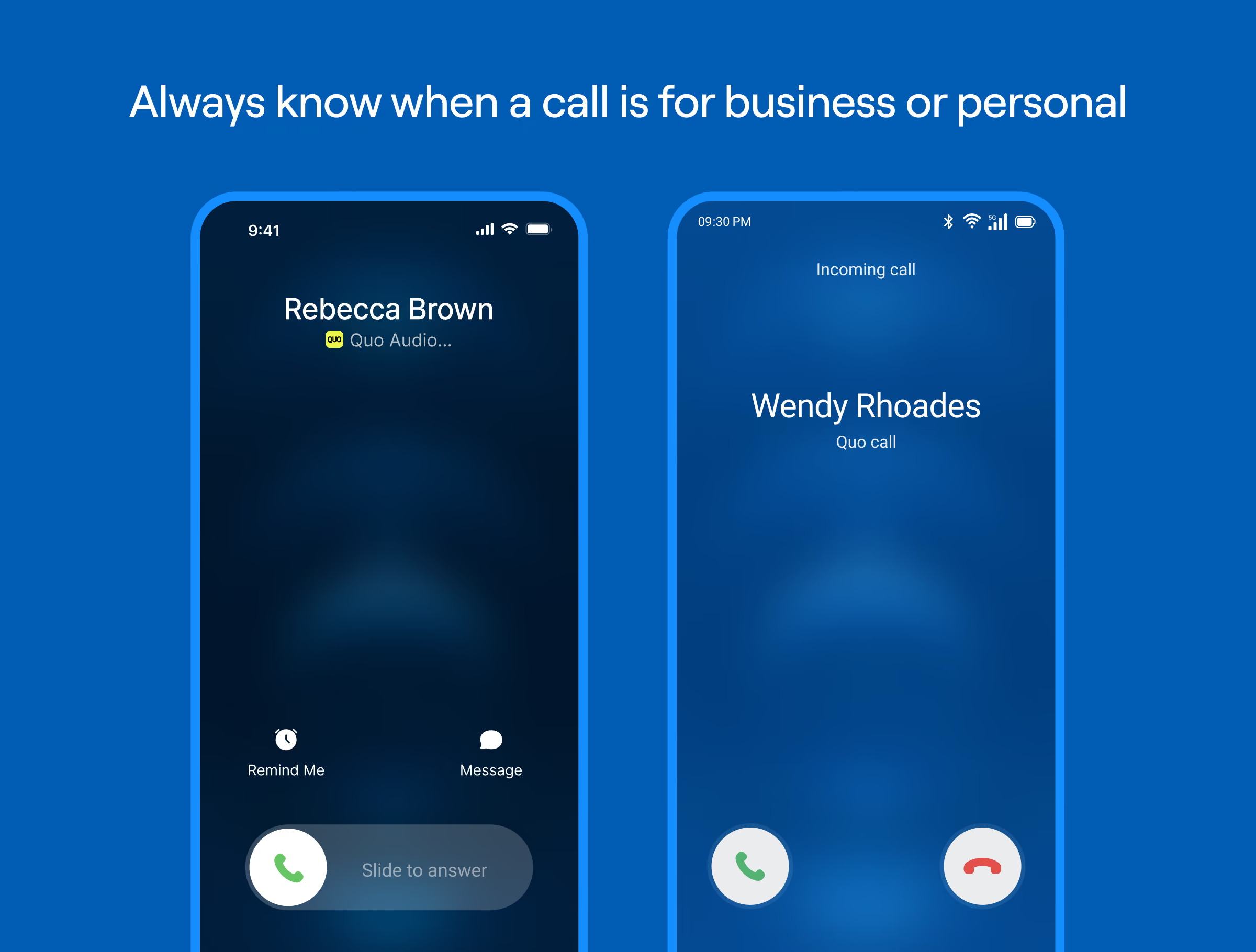
Provide customers with a heads-up when you call
Ring order
Control who receives incoming calls on your team
Call quality metrics
See what’s affecting your calls in real time
Third-party integrations
Share your call and message logs where you need it
Why thousands of teams love Quo
Here’s why Quo is the #1 VoIP solution as voted for by thousands of small businesses
%20(1).jpg)
Make unlimited calls with local and toll-free numbers
Get as many VoIP numbers as you need with Quo. You can make unlimited VoIP calls using local US and Canadian numbers and North American toll-free numbers.
Select local numbers with your preferred area codes to build customer trust. Plus, find an on-brand vanity number that helps you stand out from the competition.
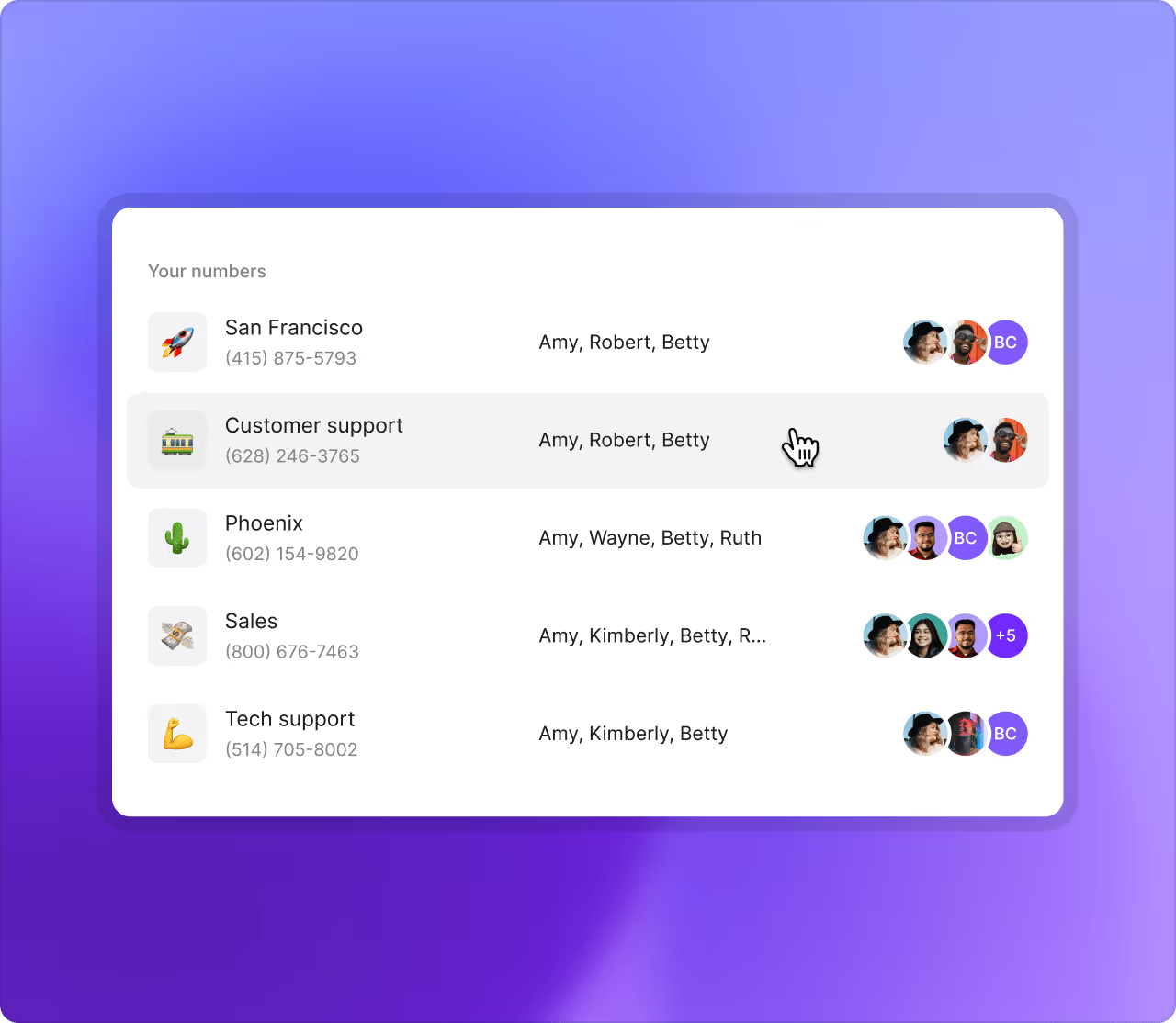
All Quo plans include a number for every user who joins your workspace. Then share numbers if you want dedicated numbers for your customer support and sales teams. Add more numbers as your team grows — additional numbers cost $5 per number per month.
Collaborate better with your team
Know exactly what your team is working on. With shared numbers, you have visibility into all of your customer communications. See every call, text, recording, call summary, and team discussion — all in one place.
Split responsibility for incoming calls and texts with your shared number. Incoming calls ring all available team members on your shared number, which helps reduce missed calls and wait times.
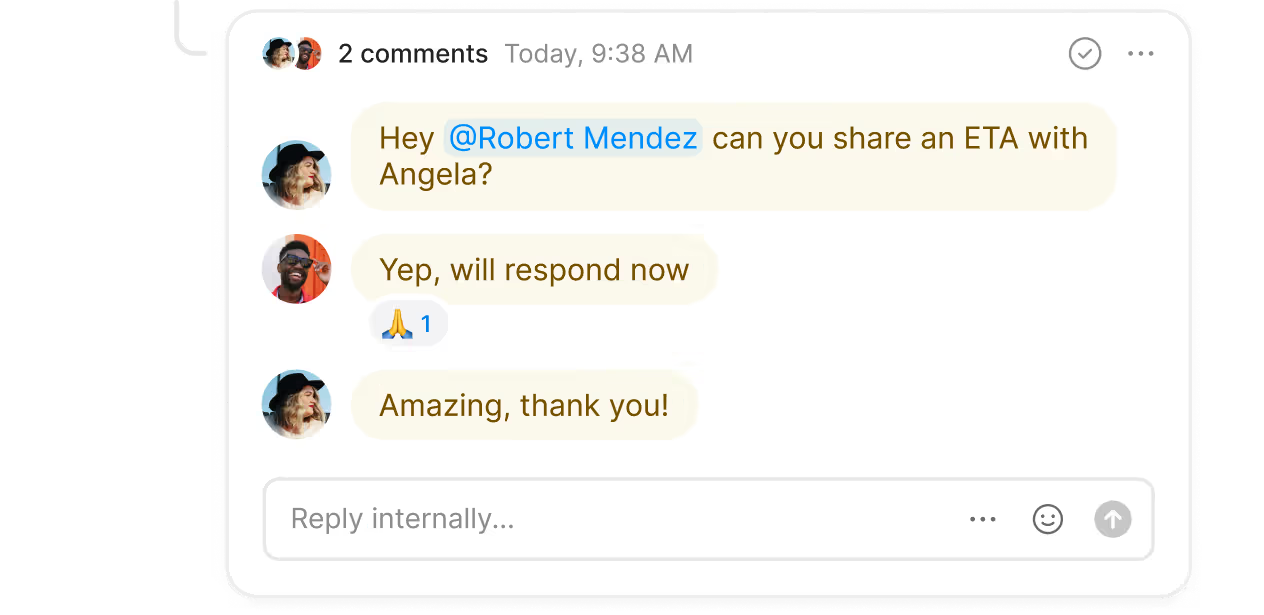
Assign follow-up tasks to your colleagues in real time with internal threads. You can start an internal thread right next to a call or a text so everyone has the right amount of context. See which team members have viewed a thread or a customer interaction with inbox viewers.
Call routing made simple
Handle every call easily with Quo’s call routing features. Map routing easily in our no-code call flow builder. Your team doesn’t require technical expertise to set up your call flows.
Choose how you want to receive incoming calls with a custom ring order. Ring all available team members at once with simultaneous ring. You can also create custom ring groups with your team based on experience. Give customers self-serve navigation options or let them automatically route calls to the right members of your team using a phone menu. Transfer callers to your colleagues with warm call transfers, or bring them in to your call with group calling.
Set up backup call routing options when your team is busy or unavailable. Direct callers to Sona, our 24/7 AI answering service, a backup call forwarding number, or voicemail.
Advanced features to help you text smarter
Build your customer relationships over text with Quo’s SMS and MMS messaging features.
Reply to customers automatically after business hours and set clear expectations on when they’ll hear back with SMS auto-replies. Schedule texts based on your customer’s time zones. They can view texts at a convenient time for them. Identify your FAQs and save common responses with text templates, or snippets.
Create automated text workflows to send the right text at the right time to your customers. With tools like Zapier and Make, you can connect your Quo workspace with your tech stack. When a customer submits a website inquiry or books a consultation, you can immediately send a confirmation text to them.
Make admin work disappear, with no add-ons
Work more efficiently as a team with Quo. Automate repetitive tasks so your team can better focus on your customers.
Record calls automatically with business call recording. Generate AI-powered call summaries and transcripts instantly after every call. Save time that you'd otherwise spend taking notes and reviewing them manually. Identify call drivers automatically with AI call tags. It uses AI to analyze past calls and surface recurring issues and opportunities for you.
Keep your CRM up to date without adding work for your sales team. Integrate Quo with CRMs like HubSpot, Salesforce, and Jobber to automatically log all calls and texts with a contact.
Call and text with mobile and desktop apps
Talk to your customers wherever you go with Quo.
You can use Quo on Mac and Windows desktops and iOS and Android softphones. Or you can log into your Quo account in your browser. You don’t have to wait beside a desk phone to talk to your customers.
Get started with Quo today. Try Quo for free with our seven-day trial.
"Quo has transformed how our team collaborates, with intuitive features that make it incredibly easy to transfer calls, monitor teammate activity, and add detailed notes to every interaction. We can effortlessly scale by adding new numbers as we expand into different territories. It's a solution that lets us provide seamless customer service at a fair price!"

Maureen Jones
Loophire

No hidden fees
Find out how much you’re investing in your business phone solution upfront on our pricing page.
Frequently asked questions
Can’t find the answer here? Check out our Support Center.
Yes, our unlimited calling plans are subject to our Fair Use Policy. For example, teams are not allowed to use our telephony features to commit fraudulent or deceptive acts. Check out the rest of our policy to understand our VoIP caller requirements.
Quo doesn’t offer unlimited international calls. It offers free calls to US and Canadian numbers after you sign up for a plan. Quo also offers affordable international calling rates compared to traditional telecom options.
Yes, you can make long-distance domestic calls to US and Canadian numbers with Quo’s unlimited VoIP plans. Calls to international numbers will be charged according to our international rate sheet.
We only charge for long-distance calls made to numbers outside the US and Canada. Compare your VoIP costs with a traditional phone service to understand how much money you’ll save with Quo.
Yes, we offer free number porting to businesses when they switch to Quo. Move your existing numbers to Quo by following our porting process. You can use a temporary call forwarding number in your Quo workspace until your porting process is complete.
Nope! Quo can be used on your existing devices. Use your Mac or Windows computer, or sign up with an iOS or Android device. All your conversations stay in sync across multiple devices. And if you prefer to chat with customers in your browser, you can use our web app.


