
Build customer relationships and save time texting with the best phone system for teams. Plus, enjoy free calls and texts to US and Canadian numbers.
.webp)







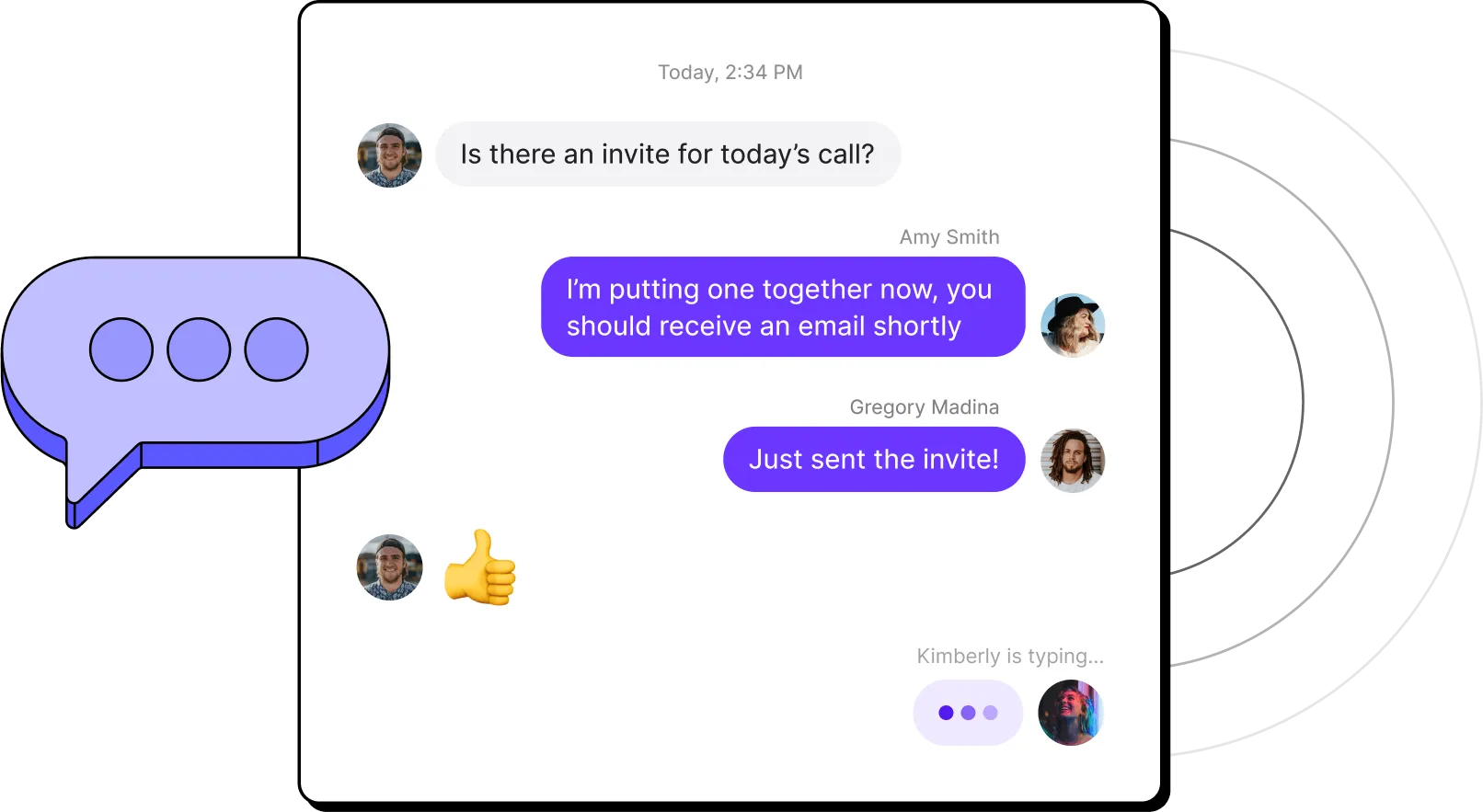
Two-way SMS is a type of messaging that lets both parties in a conversation send and receive text messages.
Two-way texting works through cloud-based messaging platforms that route texts over local numbers or toll-free numbers. When a customer replies to your text, their response appears in your team's messaging platform. If your platform supports shared inboxes like Quo does, anyone on the team can respond and continue the conversation.
With a 98% open rate, SMS is more reliable than phone calls or emails for reaching customers. And unlike one-way blasts, two-way SMS lets customers respond on their own terms, which builds trust and keeps conversations moving.
Two-way SMS service is included with every Quo number by default. You can use local and toll-free numbers, and have text conversations from your computer or cell phone. Your team calls and texts from the same number, so customers always know who's reaching out.
Keep in mind: To message US phone numbers, you’ll have to file for A2P 10DLC. This is due to emerging regulations pushed for by the large US cell carriers for any business that sends messages through a cloud-based phone provider like Quo. All you have to do is fill out the US carrier registration form in-app to get verified.
Get started communicating with your customers by SMS text messages in just a few steps.
Upgrade your texting experience with two-way text messaging
Bring your customer interactions to life. Easily send text, photos, videos, and GIFs to your contacts right from Quo's messaging platform.
.webp)
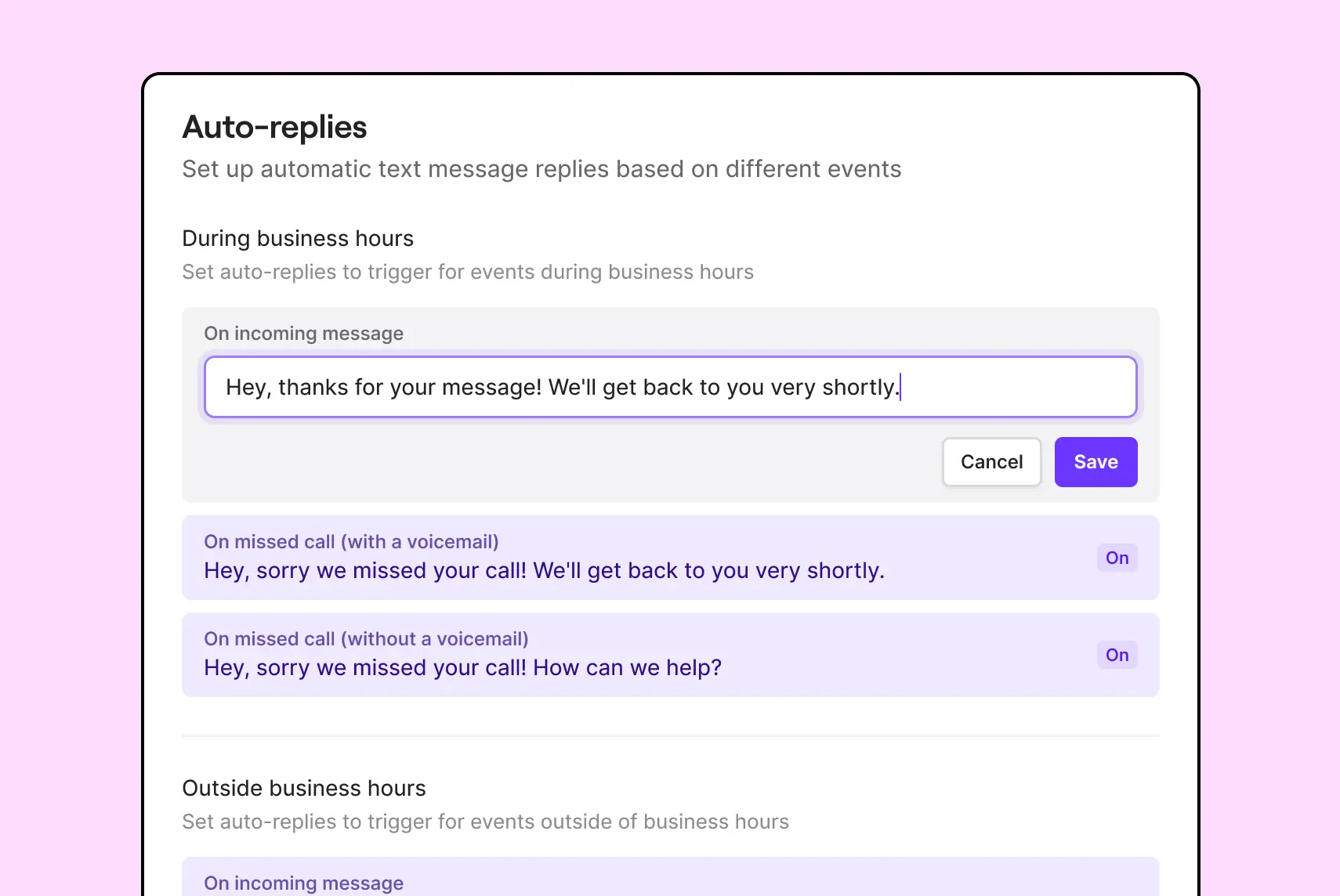
Make sure to respond to every customer – even after hours – with SMS auto-responders. Create automated responses that let your customers know you’ve received their message and when they should expect to hear from you.
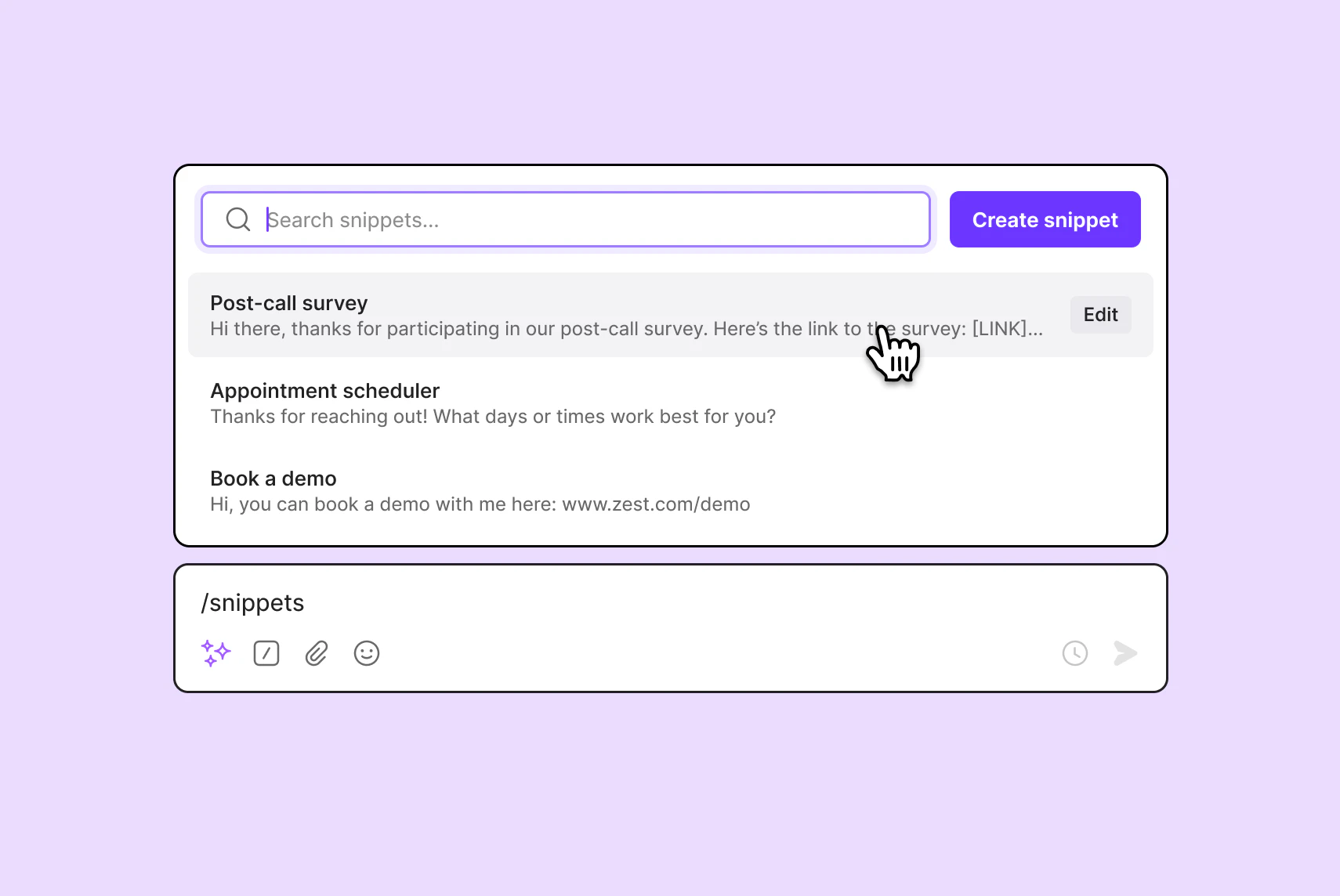
Quickly respond to common inquiries and allocate time to complex customer issues with business text templates.
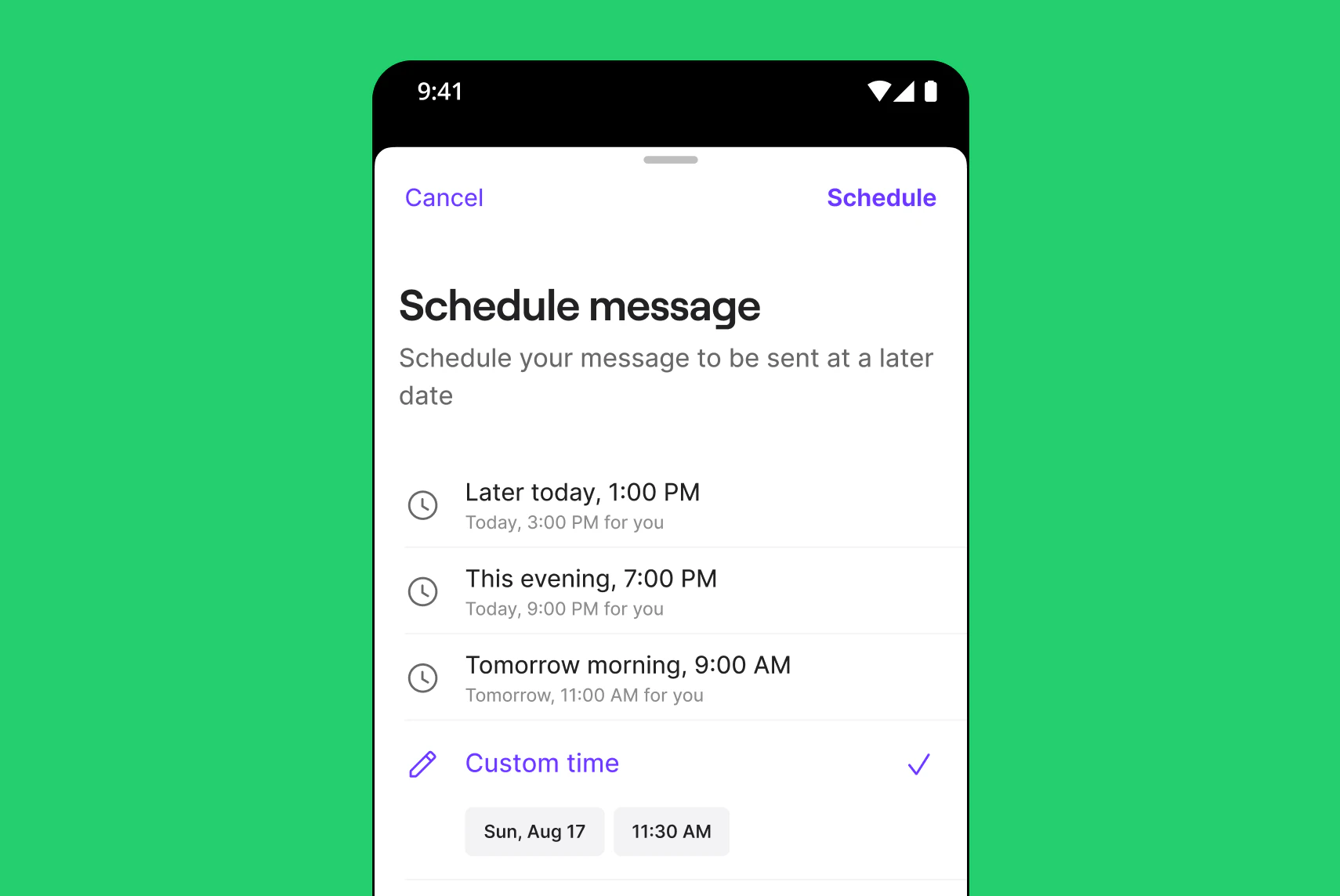
Working across time zones? Engage customers without being intrusive by scheduling messages at convenient times for them.
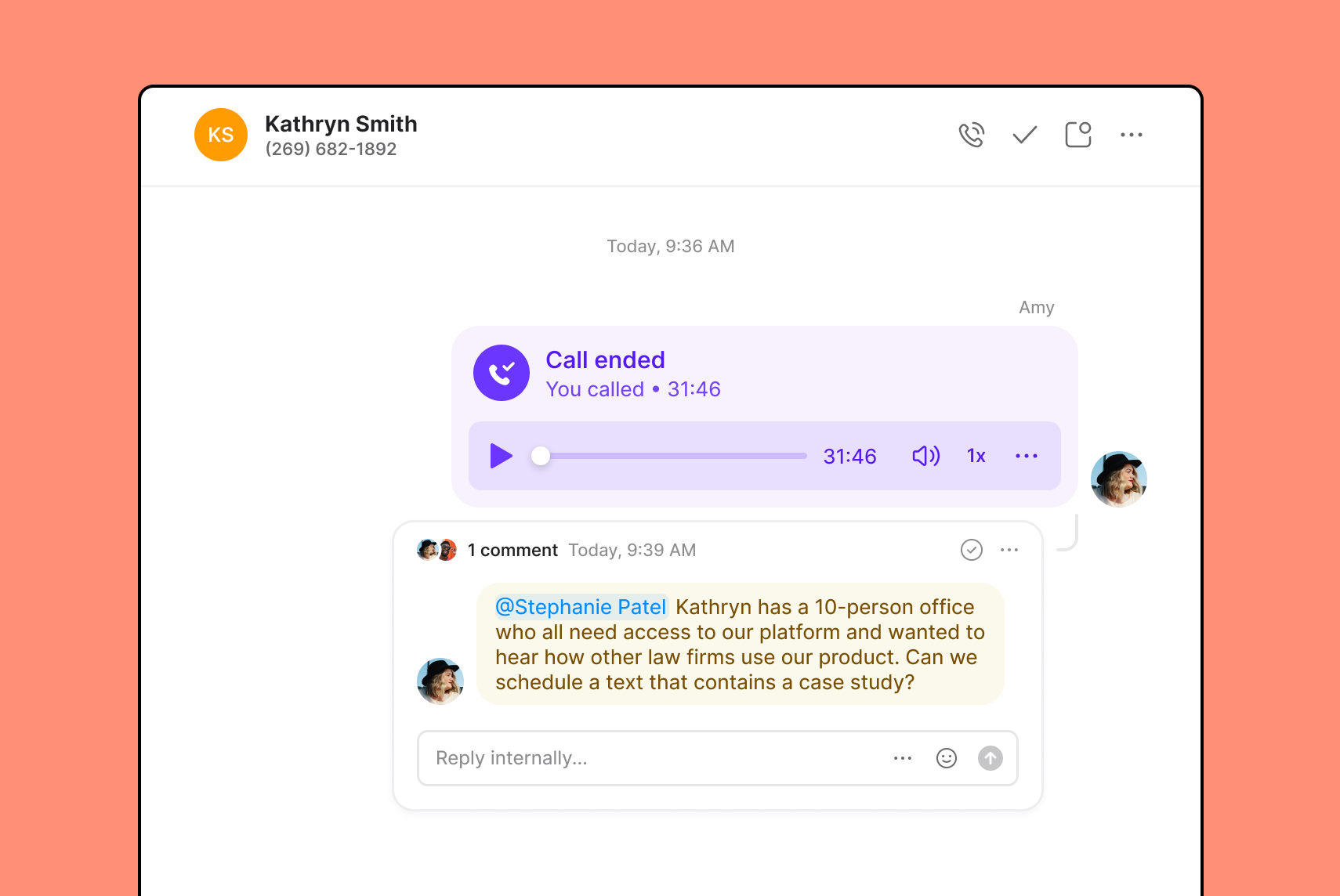
Easily work together to provide a better customer experience. Tag your colleagues directly on calls and texts in Quo to improve visibility and get input when you need it.
Unsure of how to implement two-way SMS at your business? Here are a few use cases:

Text timely notifications to your customers about their upcoming appointments and give them the ability to reschedule or cancel through text.
If you’re looking for appointment reminder text templates to get started, here are 31 free appointment reminder templates you can use.
Business SMS and MMS can keep your deals moving forward by answering product questions from your prospects on the go. Understand objections and use text conversations to convert contacts into customers.
Free up your team to focus their efforts on complex support calls and improve customer satisfaction with two-way communication over text. By answering basic support questions over inbound text instead of the phone, you can reduce your call volumes and hold times and help your team serve more customers faster.
Need real customer reviews? Use SMS personalization to build relationships and ask your customers for authentic reviews of your business.
Send order confirmations, shipping updates, and delivery notifications via text. Fifty-six percent of customers prefer SMS updates, and two-way messaging lets them reply with questions if something's off.
Let customers know about upcoming sales, events, product launches, or loyalty rewards. Two-way functionality means interested customers can respond immediately to claim offers or ask questions.
Start a conversation over text and escalate to a phone call when the issue requires it. Instead of having customers wait on hold, offer text-based support. Two-way SMS fits naturally into a multi-channel support strategy.
Go beyond two-way text. Explore why Quo is the #1 business phone, as voted by thousands of professionals.
%20(1).jpg)
Quo is a flexible phone system that grows with your business. Each colleague in your workspace is assigned their own number, and you can share numbers for different departments. Choose from local US and Canadian numbers and toll-free numbers, depending on your business needs.
Need additional numbers? No problem — each additional number costs $5 per number per month.
Never miss an important incoming call. Streamline your call flow and cut down on hold times by simultaneously ringing all available team members.
Set up a phone menu to greet customers and help them direct their calls to the correct team member. Need to transfer a call? Use warm transfers to share important context behind the scenes so customers don’t have to repeat themselves to a new team member.
Get more flexibility and easily manage your contact list with custom properties. Whether you want to search customers by funnel stage, events they’ve attended, or when they were last followed up with, the choice is yours.
Get your whole team aligned around a common goal and reduce silos. Quo's shared numbers give the entire team visibility into what everyone is working on.
Use internal threads to solve customer challenges quickly. Tag and mention colleagues next to a text exchange or a call recording when you need to assign a task. Easily see who’s already in the loop with inbox viewers.
Text smarter, not harder to reach more customers with less effort. Quo goes beyond basic texting and helps your team efficiently reach more customers with custom text automations.
Connect Quo with any tool in your stack with Zapier, no code required. Automatically send welcome texts, appointment reminders, and personalized discounts based on custom triggers.
Want even more control over your automated text messages? The Quo API gives you just that. Trigger messaging based on custom criteria and automatically send scheduling reminders, shift confirmations, project updates, and more.
Don’t let repetitive admin tasks take your team away from focusing on customers. Quo's AI-powered summaries and transcriptions automatically keep an accurate record of communications, cutting down on the need for note-taking.
Plus, never manually send updates to other platforms again. Quo's CRM and VoIP integrations ensure all your customer data is up to date so that nothing slips through the cracks.
Give your team the ability to fully switch off after work with business hours. Create separate call flows for regular business hours and after-hours calls with Quo's call flow builder.
Create custom voicemail greetings and SMS auto-replies to manage customers’ expectations of what to expect next.

Amir Ghorbani

Find out how much you’re investing in your business phone solution upfront on our pricing page.
Can’t find the answer here? Check out our Resource Center.

Two-way texting allows for both parties to send and receive messages in a conversation. Your team sends a message, the customer replies, and the conversation continues in a shared thread — just like personal texting. This dialogue makes two-way SMS valuable for sales, support, and relationship-building.
One-way texting only allows for one party to send messages without the ability to receive a response from the other party. This works better for larger companies sending shipping alerts, appointment reminders, or marketing campaigns at scale.
1. Build trust with your customers
When customers chat with you in a channel that’s more comfortable for them, they’re more likely to trust you over time. Two-way SMS helps you become more approachable to customers and reduces friction they might have in reaching out to your team.
2. Save time responding to questions
Sometimes customers might have a quick question but might not want to spend time calling your support team. Two-way SMS provides a low-effort option to answer customer questions and saves your team the time required to jump on a call.
3. Close more deals faster
Two-way SMS isn’t just a powerful tool for your support team; it can also empower your sales team.
Your sales reps can use a virtual SMS number to build better rapport with your prospects so they can address sales objections quickly and discuss important deal contexts before scheduled calls.
4. Collect real time feedback
Want to know what your customers actually think? Two-way SMS makes it easy to send quick satisfaction surveys, NPS questions, or post-service check-ins, often leading to higher response rates.
If you're sending business text messages in the US, you need to stay TCPA compliant. The key requirements are:
Violations can result in fines of $500–$1,500 per incident. You'll also need to complete A2P 10DLC registration if you're texting US numbers through a cloud-based provider like Quo.
There are many creative ways to use automated text messages for your business communications.
One common use case is sending SMS auto-responders when you receive a message outside business hours. Here are a few examples:
Want more options? Here are 40 auto-reply text examples to help you boost your response times.
Automated text messages are also helpful for sending appointment reminders to customers. Here’s how you might implement this:
No channel is perfect. Keep in mind that SMS messages are capped at 160 characters; longer messages get split into multiple segments, which can affect readability and cost. MMS supports images, videos, and longer text, but some carriers limit where you can send MMS and charge more for it.
Formatting and emoji support can also vary across carriers and phone models, so what looks clean on one device may appear differently on another. If a recipient's phone is set to Do Not Disturb, your message won't surface until they turn it off.
Finally, deliverability depends on compliance. Messages sent without opt-in consent or A2P 10DLC registration risk being filtered or blocked by carriers entirely.
Start by choosing a platform that fits your existing workflow: look for shared numbers, CRM integrations, built-in SMS compliance tools, and auto-replies. Build your subscriber list through opt-in web forms or in-person signups, then start with one or two high-value use cases like appointment reminders or support before expanding.
The biggest complaints we hear from businesses switching phone systems are texting restrictions on their current platform and no shared inbox so the team can't see what's been said to a customer.
Look for a platform with shared inboxes, unlimited SMS/MMS, integrations with tools like Zapier and Make to automate workflows, built-in A2P registration so you're not fighting carriers to get approved, and scheduled messaging if you work across time zones.


