If you’ve searched the Google Play Store, you can see many Voice over Internet Protocol (VoIP) apps. You may be wondering: What option is best for your business?
As a small business owner working on the go, you need a VoIP app with reliable call quality, Bluetooth integrations, and automations to make your life easier. Not to mention, some of your team are probably loyal Android users.
This article provides everything you need to choose the best VoIP app for Android. We’ve included free apps and business phone platforms with free trials and inexpensive plans so you can make the most informed decision possible.
How the 10 best VoIP apps for Android compare
| Provider | Starting price | Unlimited calling to US & Canada | SMS/MMS to US & Canada | Shared phone numbers | Additional phone numbers |
|---|---|---|---|---|---|
| OpenPhone | $15 per user per month | ✔️ | ✔️ | ✔️ | $5 per number per month |
| Google Voice | $17 per user per month (must have Google Workspace) | Unlimited calls to Canada from the US only | US customers only | Requires upgrade (ring groups only) | ❌ |
| RingCentral | $20 per user per month | ✔️ | 25 messages per user per month | ✔️ | $4.99 per number per month |
| Vonage | $13.99 per month per user | ✔️ | Local US and Canadian numbers only | Requires upgrade | Starts at $4.99 per number per month |
| Nextiva | $15 per user per month | ✔️ | ✔️ | Shared call appearance only | Contact sales for a quote |
| Zoiper IA SIP VoIP Softphone | Starts with a free plan | Requires a VoIP provider | Requires a VoIP provider | ❌ | N/A |
| Grasshopper | $14 per month | ✔️ | Local numbers only | ❌ | $9 per number per month |
| Dialpad | $15 per user per month | ✔️ | For US and Canadian customers only | ✔️ | Requires upgrade, plus $5 to $15 per month |
| Viber | Starts with a free plan | Requires add-on | ❌ | ❌ | ❌ |
| Free | Other WhatsApp users only | Other WhatsApp users only | ❌ | ❌ |
Here are the 10 best VoIP apps for Android that help you make calls and offer additional functionality you probably can’t get from your mobile carrier.
1. Quo (formerly OpenPhone): The best platform for growing businesses and teams

Pros
- Unlimited calls to the US and Canada
- Shared numbers for splitting responsibility for all incoming calls and texts
- Single view for all calls, texts, and voice messages with a contact to catch up on conversations
- Save time texting through snippets, auto-replies, and scheduled messages
- Integrations with Slack, Zapier, Salesforce, and HubSpot
Cons
- No verification through two-factor authentication*
- Does not support mass texting
*Nearly all virtual phone numbers share this problem. For safety reasons, companies like Facebook, Uber, and Google rarely let you authenticate accounts through a virtual phone number.
Quo is the modern VoIP phone system for startups and small businesses. It’s the best VoIP app for Android because it’s much more than just a calling app.
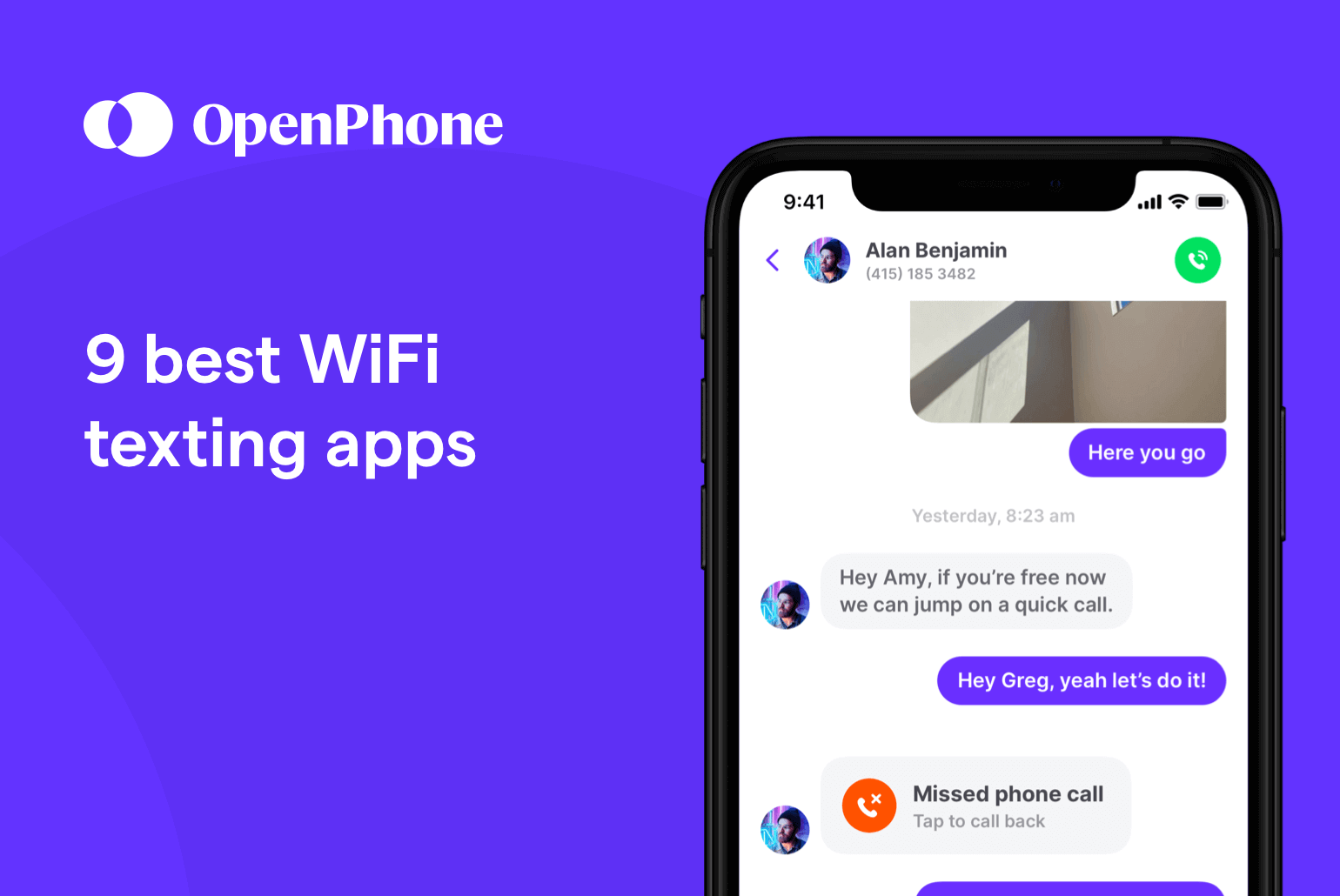
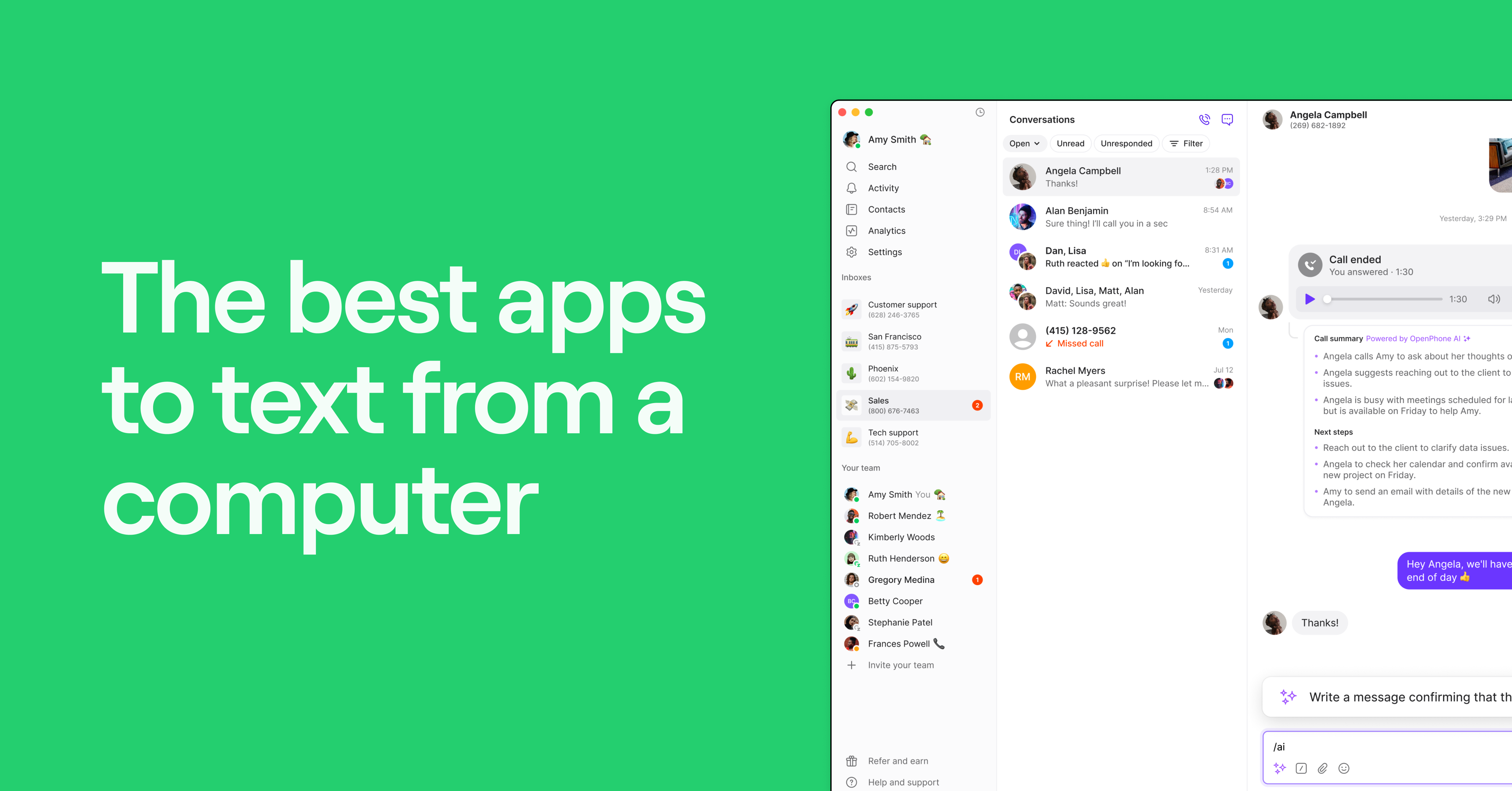
You can send free text messages, set up auto-replies when you’re out of the office, and collaborate with your team in a shared inbox. Plus, you can easily access your business number from any device as long as you have WiFi. That way, you can call and text from your computer, Android, or other mobile device.
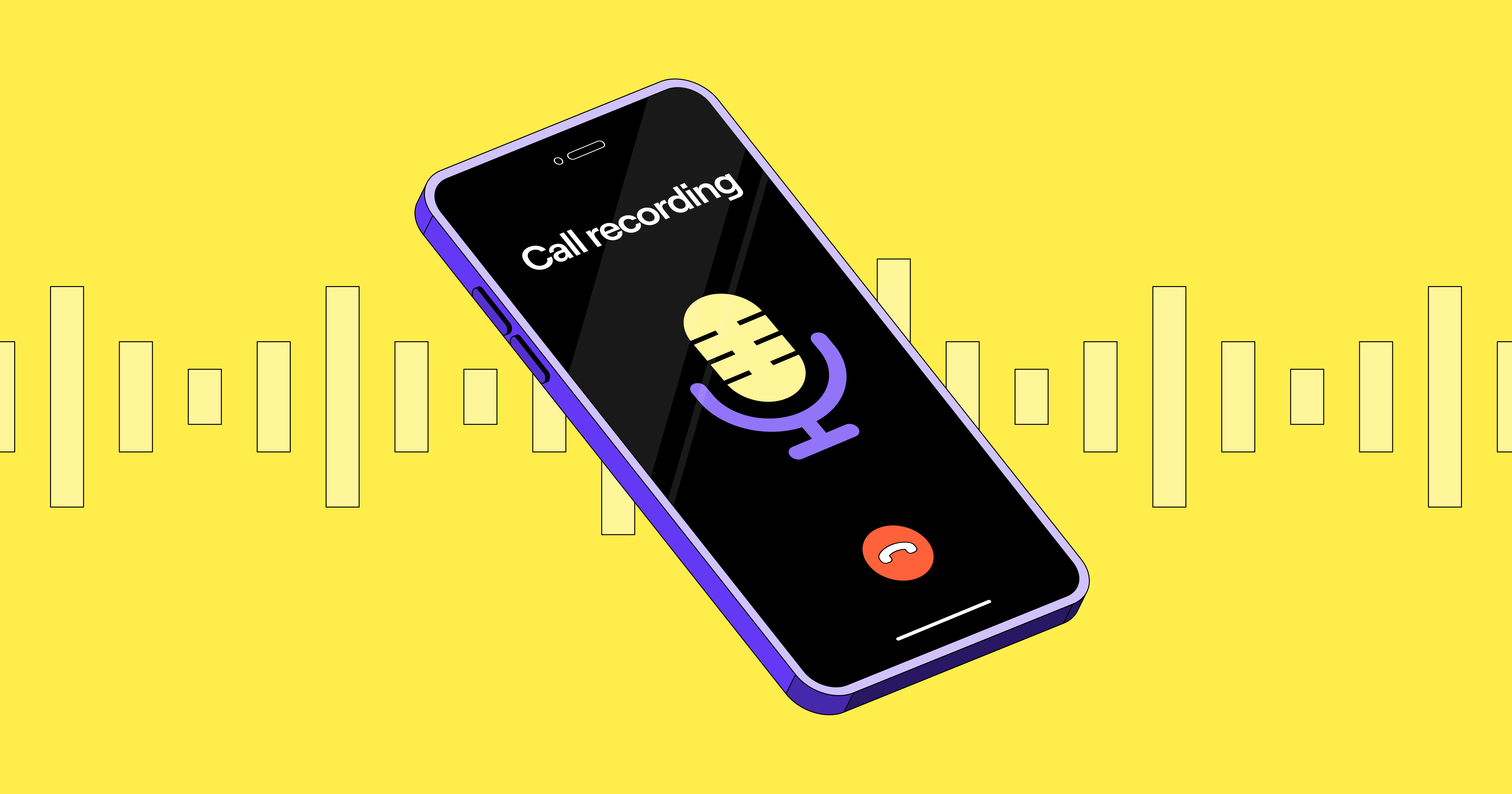
Another key thing to keep in mind for Android users: Google recently announced that third-party call recording apps for Android are no longer allowed in the Google Play Store. You can still record calls using the Quo Android app, though.
You can also use recordings to revisit conversations or gain insights on client interactions by reviewing AI-generated call transcripts with Quo. Say you miswrote a customer’s credit card number during the call and you get an invalid number error when you try to charge it. Instead of calling back, you can simply listen to the call recording.
With Quo (formerly OpenPhone), you also get access to a broad range of valuable business-centric features — such as VoIP integrations with CRMs, Slack, and Zapier, and toll-free numbers — for a much lower price than other VoIP services with a similar feature set.
If you miss a call, Quo’s AI agent, Sona, can answer for you 24/7. It asks intake questions, shares a summary of the conversation, and helps ensure no important opportunity slips through the cracks — all while sounding like a real team member.
Key features of Quo
- Free calling and texting to the US and Canada
- Affordable international calling rates
- SMS and MMS support (including GIFs, videos, photos, and other file attachments)
- Call recording and VoIP AI transcriptions and summaries
- Shared phone numbers
- Voicemail transcriptions
- Auto-attendant (IVR)
- Automated texting with auto-reply texts on Android and snippets
- Automatically forward texts on Android to your email address, CRM, or a Slack channel
- Integrations for CRM, Slack, Zapier, webhooks, Gong, and more
Quo pricing

Quo’s pricing provides three different plans you can choose from:
- Starter: $15 per user per month for free calling and texting in the US and Canada, voicemail transcriptions, on-demand call recording, Slack and Zapier integrations, and more
- Business: $23 per user per month to access group calling, analytics, AI-generated call transcripts, HubSpot and Salesforce integrations, automatic call recordings, and more
- Scale: $35 per user per month for AI call tags, dedicated onboarding, and priority chat and email support
Create an account and get up and running in minutes with Quo. All you need to do to get started is sign up for a free seven-day trial.
Once your free trial starts, you can download Quo’s Android app straight from the Google Play Store.

How to get a VoIP number with OpenPhone
Getting a new VoIP phone number from almost anywhere in the world is a simple process when you choose Quo as your virtual phone number provider. Follow these three steps:
- Create an account with OpenPhone (when you sign up, you get a free, seven-day trial).
- During signup, choose your city or area code in the US to select your preferred phone number.
- Once the signup process is complete, you’re all set to use your new VoIP phone number!
2. Google Voice: Best platform offering a free second phone number

Pros
- Free version available (for personal use only in the US)
- Unlimited calls in the US and Canada
Cons
- Google’s free version is not designed for business use
- Texting is not available outside the US
- No toll-free numbers, auto-replies, or shared inboxes
Google Voice is popular among solopreneurs and small teams because it’s free for personal use, has a simple interface, and is a Google product.
You can use Google Voice on Android and other devices, including Windows, Mac, and iOS.
Sure, it’s an excellent free service. But it’s not intended for business purposes. Keep in mind the free version is limited — you can’t access call recordings or any VoIP integrations.
Since releasing its free second phone number for Android app, Google Voice now has a business offering: Google Voice for Google Workspace. The business plans start at $10 per user per month, plus an extra $7 per month for a Google Workspace subscription (which is required).
For its cost, Google Voice is pretty bare-bones. If you need features like auto-replies, snippets, shared numbers or inboxes, or toll-free numbers, you may want an alternative to Google Voice.
One Google Voice customer said:
“There is a complete lack of features that you would get with paid services. No auto-replies. Not even a built-in contact list. It’s also buggy. I experienced many dropped calls or calls that did not go through.”
Key features of Google Voice
- Unlimited calls in the US and Canada
- Unlimited texting in the US
- Integrations for Google Calendar and Google Meet
- Automatic call recordings (requires upgrade)
- Auto-attendant (requires upgrade)
Google Voice pricing

Google Voice’s pricing gives you three different plans to choose from:
- Starter: $10 per user per month (maximum of 10 users) for unlimited calls and texts in the US and Canada, Google integrations, and call forwarding
- Standard: $20 per user per month for ring groups, on-demand call recording, and phone menus
- Premier: $30 per user per month for advanced reporting and automatic call recording
Keep in mind, you’ll also need to pay for a Google Workspace subscription ($7 per user per month) to access Google Voice.
Learn more on Google Play
3. RingCentral: Best option if your company requires a desk phone

Pros
- Unlimited domestic calling
- Video calling is available
Cons
- Extra costs for text messages and toll-free minutes
- Slow customer support
- Call recordings are deleted after 90 days by default
RingCentral is a great VoIP phone system for making video, voice, and international calls, managing voicemail, and providing other features like call transfers and call forwarding. Plus, RingCentral supports desk phones, which is handy if your office still uses them
The catch? It’s one of the most expensive business VoIP phone services. Even for the high price, it doesn’t support MMS for Canadian numbers or shared numbers for texting, and conversations are stored in separate folders.
Keep in mind each user can only send 25 text messages a month on the base plan. Call recordings are only available for 90 days unless you upgrade. This means you can’t use old recordings if you have a legal dispute.
What do former RingCentral customers have to say? Some cite the mobile and desktop app experiences as being clunky. Others have problems with the speed and quality of customer service.
One RingCentral customer said:
“I have opened 3 cases about the same issue in [the] past 8-9 days. I get canned responses, and nobody knows what they are talking about. Outsourced customer services who don’t know what they are talking about.”
Key features of RingCentral
- Local or toll-free phone numbers
- Unlimited calling within the US and Canada
- Call recordings (requires upgrade)
- Auto attendant
- Voicemail transcriptions
RingCentral pricing

RingCentral’s pricing provides three different plans to choose from:
- Core: $20 per user per month for on-demand call recording, 100 toll-free minutes, and 25 SMS messages per user per month
- Advanced: $25 per user per month to access automatic call recordings, 1,000 toll-free minutes, and 100 SMS messages per user per month
- Ultra: $35 per user per month for ‘unlimited’ storage, 10,000 toll-free minutes, and 200 SMS messages per user per month
4. Vonage: Top solution for video conferencing

Pros
- SMS and MMS support
- Unlimited calls to the US and Canada
Cons
- Toll-free numbers cost $39.99 per month
- Video meetings require an upgrade
- Call recording requires an upgrade
Vonage is a legacy VoIP service that’s been around for over 20 years. It offers almost all the standard features you’d want in a VoIP app — including unlimited calling, SMS and MMS support, team messaging, and CRM integrations. You’ll also be able to hold video meetings with customers and team members.
However, Vonage offers just the basics on its Mobile plan.
For instance, CRM integrations are only available on the Premium plan ($20.99 per user per month), while call recording is only available on the Advanced plan ($27.99 per user per month).
Vonage’s pricing also has extra fees for certain features. For example, toll-free numbers cost an additional $39.99 per month, so you may end up paying a lot more than you budgeted for.
One Vonage customer said:
“Worst mobile app for VOIP. Doesn’t allow microphone access in the background and doesn’t work with the proximity sensor. Impossible to use. When you turn the screen off, [the] microphone stops working, and when you leave [the] screen on and put it close enough to your ear to hear, the phone will open menus and other apps, again blocking microphone access. Voice quality on [the] speaker is choppy and just cuts in and out. Calls randomly don’t forward. Awful app, as it will result in frustrations and ppl hanging up.”
Key features of Vonage
- Unlimited calling and SMS messaging in the US and Canada
- Team messaging (requires upgrade)
- Virtual receptionist
- CRM integration (requires upgrade)
- Call recording (requires upgrade)
Vonage pricing

With Vonage’s pricing, you may end up paying for each user on your team. That’s because Vonage charges more for smaller teams. Here’s how much you can expect to pay if you have a team of one to four users:
- Mobile: $13.99 per line per month for unlimited domestic calling, SMS and MMS, voicemail, and desktop and mobile apps
- Premium: $20.99 per line per month for VoIP desk phone support, unlimited video meetings, and team messaging
- Advanced: $27.99 per line per month for on-demand call recording, call groups, and visual voicemail
5. Nextiva: Best option for enterprise-level teams

Pros
- Auto attendant
- Video meetings
Cons
- Toll-free numbers and minutes require an upgrade
- Call recording requires a paid add-on
- Shared SMS inbox requires an upgrade
Nextiva, like RingCentral, is a popular choice among enterprise users. The service offers a good feature set that includes an auto-attendant, email integration, and desktop and mobile phone apps. It’s also ideal for companies that use Microsoft Teams, though accessing that integration requires the mid-tier plan, which costs $25 per user per month.
Nextiva isn’t the best deal for growing small businesses, especially when you look at what you get for the price. Its base plan costs $15 per user per month and includes calling, texting, and voicemail transcriptions.
But that’s a steep price for features most providers include for much less. For example, Quo offers voice, texting, and voicemail transcriptions for just $15 per user per month.
One Nextiva customer said:
“As others have stated, the app works when it wants. More often, it does not work, though. Having to uninstall and reinstall or sign out and back in any time you want to make or receive a phone call is crazy. I’ve basically given up on using the app and just tell people to call my cell so that I actually receive the call.”
Key features of Nextiva
- Unlimited calling in the US and Canada
- Auto-attendant
- Integrations (some are only available with an upgrade)
- Unified communication with VoIP, chat, and video
- Internet fax
Nextiva pricing

Nextiva’s pricing gives you three different plans to pick from:
- Core: $15 per user per month for unlimited voice and video calling, Business SMS, and screen and file sharing
- Engage: $25 per user per month for shared SMS inbox, toll-free number and minutes, and advanced reporting
- Power Suite: $60 per user per month for an inbound sales and service call center, priority and skills-based routing, and a unified team interface
6. Zoiper: Best free simple VoIP app

Pros
- Offers encryption
- Bluetooth support
Cons
- Calls are only available with a VoIP provider or PBX system
- Some users report bugs
- No shared numbers, auto-replies, or AI agents
Zoiper is a VoIP app that uses Session Initiation Protocol (SIP) technology. This lets you call and text over the internet by connecting to your PBX phone system — the hardware that links all the desk phones in your office. This means it works with the phones you already have, so there’s no need to change your existing setup. If you don’t already have a system in place, you can sign up with a VoIP solution to use the app.
It’s available for free on the Google Play Store (and has an available VoIP app for iPhones). Keep in mind, you’ll only get access to features like conference calls, call recording, call forwarding, and call transfer with a Zoiper PRO subscription.
It’s also a fast app offering encryption, IAX protocols (Inter-Asterisk eXchange, a communication protocol similar to VoIP), and Bluetooth support.
Plus, Zoiper’s reliability and call quality may not be as competitive as other Android apps.
One Zoiper IAX SIP VoIP customer said:
“I’ve been using the app for almost 8 years now, and it’s always a hit and miss. For a more stable connection, I got a yearly subscription, and the very next day it stopped working almost entirely, with some intermittent connectivity surges. Support is being unresponsive for at least 3 days now. For something reliable, consider choosing a different VoIP app.”
Key features of Zoiper IAX SIP VoIP
- Video calling (SIP) (requires Zoiper PRO)
- Call recording (requires Zoiper PRO)
- Call forwarding (requires Zoiper PRO)
- Auto-answer (requires Zoiper PRO)
- CRM integrations (require Zoiper PRO)
Zoiper IAX SIP VoIP pricing
Zoiper offers desktop and mobile options under a one-time payment model. Zoiper PRO for desktop costs $49.95 for lifetime access, giving you unlimited use without a recurring fee.
On mobile, in-app purchases for the Zoiper IAX SIP VoIP app range from $1.49 to $12.99 per item, depending on the features you choose to unlock.
7. Grasshopper: Top business phone system with multi-digit extensions

Pros
- Buy or port local and toll-free numbers
- Call recording (requires upgrade)
Cons
- No shared phone numbers
- No third-party integrations
- Only supports one user on the base plan
Grasshopper is a legacy VoIP app from the early 2000s, primarily geared toward startups and small businesses.
Each plan comes with the same basic features — unlimited calling and SMS messages (no MMS with toll-free or Canadian numbers), incoming call controls, and voicemail transcription.
However, certain advanced features like call recording and simultaneous ring are only available if you upgrade. Plus, Grasshopper doesn’t offer any integrations with other tools.
Keep in mind Grasshopper’s price largely depends on the number of phone numbers and extensions you need. If you’re a small team and don’t need all of Grasshopper’s features, you may end up paying a large monthly fee for capabilities you don’t need.
One Grasshopper user said:
“The support function was a nightmare, as was the signup process. They closed my account for non-payment, then issued a blanket statement saying their policy doesn’t allow for refunds of any kind, and finally, the support function just goes in circles. It was really, really bad. I was surprised, given the reviews I had from fellow business owners. It was like, of the three items you need to set up an account, all three went as poorly as possible.”
Key features of Grasshopper
- Unlimited calling to the US and Canada
- Unlimited business texting
- Auto-attendant
- Multiple phone numbers and extensions
- Voicemail transcriptions
Grasshopper pricing

Grasshopper’s pricing gives you three different plans to pick from:
- Solo: $14 per month for one phone number, one user, and one extension
- Solo Plus: $25 per month for one phone number, unlimited users, and three extensions
- Small Business: $55 per month for four phone numbers, unlimited users, and unlimited extensions
8. Dialpad: Best for contact centers

Pros
- Unlimited calling in the US, Canada, and your own country on every plan
- Call transcriptions
Cons
- Additional phone numbers require an upgrade
- International SMS requires an upgrade
- Can’t create or edit message templates on the mobile app
Dialpad was founded in 2011 as a business communications platform designed to help teams stay connected, no matter where they work from. Every plan has unlimited calling in the US, Canada, and your own country. So, you don’t have to worry about paying extra fees when making domestic calls. If you’re using Dialpad’s Android app, you can also access calls, contacts, and messages in one place.
There are a few limitations to be aware of if you’re thinking about choosing Dialpad. For example, you’ll need to upgrade to the Pro plan, which costs $25 per user per month, just to purchase additional phone numbers.
International SMS isn’t available unless you’re on a higher-tier plan. And if you want to create or edit text message templates, you’ll have to do it from the web or desktop app — the Android app doesn’t support it.
Here’s what one user had to say about their experience:
“Very poor. Speakerphone button is randomly disabled half the time. Calls are consistently poor quality regardless of whether using mobile data or wifi. When opening phone numbers from another app using Dialpad. It doesn’t always transfer through and if you already have a number on the Dialpad it will call that one instead. Search is inconsistent.” — Google Play
Key features of Dialpad
- HD calls and meetings
- Instant call summaries
- CRM integrations (requires upgrade)
- Unlimited office locations (requires upgrade)
- Internet fax (paid add-on)
Dialpad pricing

Dialpad’s pricing offers three different plans:
- Standard: $15 per user per month for unlimited calling, high-definition (HD) voice, and a multi-level auto attendant
- Pro: $25 per user per month for additional numbers, hold queues, international SMS, and the Salesforce integration
- Enterprise: Contact sales for pricing for unlimited ring groups, SSO, priority routing, and a service level agreement (SLA)
9. Viber: Best for free texting

Pros
- Free calls and messages to other Viber users
- Host group calls with up to 60 users
Cons
- Only works with other Viber users unless you pay for Viber Out
- Doesn’t integrate with third-party apps
- No shared inboxes
Viber is a free calling and messaging app that’s available on Android. This means it lets you send texts, photos, stickers, GIFs, voice notes, and more to customers, as long as they’ve signed up for a Viber account.
Need to hop on a group call? You can call up to 60 people at once, which can be handy for large team check-ins and personal catch-ups.
Keep in mind you can only call or message non-Viber users if you upgrade to Viber Out, which costs $5.99 per month. You also won’t be able to connect Viber to third-party tools like Slack, which can slow your team down.
You’ll need to upgrade to Viber for Business if you want to send updates, discounts, vouchers, and more to customers via text. This comes with a flat monthly fee, plus a per-message rate that varies depending on the country you’re messaging.
Here’s what one long-time user had to say:
“Been using Viber for 10+ years, but over the last two years, the app has become so unreliable that we’re forced to switch now. First message previews stopped working, and now it’s hit and miss whether (and when) I receive a notification at all. There are also often long delays until messages are delivered — really, every basic messenger function no longer works as it should, and it’s not just me having those problems, but the whole family across different phones and OS. What a shame.” — Google Play
Key features of Viber
- SMS and MMS support
- Video calls
- Group chats
- Delete and edit seen messages
- Set disappearing messages
Viber pricing
Viber is free to use for calls and messages between Viber users. If you’re messaging someone who isn’t on the app or need to call real phone numbers, here’s how pricing works:
- Viber Out: $5.99 per month for unlimited international calling to 57 countries
- Viber for Business: Pricing includes a flat monthly fee plus a per-message rate that varies by country. This plan is designed for businesses that want to send messages to users who aren’t on Viber
10. WhatsApp: Best for calling and texting with WhatsApp users

Pros
- Over 2 billion users worldwide, making it easy to connect with people
- Supports group chats
Cons
- Can’t buy additional phone numbers
- No third-party integrations
- You can only message other WhatsApp users
WhatsApp is one of the most widely used messaging apps in the world, with over 2 billion users across the globe. You can create group chats, send voice notes, and more to other WhatsApp users for free.
But while it’s packed with fun messaging features, WhatsApp is mainly designed for personal use — not for running a business. You can’t buy additional phone numbers, record calls, or use shared numbers to collaborate with your team.
If you’re exploring WhatsApp Business, the experience is slightly different. You can create a business profile and message people using your business name — helpful if you’re chatting with customers and want to look more official. Just keep in mind you can only link up to five devices per account, or 10 if you upgrade to Meta Verified, which likely won’t be enough for a growing team.
Here’s what one frustrated user recently shared:
“Getting worse and they don’t care. I woke up to find my account with all chats and media gone forever. No warning, no explanation, no message. This has happened to several friends recently all without reason. I tried to contact them but the support option is fake. After trying to refuse me a support ticket I finally got a bot which gave me a block of useless text then closed my case. No humans, no support, no reason for several accounts disappearing and no reason to ever trust whatsapp again.” — Google Play
Key features of WhatsApp
- Voice calls
- MMS and SMS support
- Group chats
- Voice memos
- Video calls
WhatsApp pricing
WhatsApp is free to use for personal messaging and calls between users. For businesses, the WhatsApp Business Platform charges a fee per 24-hour conversation window. The rate depends on the category of the conversation, such as marketing, utility, or customer service, and varies by country.
How we chose the best VoIP apps for Android
We ranked the best VoIP apps for Android devices based on the following factors:
- Reliability: If you switch to an unreliable VoIP service and experience frequent call drops or poor voice quality, you may risk your reputation.
- Compatibility: Your team members may use other devices that run iOS, Mac, or Windows. You want a user-friendly app that runs on all popular devices.
- Integrations: Integrations make moving data between business apps easier. Selecting a VoIP service that integrates with the apps you use at your company helps streamline workflows.
- Ease of use: There are many VoIP providers, but not many can offer advanced features on an easy-to-use interface.
- Budget: While you don’t want to race to the bottom of the barrel, you should still select an app that agrees with your budget.
5 key factors to consider when choosing the right VoIP app for your Android
Here are things you should look for to find the best VoIP app for your Android.
- Integrations: Why spend time on mundane, repetitive tasks when you can automate most of them? Save yourself and your team time by selecting a VoIP app that integrates with the apps you already use for business. For example, when you integrate Quo with HubSpot, all client interactions — incoming and outgoing calls, voicemail, and text messages — appear in the relevant HubSpot contact’s history. You can also use Quo’s Salesforce integration to import leads, save contact notes, and automatically initiate calls without copy/pasting phone numbers.
- Call recording: Whether you need call recordings to follow up on tasks or coach others, having these recordings in line with the rest of a contact’s calling and texting history helps you get the context you need. The best VoIP apps let you easily record phone calls at any time. Quo premium plan users even get access to automatic call transcripts for any recorded calls.
- Provider’s call rates: If you opt for a platform like Quo, you don’t need to worry about local call rates. You get free unlimited calling in the US and Canada. If you opt for a service like Viber Out, you may need to look up the credit prices in advance to avoid surprises later. Keep in mind calling rates are different for international calls in almost all cases, so be sure to check those, too.
- Collaboration: Collaborative features like shared phone numbers and direct messaging allow you to deliver better customer experiences. They also help your team stay connected and provide quicker answers to callers. Plus, Quo’s group calling feature allows you to add three or more people to a call (available with the Business plan), so you can have smooth customer handoffs between teammates and easily work together over calls.
- Customer support availability: You might run into a problem with your VoIP system at some point. Maybe you’re not hearing any sound once the call connects, or maybe you’re having trouble building an automated workflow. Should callers have to wait while you fix things on your end? Or should your team take an early lunch break? You can’t stop business because of a glitch, so you need customer support that provides resolutions fast.
Quo: The best VoIP app for Android phones
Quo is the best VoIP app for Android phones because it checks all the boxes — advanced features, excellent support, and easy to scale with your business.
With Quo (formerly OpenPhone), you don’t just get a VoIP service: You get a comprehensive business phone system with almost any feature you need for business communication. Since you can send or receive VoIP calls from almost anywhere with an internet connection, you can help your business thrive wherever your Android device happens to be.
See for yourself how easy it is to get started with Quo by signing up for a free seven-day trial today.