
Quo Agent is here. Stop searching, start asking


.svg)
3,300+ reviews
Zoom Phone is a complex phone add-on to Zoom Meetings that’s difficult to manage. Quo is a business phone system built so you easily call and text as a team.
.svg)
Collaborate with your team
Full conversation history
Save time texting
Easy integrations
.avif)
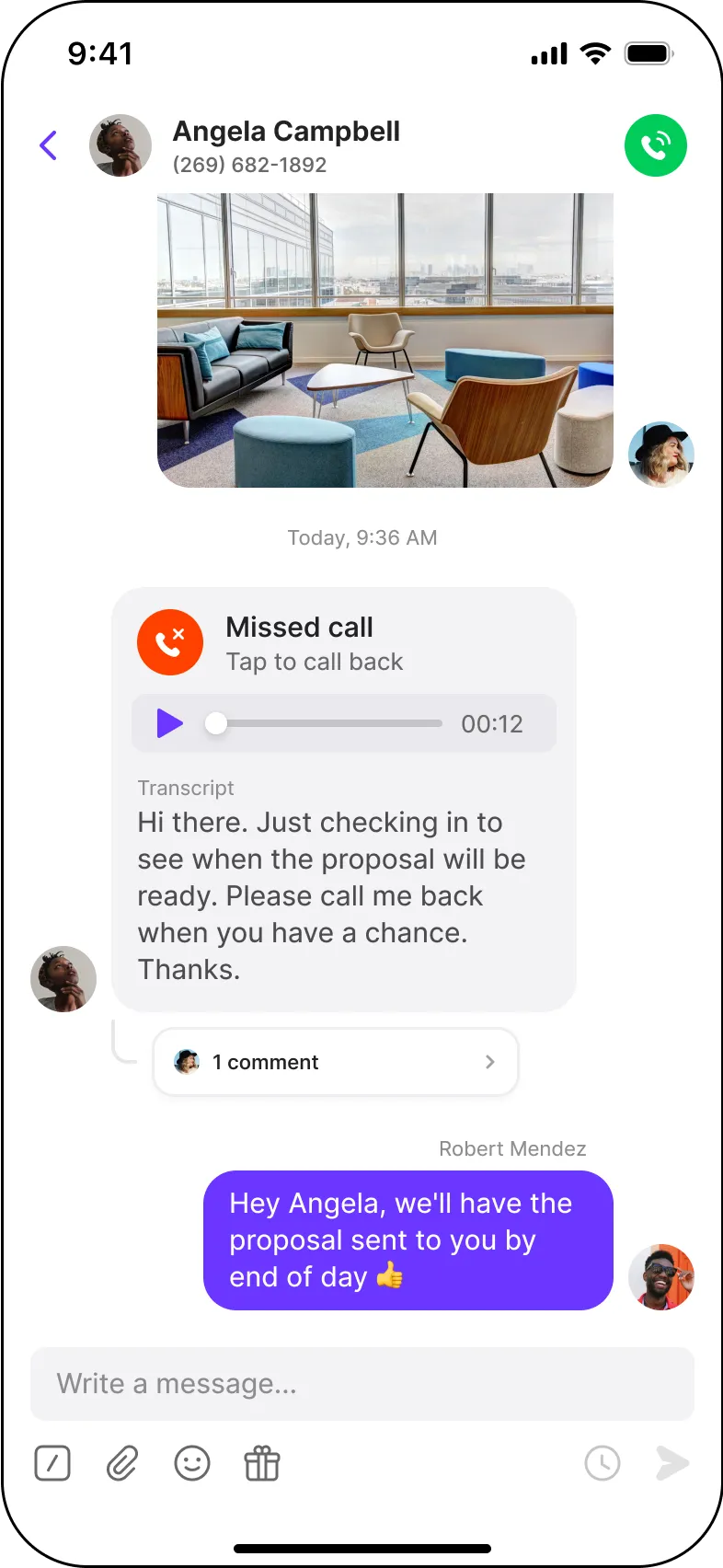
Powering conversations for 90,000+ businesses










Hundreds of teams have moved from Zoom Phone to Quo. Here are a few reasons why:

President, TechNuts

Founder, Butterfly Legal

General Manager @ Societal Systems
Here's how Quo and Zoom Phone compare:
Features |
 |
Zoom Phone |
|---|---|---|
Starting price per user per month |
$15 |
$10.50 |
Unlimited calls/texts local US & Canada numbers |
All plans |
Requires Unlimited plan ($16 per user) or pay per minute/message |
Toll free minutes and texts |
Unlimited in US & Canada |
Make and receive toll-free calls at $0.02 per minute to $0.04 per minute and $0.0085 per text |
Unified inbox |
 Yes Yes |
Calls/texts/voicemails split across separate views |
Shared numbers |
Yes |
Shared texting requires the Customer Engagement Pack for $25 per user per month |
SMS auto-replies/templates |
All plans |
Requires Customer Engagement Pack |
AI receptionist |
Sona includes 10 free calls per month |
Zoom phone voice agent is billed at $0.30 per minute |
Hundreds of teams have moved from Dialpad to Quo. Here are a few key reasons why:
Free calls and texts to the US & Canada
With Quo, you can make unlimited domestic calls using local US, Canadian, and North American toll-free numbers.
Zoom Phone’s base plan charges pay-as-you-go rates for outbound calls. You’ll have to upgrade to get unlimited domestic calling.
Toll-free minutes also aren't included on any Zoom Phone plan, making it hard to save on phone costs as you scale.
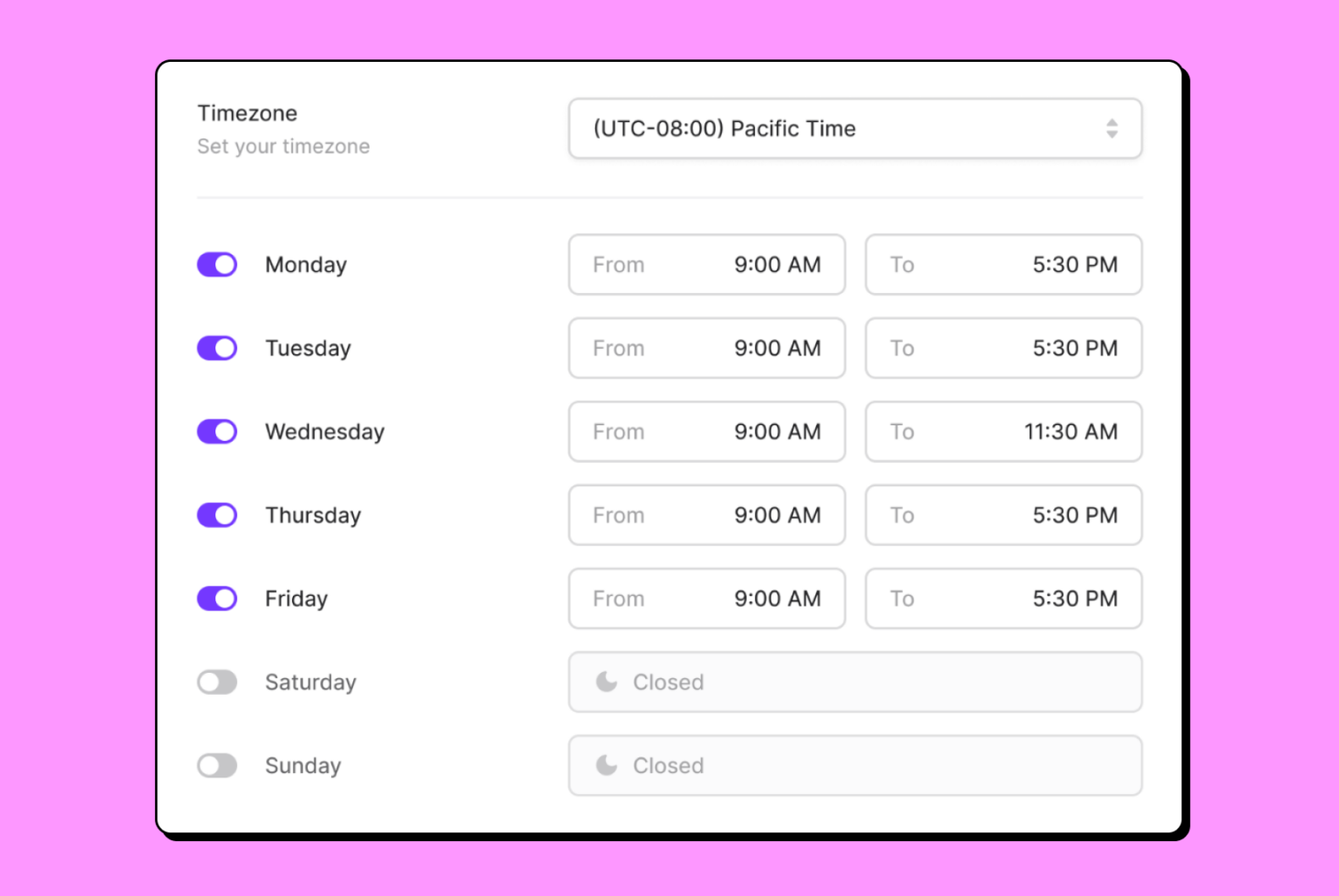
Make unlimited domestic calls
Quo lets you share numbers with up to 10 users on the Starter plan and 100 users on the Business plan.
With Zoom Phone, you can only make four simultaneous calls. If you’re growing fast, this is a limit you’ll hit quickly.
Text freely with shared numbers
Quo lets you send SMS and MMS messages with your shared numbers on all plans.
Zoom Phone doesn’t let you send texts from a shared number unless you pay for an add-on.
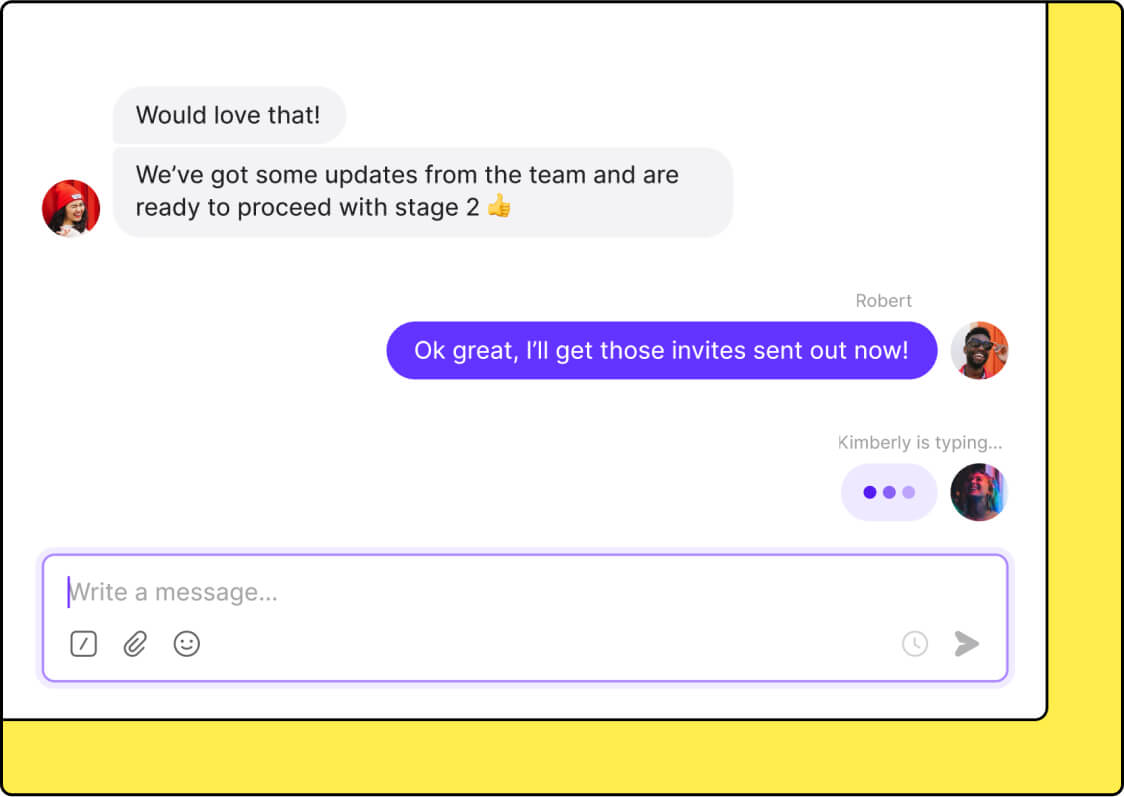
A unified view of every customer interaction
Quo provides a unified view of all your communications with each customer.
Zoom Phone splits calls, texts, and voicemails into different views. It’s much harder to gather context about your customer interactions, which creates silos for your team.
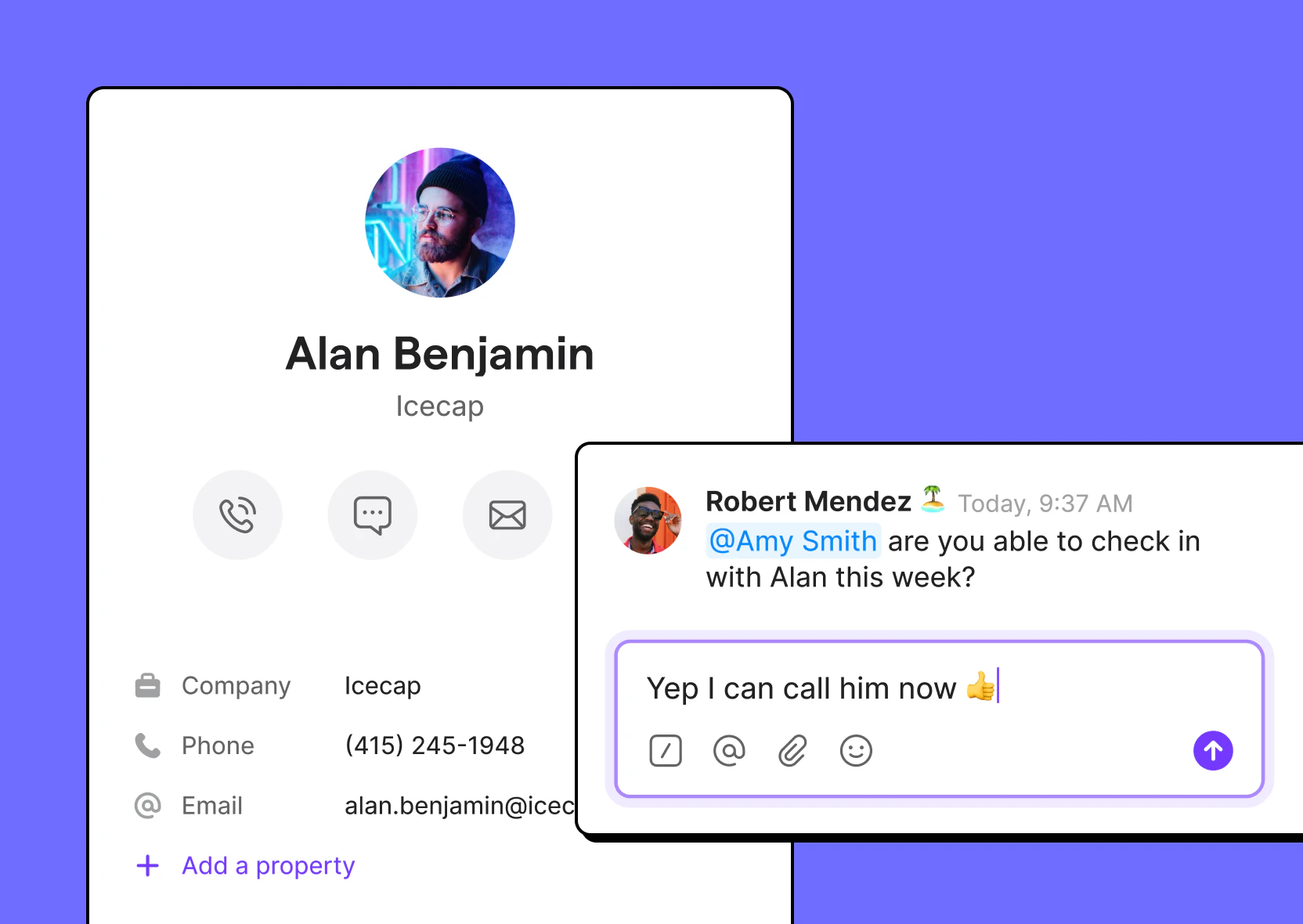
Access advanced texting features in every plan
Quo offers SMS auto-replies, snippets, or pre-written text templates, and scheduled messages in every plan.
Zoom Phone requires you to purchase the Zoom Phone Customer Engagement Pack to send automated texts such as scheduled texts, SMS auto-replies, and text templates. This adds an additional $25 per license per month.
.jpg)
Don’t wait several months for text registration support
Zoom Phone customer support can be hard to reach when you need it. One Zoom Phone user described submitting their 10DLC campaign more than 20 times over several months, only to get rejected. Even after multiple support reps assured them the registration looked perfect, it kept failing, and the only fix offered was a support ticket that went nowhere.
Quo makes TCR registration easier with an in-app registration process that guides you through each step. Most businesses can start texting in 5-7 business days.

G2 reviewers say Zoom Phone's text messaging feels clunky, and they'd like an easier way to access messages and know when a new text comes in.
Some G2 reviewers report their calls occasionally drop or the audio cuts in and out, making conversations harder to get through
G2 reviewers also mention that Zoom Phone's auto attendant can be confusing to set up and takes time to configure correctly.
Quo AI automatically summarizes calls, then intelligently suggests next steps.
.png)
%20(1).png)
Read conversations in detail and quickly find information with time-stamped call transcripts.
.png)
Easily add new contacts with suggestions based on call and voicemail transcripts.
.png)
Never miss a call again with Sona, Quo's 24/7 AI voice agent. It answers calls, takes messages, and sends text messages during live calls.
Instead of paying per minute like Zoom Phone's AI receptionist, Sona charges per call. That means you won't pay more just because a customer needs a little longer to explain their issue.


Have an existing phone number with Zoom Phone? We can port it to Quo for you.

Leave all the work to us
You only need to get your port-out pin and submit your port request in the Quo app. Find out more about the porting process.
No service interruptions
As long as your account is active, your phone number works with Zoom Phone up until the port date.
Seamless transition
Before submitting your port request, try out Quo for free on a seven-day trial with a temporary number so you can explore the platform.
Here's how fast you can get started with Quo:
.svg)
Here to help
Is the customer service with your current provider frustrating? Ask us anything — and let us know what features you’d like to see added.
.svg)
The top-rated platform on G2
Quo is the #1 business phone on G2 in customer satisfaction. Thousands of businesses trust Quo to help build their work relationships.

Get set up in minutes
Sign up for a free, seven-day trial to get a first-hand look at Quo. Adding additional numbers and teammates, and anything else you need to get going is easy.
Quo's shared numbers let office and field staff answer homeowner calls and texts together, so conversations don't get stuck with one employee. Call routing sends homeowners to the right team member based on the type of job, who's available, or whether it's after hours. When your team is busy on job sites or done for the day, Sona can answer questions about your services, capture lead details, and send texts to homeowners 24/7.
Quo helps health and wellness practices communicate with patients in a HIPAA-compliant way by letting you sign a BAA. Front desk staff and care teams can access the same patient conversations instead of information being spread across multiple inboxes. Calls, texts, voicemails, call recordings, and AI call summaries are available in one place, making it easier for staff to understand previous interactions before they respond.
Real estate teams manage conversations with residents, owners, and prospective tenants every day. Shared inboxes keep calls, texts, and voicemails in one place. Internal notes and Tasks let teammates coordinate handoffs and approvals behind the scenes so tenants don't have to repeat themselves. Sona can also answer prospective tenant inquiries around the clock without the per-minute AI receptionist costs charged by some providers.

Claim a number or bring your own
Get local or toll-free North American phone numbers or port existing ones from Zoom Phone to Quo.
.svg)
Install the app or use on the web
Use Quo across all your devices to stay connected.
.svg)
That's it! Start calling and texting
Try Quo free for 7 days — no commitment necessary.
Can’t find the answer here? Check out our Resource Center.

While Zoom Phone’s pricing seems more affordable than Quo, starting at $10.50 per user per month, Zoom Phone’s base plan requires pay-as-you-go call credits. You’ll need to upgrade to get free calling and texting to US and Canadian numbers.
Zoom Phone also requires you to purchase the Zoom Phone Customer Engagement Pack at $25 per user per month to access SMS features. These include auto-replies, SMS text templates, and more. Quo offers these features in its base plan.
When you consider these factors, Quo is actually more scalable than Zoom Phone for small businesses at a starting price of $15 per user per month.
For a full breakdown of business phone system costs, check out our comprehensive guide.
You can send texts with Quo in 2-5 business days. You’ll need to register your business number for A2P 10DLC compliance before you can get started sending texts.
A2P 10DLC registration is a requirement pushed for by the large US cell carriers in order to text local US numbers.
Yes. Switching your phone system to Quo doesn't mean giving up Zoom for video calls. You can continue using Zoom Meetings while using Quo for business calls and texts.
Quo connects with popular business tools like HubSpot, Salesforce, and Jobber. If you use Jobber, for example, Quo automatically logs call activity to the correct customer record.
Zoom Phone also integrates with Salesforce and Slack. However, it doesn't offer a native Jobber integration. That means home service businesses using Jobber will have to spend time manually logging customer calls.
It depends on which country you're calling. Both Quo and Zoom Phone charge per minute for international calls, and the rate varies by destination.
Zoom offers a native MCP integration for Zoom Meetings. You can ask questions in Claude to retrieve information from meeting recordings, transcripts, AI summaries, and more. But you should know that it’s designed to help you search meeting content, not customer phone calls.
Quo is the first business phone system in the Claude Connectors Directory and an approved app in ChatGPT's app directory. Connecting your account takes just one click. Once it's connected, you can ask questions in Claude about your business calls. For example, you could ask, "Which reps struggle most with pricing objections?" or "Which calls failed to close?" and Claude will pull the answers directly from your call transcripts.
Choose Zoom Phone if:
Choose Quo if:
Quo and Zoom Phone include similar AI features, such as call summaries and transcripts. The biggest difference is what you can do with that data afterward. Quo lets you connect your phone system to Claude, so you can ask questions about your customer conversations and get answers directly from your call transcripts. That's not something you can do with Zoom Phone.
Quo is a medical office phone system that offers a signed Business Associate Agreement, or BAA, on its Business and Scale plans. This lets healthcare teams communicate with patients in a HIPAA-compliant way. Zoom Phone also supports HIPAA compliance.
Zoom Phone may be ideal for larger sales organizations. It supports international phone numbers in more than 45 countries, making it easier to manage global sales teams from a single platform.
Quo is a better fit if you're growing your sales team. Every plan includes unlimited domestic calling on the base plan. As you add more reps, they can all call and text from the same shared phone number without paying extra for a shared inbox add-on.
Zoom Phone was added to a platform originally built for video meetings. If your team already uses Zoom Meetings, that can be a good fit. You should know, however, that some G2 reviewers say Zoom Phone can be complicated to set up.
Quo is for businesses that mainly communicate by phone and text. Setup takes just a few minutes, and you don't have to navigate a video meetings platform to start making calls. If that's what your business needs, Quo will be a better fit.


