If you’re in the market for a virtual phone system, you’ve probably come across Google Voice. It’s an easy-to-setup option for businesses that have never used VoIP before, and its free version makes it accessible to almost anyone in the US.
But before you try out Google Voice, you might be curious about how it works and whether it’s right for you. In this article, we’ll break down exactly how Google Voice works, what its key features are, and how you can get started with it. We’ll also highlight its key drawbacks so that you can decide whether Google Voice can benefit your team.
What is Google Voice?
Google Voice is an online phone service that began in 2009. It began as a free phone solution, but they have since expanded to business plans with Google Voice for Google Workspace.

Here are the main features Google Voice offers in its platform:
- Free calls to US and Canada numbers
- Free texting to US numbers
- Voicemail transcription
- Google Workspace integrations
- Voicemail greeting personalization
- Ring groups (requires upgrade)
Google Voice pricing
Google Voice offers a free plan for personal use and paid plans for businesses. The main advantages of getting a Google phone number for business include expanded features, such as ring groups in Google Voice, multi-level auto-attendant, enhanced support, and the ability to have multiple numbers.

The business plan is available at three different tiers depending on your company’s needs:
- Starter: $10 per license per month
- Standard: $20 per license per month to access ring groups and multi-level auto attendants
- Premier: $30 per license per month to get automatic call recordings
In addition to choosing a Google Voice pricing plan, you’ll also have to pay for Google Workspace (formerly G Suite) to have access to Google Voice for Business, which comes in at an additional $7 per user per month.
Keep in mind if you’re using Google Voice in Canada and other select countries, you won’t be able to text from your Google Voice business number. Texting is only currently available in the US.
How does Google Voice work?
Like all Voice over Internet Protocol (VoIP) business phone systems, Google Voice sends and receives calls and texts over the Internet.

How does it work? VoIP users can log in to their VoIP provider from anywhere in the world, as long as they have a strong internet or WiFi connection. The VoIP service converts voice and text communications into digital data, which is then transmitted over the internet to VoIP servers. Servers receive the phone call or text and route it to the intended recipient. Despite the intricate process, the end user only hears the voice of the person on the other side.
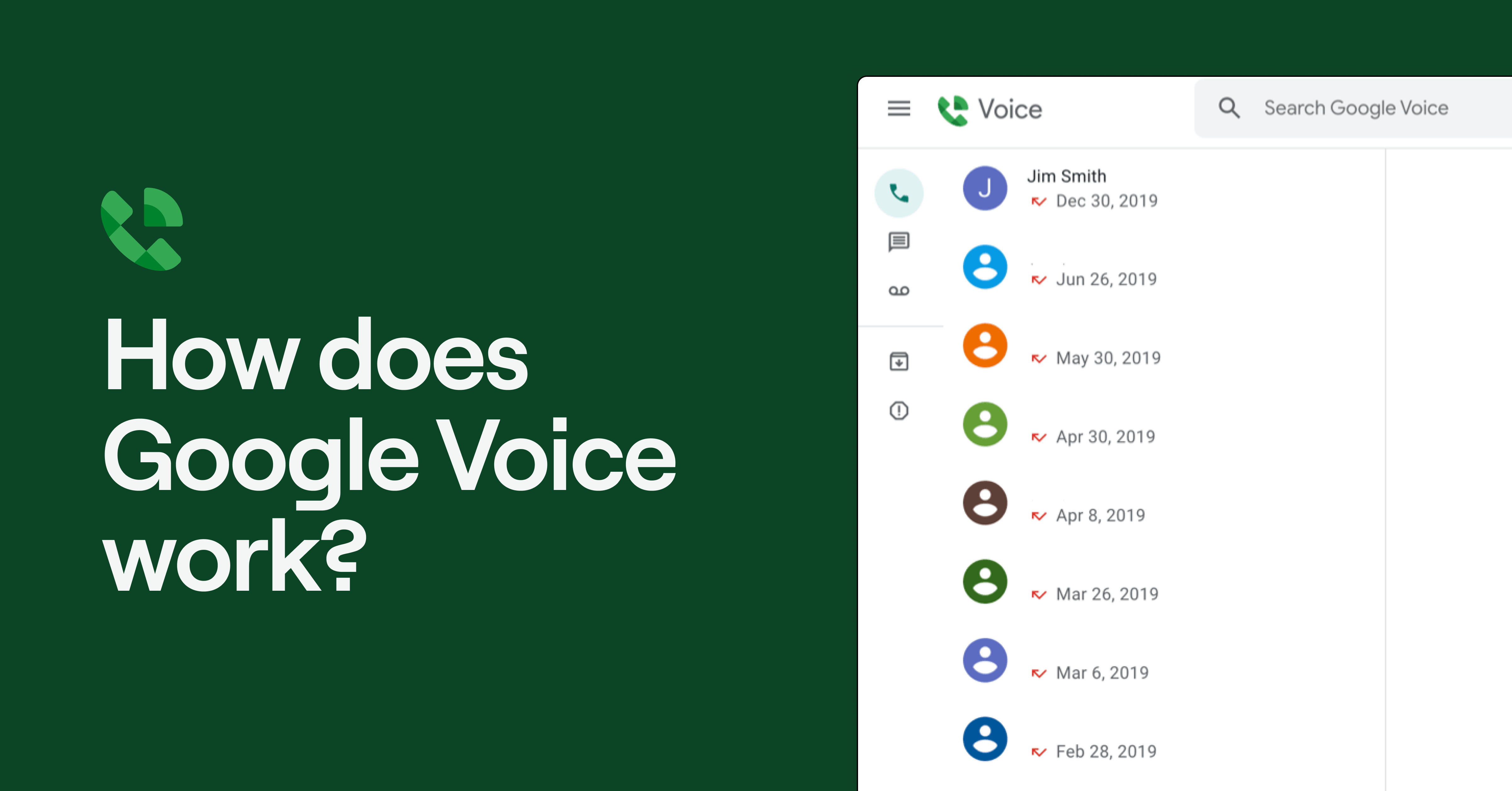
Google Voice is compatible with desktop and mobile devices. You can access it in your browser at voice.google.com or you can download the Google Voice app for your iOS/Apple device or your Android mobile phone. However, you can’t access Google Voice with landlines or desk phones; it isn’t available for analog phones.
How to set up Google Voice
Setting up Google Voice for business is a straightforward process that involves adding Google Voice to your Google Workspace account and configuring your phone settings. Follow these steps to get started:
- Add the Google Workspace app: If you don’t already have a Google Workspace account, go to the Google Workspace website and sign up for an account.
- Add Voice: In the Google Workspace admin console, go to Apps > Google Workspace > Google Voice and click to enable it for your organization. Ensure you assign Google Voice licenses to the users who will need access. You can do this under Billing > Subscriptions and then Google Voice.
- Select a subscription: Choose a plan (Starter, Standard, or Premier) and purchase the subscription. You’ll be charged per user per month. For example, if you have 6 users, you’re charged $60 USD each month on the Starter plan (plus at least $36 USD per month for Google Workspace).
- Choose a Google Voice number: Select the city or area code for your new number in the Google Voice dashboard.
- Verify your existing number: Once you’ve selected a number, Google Voice will send you a code to your existing number to verify your identity.
- Configure phone numbers: Click on Get Started in the admin console and set up users’ locations to assign local numbers and comply with regulations. Then assign numbers to users and port a number if needed.
- Set up call routing and auto attendants: In Google Voice settings, set up ring groups and auto attendants to direct inbound calls to the right team member or department.

That’s it! You’ve now set up your Google Voice account. You can download Google Voice on your iPhone or Android to receive calls on those cell phones as well.
5 drawbacks of how Google Voice works for small businesses
As you’re evaluating business phone solutions, Google’s brand might give you a sense of security around call quality, reliability, and performance. Unfortunately, Google Voice hasn’t kept up with modern VoIP platforms and can seem quite outdated.
Here are five drawbacks of Google Voice you should know:
1. No third-party integrations
When you have dozens of conversations with your customers, vendors, and team over time, it can be useful to share your call and text data with the rest of your tech stack, like your CRM, Slack workspace, or your customer support help center.
Unfortunately, Google Voice doesn’t give you the ability to integrate with third-party tools. You can only integrate with other Google apps like Google Calendar and Google Meet, which limits your ability to track customer relationships and increase your team’s efficiency.
2. No business texting features
While Google Voice does offer unlimited text messaging to customers located in the US, it doesn’t offer any business texting features to help your team communicate with customers at scale.
You can set up SMS auto-replies, text templates, or automated text messaging with Google Voice. You can’t even schedule texts natively.
Considering that many customer relationships happen asynchronously over text, the lack of business texting features is a major drawback for Google Voice. It can easily jeopardize your communications and increase your team’s workload as your business grows.
3. No team collaboration features
Business phones should help your team work together, not keep team members apart. Unfortunately, Google Voice has no collaboration features that can make your team’s lives easier.
Google Voice doesn’t offer shared numbers. It assigns separate numbers to each team member in your account, which creates communication silos. You can create ring groups for your team, but that requires you to upgrade your Google Voice for Business plan.
Troubleshooting a customer issue or need to assign a task to a team member? You’ll need to work through it with another app. Google Voice doesn’t have collaboration features like internal threads, which can help you work through problems in real time inside your business phone.
4. Hard to get the right context
Want to know where a prospect is in your customer journey? With Google Voice, it’s hard to know. Google Voice separates your calls, texts, and voicemails into different views, so it’s hard for your team to get the right context at a glance.
With modern VoIP platforms like Quo, your customer interactions are linked to each customer, so your calls, texts, call recordings, and voicemails, are all in a single thread, stored for you to view at any time.
5. Limited customer support
Google is a big company, and that means it’s not always able to provide personalized customer service to anyone who needs it.
The company has attempted to remedy this problem by publishing troubleshooting guides on the Google Voice website and hosting an online community where users can air out the issues they’re experiencing. But otherwise, don’t expect one-on-one support when Google Voice isn’t working.
Even if you’re on a paid plan, Google Voice only offers technical support to admins on an account, which creates a bottleneck if non-admin team members are facing any issues using the service.
Curious about some other drawbacks of Google Voice? Check out a full list of the pros and cons of Google Voice.
Quo: The best alternative to Google Voice

If you’re looking for a modern alternative to Google Voice, you’re in the right place.
Quo offers the most intuitive and flexible phone system for small and growing businesses. With a seamless user experience, powerful collaboration tools, intelligent AI-driven automation and insights, and expanding integrations, Quo helps businesses scale seamlessly without straining resources.
Quo features
Curious about what Quo has to offer? Here are some of the main features you’ll get in our platform:
- Multiple local (US and Canadian phone numbers) and toll-free numbers
- Free SMS and MMS messaging to US and Canada numbers
- Third-party integrations — native HubSpot and Salesforce integrations and access to thousands more with our Zapier and Make integrations. Plus, custom integrations are available with the Quo API
- Business texting features like auto-replies, scheduled texts, automated messaging, and more
- AI call summaries and transcriptions
- Team collaboration features like shared inboxes, internal threads, and inbox viewers
Plus, dozens more features, including phone menus, ring groups, voicemail transcription, custom voicemail greetings, call forwarding and call transfers.
Quo pricing

Quo’s pricing has three affordable options:
- Starter: $15 per user per month for shared phone numbers, internal threads, contact notes, voicemail transcriptions, scheduled messages, auto-replies, manual call recording, and more
- Business: $23 per user per month for automatic call recording, group calling, AI call summaries and transcripts, and phone integrations with HubSpot and Salesforce
- Scale: $35 per user per month for AI call tags, dedicated onboarding, and priority chat and email support
How Quo compares to Google Voice
Curious about what option wins out between Quo (formerly OpenPhone) vs Google Voice? Here’s a clear comparison between the two:
| Features | OpenPhone | Google Voice |
|---|---|---|
| Starting price per month | $15 per user | $17 per user (Voice and mandatory Google Workspace subscription) |
| Free texting to US and Canadian numbers | ✅ | Available only to US customers |
| Toll-free numbers | ✅ | X |
| Additional phone numbers | $5 per number per month | X |
| Auto-replies, snippets, and scheduled messages | ✅ | X |
| Call recording | ✅ | Requires upgrade |
| Third-party integrations | ✅ | Google apps only |
| G2 rating | 4.7/5 (2000+ reviews) | 4.1/5 (150+ reviews) |
Get started with Quo today

Google Voice might be one of the oldest VoIP phones available in the market, but it hasn’t kept up with the times. If you’re a small business that wants a phone system built for team collaboration and building your customer relationships, choose OpenPhone.
Get started for free with our seven-day trial today.
Frequently asked questions (FAQs)
How do I port my number away from Google Voice?
You can port your phone number from Google Voice in four simple steps:
- Visit www.google.com/voice/unlock
- Click “Unlock my number” below the Google Voice number you wish to port out. If you have more than one number, you’ll need to select the number you wish to port from Google Voice in the dropdown menu and then click “Unlock my number”.
- You’ll be prompted to pay a $3.00 fee to port your Google Voice number to another provider. The pop-up message also states all of your messages will remain in your Google Voice account after your phone number has been ported away.
- Pay the fee in Google Pay. The receipt for that fee will be emailed to the email address Google has on file.
- Then, you’ll see the status on the Number Porting now says “Unlocked”.

Does Google Voice work for international calls?
Google Voice for Google Workspace lets you reach international customers through its mobile app or your internet browser. Paid calling for international numbers is turned on by default, excluding premium numbers. Google Voice blocks calls to premium numbers that charge callers extra fees unrelated to long-distance calling such as pay-per-call services starting with area code 900.
International calling rates with Google Voice for Google Workspace depend on where you live. If you have a US phone number and call someone overseas, you’re only charged the listed call rates.
However, if you’re located outside the US, you have to burn minutes from your phone plan. Depending on your mobile phone company, you may also pay extra roaming fees.
Plus, you should know not every country has the ability to make international calls with Google Voice. Even if you’re ready to deal with paying extra roaming fees to call internationally, only specific countries can purchase Google Voice for Google Workspace.
Is Google Voice free?
Google Voice offers a free service for personal use in the US, but if you want to share your account with multiple users or text your customers, you’ll need to upgrade to a paid plan.
How much is Google Voice per month?
For business use, Google Voice starts at $17 per user per month because you have to purchase both a Google Voice plan and a Google Workspace account.
Can I use Google Voice on an iPhone?
Yes, you can download the Google Voice mobile app from the App Store. You can make calls and send texts wherever you have WiFi or an internet connection.
There are a couple of limitations to keep in mind with Google Voice’s mobile app. The biggest one is calls, texts, and voice messages all live in separate sections of their mobile app, making it far more time-consuming to follow up on conversations. You also aren’t able to add credits for international calling from the iOS app.